

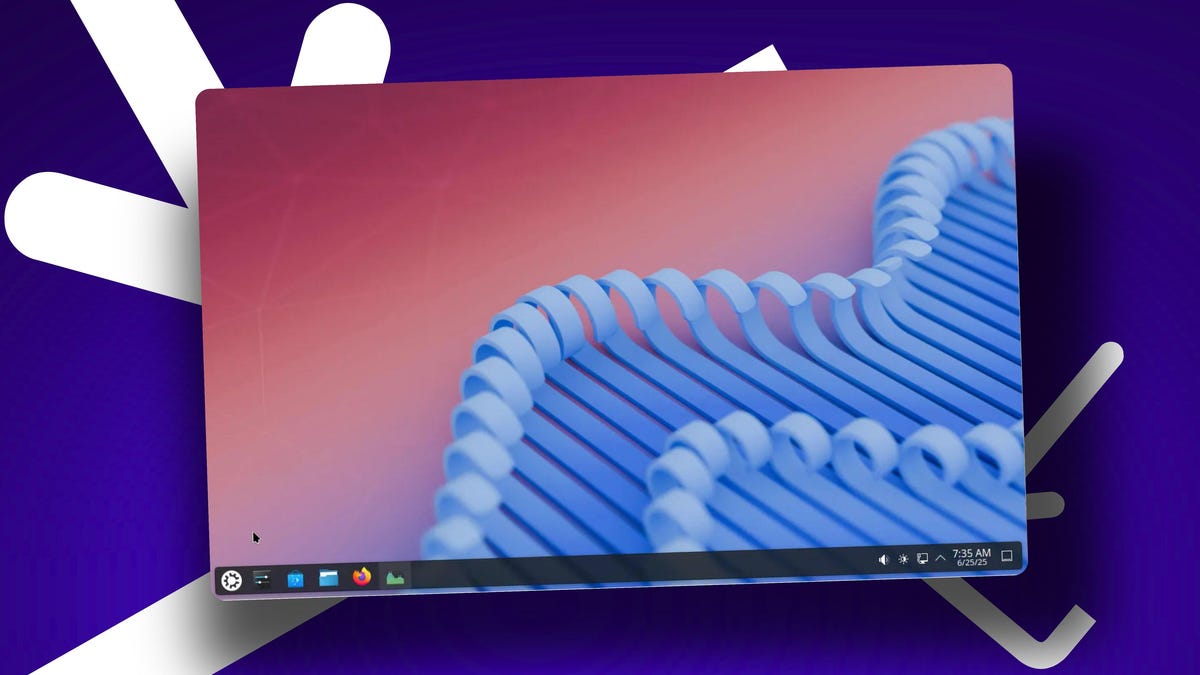
Jack Wallen / Elyse Betters Picaro / ZDNET
Ladies and gents of the Linux community, it is time to enjoy another point release of yet another desktop environment: KDE Plasma 6.4. A point release? I got you all excited about a point release? Hear me out.
1. HDR/EDR support
One of the biggest additions to KDE Plasma 6.4 is support for Extended Dynamic Range and a new High Dynamic Range wizard. The new HDR Calibration wizard is found in System Settings > Display & Monitor and only appears if you’ve connected an HDR monitor to your machine.
Also: Ready to ditch Windows? ‘End of 10’ makes converting your PC to Linux easier than ever
The developers have also stepped up their game by making it possible to enable Extended Dynamic Range on supporting monitors, allowing them to achieve simulated HDR. This is made possible by automatically changing the background brightness.
At the same time, you can also limit the maximum color depth on supporting screens. This is important because limiting the maximum color depth can reduce file sizes and improve performance when color fidelity is not critical. It also saves bandwidth when streaming content.
Again, you’ll only see this option when you’ve connected a monitor that supports HDR.
2. A much-improved System Monitor
Those of you who like data will love the improvements made to Plasma’s System Monitor. The latest iteration now includes a better set of default monitors, including GPU usage and metrics for individual disk usage.
The new System Monitor is much more user-friendly than previous versions.
Jack Wallen/ZDNET
The second I opened the new System Monitor, it became clear that the developers really took their time to understand what users needed in such a tool. The tool still has the same, clean look; it’s just more relevant to typical needs, without having to make any changes. Of course, you can easily edit the System Monitor page by clicking Edit Page (top right) and adding or removing whatever widgets you need.
3. Improved RDP
For those who use RDP for remote desktop connections, KDE Plasma 6.4 brings about some new additions. For example, after enabling the built-in RDP server, you’ll be asked for authentication just once. After you grant the authorization, it won’t bother asking again, which tends to get annoying after a while.
Also: I found a Linux distro that combines the best parts of other operating systems (and it works)
The RDP server now also accepts horizontal scroll events from connected client apps, which can help if your RDP client has limited space on your display or can’t resize.
4. Better Animations
Version 6.4 also brings along with it a new Animations page within System Settings. On this page, you can do things like set a global animation speed and customize different animations for window open/close, window maximize, window minimize, window full screen, peek at desktop, and virtual desktop switching.
The new KDE Plasma Animations page gets you quick access to the features.
Jack Wallen/ZDNET
You can also configure animations to fade popups, slide popups, fade to the desktop when logging in, and fade to the logout screen. There’s even a Desktop Effects button, which takes you to the Window Management > Desktop Effects page of System Settings, the same page it has always been.
There is one window trick that seems to have vanished from sight (which happened to be one of my favorites). It appears the developers have removed the Shade effect from Titlebar Actions. It doesn’t surprise me that Shade was removed, given that it’s a holdover from the earlier days of Linux and that it hadn’t been working properly for some time.
Also: Want to save your old computer? Try one of these 8 Linux distros for free
Of course, there are the usual bug fixes and performance increases, which culminate together to create a KDE Plasma desktop that is as smooth and beautiful as it has ever been. This particular Linux desktop environment gets more polished with each release, and 6.4 goes a long way to prove just how important it is to the Linux landscape.
How to try KDE Plasma 6.4
At the moment, Plasma 6.4 has yet to hit any of the standard repositories, which means you can’t upgrade yet. I’m fairly confident the upgrade will be possible very soon. Even KDE Neon usually includes the latest version of KDE Plasma.
Also: What tech titans Linus Torvalds and Bill Gates talked about in their first meeting
Your best bet for accessing KDE Plasma 6.4 is using a rolling-release distribution, such as openSUSE Tumbleweed. Other than that, you could use Kubuntu and add the beta repository with the command:
sudo add-apt-repository ppa:kubuntu-ppa/beta
Once you’ve done that, run a full upgrade and you’ll be good to go.
If you’re using Ubuntu 25.04 and you want to install KDE Plasma 6.4, simply issue the command:
sudo apt-get install kubuntu-desktop -y
That should land you the latest version.
Get the morning’s top stories in your inbox each day with our Tech Today newsletter.
