

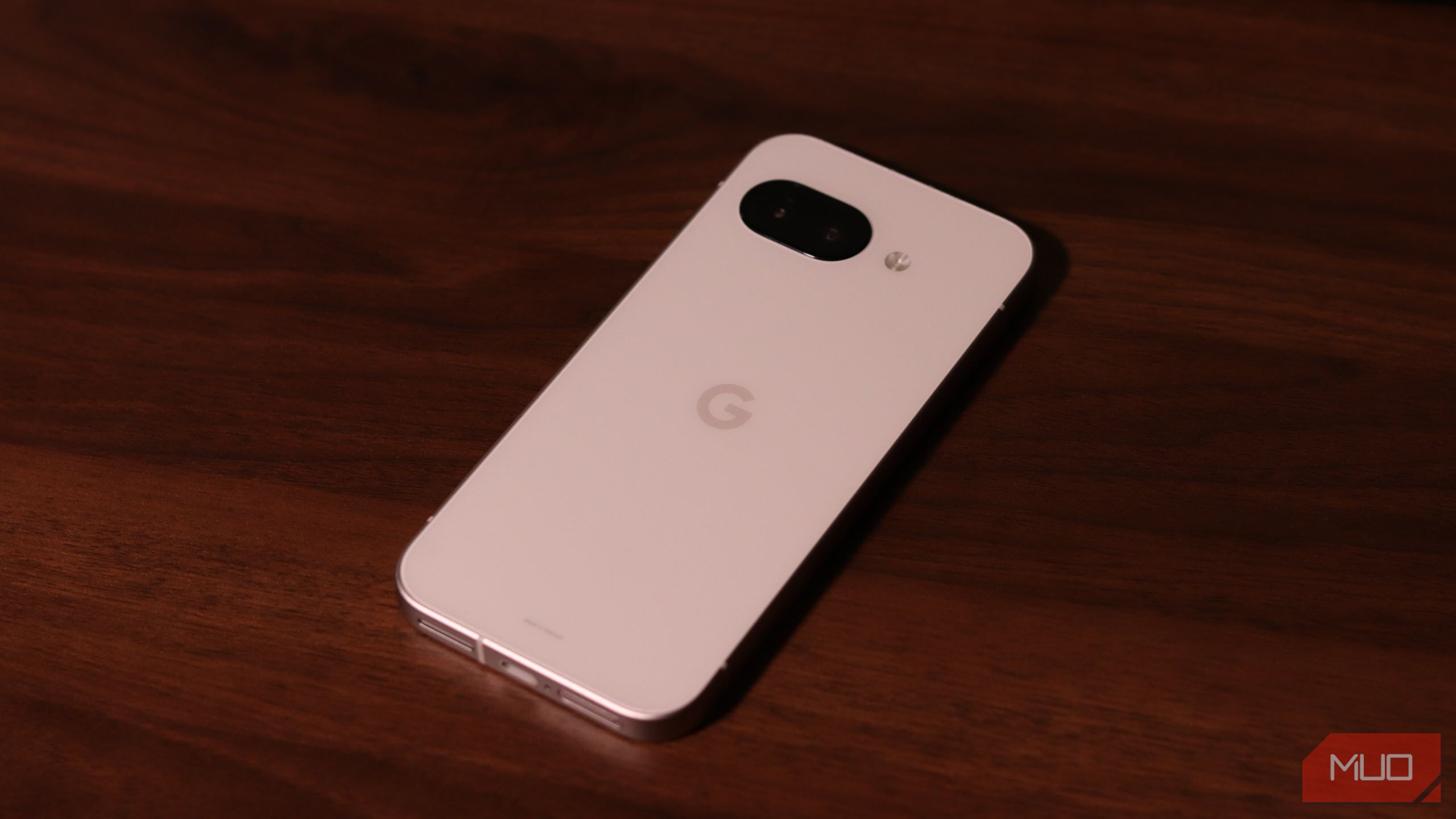
The software features on Pixel smartphones are one of the best reasons to buy them. However, depending on what you want, there’s a good chance you can get a suite of Pixel-exclusive features running on the Android device you already own.
6
Google Camera Functionality
The crown jewel of Pixel devices is the Google Camera app. While Pixel camera hardware has improved over the years, Google’s expertise lies in the software magic of its camera app. Features like Night Sight, HDR+, and Portrait Mode can work wonders regardless of the physical cameras.
Yadullah Abidi / MakeUseOf
Porting this feature to any other Android device is surprisingly simple. First, you need to check if your device supports the Camera2 API used by the Google Camera app. Do this by downloading and running the Manual Camera Compatibility app from the Play Store. If your phone is compatible, you can then download a modified Google Camera app APK file for your device, and you’re all set.
There’s no universal third-party Google Camera app that’ll work on all phones. Based on your phone’s SoC, Android version, and Camera2 API support, you have to experiment with different APK files to find the one that works best. One of the best collections of GCam APKs is Celso Azevedo’s repository, but there are other sites for safe APK downloads as well.
Related
Sideloading: Why Installing Unofficial Apps May Put You at Risk
Can’t find the app you’re looking for on official app stores? You might be tempted to sideload content. Here’s why you shouldn’t.
Be extremely cautious when installing third-party APKs, though. We’ve covered how to sideload APKs on Android in the past, but depending on your Android version, you may have to enable a few more permissions.
5
Now Playing
Now Playing is another highlight Pixel feature; it identifies music playing around you on your lock screen. This is an extremely handy tool since you don’t have to open an app, and it even works offline.
Similar to GCam, you can get this feature on any Android smartphone by sideloading the Ambient Music Mod on your phone. This is an open-source port of Google’s Now Playing feature, based on the newest version from Pixel devices and the latest music databases. It also offers features like Playing History, Favorites, and Summary Report; you can even control how often the recognition runs.
Yadullah Abidi / MakeUseOf
The installation process, however, is different from simply sideloading an APK file. First, follow these initial setup steps:
- Install the Shizuku app from the Play Store. This is an open-source service that allows apps to use system APIs directly with root privileges. It’s also open source; check out the source code on GitHub if you like.
- Install the Ambient Music Mod APK file from its official GitHub repository.
- Access the Developer Options menu on your phone and enable USB Debugging mode, as well as Wireless Debugging so you don’t need to have your phone plugged in.
Next, inside the Shizuku app:
- Select Pairing under Start via Wireless debugging, then tap Developer Options. (Some phones like Xiaomi, OpenPlus, Oppo, and Huawei require additional settings to be enabled, which you can find in Shizuku’s user guide.) You may be prompted to allow Shizuku to show notifications.
- Shizuku should send you back to Developer Options. Scroll to find Wireless Debugging, select it, and tap Pair Device with pairing code.
- Open your notification drawer and type the pairing code found in the last step.
- Go back to the Shizuku app and tap Start under the Pairing button. If it works, a terminal window will appear confirming the connection and close automatically.
Now, open the Ambient Music Mod app:
- Go through the basic setup, including selecting the appropriate data and region settings.
- Ambient Music Mod should automatically start downloading the Now Playing app. Install it when prompted. Also, grant phone and microphone permissions and disable battery optimizations when prompted.
- Go to the app’s settings, then tap Advanced. Enable the Use Alternative Encoding feature. You can leave this disabled, but the mod works more reliably with the feature enabled.
- Go back to the app’s main page and configure your lock screen and position settings to adjust how you want to see the “now playing” text. Keep in mind you’ll have to give the app access to accessibility settings.
There are a lot more configuration settings in the Ambient Music Mod app that let you fine-tune battery usage and find a balance that works for you. You can also install new updates to the app from within it. Every time you restart your phone, you’ll need to restart the Shizuku service by repeating the steps under it above.
It’s not the easiest setup process, and having to restart the service every time you reboot your phone is a hassle. Otherwise, the app works great and shares the same music library as a Pixel (updated weekly). That means if a Pixel can detect a piece of music, so can your phone.
4
Magic Eraser
Magic Eraser is a far more handy tool than I first imagined. Since I started using a Pixel, I’ve used it to wipe objects, distractions, and even entire crowds from my photos. And thankfully, porting it to any Android device is simple.
Yadullah Abidi / MakeUseOf
While initially exclusive to Pixel owners, this feature has since become a part of the Google One subscription. Google One members get access to Magic Eraser, an HDR video effect, and exclusive collage styles on both Android and iOS.
If you want the feature without adding yet another subscription, you need a modified Google Photos APK file. First, download the Split APKs Installer (SAI) from the Play Store. Then, follow the Android app uninstall process to uninstall updates from the Google Photos app (since it’s a system app, you can uninstall updates but not the entire app). Following that, install the modified APK using SAI.
The only catch is that updating Google Photos can result in losing this feature, so you’ll likely have to stick with an older version of the app. You can disable automatic app updates for Google Photos to get around this, but subscribing to Google One remains the best way of getting Magic Eraser on any device.
3
Call Screen
Call Screen is a lifesaver that lets you spot and reduce spam calls, or at least get some context before you decide to answer a call from an unknown number. The feature lets Google Assistant answer calls on your behalf and provides transcripts of what callers are saying before you take over.
Yadullah Abidi / MakeUseOf
Unfortunately, there’s no reliable way of porting the exact Pixel version of the feature to any Android, as it requires deep system integration to work properly. You can, however, get similar functionality using the Kontxt Screen Calls & Block Spam app, available on the Play Store.
2
Google Recorder
Google Recorder is one of the best voice recording apps you can use, in my opinion. It provides real-time transcriptions and a powerful search feature. If you frequently record voice notes or analyze conversations, this app can save you a lot of time and effort.
Yadullah Abidi / MakeUseOf
Porting it over to any Android phone that isn’t a Pixel is a simple matter of installing a modified version of the Google Recorder app. That said, finding an APK of the app that works can be tricky. You can try your luck with the latest versions from APKMirror, but you’ll have to do some trial and error to find a version that works for you.
Keep in mind some requirements for the app to run properly. First, you need to be running Android 9 or higher. Second, if your phone manufacturer has made modifications to the TextView component in Android, chances are the app’s transcription features won’t work. There’s no way to tell if the app will work on your device without testing it, so I recommend you give it a shot.
1
Pixel Launcher
Pixel Launcher might look simple at first glance, and that’s its biggest selling point. It offers a clean, minimalist interface coupled with features like At a Glance widgets and integration with Google services. This is as pure as an Android launcher can get, making it perfect if you’re after a vanilla Android experience.
Yadullah Abidi / MakeUseOf
Thankfully, there are plenty of apps that offer rootless ports of the Pixel Launcher and work on most Android devices. You can use the Lawnchair Launcher, which offers additional customization options while retaining authentic Pixel Launcher features and look.
Alternatively, you can download AmirZ’s Rootless Pixel Launcher from the official GitHub repository. I’ve used AmirZ’s Rootless Pixel Launcher in the past to get the Pixel Launcher on my old Motorola phones, but it hasn’t been updated since 2019. You thus might miss out on some of the newer Pixel Launcher features.
Pixel-exclusive features are one of the reasons so many people get these devices. However, with some software wizardry, you can enjoy the best of these features on your current phone. While not always an exact copy, these workarounds keep you free from Google’s hardware ecosystem.
