


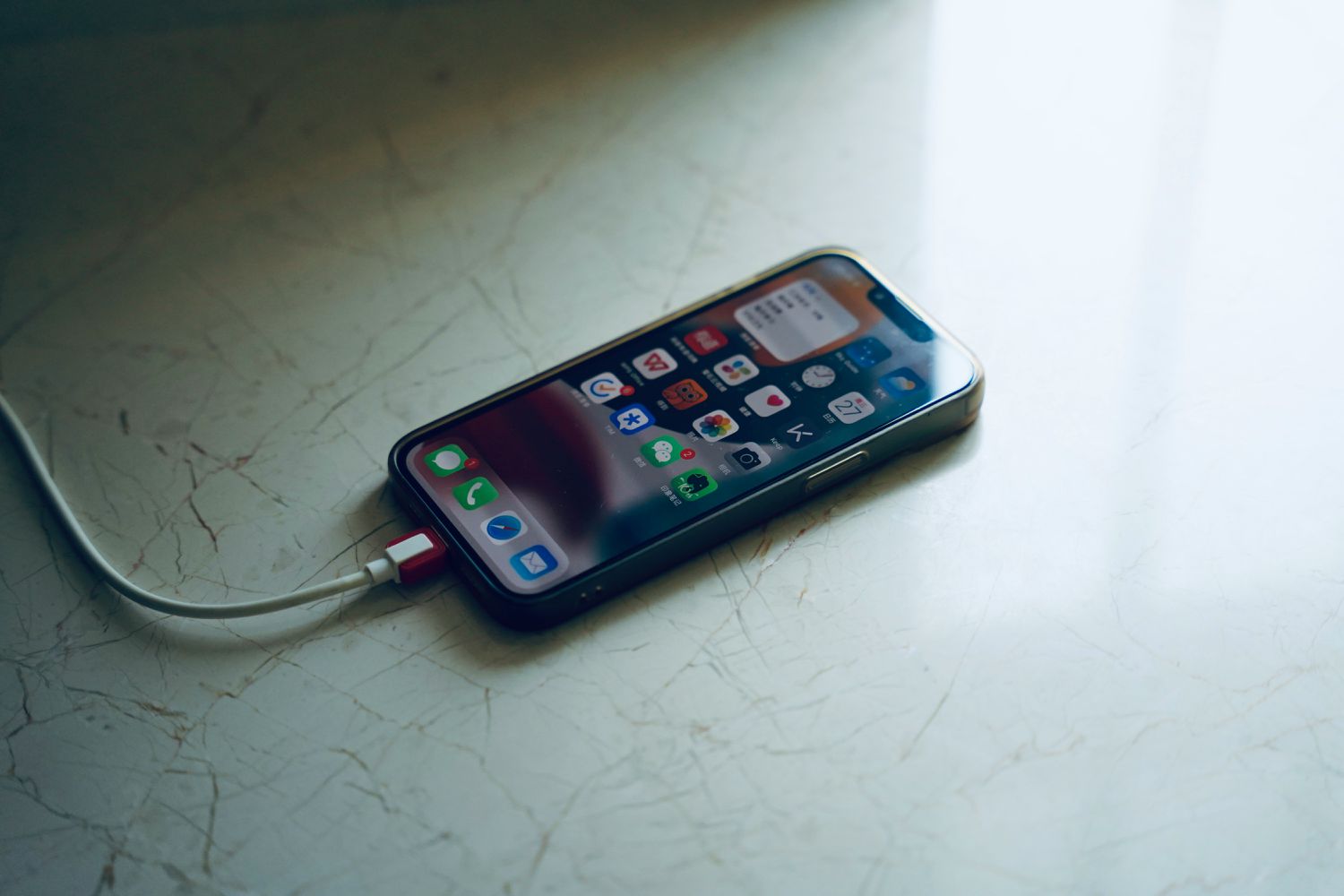
It’s not uncommon to experience your battery draining so fast on iPhone that it feels like something must be wrong. This problem has several potential causes, each with a corresponding fix.
Whether it’s a bad battery, a problem with an app, or a new iOS update, this guide provides instructions for troubleshooting the problem. To learn how to fix issues with an iPhone battery draining fast, follow these steps in order.
How to Fix Battery Drain on iPhone
If your iPhone battery drains rapidly, there are a few things you can try to fix the problem. Most are fast, easy ways to fix the problem and increase battery life.
-
Cool it down if the iPhone is hot. A hot phone will lose battery faster than one that is at a normal temperature. If your phone is in direct sunlight, put it in a bag or your pocket (watch out, though, it might be hot to the touch).
-
Connect to Wi-Fi or turn off Wi-Fi. You could be beyond the range of a Wi-Fi or cellular network, so the phone is in constant search mode.
If your iPhone can’t connect to Wi-Fi or it has no service from your mobile carrier, it continues to search for a network to connect to, thereby draining the battery.
Turn off Wi-Fi and prevent it from connecting automatically, or put the phone in Airplane Mode to reduce the drain.
-
Adjust the brightness. The brightness at which an iPhone displays can have an impact on the battery life because it takes more power to generate more light. If it’s really high all the time, you’ll notice the battery drain faster.
Turn off auto-brightness, invert colors, and/or set the screen brightness to a dimmer setting so that the phone doesn’t require so much battery just to power the display.
-
Close faulty apps. A faulty app may drain power from an iPhone. Generally, quitting an app doesn’t improve battery life on an iPhone unless something is wrong with the app.
To see which apps are draining the battery the most, go to Settings > Battery. Look for anything that uses a high amount of power, and then close the app or use it less to conserve power.
-
Tame your notifications. The more notifications you receive, the faster the battery drains, as the screen lights up each time one comes through. Disable alerts for apps you don’t really need to be notified about to help stop the battery drain.
-
Turn off push mail on the iPhone. When this is turned on, the phone constantly checks the email servers to see if there are any new messages, and this uses power.
Changing the Push Mail settings to something less frequent, like every 15 minutes, allows you to stay in the loop without the iPhone battery draining too quickly.
-
Disable Raise to Wake. When enabled, this feature turns on the iPhone screen whenever it’s picked up or moved around. This may save you the hassle of having to press the power button every time you want to view the screen, but it causes battery drainage each time.
To disable this, go to Settings > Display & Brightness, then toggle off Raise to Wake. Turning off Raise to Wake improves the iPhone’s overall battery life.
-
Delete unnecessary widgets. While adding widgets to your iPhone’s home screen can be fun and useful, your phone’s battery probably isn’t a fan. Some widgets are constantly connected to the internet, and others display information live; both of these tasks require constant battery usage.
Why Is My Battery Draining So Fast on My iPhone?
Over the years, iPhone owners have reported issues with battery drainage. Many users experience the battery going from full charge to 20 percent within a couple of hours. Here are some possible reasons:
- The phone is overheating
- It’s searching for a data connection unsuccessfully
- The screen brightness is demanding too much power
- The phone is handling excessive notifications
Thanks for letting us know!
Subscribe
Tell us why!
Other
Not enough details
Hard to understand
