

Close Menu
TechurzTechurz

    Subscribe to Updates

    Get the latest creative news from FooBar about art, design and business.

    What's Hot

    Digg lays off staff and shuts down app as company retools

    March 13, 2026

    The biggest AI stories of the year (so far)

    March 13, 2026

    The $32B acquisition that one VC is calling the ‘Deal of the Decade’

    March 13, 2026
    Facebook X (Twitter) Instagram
    Trending
    • Digg lays off staff and shuts down app as company retools
    • The biggest AI stories of the year (so far)
    • The $32B acquisition that one VC is calling the ‘Deal of the Decade’
    • Before quantum computing arrives, this startup wants enterprises already running on it
    • Sales automation startup Rox AI hits $1.2B valuation, sources say
    • Humanoid robotics maker Sunday reaches $1.15B valuation to build household robots
    • Humanoid maker Sunday reaches $1.15 billion valuation to build household robots
    • Gumloop lands $50M from Benchmark to turn every employee into an AI agent builder
    Facebook X (Twitter) Instagram Pinterest Vimeo
    TechurzTechurz
    • Home
    • AI
    • Apps
    • News
    • Guides
    • Opinion
    • Reviews
    • Security
    • Startups
    TechurzTechurz
    Home»Startups»These 10 Windows 11 keyboard shortcuts will boost your productivity
    Startups

    These 10 Windows 11 keyboard shortcuts will boost your productivity

    TechurzBy TechurzMay 27, 2025No Comments3 Mins Read
    Share Facebook Twitter Pinterest LinkedIn Tumblr Reddit Telegram Email
    These 10 Windows 11 keyboard shortcuts will boost your productivity
    Share
    Facebook Twitter LinkedIn Pinterest Email


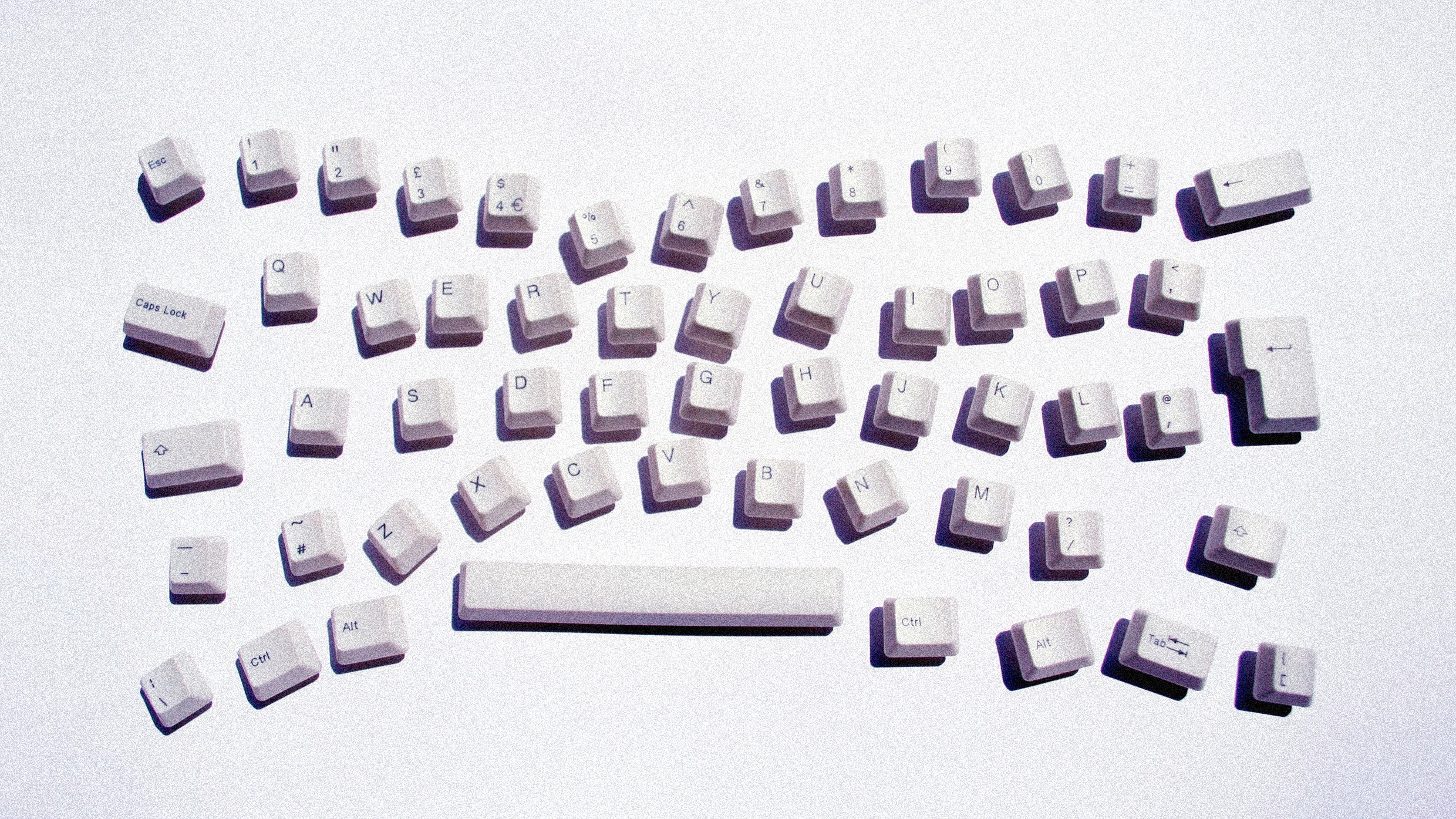
    Keyboard shortcuts are efficiency’s greatest secret weapon. Yes, they can take a bit to learn and yes, sometimes you’ve got to—gasp!—take your hand off your mouse to reach all the keys.

    But man, oh man, once you’ve mastered the best ones, you’ll wonder how you ever lived without them.

    If you want to navigate Windows 11 faster, work smarter, and minimize unnecessary clicks, these are the 10 shortcuts worth memorizing.

    Alt + Tab: Switch Between Open Apps

    As far as most shortcut experts are concerned, this is the Windows shortcut to rule all shortcuts.

    This venerable classic lets you cycle through open applications with ease. Hold Alt and tap Tab to jump between the windows you’ve got open. It’s perfect for multitasking without losing momentum.

    Win + E: Open File Explorer Instantly

    No more hunting for the File Explorer icon: just press Win + E, and all your files are right there. Whether you’re accessing documents, downloads, or external drives, this shortcut is a must-learn.

    Win + D: Show the Desktop

    I’m not ashamed to admit that sometimes I have so many projects going at once that I get overwhelmed by my own mess of windows, apps, and settings.

    Sometimes you just need a clean slate, you know? Press Win + D, and all your open windows will minimize, revealing the desktop instantly. Take a breath, and then tap it again to restore everything right where you left it.

    Win + V: Access Clipboard History

    Something of a dark horse in the handy shortcuts competition: Ever copied something only to lose it moments later?

    Win + V saves the day by opening the Clipboard history, allowing you to retrieve text or images you’ve copied earlier.

    Alt + Spacebar: Open Copilot

    Now for a relative newcomer. For quick assistance, answers, and creative ideas, Alt + Spacebar launches a little Copilot search box, making it easy to get help directly within Windows.

    Use it to look stuff up on the web, launch programs, or open folders, all with a quick keyboard combo.

    Win + I: Open Settings

    Tired of digging through menus just to get to Settings? Why did they bury it so deep?!

    Press Win + I to open Settings instantly, letting you tweak stuff much more quickly than navigating there by mouse.

    Win + Shift + S: Take a Screenshot

    When you need to capture something on your screen, the excellent Snipping Tool is your best friend.

    Win + Shift + S opens it, letting you select and save any part of your display.

    Ctrl + Shift + Esc: Open Task Manager

    Slow? Laggy? Chugging along? Keep tabs on your system performance by pressing Ctrl + Shift + Esc.

    This shortcut opens Task Manager immediately, letting you manage RAM-hogging apps and CPU-taxing processes with ease.

    Win + L: Lock Your Computer

    This one’s especially handy for those of you who’ve been summoned back to the office.

    When you step away from your desk, pressing Win + L locks your screen instantly, securing your work and keeping prying eyes out.

    Win + Period (.) or Win + Semicolon (;): Open Emoji Panel

    Here’s one for the youths out there. Spice up your messages with emojis and GIFs.

    Press Win + . or Win + ; to open the emoji panel and add some flair to your messages.

    The final deadline for Fast Company’s Brands That Matter Awards is Friday, May 30, at 11:59 p.m. PT. Apply today.

    Boost keyboard productivity shortcuts Windows
    Share. Facebook Twitter Pinterest LinkedIn Tumblr Email
    Previous ArticleHow I Encrypt My Files Before Uploading to the Cloud (and Why I Bother)
    Next Article Today’s NYT Connections: Sports Edition Hints, Answers for May 27 #246
    Techurz
    • Website

    Related Posts

    Opinion

    Simular’s AI agent wants to run your Mac, Windows PC for you

    December 2, 2025
    Security

    Thinking of buying an Arm-based Windows PC? These three issues might be dealbreakers

    November 1, 2025
    Security

    Chinese hackers target Western diplomats using hard-to-patch Windows shortcut flaw

    October 31, 2025
    Add A Comment
    Leave A Reply Cancel Reply

    Top Posts

    College social app Fizz expands into grocery delivery

    September 3, 20252,286 Views

    A Former Apple Luminary Sets Out to Create the Ultimate GPU Software

    September 25, 202514 Views

    The Reason Murderbot’s Tone Feels Off

    May 14, 202511 Views
    Stay In Touch
    • Facebook
    • YouTube
    • TikTok
    • WhatsApp
    • Twitter
    • Instagram
    Latest Reviews

    Subscribe to Updates

    Get the latest tech news from FooBar about tech, design and biz.

    Most Popular

    College social app Fizz expands into grocery delivery

    September 3, 20252,286 Views

    A Former Apple Luminary Sets Out to Create the Ultimate GPU Software

    September 25, 202514 Views

    The Reason Murderbot’s Tone Feels Off

    May 14, 202511 Views
    Our Picks

    Digg lays off staff and shuts down app as company retools

    March 13, 2026

    The biggest AI stories of the year (so far)

    March 13, 2026

    The $32B acquisition that one VC is calling the ‘Deal of the Decade’

    March 13, 2026

    Subscribe to Updates

    Get the latest creative news from FooBar about art, design and business.

    Facebook X (Twitter) Instagram Pinterest
    • About Us
    • Contact Us
    • Privacy Policy
    • Terms and Conditions
    • Disclaimer
    © 2026 techurz. Designed by Pro.

    Type above and press Enter to search. Press Esc to cancel.