


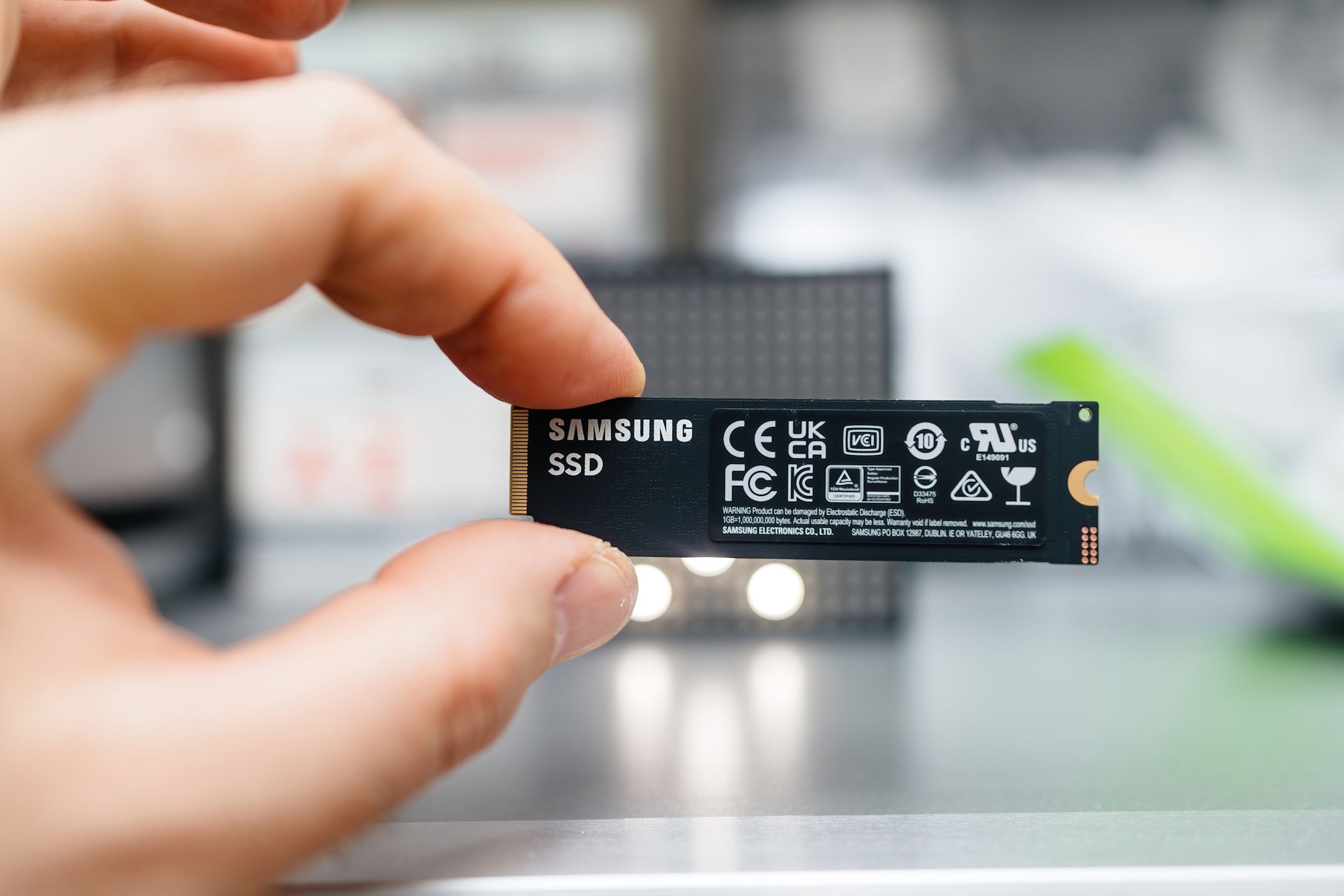
SSDs don’t just die overnight. Their decline is usually silent and slow, often caused by routine habits that seem harmless. If you want your drive to last for years without unexpected failures or slowdowns, avoid these mistakes that are unfortunately easily made.
9
Filling Up Your SSD to the Brim
It’s tempting to use every last gigabyte of your SSD, especially if storage space is tight. But solid-state drives need free space to function efficiently. Unlike traditional hard drives, SSDs rely on a process called “wear leveling” to distribute data evenly across storage cells. When the drive is nearly full, it has fewer available cells to use, resulting in repeated overwrites and accelerated wear.
Think of your SSD like a freeway. When traffic is spread out, everything moves smoothly. When every lane is packed, progress slows, and stress builds.
To keep your drive in good shape, try to maintain at least 10-20% of free space. Many SSDs include built-in overprovisioning to help with this, but adding extra headroom is a smart way to extend the drive’s life.
8
Defragmenting Your SSD
If you’re used to mechanical hard drives, defragmenting may feel like standard maintenance. But with SSDs, not only is it unnecessary—it’s harmful.
Defragmenting reorganizes files into contiguous blocks to minimize mechanical read time. But SSDs have no moving parts. They can access any bit of data instantly, regardless of its location. Running a defrag process just results in thousands of pointless write operations, which prematurely wear down memory cells.
Newer operating systems like Windows 11 already know this and handle SSDs accordingly. The key is to avoid using outdated maintenance tools that still treat your SSD like a spinning hard drive.
7
Constantly Writing and Rewriting Large Files
Every SSD has a limited number of write cycles. Although modern drives are durable, constant writing and rewriting of large files still takes a toll.
This type of stress is common in tasks such as video editing, managing large databases, or using your SSD as a scratch disk. Each save, move, or rewrite consumes more write cycles.
If you regularly work with large files, consider using a secondary hard drive or directing apps like Adobe Premiere or Photoshop to use another drive for temporary files. SSDs are built for speed, not for absorbing endless data churn.
6
Ignoring Firmware Updates
Firmware is the internal software that controls how your SSD operates. It manages processes like data allocation, wear leveling, and performance tuning.
Manufacturers occasionally release firmware updates to address bugs, boost performance, or increase longevity. Ignoring these updates can lead to compatibility issues or missed improvements that might extend the life of your drive.
Related
How Long Do SSDs Last Compared With an HDD?
Should you swap your HDD for an SSD?
Unlike OS updates, SSD firmware doesn’t usually install automatically. You’ll need to check the manufacturer’s website or use their utility tools—such as Samsung Magician or Crucial Storage Executive—to see if updates are available.
Checking every few months is a small effort that could prevent major data loss down the line.
5
Letting It Run Hot for Too Long
Matt L. Hall / MakeUsOf
SSDs are generally efficient and durable, but heat is still their enemy. If your drive regularly operates above 70°C, it’s aging faster than it should.
High temperatures affect the memory cells and the controller chip that manages data flow. This can cause performance drops, glitches, or eventual failure.
Laptops are especially vulnerable to poor cooling, while desktops with bad airflow can overheat during heavy use. If your system becomes sluggish under load, monitor SSD temperatures with tools like CrystalDiskInfo or your drive’s manufacturer software.
Good airflow and ventilation are your best defenses. Keep your laptop on hard surfaces. In desktops, avoid placing your SSD near heat-generating components, such as GPUs. Even installing a small heatsink can help.
4
Power Losses and Improper Shutdowns
Sudden power losses may seem harmless, but they can cause significant damage to SSDs. Traditional hard drives park their read heads when power cuts out. SSDs, however, often rely on capacitors and software processes that require time to complete writes properly.
Improper shutdowns—such as forcing a power-off or letting your battery run out of charge—can interrupt critical processes, including garbage collection and wear leveling. This increases the chance of corrupted files or operating system errors.
Some enterprise-grade SSDs have built-in power loss protection, but most consumer drives do not. To protect your SSD, always shut your system down properly. On desktops, using a surge protector or an uninterruptible power supply (UPS) adds another layer of safety.
3
Never Checking SMART Stats or Drive Health
SSDs don’t make grinding noises when they’re failing, but they do quietly monitor their health using SMART (Self-Monitoring, Analysis, and Reporting Technology). It’s the digital equivalent of your car’s dashboard warning lights.
SMART stats can alert you to rising temperatures, bad sectors, and decreasing health indicators—sometimes well before a serious failure occurs.
Use tools like CrystalDiskInfo, Samsung Magician, or Western Digital Dashboard to get a quick health check. Most of these apps present data in a simple “Good” or “Warning” format, so you don’t need to be an expert to understand it.
Make it a habit to check your SSD’s health every few months or whenever performance dips. If your drive starts showing signs of SSD failure, back up your data and prepare to replace the drive.
Related
How to Estimate the Remaining Lifespan of Your SSD
All SSDs have a limited lifespan due to write cycles. Here’s how you can estimate how close you are to the end.
2
Storing Your SSD for Long Periods Without Power
SSDs are not ideal for long-term, unplugged storage. Unlike hard drives, they use electrical charges to store data, and those charges can fade over time without power.
If you leave an SSD in a drawer for a year or two, especially in a warm environment, you may discover corrupted or missing data when you finally plug it in. This risk is higher with budget drives and in high-temperature settings.
If you must store an SSD for an extended period, keep it cool and dry, ideally in anti-static packaging. Even better, power it on every few months. For true archival storage, spinning hard drives or optical media are often safer bets.
1
Using a Cheap PSU or Flaky Power Source
hodim/Shutterstock
An SSD is only as reliable as the power it receives. A cheap or unstable power supply can introduce voltage spikes, dips, or noise that damage components.
Low-end PSUs may lack safeguards like overvoltage protection or consistent output regulation. The result? Data corruption, performance issues, or, in some cases, total hardware failure.
Always opt for a quality PSU from a reputable brand. Stability is more important than wattage.
Related
How Often Should You Upgrade Your PSU?
It often goes overlooked, but your power supply unit needs love, too.
If you’re using a laptop, avoid third-party chargers or sketchy wall outlets. In unstable power environments, a surge protector or battery backup is a smart investment. Power consistency isn’t just good for your SSD—it protects your entire system.
Your SSD might be silent and sleek, but it’s not indestructible. Treat it right, and your SSD will reward you with speed, reliability, and years of hassle-free performance. Ignore it, and well… let’s just say your next upgrade might come sooner than you planned.
