

Close Menu
TechurzTechurz

    Subscribe to Updates

    Get the latest creative news from FooBar about art, design and business.

    What's Hot

    Final 24 hours: Save up to $500 on your Disrupt 2026 pass

    April 10, 2026

    This founder helped build SpaceX’s most powerful rocket engine. Now he’s building a ‘fighter jet for orbit.’

    April 9, 2026

    What founders can learn from Anjuna’s layoffs and recovery

    April 9, 2026
    Facebook X (Twitter) Instagram
    Trending
    • Final 24 hours: Save up to $500 on your Disrupt 2026 pass
    • This founder helped build SpaceX’s most powerful rocket engine. Now he’s building a ‘fighter jet for orbit.’
    • What founders can learn from Anjuna’s layoffs and recovery
    • After data breach, $10B valued startup Mercor is having a month
    • Sierra’s Bret Taylor says the era of clicking buttons is over
    • Final 2 days to save up to $500 on your Disrupt 2026 ticket
    • Collide Capital raises $95M fund to back fintech, future-of-work startups
    • Ex-Tesla engineer’s startup taps Pronto to help automate a copper mine
    Facebook X (Twitter) Instagram Pinterest Vimeo
    TechurzTechurz
    • Home
    • AI
    • Apps
    • News
    • Guides
    • Opinion
    • Reviews
    • Security
    • Startups
    TechurzTechurz
    Home»Reviews»7 Ways to Limit Your Endless Doomscrolling
    Reviews

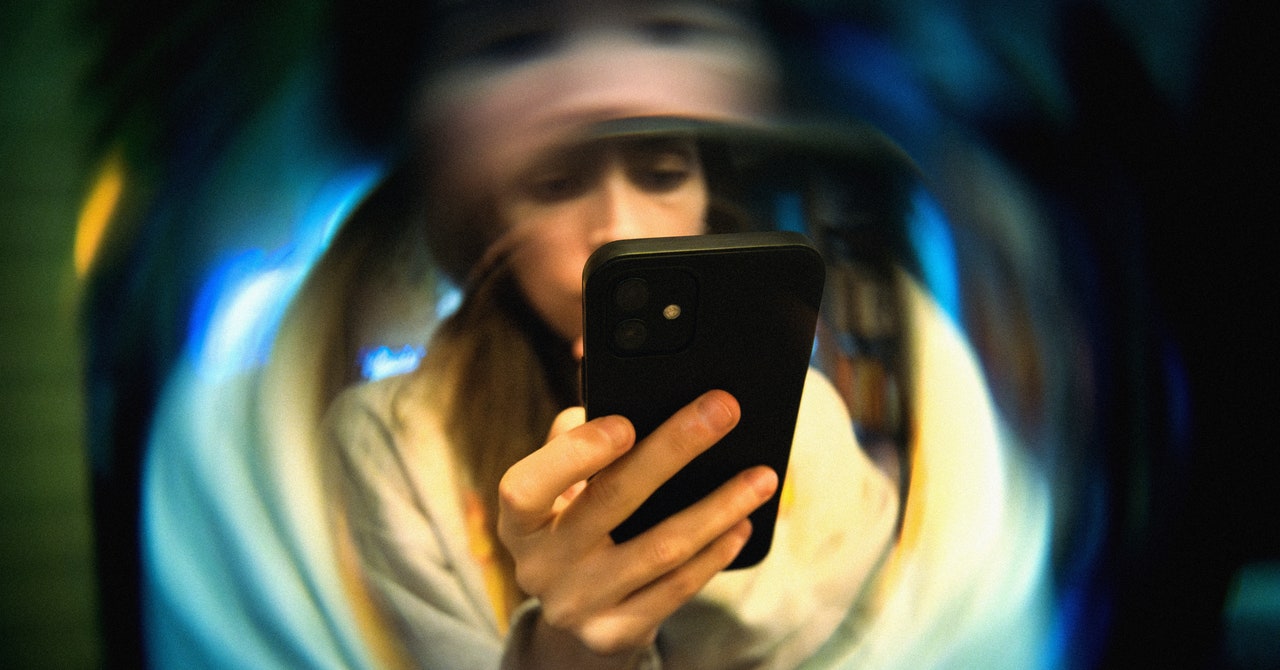
    7 Ways to Limit Your Endless Doomscrolling

    TechurzBy TechurzJune 19, 2025No Comments3 Mins Read
    Share Facebook Twitter Pinterest LinkedIn Tumblr Reddit Telegram Email
    7 Ways to Limit Your Endless Doomscrolling
    Share
    Facebook Twitter LinkedIn Pinterest Email

    This may just lead you to check these apps more often on the web—but you can always delete your accounts entirely. This is usually not too difficult to do: In the case of X, for example, head to the website and log in, then click More > Settings and privacy > Your account > Deactivate your account and follow the instructions.

    Put Your Phone in Another Room

    You could consider putting your phone in a different room during parts of the day—especially at bedtime, to avoid doomscrolling when you should be sleeping.

    Note that several studies have shown that just having a phone in the same room with you can have an impact on your attention and focus, even if you don’t actually pick it up and use it.

    Set Screen Time Limits

    Modern phones come with built-in tools that allow you to limit your screen time, so you can put restrictions on how long you use specific apps and how long you’re on your phone overall. Of course, you’re able to disable these limits as easily as you can enable them—it’s your phone after all—but you can use them in combination with your own willpower to change your habits.

    If you’re on Android, you can open Settings and choose Digital Wellbeing and Parental Controls, then App limits, to put some restrictions in place. Over on iOS, from Settings tap Screen Time, then App & Website Activity. On both platforms, you get a pretty detailed breakdown of how you’ve been spending your time on your phone.

    Scroll Something Else

    If you must spend time on your phone (what else are you going to do on the subway platform?), you can replace social media and news with apps like Calm for mindful meditation; Blinklist for reading summaries of books, podcasts, and talks; and Kindle for ebook reading, which will also be synced to your actual Kindle, if you have one.

    Tell Your Phone It’s Bedtime

    Enabling a bedtime schedule on Android

    Courtesy of David Nield

    Both Android and iOS now let you set a specific bedtime on your phone, the idea being that it helps you wind down properly by steering you away from opening apps and doomscrolling into the early hours. These bedtime modes put limits on incoming notifications, dim the screen, and give you the option of using a more simplified phone interface late at night.

    If you’re on Android, open the Clock app and switch to the Bedtime tab: You can set start and end times for the mode and access settings such as turning the screen gray at a specific hour. On iPhone, head to the main iOS Settings screen, then tap Focus, then Sleep. The next screen will show all the available options and timers.

    Get a Reminder to Stop

    This is iPhone only, but Adam Davidson over at How-To Geek has a neat idea: Create an iOS shortcut to generate a snarky message from ChatGPT or Claude AI that warns about the harm of doomscrolling, and have it go off every time you open certain apps. The message can be shown on screen or read aloud.

    Doomscrolling Endless limit Ways
    Share. Facebook Twitter Pinterest LinkedIn Tumblr Email
    Previous ArticleReal-Time Speech from Brain Signals Achieved
    Next Article Every fusion startup that has raised over $100M
    Techurz
    • Website

    Related Posts

    Opinion

    Embattled startup Delve has ‘parted ways’ with Y Combinator

    April 4, 2026
    Security

    8 ways to help your teams build lasting responsible AI

    November 1, 2025
    Security

    5 ways ambitious IT pros can future-proof their tech careers in an age of AI

    October 26, 2025
    Add A Comment
    Leave A Reply Cancel Reply

    Top Posts

    College social app Fizz expands into grocery delivery

    September 3, 20252,288 Views

    A Former Apple Luminary Sets Out to Create the Ultimate GPU Software

    September 25, 202516 Views

    The Reason Murderbot’s Tone Feels Off

    May 14, 202512 Views
    Stay In Touch
    • Facebook
    • YouTube
    • TikTok
    • WhatsApp
    • Twitter
    • Instagram
    Latest Reviews

    Subscribe to Updates

    Get the latest tech news from FooBar about tech, design and biz.

    Most Popular

    College social app Fizz expands into grocery delivery

    September 3, 20252,288 Views

    A Former Apple Luminary Sets Out to Create the Ultimate GPU Software

    September 25, 202516 Views

    The Reason Murderbot’s Tone Feels Off

    May 14, 202512 Views
    Our Picks

    Final 24 hours: Save up to $500 on your Disrupt 2026 pass

    April 10, 2026

    This founder helped build SpaceX’s most powerful rocket engine. Now he’s building a ‘fighter jet for orbit.’

    April 9, 2026

    What founders can learn from Anjuna’s layoffs and recovery

    April 9, 2026

    Subscribe to Updates

    Get the latest creative news from FooBar about art, design and business.

    Facebook X (Twitter) Instagram Pinterest
    • About Us
    • Contact Us
    • Privacy Policy
    • Terms and Conditions
    • Disclaimer
    © 2026 techurz. Designed by Pro.

    Type above and press Enter to search. Press Esc to cancel.