

Close Menu
TechurzTechurz
    What's Hot

    Sarvam becomes India’s newest AI unicorn with $234 million funding round led by HCLTech

    June 15, 2026

    As AI agents become employees, NewCore emerges with $66M to give them identities

    June 15, 2026

    Orbio raises $21 million to automate hiring and onboarding for frontline workers

    June 15, 2026
    X (Twitter) Pinterest YouTube LinkedIn WhatsApp
    Tech Pulse
    • Sarvam becomes India’s newest AI unicorn with $234 million funding round led by HCLTech
    • As AI agents become employees, NewCore emerges with $66M to give them identities
    • Orbio raises $21 million to automate hiring and onboarding for frontline workers
    • As AI companies race to go public, who else is along for the ride?
    • As Anthropic suspends access to new models, India debates its AI future
    X (Twitter) Pinterest YouTube LinkedIn WhatsApp
    TechurzTechurz
    • Home
    • Tech Pulse
    • Future Tech
    • AI Systems
    • Cyber Reality
    • Disruption Lab
    • Signals
    TechurzTechurz
    Home - Guides - Turn Off Roku Subtitles Once and For All
    Guides

    Turn Off Roku Subtitles Once and For All

    TechurzBy TechurzJune 21, 2025Updated:May 12, 2026No Comments4 Mins Read
    Share Facebook Twitter Pinterest LinkedIn Tumblr Reddit Telegram Email
    Turn Off Roku Subtitles Once and For All
    Share
    Facebook Twitter LinkedIn Pinterest Email


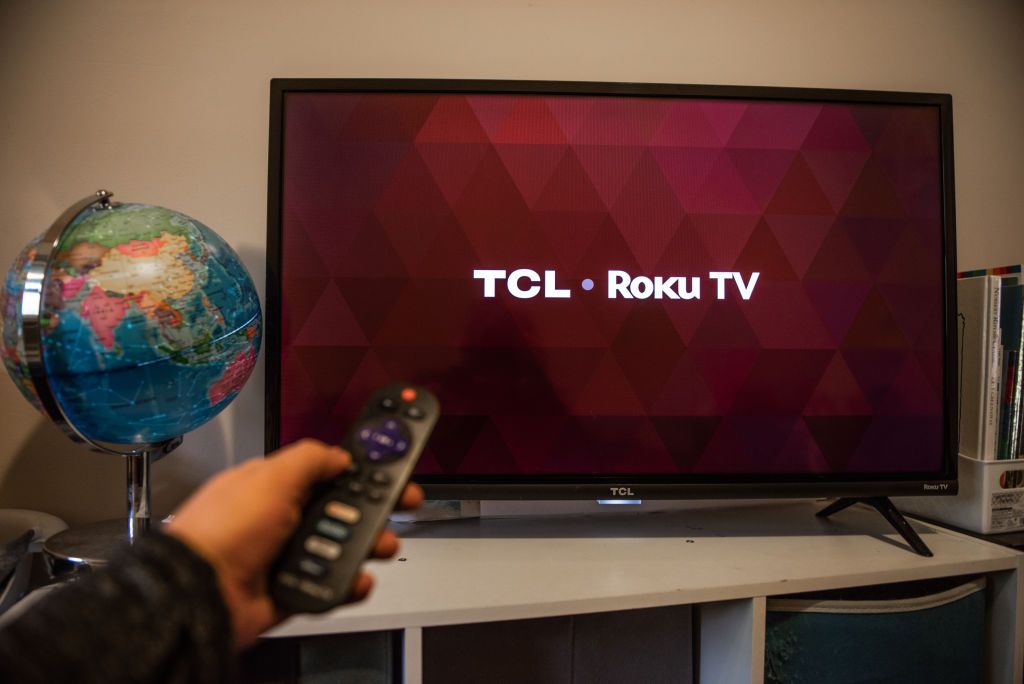
    If Roku subtitles appear unexpectedly, or appear even if you think you’ve turned off the feature, we’ll cover how to turn off subtitles on Roku once and for all—and troubleshoot the mystery.

    Table of contents
    1 How to Fix It When Roku Subtitles Won’t Turn Off
    2 Causes of Roku Subtitles Not Turning Off
    3 FAQ

    How to Fix It When Roku Subtitles Won’t Turn Off

    You can turn off subtitles on your Roku device for good with a couple of simple steps. Start by checking the system-wide settings before moving on to specific apps.

    1. Check the system-wide subtitle settings. From the Roku Home screen, navigate to Settings > Accessibility > Captions mode and ensure it’s set to Off. You can also access this setting by * Button on your remote to access the Options menu, or press the Voice button (the one with a microphone) on your remote and use a voice command such as “Turn off closed captions.”

    2. Check the channel’s settings. From the channel’s home screen, look to see if it has a settings screen of its own. For example, the below screenshot from the HBO Max channel’s Closed Captions tab, available from your profile. Options for closed captions are often located within settings for accessibility, audio, or together with subtitles.

      The exact location of caption settings and combination of steps to reach them will be different across channels. However, the general concept of where to find them and how to use them is similar.

    3. Check the settings on your current content. When you bring up the channel’s playback controls, look for a button with a CC abbreviation, or something related to audio or subtitles.

    4. Reboot or reset your device. If the steps above don’t resolve your subtitles issues, you can consider broader steps such as rebooting the device, or even doing a full factory reset.

    Causes of Roku Subtitles Not Turning Off

    There are a few reasons your Roku may be showing subtitles when you aren’t expecting it.

    The most obvious is that system captions were turned on intentionally by someone other than you. This might be another user of your Roku, but it could also happen during a channel or system upgrade.

    In addition, each channel on your Roku device can also have its own closed captioning/subtitle settings which override the system-level settings.

    So setting captions off at the system level, but on at the channel level, would also account for their unexpected display.

    Someone may have even inadvertently turned them on for your current content when using the playback controls.

    FAQ

    • How do I fix closed captioning on my Roku?

      Go to Settings > Accessibility > Captions mode to enable captions on a Roku. If you still don’t see captions, check the settings of the specific app you’re trying to watch.

    • How do I use subtitles on Hulu?

      To enable Hulu subtitles in a browser or mobile app, select the Settings gear > Subtitles and choose the language you want. On other devices, swipe down or press Up on your remote and select Settings > Captions or Subtitles.

    • How do I turn on subtitles for Amazon Prime Video?

      To turn on subtitles in the Prime Video app, press the options button on your remote, then select Subtitles > Off and choose a language. You can create subtitle presets with different text colors, sizes, and effects by going to Amazon.com/cc.

    • How do I turn off subtitles on Netflix?

      How you turn off subtitles on Netflix depends on your device. In a web browser, select the speech bubble icon and select Off under the Subtitles section. On a mobile device, tap the screen and select Audio & Subtitles > Off.

    Thanks for letting us know!

    Get the Latest Tech News Delivered Every Day

    Subscribe

    Tell us why!

    Other

    Not enough details

    Hard to understand

    Roku Subtitles Turn
    Share. Facebook Twitter Pinterest LinkedIn Tumblr Email
    Previous ArticleHow Borderlands 4 mixes the action up with Fadefields and The Vault | Graeme Timmins interview — The DeanBeat
    Next Article This $180 Chromebook Offers Flexibility and Performance for On-the-Go Entrepreneurs
    Techurz
    • Website

    Related Posts

    Opinion

    Forget the feed: Status AI raises $17M to turn social media into interactive entertainment

    May 19, 2026
    Opinion

    Gumloop lands $50M from Benchmark to turn every employee into an AI agent builder

    March 12, 2026
    Opinion

    Stripe wants to turn your AI costs into a profit center

    March 3, 2026
    Add A Comment
    Latest Tech Pulse

    College social app Fizz expands into grocery delivery

    September 3, 20252,289

    SolarSquare in talks to raise up to $60M as India’s rooftop solar market draws major VC interest

    May 23, 202621

    Future of Digital Privacy and Security: 7 Truths Nobody Tells You

    May 25, 202618
    Stay In Touch
    • YouTube
    • WhatsApp
    • Twitter
    • Pinterest
    • LinkedIn

    Techurz helps readers stay ahead of digital change with clear, practical, future focused technology intelligence written today,searched tomorrow.

    X (Twitter) Pinterest YouTube LinkedIn WhatsApp
    Company
    • About Us
    • Contact Us
    • Our Authors / Editorial Team
    • Write For Us
    • Advertise
    Policy
    • Editorial Policy
    • Privacy Policy
    • Terms and Conditions
    • Affiliate Disclosure
    • Cookie Policy
    • Disclaimer
    • DMCA
    Explore
    • AI Systems
    • Cyber Reality
    • Future Tech
    • Disruption Lab
    • Signals
    • Tech Pulse
    • Sitemap

    Join the Techurz Brief

    The future does not arrive suddenly.
    Stay ahead with fast, sharp tech signals.

    Type above and press Enter to search. Press Esc to cancel.