


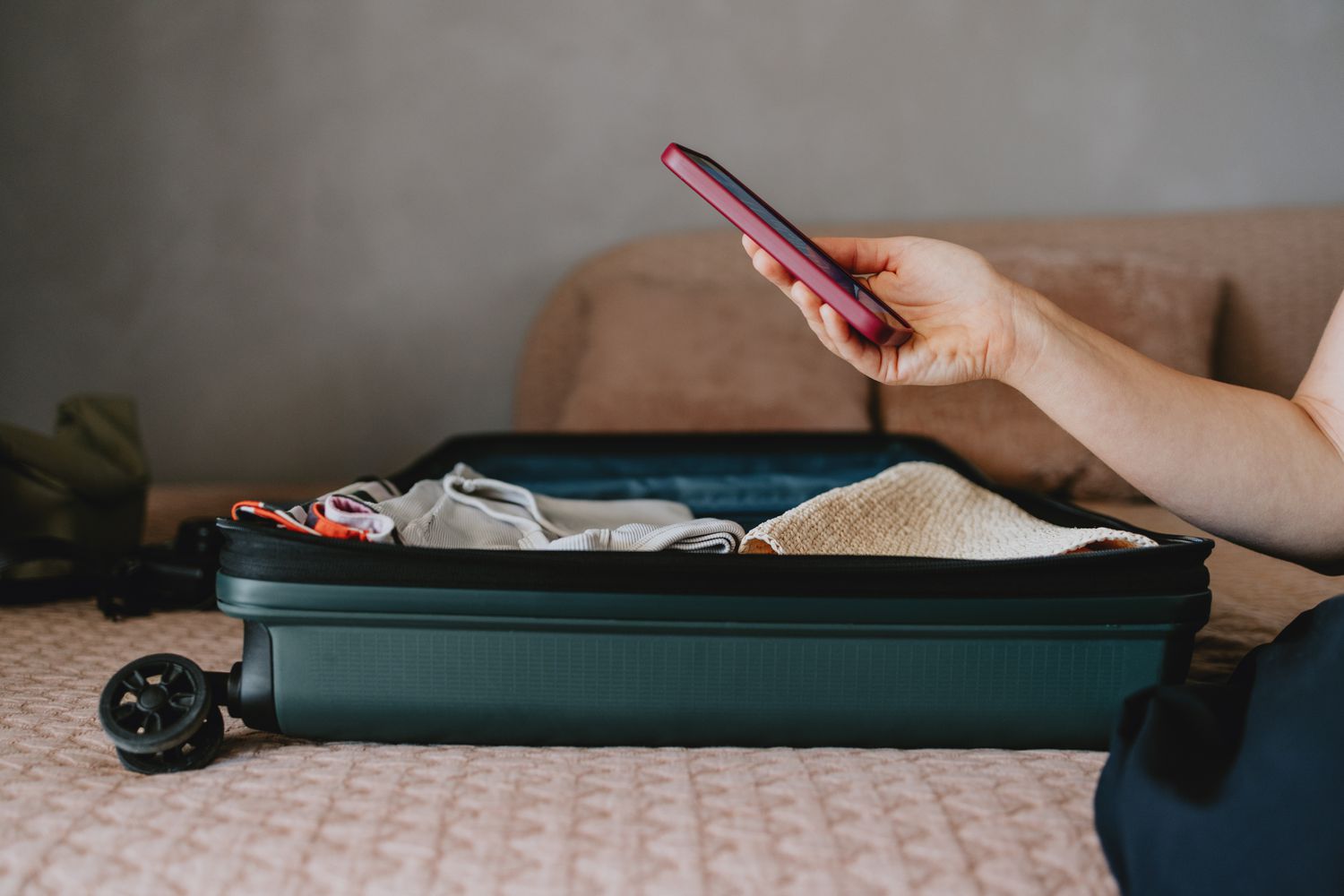
This article contains tips and best practices for protecting both your phone and personal data while you’re on vacation.
Use Your iPhone’s Security Features
You don’t necessarily have to bother with external screen locks, secret pockets, or other spycraft to keep your phone safe while you’re abroad. Your iPhone has several built-in security features to safeguard your hardware and information if the worst happens.
First, set a passcode. It’s a solid line of defense if someone gets hold of your device, and it should keep them out long enough for the other features to work.
Another powerful tool is the Find My app. You should have set this up when you first got your phone, but if you haven’t, you definitely should before you go on break. This app can give you a general location to give to law enforcement (don’t try to track down your stolen phone by yourself!) and make a sound to help you find it.
In the worst case, you can also use Find My to completely erase your iPhone. It won’t help you get it back, but at least you don’t have to worry about someone getting full access to all of your banking apps, email, and social media if the passcode fails.
Get a Good Case
Amazon
A solid, protective phone case doesn’t have to be huge and bulky, although some are. But you’ll want one that can stand up to your vacation environment.
Some are waterproof, which will help if you’re headed to the coast. Others are extremely durable for rock climbing, hiking, or other outdoor activities where hard drops are possible.
Any case will provide some protection; how much you need depends on where you take your phone. For extra iPhone security, invest in a screen cover that can protect against scratches and some impacts.
Keep It Cool (or Warm)
Guido Mieth/Moment/Getty Images
Extreme heat and cold can affect how well your phone works–like the battery’s ability to hold a charge, for example–so keep that in mind when you go outside.
You don’t have to knit a little sweater for your iPhone, but keeping it in an interior pocket close to your body if the weather is cold is a good idea. For warmer environments, keep it switched off whenever possible to save battery and stop it from overheating.
Keep Vigilant in Public Places
Pasi Mämmelä / Flickr
Being smart about where you access your information is a good idea, whether you’re on vacation or not. For example, don’t do anything important on public Wi-Fi (think banking and shopping).
Beyond that, it’s important to practice good screen security. If you have sensitive information open, be aware of anyone else who might see it (standing over your shoulder, etc.).
If you’re picking up a screen protector for physical iPhone security, you have options here, too. Some display covers are made so the contents of the screen are only visible when you look at them head-on, which can stop people from sneaking peeks.
Get Your Phone a Car Seat
Taking a road trip? Don’t just toss your phone into a cupholder if you’re using it to stream music or podcasts. Not only does doing so increase your chances of misplacing it—or just leaving it behind—but if you have a sudden stop or take a turn too quickly, it could go bouncing around the car.
For a few dollars, you can pick up a phone cradle that will keep your device accessible, secure, and visible. You have several options, too. Phone holders can attach to your windshield, dashboard, or air vents. Some even slot into your car’s CD player, which you probably weren’t using, anyway.
Even if you don’t regularly use your phone in your car, giving it a home in there is still a good idea; if you receive a call, you can pull over and take it right away instead of having to dig through your pockets.
And if your vehicle is compatible with AirPlay, you’ll just get more out of it by keeping your iPhone handy, even if you’re not on vacation.
Secure Your Phone at the Beach and Pool
O_Lypa/Getty Images
Your iPhone can survive a quick dip in a pool or even the ocean, but water isn’t your only concern at a hotel pool or the beach.
Other issues can come up from sand, heat, or even thieves, so make sure you have everything covered. If you must take your device with you, a few easy precautions can save you some trouble.
- Use the buddy system: Make sure someone is with everyone’s possessions at all times. This way, you can be sure everyone gets a turn in the water while their stuff remains fairly safe.
- Put your electronics in a resealable plastic bag. Doing so can protect against sand and splashes. It may even help hide your valuables from people looking to do a quick grab.
- If you’re crafty, you can make a simple decoy container from an empty bottle of suntan lotion (clean it out first). The right-shaped bottle will be big enough to stash your phone, keys, and other important items, and someone is way less likely to steal lotion than an expensive phone.
A quick rule to keep in mind: Don’t do anything with your phone that you wouldn’t do with a roll of cash.
Use a VPN
D3Damon / Getty
A VPN is a relatively affordable way to secure your data both at home and elsewhere. It effectively separates the information coming and going from your iPhone from the activity around it.
One way to think of a VPN is like a pipe running underneath a river. Your information, like a fish, travels through the pipe while remaining invisible to those trying to grab it. In this scenario, these hackers are like hungry bears who will remain unfed because your data fish is safe in the pipe.
VPNs are also handy for international travel. Most providers have servers in multiple countries, so if you’re in the UK and want to stream a show that isn’t available there (but is in the US or Canada), you just need to switch servers.
Have an Apple Watch? Let It Help You
Public Domain
The Apple Watch has a convenient feature that can alert you when you leave your iPhone behind. This notification can save you plenty of stress and hassle by letting you know you’ve forgotten your device before you leave the immediate area.
Open the Find My app on your iPhone, and then select it. Scroll down to Notifications, and turn on Notify When Left Behind. Note that this has to be the iPhone that you’ve paired to your Apple Watch for this to work; you can’t use it on your friend’s phone, for example.
With this feature active, you’ll get a notification on your Apple Watch once your watch loses Bluetooth contact with your phone (about 30 feet or so).
This feature also works with AirTags, iPads, and other Apple devices, so you can get alerts for your tablet, car keys, and more.
Thanks for letting us know!
Subscribe
Tell us why!
Other
Not enough details
Hard to understand
