

Close Menu
TechurzTechurz
    What's Hot

    Asian AI startups launch Mythos-like models as Anthropic’s export ban drags on

    June 27, 2026

    Corgi, the buzzy Y Combinator-backed insurance tech startup, says it didn’t steal an open source product

    June 26, 2026

    OpenAI poaches Uber India chief to lead its biggest market outside the US

    June 26, 2026
    X (Twitter) Pinterest YouTube LinkedIn WhatsApp
    Tech Pulse
    • Asian AI startups launch Mythos-like models as Anthropic’s export ban drags on
    • Corgi, the buzzy Y Combinator-backed insurance tech startup, says it didn’t steal an open source product
    • OpenAI poaches Uber India chief to lead its biggest market outside the US
    • Early Bird pricing ends tonight for Founder Summit
    • Robotaxis drive miles just to get cleaned and charged; this new startup wants to fix that
    X (Twitter) Pinterest YouTube LinkedIn WhatsApp
    TechurzTechurz
    • Home
    • Tech Pulse
    • Future Tech
    • AI Systems
    • Cyber Reality
    • Disruption Lab
    • Signals
    TechurzTechurz
    Home - Guides - Free Parental Controls That Work
    Guides

    Free Parental Controls That Work

    TechurzBy TechurzJuly 3, 2025Updated:May 12, 2026No Comments3 Mins Read
    Share Facebook Twitter Pinterest LinkedIn Tumblr Reddit Telegram Email
    Free Parental Controls That Work
    Share
    Facebook Twitter LinkedIn Pinterest Email


    Table of contents
    1 The Download
    2 How to Set Up Amazon Kids
    3 Manage an Amazon Kids Profile
    4 Turn on Parental Controls on an Amazon Fire Tablet
    5 Fire Tablet Parental Controls to Know

    The Download

    • Use the Parent Dashboard to create and manage Amazon Kids profiles.
    • Create profile: Settings > Profiles & Family Library > Add a child profile.
    • Turn on parental controls: Settings > Profile and Parental Controls > Restrict access to current profile > On.

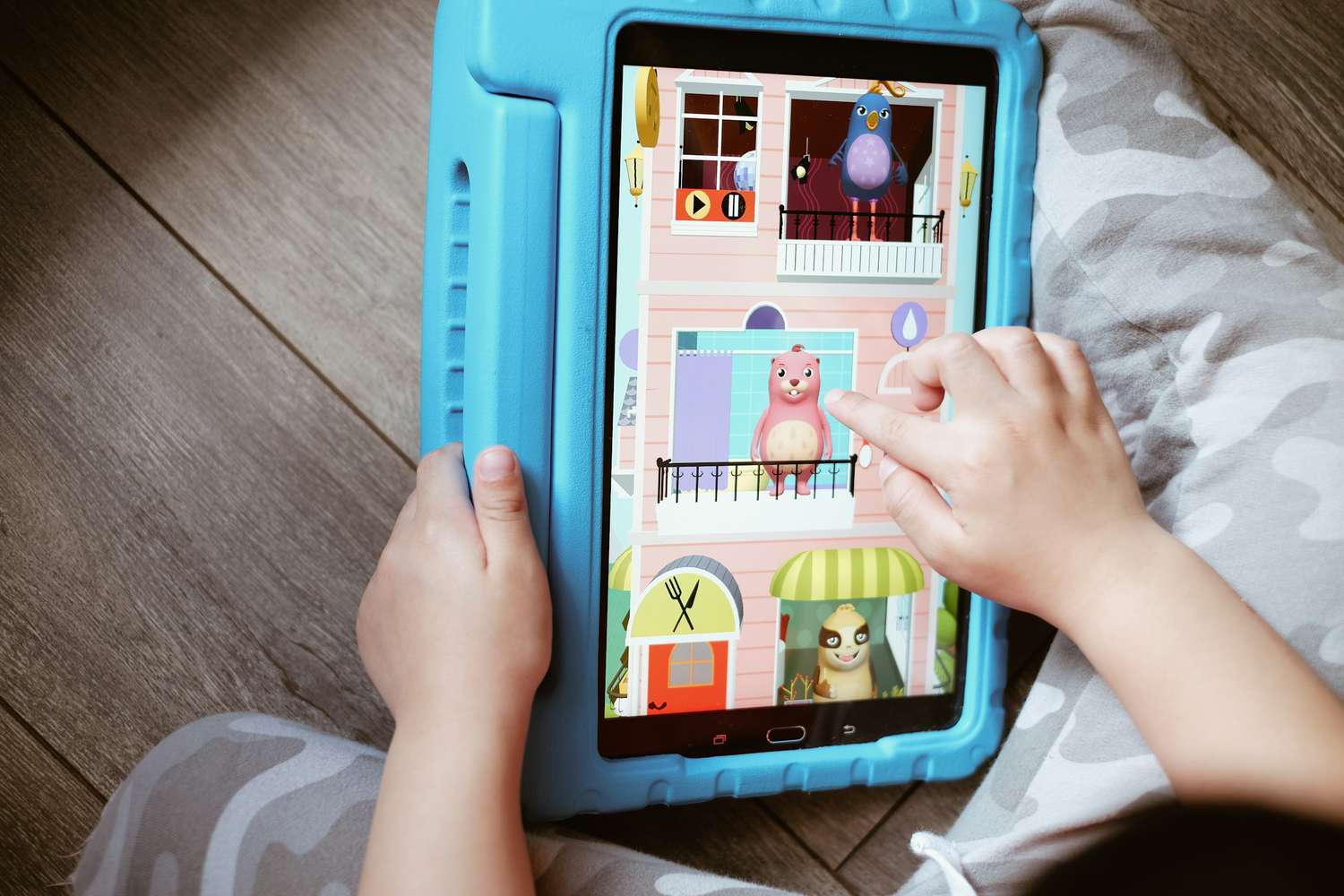
    Ready to hand down your Amazon Fire tablet or gift an Amazon Fire Kids tablet to your little one? Make sure to review these free Amazon Kids settings and parental controls first.

    How to Set Up Amazon Kids

    Before you give your child an Amazon Fire Kids tablet, set up Amazon Kids from the Parent Dashboard by creating a child profile.

    1. Visit the Parent Dashboard at parents.amazon.com.

    2. Select New+ or Add / Create a Child profile.

    3. Enter your child’s name > Add Child.

    4. To add an additional child profile, select the + (Plus) icon > Add Profile / Add a Child.

    Manage an Amazon Kids Profile

    Once you’ve created at least one child profile, you can manage the content your child can access, screen time limits, and purchase permissions, among other settings from the Parent Dashboard.

    Here’s a look at some of the settings that could be most helpful:

    • Set up screen time limits: Open your child’s profile on the Parent Dashboard and select Set Up Screen Time > toggle on Daily Time Limits. Create a designated schedule according to content type—and including controlling daily allowed screen time totals.
    • Prioritize educational content: From Daily Time Limits select Learn First > Add to designate the learning-first content you’d like to emphasize before everything else.
    • Set age filters: Go to Settings > Adjust Age Filter and Theme to show only age-appropriate content to your child.
    • Control store access: You can allow your child browsing access to the app store from Settings > Additional Content > Store. Though kids can browse with this setting on, they can only make download and purchase requests; you’ll be notified of these requests so you can have the final say.
    • Manage communication methods: To determine whether and with whom your child can contact via the Fire Tablet, visit Fire Tablet Settings > Manage Communications.

    You can also access these other controls directly from your child’s Fire Tablet by opening the Grownups menu > Settings at the top-right corner of the device:

    • Web browsing history
    • Camera and gallery access
    • Bluetooth connectivity
    • Volume limits
    • Profile switching permissions

    Turn on Parental Controls on an Amazon Fire Tablet

    Another option is to turn on parental controls to add safeguards to an Amazon Fire tablet you already own.

    Amazon recommends turning on Parental Controls for children 13 and older. Otherwise, establishing a Child Profile is the route to take for younger kids.

    1. Swipe down on your Fire Tablet to open Quick Settings > Settings.

    2. Tap Profile & Parental Controls.

    3. Go to Restrict access to current profile.

    4. Toggle this setting to On.

    5. Create and enter a Parental Control password.

    6. Confirm the password and select Finish.

    Fire Tablet Parental Controls to Know

    Once you’ve activated Parent Controls on your Fire tablet, you have the option to designate permissions for various apps, content, and communication settings, including:

    • Wi-Fi connectivity
    • Location services
    • Camera use
    • Web browser access
    • Email
    • Prime Video playback
    • Content types, such as books or music
    • Amazon Store or Amazon Shop purchasing

    You might also want to limit lock screen ads and suggestions to reduce the chance that your child will see inappropriate content. Open Settings > Apps and Notifications > Amazon App Settings > and look for the Content Filtering and Home Screens toggles.

    Thanks for letting us know!

    Get the Latest Tech News Delivered Every Day

    Subscribe

    Tell us why!

    Other

    Not enough details

    Hard to understand

    controls free parental work
    Share. Facebook Twitter Pinterest LinkedIn Tumblr Email
    Previous ArticleAI job predictions become corporate America’s newest competitive sport
    Next Article How I Built a Multi-Unit Franchise Operation Without Leaving My Day Job
    Techurz
    • Website

    Related Posts

    Opinion

    He made your free video player run smoothly. Now he’s doing that for robots.

    June 20, 2026
    Opinion

    Collecting robot training data is dirty, unglamorous work. Some AI labs are already paying XDOF to do it.

    June 17, 2026
    Opinion

    What ClickUp’s mass layoff tells us about the future of work

    May 25, 2026
    Add A Comment
    Latest Tech Pulse

    College social app Fizz expands into grocery delivery

    September 3, 20252,290

    SolarSquare in talks to raise up to $60M as India’s rooftop solar market draws major VC interest

    May 23, 202622

    Future of Digital Privacy and Security: 7 Truths Nobody Tells You

    May 25, 202619
    Stay In Touch
    • YouTube
    • WhatsApp
    • Twitter
    • Pinterest
    • LinkedIn

    Techurz helps readers stay ahead of digital change with clear, practical, future focused technology intelligence written today,searched tomorrow.

    X (Twitter) Pinterest YouTube LinkedIn WhatsApp
    Company
    • About Us
    • Contact Us
    • Our Authors / Editorial Team
    • Write For Us
    • Advertise
    Policy
    • Editorial Policy
    • Privacy Policy
    • Terms and Conditions
    • Affiliate Disclosure
    • Cookie Policy
    • Disclaimer
    • DMCA
    Explore
    • AI Systems
    • Cyber Reality
    • Future Tech
    • Disruption Lab
    • Signals
    • Tech Pulse
    • Sitemap

    Join the Techurz Brief

    The future does not arrive suddenly.
    Stay ahead with fast, sharp tech signals.

    Type above and press Enter to search. Press Esc to cancel.