


This article is republished with permission from Wonder Tools, a newsletter that helps you discover the most useful sites and apps. Subscribe here.
Tally is the best free tool for creating surveys. They’re better-looking and more flexible than Google Forms, and they’re just as easy to create in 60 seconds. Use it for any kind of survey, whether you’re getting feedback from clients or students, collecting RSVPs, or gathering ideas.
Get Started: Pick a template or a blank page. Add questions: multiple choice, open text, ranking, or many others. You can ask respondents to upload a file or make a payment. To enhance your design, add text blocks, images, or videos between questions.
My 7 favorite Tally features
- Free. 99% of the features are available without paying. I haven’t upgraded because the free offering is so complete.
- Privacy-focused. Based in Belgium, the company complies with Europe’s strict GDPR rules. Its software respects people’s privacy.
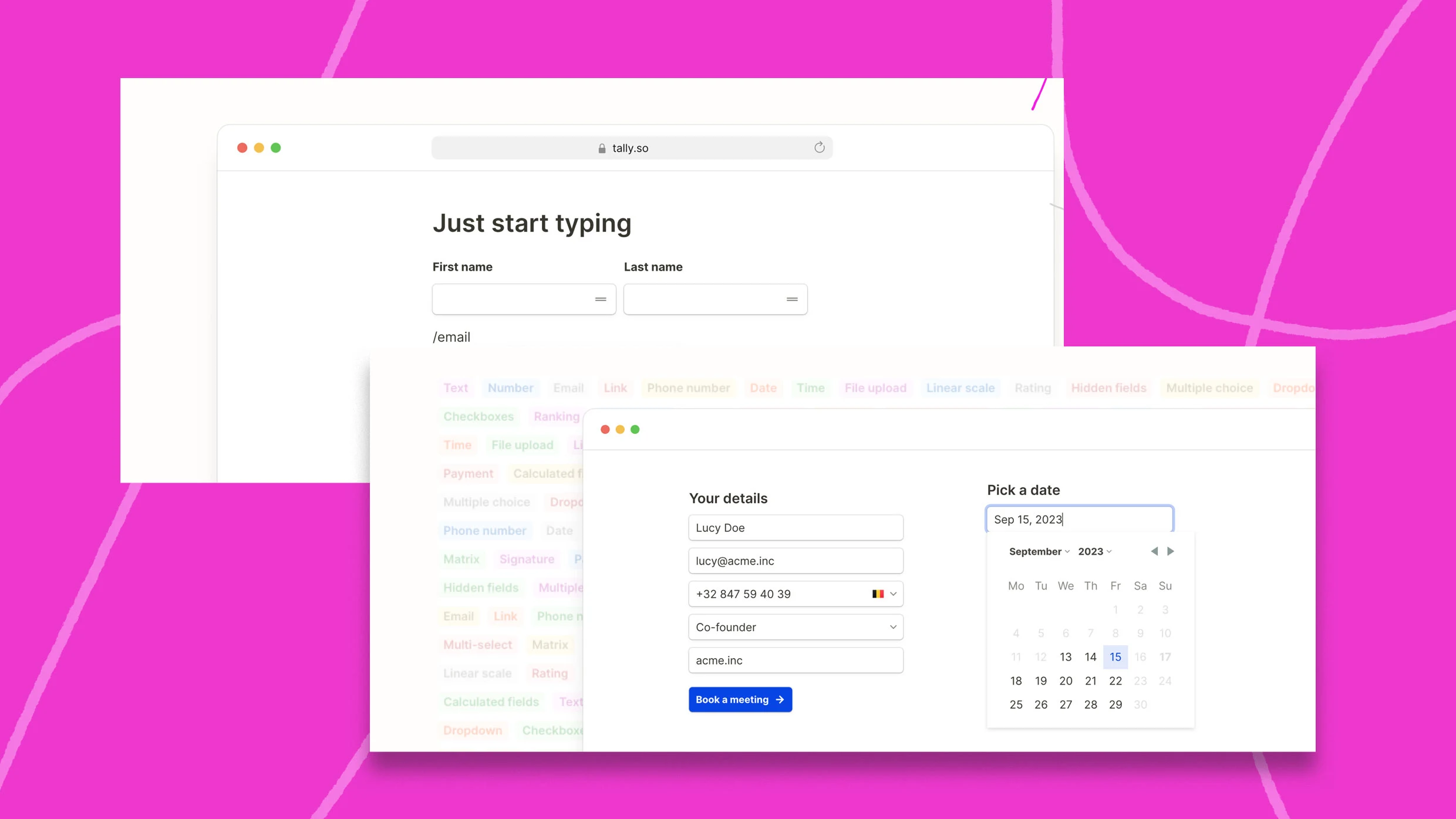
- Easy. No complicated menus or settings. As this 30-second video demo illustrates, you can just start typing on a blank page and press “ / “ to add a question from a list of options. For non-techies it’s easier than Typeform, Survey Monkey or Qualtrics.
- Flexible. Works for any kind of form, quiz or survey. Tally is superb for feedback, market research, even selling something, as in these templates:
- Flexible design. Incorporate video, images or descriptions to create the feel of a readable page that’s less bureaucratic than traditional forms. Add a cover image and logo. The forms look great, like Notion pages. They’re less generically corporate than Microsoft Forms or Google Forms.
- Easily shareable. Email your survey, share a link to it—as I did above—or embed it within a site.
- Connect Tally to other tools. Check a box to easily share whatever data your form collects to Google Sheets, Notion, Slack, or Airtable. These simple integrations help you analyze responses easily.
Tips on creating great surveys
- Shortcut: type “Tally.new” in your browser bar to start a new form, if you’re logged in.
- Aim for 5 to 8 questions. That’s the survey sweet spot requiring just 5 to 10 minutes of a respondent’s time.
- Learn from other good surveys. Check examples of others using Tally, a pack of survey templates for growth, and lessons from newsletter surveys cited by Dan Oshinsky’s excellent Inbox Collective.
- Incorporate conditional logic, sending people to a question based on a prior answer. I tested that in my new Wonder Tools feedback survey above. That ensures people only see questions relevant to them.
- Use AI to categorize or summarize text replies. AI can help spot patterns. That’s useful when you have hundreds of responses to analyze.
- First make a copy of survey data, stripping out names and private info.
- Prompt Claude or ChatGPT for step by step analysis, not all in one shot.
- With Gemini AI enabled in Google Sheets, ask for AI analysis of responses saved in a sheet.
Templates to try
6 steps to implement your survey
1. Pick a template relevant to your project (or start with a blank page).
2. Click “Use this template.”
3. Customize the questions.
4. Grab the link.
5. Share it via email, on social or on a site.
6. Return to Tally to see people’s responses.
What’s new with Tally
- Form Insights. See how many people are accessing your form, where they’re coming from, what devices they’re using, how long they’re spending on your form and where they’re dropping off if they don’t complete your questions.
- Version History. If you’re experimenting with question wording, you can now roll back to prior versions.
- Public API beta. Developers can now build new Tally integrations and automations.
Limitations
- Limited visualization options. For charts or detailed visuals, you’ll need a different tool.
- No AI summaries or adaptation. Google Forms can now summarize responses for you with AI assistance. Tally doesn’t yet have that capability. New tools like Parliant and BetterFeedback can even adapt questions based on prior responses. Typeform AI helps word questions for you.
- No mid-range subscription. You can use most Tally features for free, but the pro price of $29/monthly is a big jump for premium features. These include customized confirmation emails, custom domains, and unlimited team collaboration. You can also accept large file uploads (over 10mb) and remove Tally branding. I’m fine with the free plan, which includes unlimited forms and question types.
Alternatives
Tally has published its own comparisons with other tools. But here’s my take on other good survey tools to consider the next time you’re making a form.
- Free & Fast: Google Forms works with your existing Google account. It’s functional for registration forms or simple feedback surveys, but its features and design have stagnated over the past decade.
- Elegant and Professional: Typeform presents questions one by one, making it less overwhelming for survey respondents than traditional survey tools. It remains superb for multiple reasons. It’s expensive, though, and the advanced features are complex.
- Flexible and Easy: Notion Forms now lets you embed surveys export data to multiple places. They’re more flexible than Survey Monkey or Microsoft Forms, which have the stiff design feel of enterprise tools made for mass-market feedback.
- Premium for Businesses: Jotform is another premium alternative for businesses. You can customize fonts and colors, and integrate a form into your CRM or any database. Or trying make an AI agent.
- For DIY flexibility: Coda works well both for forms and documents. That helps you organize survey responses within existing docs.
- For team productivity: Airtable, like Coda, lets you create forms with responses that flow directly into tables. That helps you sort, filter, analyze and share results efficiently.
- For preference ranking: OpinionX is another specialized survey tool I’ve used and recommend for stack rankings—assessing customer preferences. Ask people to compare a series of paired options to help set priorities.
- Live polling: Slido is what I prefer for quick live polling during events.
This article is republished with permission from Wonder Tools, a newsletter that helps you discover the most useful sites and apps. Subscribe here.
