


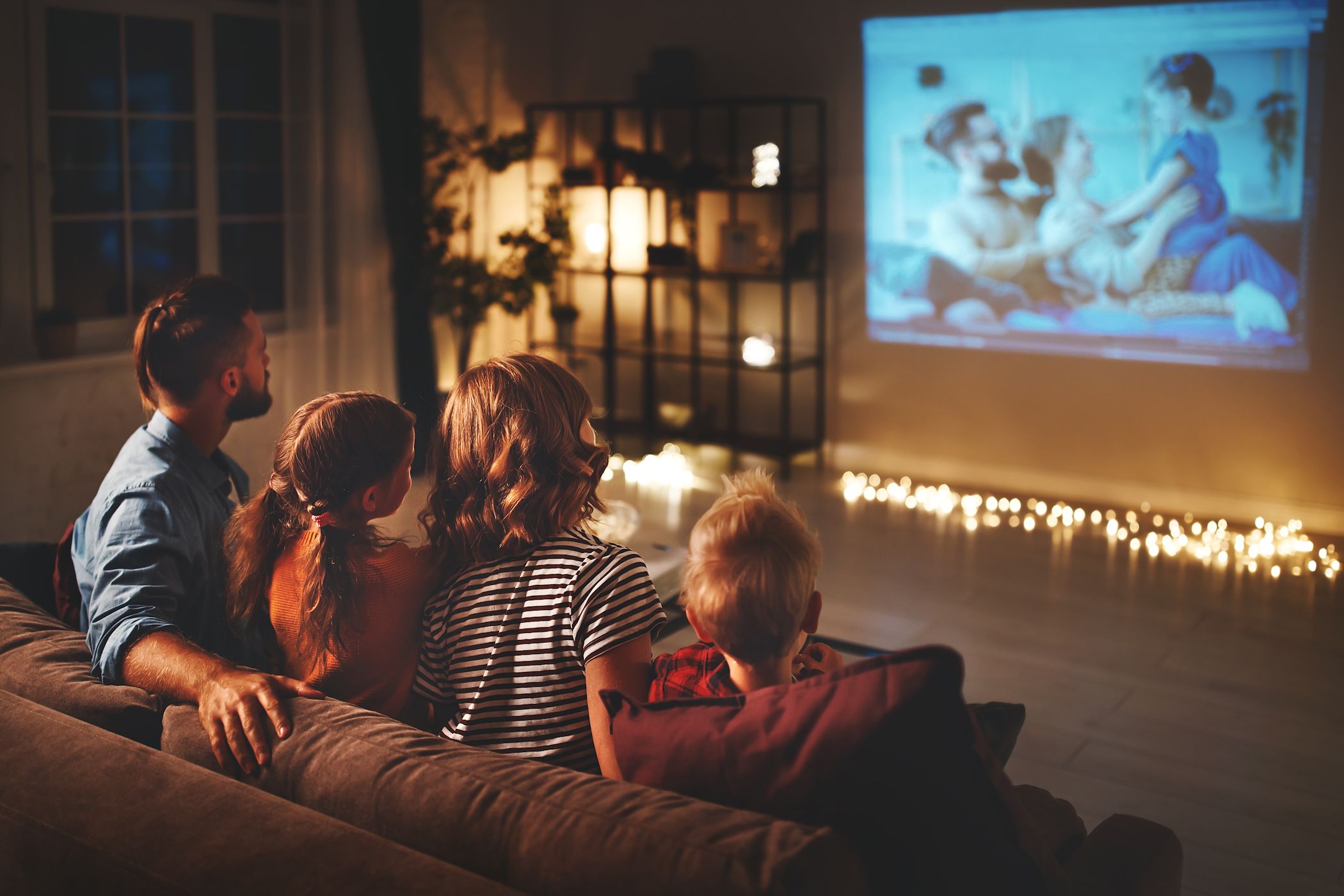
Once every blue moon, I love going to the movie theater to see a blockbuster, and also for the experience. But when you don’t want to leave the house or just have some friends over, there are a few ways to capture the cinematic magic without leaving your living room.
7
Invest in a Big Screen or Projector
James Hirtz / MakeUseOf
When it comes to replicating the theater experience at home, screen size plays a major role. While a standard 55-inch TV works well for casual viewing, it falls short of delivering the immersive, larger-than-life feel you get at the movies. To achieve that sense of immersion, the screen needs to fill more of your field of vision, which is similar to how it does in a cinema.
THX, the well-known audio/visual standards company, recommends a 36-degree viewing angle for optimal immersion without causing eye strain. In practical terms, that usually means upgrading to a 75- to 85-inch TV or opting for a projector system. Projectors, in particular, can recreate a cinematic feel with screen sizes typically ranging from 100 to 120 inches.
If you choose a projector, the screen is just as important as the projector itself. A good projection screen offers significantly better contrast, color fidelity, and image sharpness compared to a plain white wall. For TV setups, OLED or premium LED models are ideal, especially in dark rooms, thanks to their deep blacks and rich, vibrant colors.
6
Upgrade Your Sound System
Jayric Maning / MakeUseOf
Few things kill the movie mood faster than muffled dialogue or action scenes that sound like they’re happening in the next room. Your built-in TV speakers simply aren’t equipped to deliver the kind of immersive, room-filling sound that draws you into the story.
For a true Dolby Atmos experience, three key elements matter: room layout, speaker placement, and equipment that matches your space. That might sound like a big ask, but you don’t have to go full audio geek right away. You can start with a solid Dolby Atmos-enabled soundbar, which can level up your experience in a big way.
Related
How I Upgraded My Home Audio Setup Without Spending Much
You can make your audio so much better, and it doesn’t have to cost a month’s wages.
But if you’re ready to dive in headfirst, the gold standard is a 7.1.4 setup—seven speakers at ear level, four overhead, and a subwoofer to shake the floorboards. Even a classic 5.1 arrangement (front left/right, center, two rears, and a sub) is more than enough to bring your movie watching to life. You’ll hear every whisper, every footstep, and every explosion the way it was meant to be heard.
5
Tweak Your TV Settings
Brady Meyers/MakeUseOf
Most TVs are shipped with default settings tuned for bright retail environments, not the dim, controlled lighting of a home theater. These factory presets often result in overly saturated colors, excessive brightness, and motion-smoothing features that distort the cinematic look.
To get a more accurate and immersive picture on your TV, start by switching to the Cinema or Movie mode. These presets are generally closer to filmmakers’ visual intent. Then, turn off motion smoothing (it could be labeled as “Auto Motion” or “TruMotion,” depending on your TV). That setting tries to smooth out motion, but it ends up making movies look weirdly artificial, like they were shot on a camcorder.
It’s also important to adjust brightness and contrast to match your actual viewing environment. In a dark room, lower brightness settings tend to provide a more comfortable and visually accurate experience. If your TV supports HDR, double-check that HDR mode is enabled and properly configured. When set up correctly, HDR can dramatically enhance color depth and contrast, making movies look truly cinematic.
4
Turn Off the Lights and Block Out Natural Light
The goal is to create a space where your screen is the primary light source, just like in a real theater. The first move is to turn off all room lights during movie time. But to go a step further, consider installing blackout curtains or blinds to block out natural light, especially during a mid-afternoon movie binge.
You should also pay attention to reflected light sources within the room. That lamp in the corner might be off, but if it’s reflecting light from your screen back at you, it’s still creating glare. Try to rearrange or remove anything that’s shining light where it shouldn’t.
3
Add Theater-Style Seating (If You Can)
Bear Sloan / flickr
Comfort is a make-or-break part of the whole home theater movie experience. If you’re constantly shifting around trying to get comfortable, you’re not fully immersed in what’s happening on screen. Everyone should have an unobstructed view of the screen without having to crane their necks or lean around someone else.
For seating itself, recliners specifically designed for home theaters are worth the investment if your budget allows. Look for chairs with cup holders, storage compartments, and motorized reclining functions. Some premium options—like the Valencia Tuscany lineup—even throw in built-in USB ports and subtle LED lighting, because why not lean into the luxury?
If dedicated theater seating isn’t in the cards, work with what you have. Arrange your existing furniture to create the best viewing angles, add comfortable cushions and throw blankets, and make sure everyone has a place to set drinks and snacks without blocking views. A little thoughtful setup goes a long way.
2
Set the Mood With LED Lighting
James Bruce / MakeUseOf
The goal here is to add light without stealing the spotlight. You want ambient lighting that complements the screen, not something that competes with it or washes it out, and that’s where bias lighting comes in. These are LED strips you stick behind your TV or projector screen, and they’re more than just a cool glow. They help reduce eye strain during long viewing sessions and, bonus, they make the blacks on your screen look deeper and more dramatic by boosting contrast.
For the most comfortable vibe, go for warm white LEDs around the 6500K range—something like the Luminoodle USB Bias Lighting you’ll find on Amazon. If you want to take things a step further, you can think about adding dimmable LED strips around the edges of the room or tucked behind furniture. They can double as pathway lights, so people can move around without fumbling in the dark or flipping on that one blinding ceiling fixture. Remember to keep the brightness low and the color subtle. Again, the lighting should support the movie, not upstage it.
Related
Govee TV Backlight 3 Lite Review: This Affordable Ambilight Clone Is Much Better Than Expected
Despite using a webcam on top of your TV, this sub-$100 TV backlighting kit is virtually indistinguishable from an original Ambilight.
1
Opt to Play Blu-ray Movies
Primestock Photography / Shutterstock
In our streaming-dominated world, it might seem old-fashioned to suggest physical media, but Blu-ray discs still offer the highest quality movie experience you can get at home. Streaming services compress video and audio to save bandwidth, which means you’re not getting the full quality that filmmakers intended.
Related
Why It’s Still Worth Buying Blu-rays in 2025
I’m still all in on physical media, and Blu-ray is an excellent option.
4K Blu-ray discs provide uncompressed video with higher bitrates than any streaming service can match. The difference is most noticeable in action scenes with lots of movement, where streaming compression can create artifacts and softness that Blu-ray handles cleanly. If you don’t own a Blu-ray player, you can consider a gaming console like the PlayStation 5, which doubles as a solid Blu-ray player, among several other uses beyond gaming.
Audio quality also stands out in Blu-ray. Lossless audio formats like Dolby TrueHD and DTS-HD Master Audio deliver every nuance of the soundtrack without the compression artifacts you get from streaming. If you’ve put money into a good sound setup, this is where it really starts to earn its keep. Beyond the technical advantages, there’s something satisfying about the ritual of selecting a disc, seeing the studio logos, and watching trailers, which all contribute to creating that special movie atmosphere.
You’ve got the screen, the sound, the lighting, and the atmosphere, but don’t forget the viewing rituals that complete the experience. Silence all phones, keep conversation to a minimum, and avoid hitting pause unless absolutely necessary. And of course, don’t forget to grab some popcorn (air-popped or drenched in butter—I’m not judging), something to sip on, and let yourself sink into the movie.
