


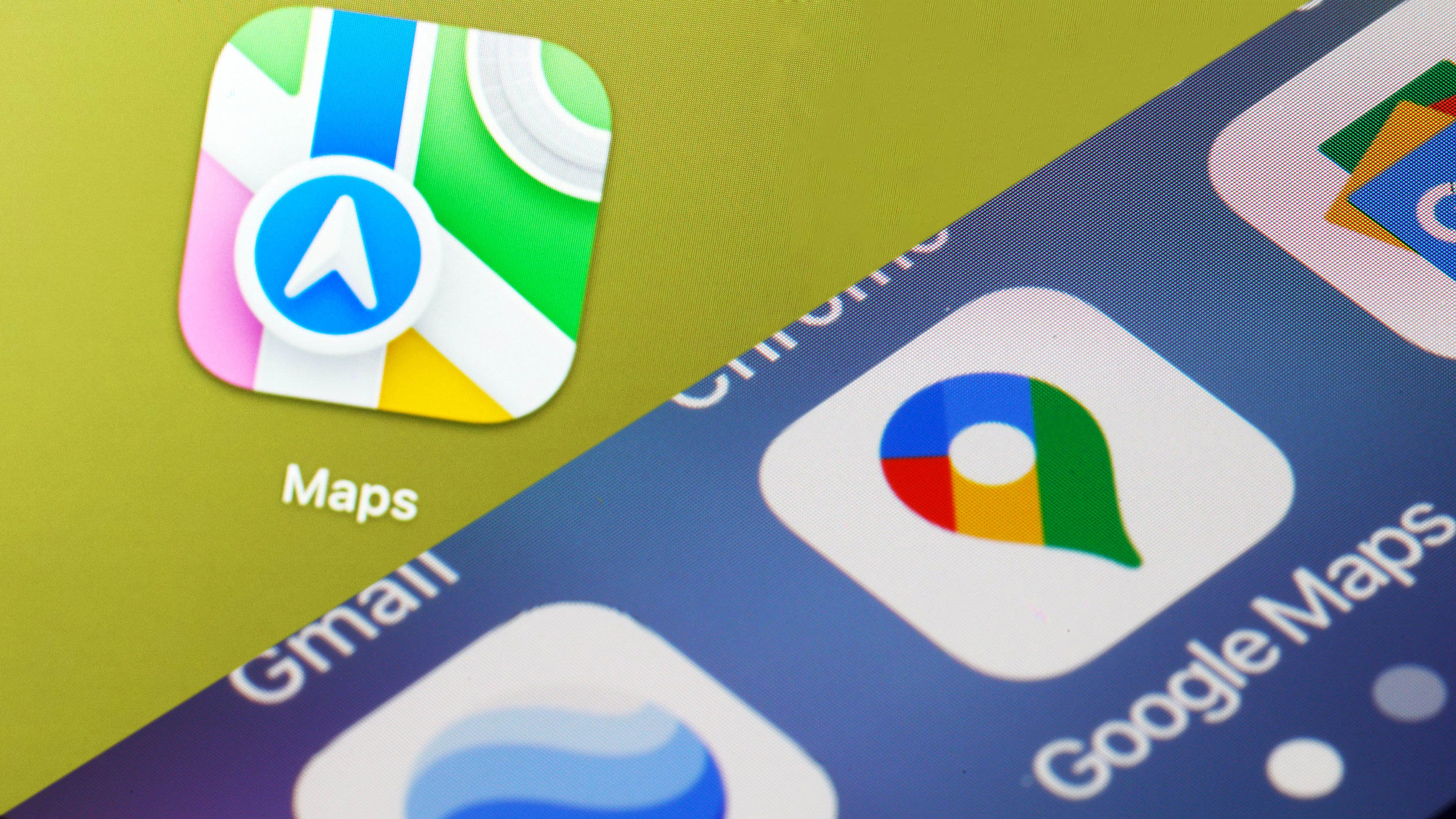
In June, Google released its newest smartphone operating system, Android 16. The same month, Apple previewed its next smartphone operating system, iOS 26. The new OSes are packed with exciting features, yet each still fails to address a particular pain point that their users have had for years concerning two of the platforms’ most-used apps: Apple Maps and Google Maps.
Specifically, there is still no easy way to transfer saved map data from one app to another. This ends up locking users into one mapping platform, which is good for the two tech giants involved, but bad for individuals who want more control over their data.
However, all is not lost, and if you do wish to transfer your data between Apple Maps and Google Maps, there is a (time-consuming) way to do it. Here’s what you need to know.
It’s absurd that Apple Maps and Google Maps don’t play nice together
I’m a big fan of both Apple Maps and Google Maps. Apple Maps has made significant progress in recent years to rise to the level of Google Maps, the current king. Google Maps still has better point-of-interest data (i.e., business information, such as live foot traffic data) and considerably more contextual data about a location, thanks to its crowd-sourced reviews and photos, but Apple Maps has surpassed Google Maps in several areas. Its strengths include a less cluttered interface and a more visually appealing map design than Google Maps’s.
The fact that each mapping app has different strengths is the reason that I, like many others, switch between them. However, unlike other competing apps the two companies make—email clients, photo apps, address books, and web browsers—I can’t easily transfer the data I’ve created in Apple or Google Maps (in this case, hundreds of saved locations I’ve bookmarked over the years) to the competing app.
I see no good reason for this lack of functionality, other than to bind a user to a specific mapping platform. After all, when you save a location in Apple Maps or Google Maps, you’re simply telling the app to remember a location—an address. This address can be easily processed by any mapping platform. Indeed, it’s what these platforms are designed to do. That’s why it’s so ridiculous that neither mapping app has the simple “transfer your saved locations” feature that allows the porting of data from one to the other.
Still, at least there is a workaround.
Here’s how to transfer your saved locations between Apple Maps and Google Maps
If you do want to transfer your saved locations from Apple Maps to Google Maps, or vice versa, you can. It will just require some tedious manual labor on your part.
Here’s the best way I’ve found to transfer my saved locations from one mapping app to another. (Note: as always, before performing any kind of data transfer, you should always back up a copy of that data first for safekeeping.)
From Google Maps to Apple Maps:
- Go to takeout.google.com. This is the Google tool that lets you download your Google data.
- Select “Maps (your places)”, then click “Next Step”, and then “Create Export.” Google will email you a link when your saved places are ready to download.
- Open the downloaded “takeout” ZIP file.
- Now, open the “Saved Places.json” file inside. Clicking on it should open the file in a web browser.
- Every saved location you created in Google Maps will appear in the JSON file, in a slightly unusual format. Each entry will list the coordinates, Google Map URL, address, country code, and name of the establishment.
- Now comes the tedious part. Open up Apple Maps and either copy the name of the establishment or its address into the search field in the Apple Maps app.
- Now, click the + button in the address or business listing in Apple Maps to save the location in the app.
Repeat this process for every saved listing in the JSON file. Be aware that it could take hours, or even days, depending on the number of saved places you have.
From Apple Maps to Google Maps:
Unfortunately, porting your saved locations from Apple Maps to Google Maps is a bit harder because there is no way that I’ve found to generate a list of all your saved places. That means you’re facing even more manual work if you want to move your data from Apple Maps to Google Maps.
- Open Apple Maps.
- Tap your profile photo.
- Tap Library.
- Tap Places.
- Tap on a saved location.
- On the location’s information sheet, scroll down and copy the location’s address. Alternately, copy down the location’s name.
- Now open the Google Maps app and paste the copied address or the location’s name in the search field.
- When you find the location in Google Maps, tap on its listing and then tap the Save button.
Tedious, right?
Pro tip: After completing either one of these manual saved location transfers, it’s probably a good idea to get in the habit of bookmarking a saved location in the other mapping app when you save it in one.
Why can’t I easily swap my data between Apple and Google Maps?
I asked both Google and Apple why they don’t allow users to easily export their saved locations from their respective mapping apps into a competitor’s, and why they don’t permit users to import a list of saved locations into their mapping apps.
Neither provided an answer. Apple simply confirmed that users cannot export their saved places in Apple Maps, and mentioned that users can share individual saved locations with others. Google directed me to its Takeout feature and explained that users can import locations saved from other apps into a “Google My Maps” layer, which isn’t part of the main Google Maps app that users see when they open the app. In other words, Google allows users to import saved locations into a new layer, but those locations won’t appear on the default map they use every day.
It’s absurd in 2025 that there’s still no simple way to share saved locations between the world’s two biggest mapping platforms. Switching from one mapping service to another should be as straightforward as changing web browsers. Just like I can easily export bookmarks from Safari and import them into Chrome, I should be able to do the same with my saved maps data. Hopefully, both Apple and Google will fix this issue in the future. Until then, adventurous users with time on their hands can try the manual steps outlined above.
The super-early-rate deadline for Fast Company’s Most Innovative Companies Awards is Friday, July 25, at 11:59 p.m. PT. Apply today.
