


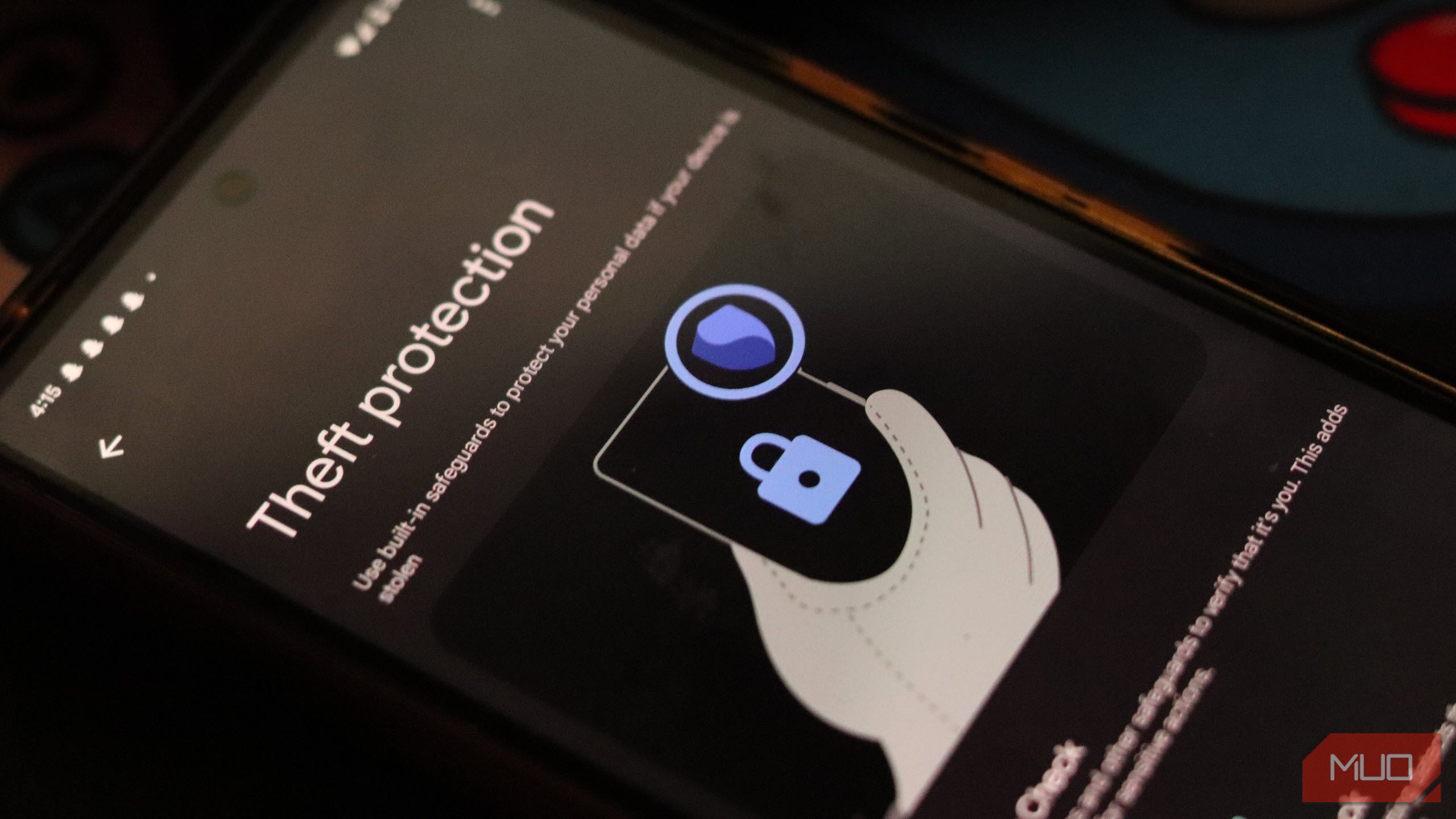
With every Android update, Google adds a host of new features and optimizations to the platform. And while Android 16 hasn’t introduced any major changes (yet), it does bundle several important new security features that you should take a look at ASAP.
What Is Advanced Protection in Android 16?
Sanuj Bhatia / MakeUseOf
With Android 15, Google added several new security features to its operating system, including new Android anti-theft tools and on-device spam detection for Pixel phones—but these were buried deep in the settings and thus hard for most people to find. Android 16’s Advanced Protection Mode brings all those features (plus a few more) to the forefront.
When this mode is enabled, your Android device enters a high-security mode: USB access is blocked when locked, scam detection is enhanced, app installs from unknown sources are prevented, older networks like 2G are disabled, and even your browsing becomes more secure with HTTPS enforced across the board.
This setup protects you from targeted attacks, harmful apps, online threats, and data risks, with every layer working quietly in the background. While this may seem slightly exaggerated—Google says this feature is built for high-risk users like journalists, politicians, and activists—average folks can still benefit from these privacy settings.
How to Enable and Use Advanced Protection on Android
Enabling Advanced Protection on Android 16 is straightforward and only takes a minute:
- Make sure your device is updated to Android 16. You can check your phone’s software version by going to Settings > About phone > Android version.
- In the Settings app, go to Security & privacy.
- Scroll down and tap Advanced Protection.
- Toggle the switch to enable the mode.
- Restart your device when prompted to activate all protections.
Once enabled, your Android device goes into full security and privacy mode. In addition to activating anti-theft features and Google’s on-device protection against spam and fraud, it also disables sideloading of apps on your device. It enables Google Play Protect if it was disabled, since one of the main malware-spreading threats on Android is through sideloaded APKs—this one setting puts a hard stop to that.
It also won’t allow a factory reset unless the device is unlocked first or 72 hours have passed, making stolen phones far less valuable to thieves. USB connections to computers or external drives are blocked unless the phone is unlocked.
However, the best part about Advanced Protection Mode is that it runs quietly in the background without slowing down your phone or bombarding it with alerts. It simply locks in some of the best protections Android already had—plus a few new ones—and ensures they stay on, no matter what.
Other Key Security Features to Enable Right Now
If you don’t want to enable Advanced Protection Mode but are still interested in taking advantage of some of its features, you should know about a couple of new security tools Android 16 adds to your device.
Scam Detection
Scams and fraud are getting increasingly smarter. Thankfully, detection in the Messages and Phone apps is now stronger than ever in Android 16, with new on-device AI models that flag suspicious texts and robocalls before they appear on-screen. The system can even filter out these messages and calls automatically, reducing the risk of accidentally tapping something malicious.
Google Play Protect
Android’s built-in Play Protect has also received a major upgrade. It can now perform real-time scanning of apps during installation (even sideloaded ones) and can flag apps that misuse sensitive permissions. All of this happens locally, so your data isn’t sent to the cloud to check for malware.
Hannah Stryker / MakeUseOf
Android 16 Prevents Sensitive Info From Showing on Your Lock Screen
Another key upgrade in Android 16 is how it handles one-time passwords (OTPs). These are part of nearly every login or payment flow these days, but instead of displaying them on the lock screen right away, the system now uses contextual intelligence to decide when it’s safe to show them.
If your phone’s been locked for a while or is offline, sensitive messages like OTPs and banking alerts are hidden automatically. You’ll thus need to unlock the device to view them.
More Secure Mobile Network Settings
Mobile network settings have also been revamped. Android 16 now includes alerts for fake cell towers (often called Stingrays or IMSI catchers) that can intercept calls or texts. In addition, you can manually disable the 2G network on your phone to reduce exposure to outdated, insecure network protocols. It’s buried in the Safety Center, but it’s a worthwhile switch to flip.
While Android 16 may not have delivered the major features we were hoping for overall, it brings a significant under-the-hood upgrade for privacy and security. But that’s not all. Google is also working on a major new UI refresh for Android 16 with Material 3 Expressive, which is expected to roll out with the next Android 16 update alongside the Pixel 10 series launch in late August.
