


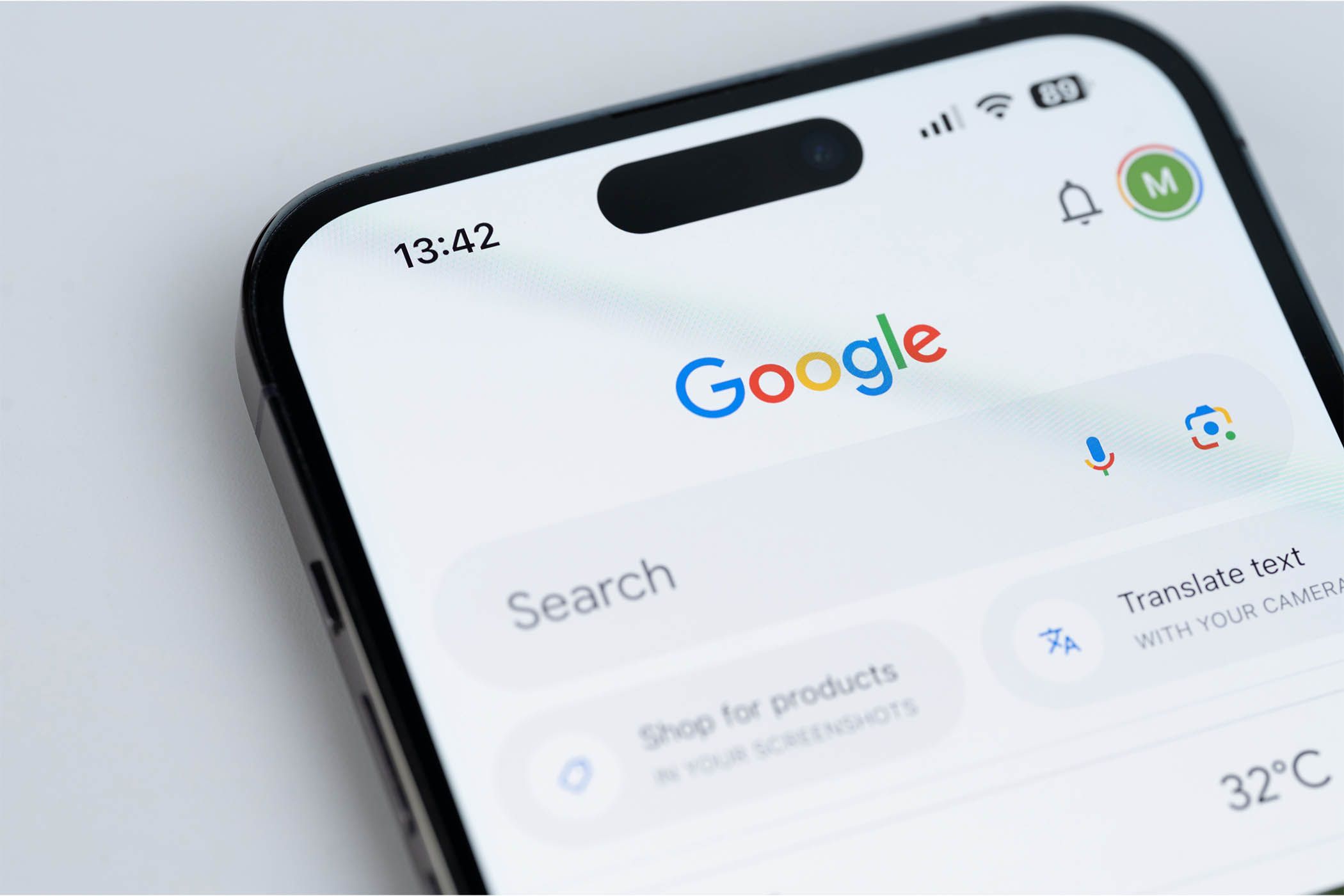
Though I love Apple’s devices, I find the company’s apps to be hit or miss. When some of the big apps on my iPhone weren’t meeting my needs, I switched them to Google tools instead, and the results were spectacular.
Which Apps Did I Replace on My iPhone?
I replaced most of the major Apple tools with equivalent Google apps; the biggest one was switching out Apple Notes for Google Keep. In addition, I changed Safari for Google Chrome; Safari needs to fixed a lot of issues, so this was an easy choice.
Other apps I replaced were:
- Google Photos instead of the iOS Photos app
- Gmail instead of Apple Mail
- Google Tasks instead of Reminders
- Google Maps instead of Apple Maps
The only standout app I didn’t replace was Messages, as I rarely use it (and you can’t truly replace it with another SMS/RCS app on iPhone anyway). Most of the time, I message people via WhatsApp, regardless of whether they have an iPhone. Replacing my Apple apps with Google ones provided numerous benefits, which is why I don’t regret switching.
A Better In-App Experience
By far the biggest advantage of switching to Google apps was that I had a much better time actually using the apps. For the most part, I prefer the UX in tools like Google Tasks compared to their Apple counterparts.
The biggest example of this is Apple Maps vs. Google Maps. For me, Google Maps is infinitely easier to use and more accurate in its directions. I’d be lost without Google Maps, so the app has become indispensable on my phone.
Gmail is another example. Despite significant improvements since 2022, I still won’t use Apple Mail. One of many reasons why is that I experience more glitches with the tool, especially on my iPhone, compared to Gmail.
Though I think Apple is much better than Google at creating devices and the OSes they run, Apple still—in my opinion—lags in app design.
Easy Use Across All My Devices
While I’m largely in the Apple ecosystem, Google apps offer a better cross-device experience. For example, I sometimes work from library computers when I don’t want to carry my laptop with me. These often run on Windows, making it impossible to access many Apple tools from the device (at least their fully-featured versions).
With Google apps, I can easily access most tools across all platforms. I just need to go to the web version and sign in with my Google account; this is the case for Gmail and Google Photos. For others, such as with Google Maps, I can use these tools without even signing in.
While I can use Apple Maps without signing in as well, the web version is in beta at the time of writing. Moreover, it’s not on the same level of sophistication as Google Maps. If I ever chose to leave the Apple ecosystem, it’s nice to know I wouldn’t have to restart my apps from scratch.
More Features
Many of Apple’s apps do the basics well enough, but they often seem like they’re a work in progress. To a point, this is fine, as you have to build slowly over time. But many tools feel less complete than their Google equivalents. After replacing my major iPhone apps with Google ones, I saw this with full clarity.
Apple Mail is a good example. While it technically has a segmentation feature, it’s not as good as Gmail’s. Apple Reminders is another one: in Google Tasks, I can mark important tasks as Starred. I don’t have this option in Reminders.
I don’t think more features are automatically a benefit, as they can sometimes be gimmicky. However, for many of the Google apps I use, this is not the case—the added features are welcome.
Google Drive Integration
Google Drive is my favorite cloud tool; I love it so much that I have separate accounts for work and home to keep everything better organized. I use the software to store articles I write, photos I take, and various other documents I imagine will be useful at some point.
Yadullah Abidi / MakeUseOf
All the Google apps I use integrate well with Google Drive, meaning I can easily access them whenever I need. I also find Google Drive’s organization and interface much cleaner than iCloud, and thanks to this, I feel less overwhelmed when using the app.
I Saved on iCloud Storage
When I primarily used Apple tools, I used significant iCloud storage and needed to upgrade—Apple Photos was the biggest culprit. After switching to Google apps, I was able to downgrade to the lowest paid iCloud plan.
My content was available in Google Drive instead, which has a higher free storage allowance than iCloud. Because of this, it was easier to audit the iCloud settings that were eating up my storage and only pay for what I needed.
Are There Any Apps I Wouldn’t Replace?
While I prefer Google apps in most cases, I still think a few of Apple’s are better. For example, FaceTime is the best video calling app for me. I couldn’t get on board with Google Meet, and it’s hard to convince others to use it since most of my friends and family largely use it for work.
I also wouldn’t fully replace the Messages app. Google Chat doesn’t serve the same purpose, in my opinion. Having tried Google Calendar, I also still prefer Apple Calendar on my iPhone, even though both apps are great. I like Google Calendar on my computer more than its Apple counterpart, so it can also depend on the device.
