

Close Menu
TechurzTechurz
    What's Hot

    Asian AI startups launch Mythos-like models as Anthropic’s export ban drags on

    June 27, 2026

    Corgi, the buzzy Y Combinator-backed insurance tech startup, says it didn’t steal an open source product

    June 26, 2026

    OpenAI poaches Uber India chief to lead its biggest market outside the US

    June 26, 2026
    X (Twitter) Pinterest YouTube LinkedIn WhatsApp
    Tech Pulse
    • Asian AI startups launch Mythos-like models as Anthropic’s export ban drags on
    • Corgi, the buzzy Y Combinator-backed insurance tech startup, says it didn’t steal an open source product
    • OpenAI poaches Uber India chief to lead its biggest market outside the US
    • Early Bird pricing ends tonight for Founder Summit
    • Robotaxis drive miles just to get cleaned and charged; this new startup wants to fix that
    X (Twitter) Pinterest YouTube LinkedIn WhatsApp
    TechurzTechurz
    • Home
    • Tech Pulse
    • Future Tech
    • AI Systems
    • Cyber Reality
    • Disruption Lab
    • Signals
    TechurzTechurz
    Home - Guides - You Can Finally Filter Ads on Your Kindle Lock Screen
    Guides

    You Can Finally Filter Ads on Your Kindle Lock Screen

    TechurzBy TechurzJuly 11, 2025Updated:May 12, 2026No Comments3 Mins Read
    Share Facebook Twitter Pinterest LinkedIn Tumblr Reddit Telegram Email
    You Can Finally Filter Ads on Your Kindle Lock Screen
    Share
    Facebook Twitter LinkedIn Pinterest Email


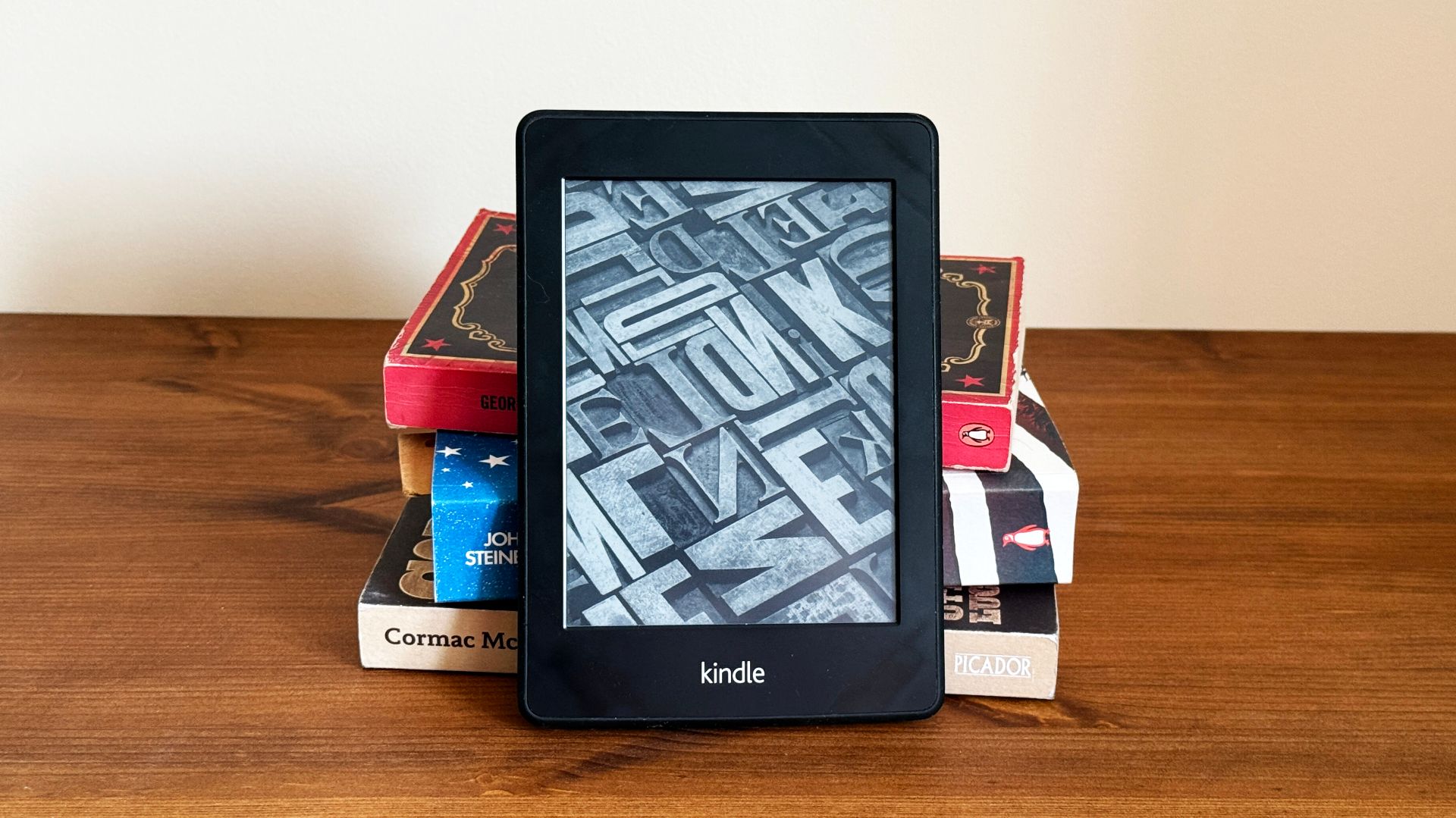
    Have you ever wished you could filter and clean up all those ads on your Kindle e-reader lock screen? Amazon is constantly updating its popular line of Kindle products, and the latest Kindle update, version 5.18.3, lets you do exactly that.

    Many people with Kindles opt for an ad-supported version to save a little money, but that means there are all sorts of personalized and regular ads on the lock screen. While that’s fine, and you chose that option, sometimes those ads are a bit inappropriate, especially for kids. Now there’s finally a way to regain control and clean up your Kindle.

    Related

    Jailbreaking My Kindle Was Easier Than I Expected

    Take control of your Kindle.

    For example, if you read a lot of hot and steamy romance novels, like some authored by Colleen Hoover, your Amazon Kindle may eventually start showing personalized ads for other romance novels with cover art that isn’t all that appropriate. Furthermore, those ads can serve all sorts of things based on your reading and browsing history.

    Amazon constantly updates the software on its Kindle e-readers, but the changelogs and release notes are usually blank. While the latest Kindle software 5.18.3, didn’t mention it, there’s a new setting you can use to clean up your lock screen. Amazon now allows for ad filtering, and it only took them over a decade.

    How to Filter Ads on Your Kindle Lock Screen

    If you’re looking to filter away some of those slightly inappropriate ads on your Kindle, the process is relatively simple, as long as you’re on the latest software and have a compatible device. For now, these settings are available on Kindle Scribes, Kindle Colorsoft, Kindle Paperwhite, and the 11th and 12th gen basic Kindle.

    Turn on your Kindle and go to Settings > Your Account > Lockscreen Ads to get started. You’ll now see two filter options. The first one is personalized ads, which will serve up ads based on your browsing and purchase history. Flip the toggle off.

    The second option is more specific, and it sets a filter for inappropriate content. The Kindle software states that it will “hide ads that may not be appropriate for everyone.” Turn on that second setting, and you’re all set.

    Users have been talking about age-appropriate ads for years, and now there’s finally a way to get rid of stuff. Keep in mind that this might not stop everything from getting through, but it should clean things up a bit. You’ll still get ads on the home screen, but they’ll be more PG and G-rated. It’s still up to Amazon to decide what content is safe, but things should certainly be better than before.

    Additionally, owners can always pay to remove all of these ads. Amazon offers a one-time $20 charge to completely remove Kindle ads from the lock screen, screensavers, and similar areas. And in case you didn’t know, earlier this year, Amazon added a tap gesture to the back of the device that makes it easy to turn pages. Give it a try.

    Source: The eBook Reader via Android Police

    ads Filter finally Kindle lock Screen
    Share. Facebook Twitter Pinterest LinkedIn Tumblr Email
    Previous Article4 days until TC All Stage in Boston and the lowest ticket prices vanish
    Next Article 5 Big EV Takeaways From Trump’s ‘One Big Beautiful Bill’
    Techurz
    • Website

    Related Posts

    Opinion

    Maka Kids is redefining kids’ screen time with a streaming app optimized for well-being, not engagement

    May 21, 2026
    Opinion

    Investors back Skye’s AI home screen app for iPhone ahead of launch

    April 27, 2026
    Opinion

    Littlebird raises $11M for its AI-assisted ‘recall’ tool that reads your computer screen

    March 23, 2026
    Add A Comment
    Latest Tech Pulse

    College social app Fizz expands into grocery delivery

    September 3, 20252,290

    SolarSquare in talks to raise up to $60M as India’s rooftop solar market draws major VC interest

    May 23, 202622

    Future of Digital Privacy and Security: 7 Truths Nobody Tells You

    May 25, 202619
    Stay In Touch
    • YouTube
    • WhatsApp
    • Twitter
    • Pinterest
    • LinkedIn

    Techurz helps readers stay ahead of digital change with clear, practical, future focused technology intelligence written today,searched tomorrow.

    X (Twitter) Pinterest YouTube LinkedIn WhatsApp
    Company
    • About Us
    • Contact Us
    • Our Authors / Editorial Team
    • Write For Us
    • Advertise
    Policy
    • Editorial Policy
    • Privacy Policy
    • Terms and Conditions
    • Affiliate Disclosure
    • Cookie Policy
    • Disclaimer
    • DMCA
    Explore
    • AI Systems
    • Cyber Reality
    • Future Tech
    • Disruption Lab
    • Signals
    • Tech Pulse
    • Sitemap

    Join the Techurz Brief

    The future does not arrive suddenly.
    Stay ahead with fast, sharp tech signals.

    Type above and press Enter to search. Press Esc to cancel.