


You probably don’t think much about your smart TV beyond what you’re watching. But if it has a camera, you might want to give it a second thought. Like any internet-connected device, just because you’re not actively using the camera doesn’t always mean it’s inactive.
Your Living Room Is a Goldmine of Private Info
Ground Picture/Shutterstock
Take a moment to imagine what your smart TV with a camera sees. It’s pointed directly at the space where you relax, hang out with family, entertain guests, and maybe even work from home. If that camera is active without your knowledge, it could be silently recording personal moments you’d never want shared.
To further put things into perspective, your TV camera can glimpse financial documents on your coffee table, see who comes and goes, pick up on what brands you use, or even notice that expensive tech setup in the corner. In the wrong hands—whether it’s a hacker, a rogue app, or an overreaching data policy—that footage could be used to build a surprisingly detailed profile about you.
Worse yet, you may not even realize your TV has a built-in camera. On many models, the camera is subtly embedded above or below the screen, so discreet that you’d probably miss it unless you’re actively looking. A closer inspection or a peek at your TV’s manual or settings should tell you for sure. And if it turns out your set does come with a built-in camera, it’s totally fair to wonder: what’s it even there for? Some TVs use it for stuff like video calls, facial recognition, or waving at the screen to change the volume—but to be honest, most of us never touch those features anyway.
Yes, Your Smart TV Camera Can Be Hacked
If the thought of someone spying on you through your TV sounds a bit of sci-fi, well, it’s actually not that far off. Back in April 2017, WikiLeaks dropped a bombshell with its sixth “Vault 7” release, called “Weeping Angel” (named for a monster in the TV show Doctor Who). It was a joint creation by the CIA and Britain’s MI5, designed to hijack early smart TVs and turn them into covert surveillance tools. This revelation showed that even government agencies were actively developing tools to spy on people through their televisions.
It even goes beyond spy agencies. In 2018, Consumer Reports discovered that smart TVs from brands like TCL, Samsung, and others that use the Roku TV smart-TV platform could be remotely manipulated to change channels, adjust volume, and even install apps—all happening without the owner having a clue.
Related
12 Ways Hackers Can Attack and Take Control of Your Smart TV
Your smart TV is just another computer connected to your network, and there’s a good chance it’s not a well-protected one.
Fast-forward a few years, and researchers at Bitdefender uncovered fresh vulnerabilities (CVE-2023-6317 through CVE-2023-6320, if you like technical receipts) in LG smart TVs running webOS 4 to 7. These flaws could let someone bypass all security and take full control of the device.
The FBI also chimed in with a warning about risks related to smart TVs in 2019. According to Business Insider, the risks ranged from prank-level annoyances like forced channel changes to far more sinister stuff, like bad actors hijacking your TV’s camera and mic to spy on you at home.
When federal law enforcement agencies issue warnings about your TV, it’s time to take the threat seriously.
So, How Do You Know if Your TV Is Compromised?
jullius / Shutterstock
Smart TVs don’t exactly scream when something goes wrong, but they do sometimes whisper. If your camera light turns on unexpectedly or stays on longer than usual, that’s a big red flag. The same goes for sudden performance slowdowns, apps opening on their own, or the TV turning itself on or off.
You also want to keep an eye out for mystery apps. If something unfamiliar pops up on your home screen or tucked away in your app list—and you know you didn’t install it (and no one else fesses up to it)—that may be a strong clue that someone or something may have remote access to your TV.
Another subtle sign is seeing a spike in data usage from your TV, even when you’re not streaming anything. That could mean something (or someone) is using it to send or receive information in the background.
These signs don’t always confirm an intrusion, but if something feels off, it’s worth investigating further. Regardless, one simple precaution can go a long way—and it’s one you can take right now.
Covering Your Smart TV’s Camera Is the Easiest Fix
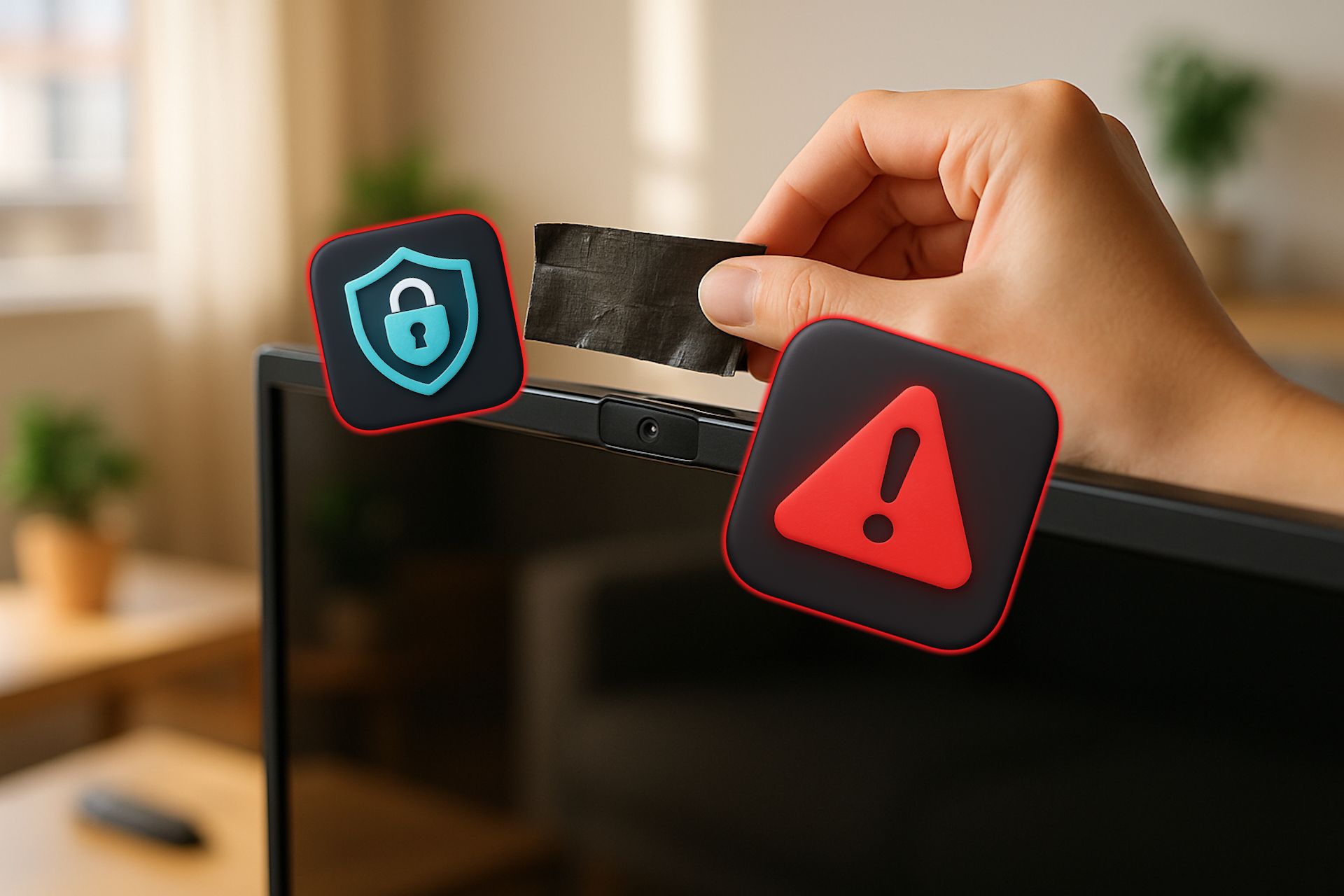
The easiest way to prevent your TV from seeing what you’re up to is to cover the camera. Unlike software-based protections that can be bypassed or become outdated, a physical barrier is foolproof. It doesn’t require updates, won’t slow down your TV’s performance, and costs virtually nothing. It’s the one method that can’t be remotely defeated.
A piece of opaque tape, a Sliding Webcam Cover, or even a sticky note will do the trick, all of which you can find on Amazon for under $5. Many people already do this with their laptops and tablets, so don’t feel weird slapping one on your smart TV, either.
Unlike your phone or computer, your TV’s camera probably isn’t something you rely on daily or even weekly. So, keeping it covered won’t mess with anything. And if someday you really do need it (for a video call, maybe, or some rare gesture control), you can just peel it back.
Other Tips For Locking Down Your Smart TV’s Privacy
Covering the camera is a great first step, but there’s more you can do to keep your smart TV from becoming a privacy liability. Start by reviewing your TV’s privacy settings and disabling features you don’t use, particularly voice recognition, automatic content recognition (ACR), and any data-sharing agreements with third parties. Most smart TVs collect viewing data by default, so you’ll need to opt out of these programs actively.
Keep your TV’s firmware updated, as manufacturers are likely to release security patches for newly discovered vulnerabilities. Enable automatic updates if available, and periodically check for manual updates if not.
If your smart TV is connected to the same Wi-Fi network as your phone, laptop, and other gadgets, there’s a bit of a risk lurking in the background. If the TV ever gets compromised, it could, in theory, be a stepping stone to infecting other devices connected to that same network. So, you should consider placing your TV on a separate network segment or guest network to isolate it from your more sensitive devices. Or, if you rarely use the “smart” features, you could just skip the internet connection altogether.
Related
Here’s Yet Another Reason Not to Connect Your Smart TV to the Internet
Owning a smart TV is a tiring, privacy-invading process.
Also, it’s worth being a bit picky about the apps you install. Stick to the official app store that comes with your TV and steer clear of sketchy third-party sources. They might seem harmless, but they can easily open the door to privacy and security headaches you didn’t sign up for.
These steps don’t require you to be a tech wizard. Just a few minutes of effort can dramatically improve your smart TV’s privacy.
You wouldn’t leave your front door unlocked just because it’s easier. The same thinking should apply to your smart TV. It might look harmless, but it’s a window into your most private spaces—and keeping that window shut is easier than you might think.
