


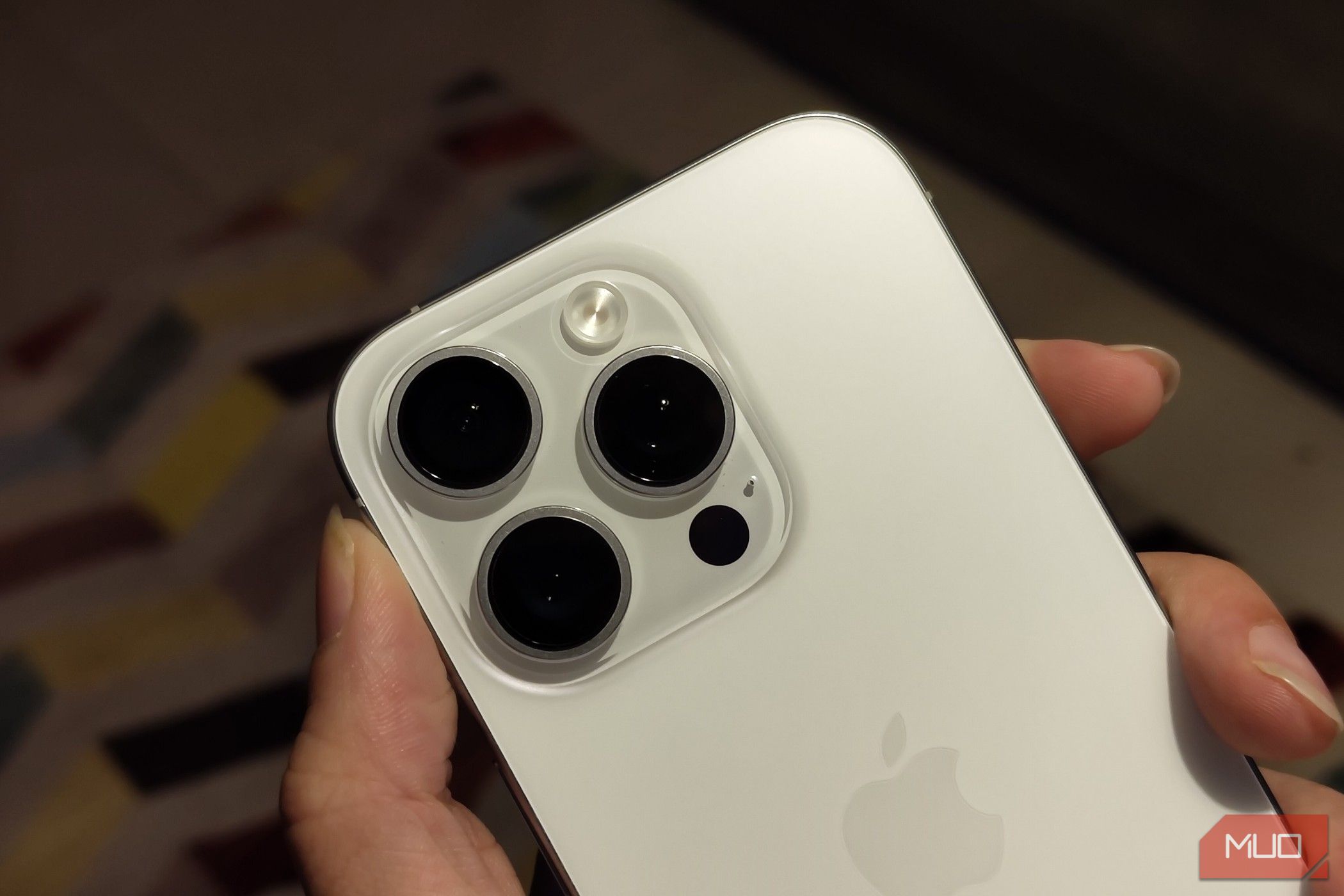
While our phones’ screens are their main draw, phone backs have many tricks of their own. In fact, you have plenty of reasons to look at the back of your phone other than cleaning fingerprints.
7
Turn It Into a Secret Button
If you’re using a modern iPhone (iOS 14 and up), you can double- or triple-tap the back of your phone to perform all sorts of actions, like taking a screenshot, opening the camera, muting your phone, launching an app, or even running a Shortcut. This feature is called Back Tap, which you’ll find under Settings > Accessibility > Physical and Motor > Touch.
Not all Android phones have this built-in, but Pixel devices running Android 12 and above offer a similar feature called Quick Tap (which you’ll find under Settings > System > Gestures > Quick Tap). Just like on iOS, you can assign a double tap on the back to trigger actions like launching an app, toggling the flashlight, or pausing media.
Samsung phones don’t offer this feature natively within One UI, but you can replicate the secret button using RegiStar, a free module available via Samsung’s Good Lock app. For other Android phones, if you’re willing to root, you can use Tap, Tap from GitHub to get that same double-tap feature. It includes plenty of customization options to tweak it to your liking.
6
Wirelessly Charge Other Devices
James Bruce / MakeUseOf
If your phone supports reverse wireless charging, it can double as a mini power bank using its back. Many Android phones have this built-in; we’ve shown how to use reverse wireless charging on the Samsung Galaxy S10 and up, for example. The Pixel 8 Pro, plus a few Huawei and Xiaomi models, also support it. The feature can go by different names depending on the brand: “Wireless PowerShare,” “Battery Share,” or similar.
On a supported Android phone, turning this feature on is usually a quick toggle in the settings. Once it’s enabled, place the other device (phone, earbuds, smartwatch, etc.) on its back, neatly centered. Within a few seconds, you should see a charging indicator pop up. Both devices need to support Qi or Qi2 wireless charging, which is essentially the universal language for this kind of tech.
That said, there are a few caveats. Reverse charging is slower than plugging in with a cable, so don’t expect a rapid boost. Most phones will automatically stop charging the other device once the “host” device’s battery drops below a certain point (often around 30%)—this makes sure you’re not sacrificing your phone’s power in the process.
iPhones don’t officially have this tech yet, but rumor has it that Apple might finally bring it to the iPhone 17 Pro, at least according to tipster Instant Digital (via MacRumors). Fingers crossed.
5
Make Payments
AnnaStills/Shutterstock
Thanks to the NFC (Near Field Communication) chip typically tucked into the back of your phone, you can tap your device against a compatible reader to make contactless payments for your morning coffee, groceries, and much more.
To get rolling, you’ll need to set up a mobile payment app. Google Wallet is the go-to option on Android, while Apple Pay works natively on iPhone. Samsung also offers Samsung Wallet, which works similarly on its Galaxy devices. These apps let you securely add your debit or credit cards, and depending on where you live, even transit passes or digital IDs.
In many cities, you can use the same tech to swipe into office buildings with NFC badges or breeze through events with a digital ticket. Some hotel chains, like Starwood, Hilton, Marriott, and Hampton, even let you unlock your room door with a tap of your phone. Pretty cool, right?
4
Trigger Smart Home Actions
As mentioned earlier, you can double or triple tap your phone’s rear panel to carry out assigned custom actions within your phone. However, you can get more creative with this and set up custom actions that control your smart devices.
For example, you can create a shortcut that turns off all your lights, adjusts the thermostat, or locks the front door—and then tie that shortcut to a back tap gesture.
If you’re feeling extra clever, you can also buy and use inexpensive NFC tags, like these BABIQT NFC tags, to trigger smart routines. For instance, an NFC tag stuck near your front door could trigger a “Leaving Home” routine when scanned, or one on your bedside table could activate a “Goodnight” scene.
On iPhone, you can use the Shortcuts app to set this On Android, apps like NFC Tools make it easy to customize what happens when you scan the tag.
3
Measure Your Heart Rate (on Some Phones)
Dobrin_Dobrev/Shutterstock
Older Samsung Galaxy flagship phones—specifically the Galaxy S5 through S10 (excluding the S10e and S10 5G), and Note devices between the Note 4 and Note 9—had a little heart rate sensor on the back. It was usually near the camera flash.
All you had to do was press your finger against it, and the Samsung Health app would give you a quick readout. It was a handy little feature while it lasted. Samsung eventually phased it out after the S10 and Note 9, shifting focus toward smartwatches and wearables for health tracking instead.
But even if your current phone doesn’t have a dedicated sensor, you’re not totally out of luck. Plenty of third-party apps like Cardiograph, and even some built-in ones like Google Fit on certain Pixel models, can measure heart rate using just the camera and flash.
They use a method called photoplethysmography (PPG for short), which sounds grandiloquent but essentially tracks tiny changes in blood flow under your skin by shining light on it. It’s not going to match a hospital-grade monitor, but for casual fitness tracking or out of curiosity, it’s good enough. Given the age of these devices and some of the apps, definitely take your results with a grain of salt.
2
Stick Useful Goodies on the Back
The back of your phone is prime real estate, so why not put it to work with some useful add-ons? Here are a few favorites that I’ve found surprisingly handy:
- PopSockets for a more comfortable grip (and way less chance of dropping your phone mid-scroll).
- MagSafe wallets that securely snap on magnetically and keep your important items all in one place.
- Adhesive cardholders for quick access to your IDs, transit passes, or bank cards.
- Sticky mounts or ring holders come in handy if you spend a considerable amount of time in the car or cooking with a recipe pulled up.
- NFC-enabled security keys, like the YubiKey, can be tapped on the back of your phone to log into supported apps securely. Unlike the others, this one works with just a tap—don’t keep it attached to your device!
If it’s slim, useful, and doesn’t interfere too much with wireless charging, it can probably stay on the back of your phone.
1
Use It as a Mirror
Amazon
It might be low-tech, but if your phone has a glossy or glass back, especially with a mirror-like finish, it can act as a makeshift mirror. It works for checking if there’s spinach stuck in your teeth or if your sunglasses are sitting lopsided. It’s not as crisp as an actual mirror, but for those everyday “Do I look okay?” moments, it gets the job done. It’s quicker and lower-tech than using your phone’s selfie camera for the same purpose.
If you want to take it a step further, you can stick a little mirror tile on the back. Or better yet, grab a phone case with a built-in mirror like the ZTOFERA Mirror Case.
A quick dose of nostalgia—remember Android Beam? May it rest in peace. All it took was tapping the backs of two phones together, and files would transfer instantly via NFC.
As you now know, your phone’s back can have your back in different ways. Maybe it’s time you stopped ignoring it and gave it a little pat (or tap!) of appreciation.
