

Close Menu
TechurzTechurz
    What's Hot

    Pramaana Labs raises $27M seed round from Khosla Ventures to bring formal verification to AI

    June 17, 2026

    Collecting robot training data is dirty, unglamorous work. Some AI labs are already paying XDOF to do it.

    June 17, 2026

    DeepL acquires Mixhalo for live-event audio streaming and translation

    June 17, 2026
    X (Twitter) Pinterest YouTube LinkedIn WhatsApp
    Tech Pulse
    • Pramaana Labs raises $27M seed round from Khosla Ventures to bring formal verification to AI
    • Collecting robot training data is dirty, unglamorous work. Some AI labs are already paying XDOF to do it.
    • DeepL acquires Mixhalo for live-event audio streaming and translation
    • Anthropic’s latest feud with the Trump admin may actually help it, sales data suggests
    • This startup’s super metals could soon be in military drones, luxury watches, and chef’s knives
    X (Twitter) Pinterest YouTube LinkedIn WhatsApp
    TechurzTechurz
    • Home
    • Tech Pulse
    • Future Tech
    • AI Systems
    • Cyber Reality
    • Disruption Lab
    • Signals
    TechurzTechurz
    Home - Guides - How to Hide Your Number With *67
    Guides

    How to Hide Your Number With *67

    TechurzBy TechurzAugust 3, 2025Updated:May 12, 2026No Comments4 Mins Read
    Share Facebook Twitter Pinterest LinkedIn Tumblr Reddit Telegram Email
    How to Hide Your Number With *67
    Share
    Facebook Twitter LinkedIn Pinterest Email


    Table of contents
    1 The Download
    2 How to Use *67 on an Android or iPhone
    3 How to Hide Your Number on an Android Phone
    4 How to Hide Your Number on an iPhone
    5 Why Use *67?
    6 Using Popular Vertical Service Codes
    7 FAQ

    The Download

    • Dial *67 before the number you call to hide your phone number from the recipient.
    • On Android, go to Caller ID settings to hide your number, and on iPhone, turn off Show My Caller ID.
    • *67 doesn’t work for toll-free or emergency numbers, and some people block hidden numbers.

    This article explains how to hide your number with *67 when making calls on a smartphone.

    How to Use *67 on an Android or iPhone

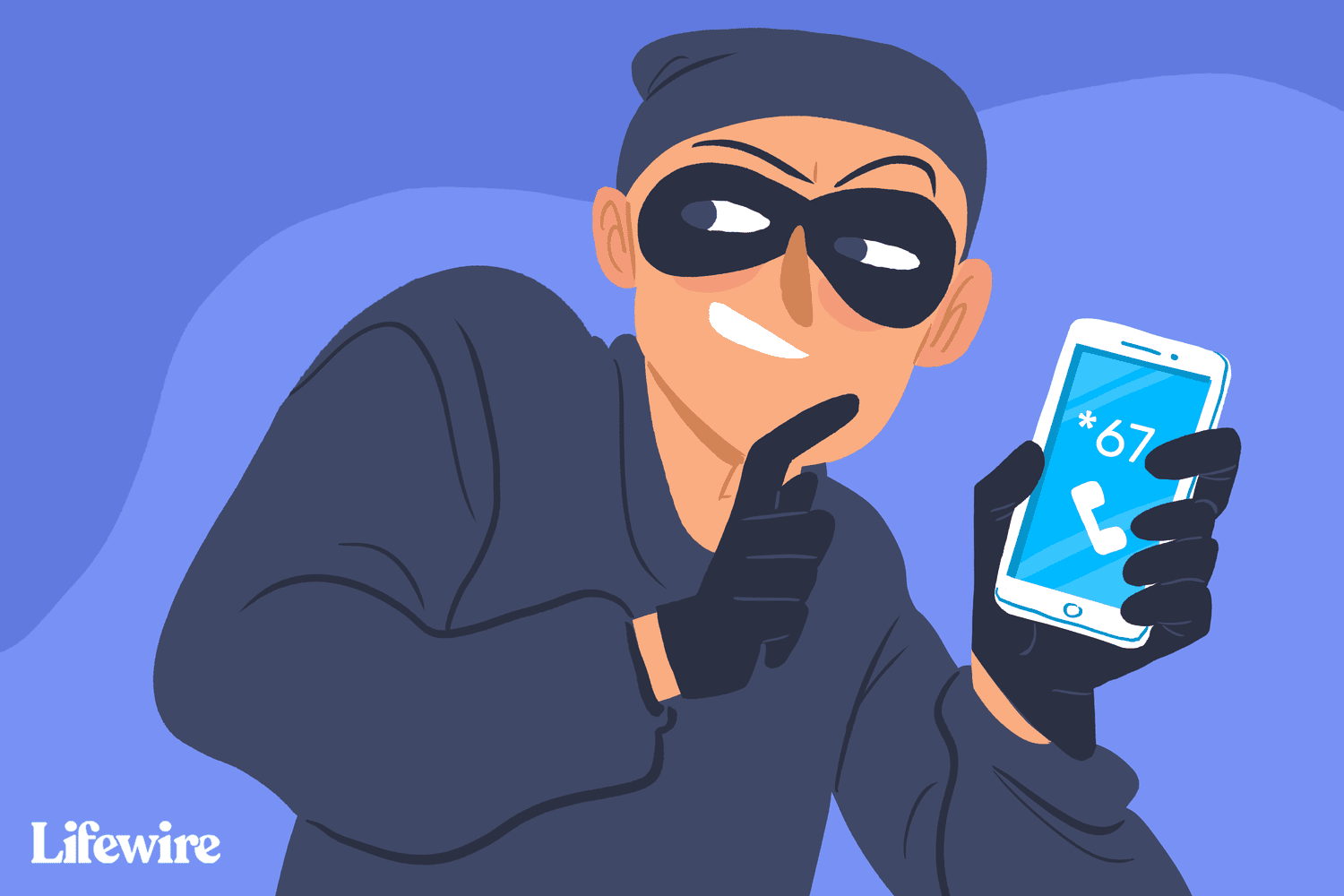
    To hide your number from appearing on a recipient’s phone, press *67 followed by the number you want to call. For example, *675555555555.

    This works even if the other person already has your number in their phone. Instead of displaying your number, the recipient sees a message like “Restricted,” “Blocked,” or “Private number.”

    *67 does not work when calling toll-free numbers or emergency numbers.

    How to Hide Your Number on an Android Phone

    You can also use the settings in the Phone app to hide your number when using an Android phone:

    1. Tap the Phone icon, usually found at the bottom of the screen.

    2. Tap the three-dot menu at the top of the app, next to the search bar.

    3. Select Settings.

    4. Tap Calls, or Calling accounts on some devices.

    5. Tap Additional settings. If you don’t see that, first select your phone provider.

    6. Tap Caller ID.

    7. Tap Hide number when the pop-out interface is displayed.

    How to Hide Your Number on an iPhone

    To hide your number when using an iPhone, toggle off the Show My Caller ID switch in the Settings app.

    1. Tap the Settings icon.

    2. Scroll down and choose Phone.

    3. In the Calls section, tap Show My Caller ID.

    4. If the Show My Caller ID toggle switch is green, tap it once so it turns white, which indicates it’s off. Your outgoing calls will display the message “No Caller ID” instead of your phone number.

    Why Use *67?

    Caller ID is now a standard feature on most home phones and nearly all mobile devices, allowing you to screen calls and avoid unwanted interactions, such as with telemarketers. However, a drawback is that this feature eliminates anonymity when making a call.

    Vertical service codes, such as *67, are useful when you need to make a call without revealing your number. For instance, if you contact a business client after hours from your personal phone, you may prefer not to share your number with them.

    Keep in mind that some people automatically block hidden or private numbers. In such cases, your call won’t connect if you use *67.

    Using Popular Vertical Service Codes

    Below are common vertical service codes compatible with most major providers. If a code isn’t working, check with your provider for details.

    • *60: Blocks a specific number.
    • *66: Redials a busy number until the line is available.
    • *69: Redials the last number that called you, useful for landlines without caller ID.
    • *70: Temporarily disables call waiting.
    • *72: Forwards calls to another number.
    • *77: Activates anonymous call rejection, allowing only calls from numbers that reveal their identity.

    FAQ

    • Can you hide your number when texting?

      Yes. To send anonymous texts on an iPhone, go to Settings > Phone > turn off Show My Caller ID. On an Android, go to the Phone app and keypad > select More (three dots) > Settings > Call Settings. Next, tap Caller ID > Hide Caller.

    • How do I block a number on an iPhone?

      To block a number on an iPhone, launch the Phone app and tap the Recent tab to show recent calls. Find the number you want to block and tap the i. Select Block This Caller > Block Contact. Or go to your Contacts, tap a contact > Block This Caller.

    • How do I block a number on Android?

      To block a number on Android, open the Phone app and locate the number you want to block. On a Samsung phone, tap Details. If your carrier supports blocking, you’ll find an option to Block number or Reject call.

    Thanks for letting us know!

    Get the Latest Tech News Delivered Every Day

    Subscribe

    Tell us why!

    Other

    Not enough details

    Hard to understand

    hide Number
    Share. Facebook Twitter Pinterest LinkedIn Tumblr Email
    Previous ArticleBest Camera Phone of 2025
    Next Article Update to iOS 26? We tested the public beta on our iPhones – these features are a big deal
    Techurz
    • Website

    Related Posts

    Cyber Reality

    CBP Searched a Record Number of Phones at the US Border Over the Past Year

    October 28, 2025
    Cyber Reality

    LinkPro Linux Rootkit Uses eBPF to Hide and Activates via Magic TCP Packets

    October 17, 2025
    Cyber Reality

    North Korean Hackers Use EtherHiding to Hide Malware Inside Blockchain Smart Contracts

    October 16, 2025
    Add A Comment
    Latest Tech Pulse

    College social app Fizz expands into grocery delivery

    September 3, 20252,289

    SolarSquare in talks to raise up to $60M as India’s rooftop solar market draws major VC interest

    May 23, 202622

    Future of Digital Privacy and Security: 7 Truths Nobody Tells You

    May 25, 202619
    Stay In Touch
    • YouTube
    • WhatsApp
    • Twitter
    • Pinterest
    • LinkedIn

    Techurz helps readers stay ahead of digital change with clear, practical, future focused technology intelligence written today,searched tomorrow.

    X (Twitter) Pinterest YouTube LinkedIn WhatsApp
    Company
    • About Us
    • Contact Us
    • Our Authors / Editorial Team
    • Write For Us
    • Advertise
    Policy
    • Editorial Policy
    • Privacy Policy
    • Terms and Conditions
    • Affiliate Disclosure
    • Cookie Policy
    • Disclaimer
    • DMCA
    Explore
    • AI Systems
    • Cyber Reality
    • Future Tech
    • Disruption Lab
    • Signals
    • Tech Pulse
    • Sitemap

    Join the Techurz Brief

    The future does not arrive suddenly.
    Stay ahead with fast, sharp tech signals.

    Type above and press Enter to search. Press Esc to cancel.