

Close Menu
TechurzTechurz
    What's Hot

    Omilia raises $67M to scale its customer support platform

    August 6, 2026

    Get up to $400 off your TechCrunch Disrupt 2026 pass until Friday

    August 5, 2026

    Trump’s DOJ gains oversight of OpenAI’s green-card employee sponsorships

    August 5, 2026
    X (Twitter) Pinterest YouTube LinkedIn WhatsApp
    Tech Pulse
    • Omilia raises $67M to scale its customer support platform
    • Get up to $400 off your TechCrunch Disrupt 2026 pass until Friday
    • Trump’s DOJ gains oversight of OpenAI’s green-card employee sponsorships
    • Klaviyo acquires Elias Torres’ Agency in full-circle reunion for tech founders
    • AI makes weather prediction better. Can WindBorne make it lucrative?
    X (Twitter) Pinterest YouTube LinkedIn WhatsApp
    TechurzTechurz
    • Home
    • Tech Pulse
    • Future Tech
    • AI Systems
    • Cyber Reality
    • Disruption Lab
    • Signals
    TechurzTechurz
    Home - Guides - Taking Your iPad Near Water? Read This First
    Guides

    Taking Your iPad Near Water? Read This First

    TechurzBy TechurzAugust 10, 2025Updated:May 12, 2026No Comments3 Mins Read
    Share Facebook Twitter Pinterest LinkedIn Tumblr Reddit Telegram Email
    Taking Your iPad Near Water? Read This First
    Share
    Facebook Twitter LinkedIn Pinterest Email


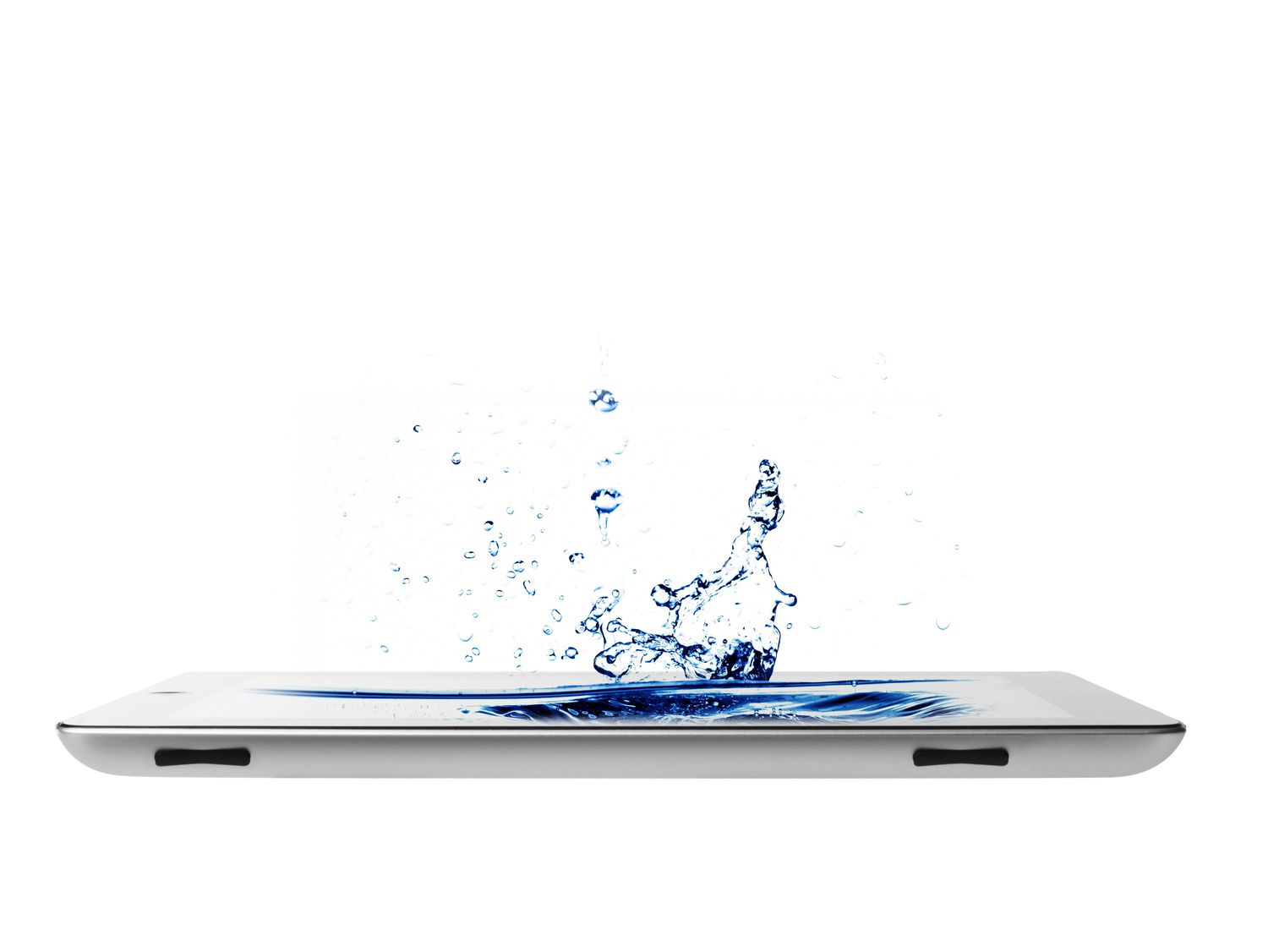
    Are iPads waterproof? No, and they aren’t even classified as being water resistant. If you still want to use yours around water, use these tips to keep your iPad safe and dry.

    Table of contents
    1 Invest in a Dedicated Waterproof iPad Case
    2 Protect Your iPad With a Plastic Bag
    3 Secure Your iPad Around Water With a Mount
    4 Turn Your iPad Off When Traveling
    5 Connect Your iPad to a Bluetooth Speaker
    6 Put Your iPad in Your Bag’s Inner Pocket

    Invest in a Dedicated Waterproof iPad Case

    Urban Armor Gear.

    A good waterproof case helps you avoid water damage and likely will help with a fall, too. Numerous waterproof and water-resistant iPad cases, such as Urban Armor Gear’s products, are on the market.

    Protect Your iPad With a Plastic Bag

    FotoDuets/iStock/GettyImagesPlus

    The easiest way to protect your iPad against water damage is to place it in a clear plastic bag and tightly seal its opening.

    Tape can seal the bag better though you may want to opt for a plastic bag or pocket that already offers built-in airtight sealing, such as a Ziploc bag.

    Remember that if water is already in there, the water won’t have anywhere to go. And being in a sealed bag means it could overheat, so it’s best to use a bag for transport rather than use.

    Secure Your iPad Around Water With a Mount

    Armor-X

    A water-resistant or waterproof iPad case can help protect against splashes and submersions, but it won’t help your Apple tablet if it falls into the ocean or a lake.

    If you plan to use your iPad frequently while on a boat, connecting it to a mount is the most effective way to secure and protect it.

    Companies such as Armor-X specialize in making iPad mounts for boats, bikes, and cars.

    Turn Your iPad Off When Traveling

    AitorDiago/Moment/GettyImages

    An Apple iPad turned on is at much greater risk of permanent damage when wet than when turned off. So, switch it off if you’re not planning on using your iPad, and you think it will be at risk of being exposed to water.

    Connect Your iPad to a Bluetooth Speaker

    VirojtChangyencham/iStock/GettyImages

    Rather than using your iPad to listen to music or a podcast while at the beach or pool, connect it to a waterproof Bluetooth speaker and keep that by your side instead.

    Many Bluetooth speakers even have media control buttons, so you won’t need to touch your iPad to change tracks or the volume.

    Using a Bluetooth speaker instead of your iPad is also a great idea for bathrooms and saunas.

    Put Your iPad in Your Bag’s Inner Pocket

    Westend61/GettyImages

    Storing your iPad in your bag’s front or outer pockets may be more convenient, but it provides less protection against wet weather and splashes.

    Try putting your Apple iPad inside your backpack’s inner compartments if possible. Your bag may even have a water-resistant pocket for storing tablets, laptops, and other electronics.

    Thanks for letting us know!

    Get the Latest Tech News Delivered Every Day

    Subscribe

    Tell us why!

    Other

    Not enough details

    Hard to understand

    iPad read Water
    Share. Facebook Twitter Pinterest LinkedIn Tumblr Email
    Previous Article7 password managers to help keep your apps safe
    Next Article This App Is the Financial Hack Every Entrepreneur Parent Needs
    Techurz
    • Website

    Related Posts

    Cyber Reality

    Every product Apple launched this week: M5 MacBook Pro, iPad, $3,500 Vision Pro, more

    October 18, 2025
    Cyber Reality

    Everything Apple launched on Oct. 15: M5 chipset, MacBook Pro, iPad, Vision Pro, more

    October 16, 2025
    Cyber Reality

    Your next toilet could tell you to drink more water – here’s how it’ll know

    October 15, 2025
    Add A Comment
    Latest Tech Pulse

    College social app Fizz expands into grocery delivery

    September 3, 20252,290

    12 Father’s Day E-Card Sites That Are Actually Good

    June 4, 202523

    SolarSquare in talks to raise up to $60M as India’s rooftop solar market draws major VC interest

    May 23, 202622
    Stay In Touch
    • YouTube
    • WhatsApp
    • Twitter
    • Pinterest
    • LinkedIn

    Techurz helps readers stay ahead of digital change with clear, practical, future focused technology intelligence written today,searched tomorrow.

    X (Twitter) Pinterest YouTube LinkedIn WhatsApp
    Company
    • About Us
    • Contact Us
    • Our Authors / Editorial Team
    • Write For Us
    • Advertise
    Policy
    • Editorial Policy
    • Privacy Policy
    • Terms and Conditions
    • Affiliate Disclosure
    • Cookie Policy
    • Disclaimer
    • DMCA
    Explore
    • AI Systems
    • Cyber Reality
    • Future Tech
    • Disruption Lab
    • Signals
    • Tech Pulse
    • Sitemap

    Join the Techurz Brief

    The future does not arrive suddenly.
    Stay ahead with fast, sharp tech signals.

    Type above and press Enter to search. Press Esc to cancel.