


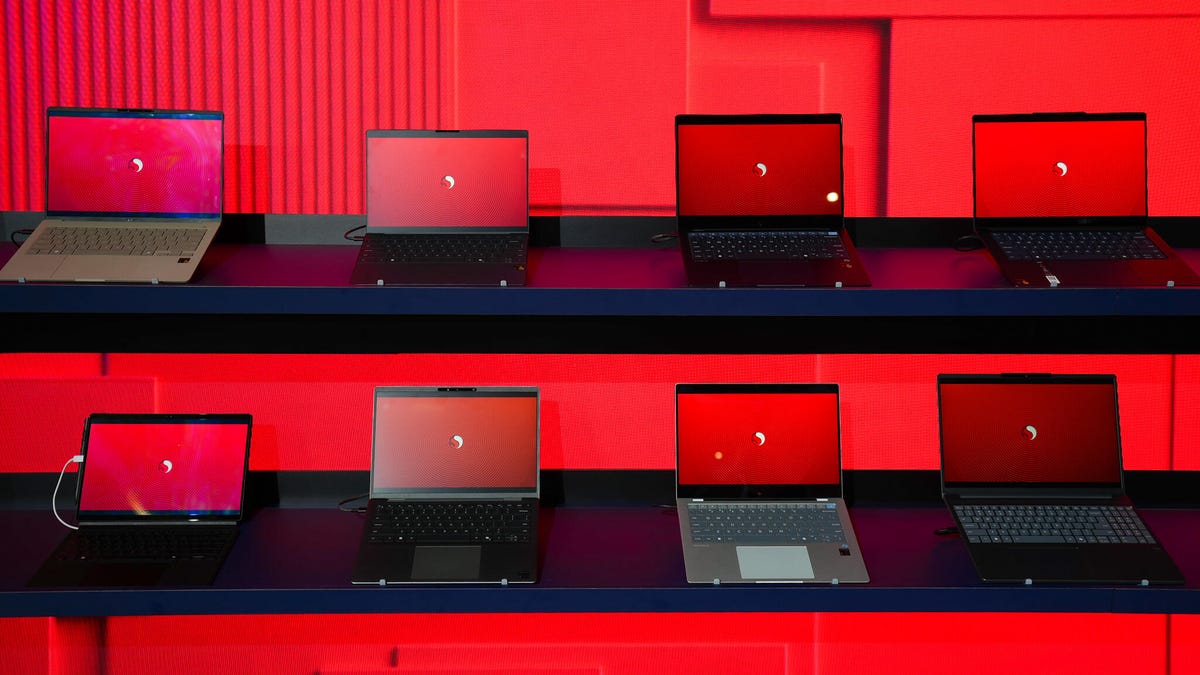
Kerry Wan/ZDNET
Follow ZDNET: Add us as a preferred source on Google.
ZDNET’s key takeaways
- PCs built with Arm processors work well with general productivity apps.
- Backup software may be unable to restore from an external drive.
- Gamers and hobbyists who want to dual-boot Linux will run into problems.
Last year, when Microsoft released its first Snapdragon-powered Copilot+ PCs, I bought the cheapest one I could find. To my surprise, that Surface Pro 11 turned out to be a capable addition to my collection of computing devices, and I used it as my everyday work machine for about six months.
Also: Microsoft said my PC couldn’t run Windows 11, but I upgraded in 5 minutes anyway – here’s how
Since then, I’ve acquired two more PCs that have Arm-based processors instead of the traditional Intel CPU — a Surface Laptop and a Dell XPS 13, both equipped with Snapdragon X Elite chips. With more than a year’s experience under my belt, I’ve got a solid understanding of what these machines can do and, more importantly, where they fall short.
Microsoft and its OEM partners have been successful at pitching these new devices to consumers, but businesses have been more leery. My experience says some of that caution is justified.
Windows on Arm has matured significantly in the past few years, and if your everyday work involves creating and editing Office documents and working with web-based services, you’ll encounter no productivity issues. As a bonus, you’ll get a machine that rarely (if ever) gets more than mildly warm, and battery life will be a pleasant surprise.
Several of the shortcomings I identified last year have been overcome thanks to the work of third-party software developers. These days, you should have no trouble finding a VPN that will run on an Arm-based Windows PC — I chose Proton VPN, but there are plenty of other options available.
Also: Windows 11 upgrade not working? Try my 4 favorite troubleshooting tricks
Third-party developers are getting into the act, too. Adobe’s most important creative apps, like Photoshop and Lightroom, are available in Arm-native versions. There are beta x86 versions for After Effects, Premiere Pro, Audition, and Acrobat that run just fine, especially after recent improvements to the emulation subsystem.
But not everything is sunshine and rainbows in Arm-land. I’ve run into three important compatibility issues that may be a dealbreaker for you, depending on what you expect from your PC. Here’s what to watch out for.
Your backup software might not work
If you own a PC and use it for anything important, you need a backup plan. Windows has an assortment of basic backup tools, but if you’re serious about preventing data disasters, you need to turn to third-party software.
Those apps can back up files and folders to local drives or the cloud, but the killer feature for any backup app is its ability to create a system image that you can use to re-create your PC’s entire contents — Windows, apps, and settings — after an incident. If you suffer a disk failure or your laptop is stolen, you get a replacement PC, restore the latest backup image, and resume right where you left off.
Also: How a system snapshot can save you when your OS goes awry – create one today
I typically save those backup images to a fast external SSD, connected via USB Type-C. If something goes wrong, or I just want to start fresh, I boot from a recovery drive created by the backup software, then restore the image from the external drive.
But when I tried that routine on my Arm-powered PCs, a strange thing happened: After I started up using the recovery media, the external drive containing my system image wasn’t accessible. That was true with a generic Windows recovery drive and was also the case with recovery drives created by Macrium Reflect X Home and MSP360 Backup. (Acronis TrueImage, another reliable third-party backup utility, is not yet available in an Arm edition.)
I tried everything I could think of to make that external drive accessible, but nothing worked. It took days of working with tech support for backup software developers and PC manufacturers to discover that it’s a known shortcoming of the Windows Recovery Environment on Arm platforms.
Also: The best cloud storage services: Expert tested
There are workarounds, including saving the backup image to a network location or to a cloud service, and then using backup media that can connect to that network location for the restore step. But that adds complexity to a process that should be as simple as possible.
For an Arm-based PC, the standard recovery process is to restore Windows, reinstall all apps and settings, and then restore data files (usually by connecting to the cloud service where they’re stored). Recovering from a system image on a local USB drive isn’t an option.
You probably can’t install Linux
As Linux advocates will happily remind you, any Intel-based PC that can run Windows can likely run their favorite open-source operating system. If you get tired of Windows, or if Microsoft abandons support for your Windows version, you can replace it with Linux. You can even set up a dual-boot PC to switch effortlessly between those two environments.
But don’t expect to do that on a Windows PC with a Snapdragon processor. As I discovered when I tried to install Ubuntu Linux on the Dell XPS 13 9345, there’s no readily available installation image of the latest LTS version for Arm. Ubuntu 25.10 was just released in mid-October and includes an Arm version, but that is a bleeding-edge option, as the comments on the Ubuntu Community Discourse server for this distro make clear.
Also: The best Linux laptops: Expert tested for students, hobbyists, and pros
(If it’s any consolation, the challenges of installing Linux on Apple Silicon are apparently even more daunting.)
If you’re a hobbyist and looking for a science project, this will keep you busy for months. But if you just want to get some work done, stick with an Intel-based PC.
Don’t expect to do any serious gaming
Full disclosure up front: I am not a gamer, and my only contemporary experience with PC gaming is an occasional session with Microsoft Solitaire. But even in that lowbrow world, I can tell that Arm-based PCs struggle with the graphical challenges of gameplay.
The problem? Those Snapdragon PCs have a built-in graphics processing unit (GPU) that simply can’t compete with the dedicated GPUs from Nvidia and AMD that are available on x64 devices.
The good folks at PC Gamer surveyed the landscape in early 2025, asking the question “Are Snapdragon chips any good for gaming?” Their answer was a disappointing “Well, maybe one day.” They caution, “Don’t go expecting 4K or high frame rates from complex 3D games. … [T]he new generation of Arm-based processors are perfectly capable of running games, in the same way that your smartphone or tablet is.”
Also: I saw the future of Windows PCs – and it may finally be time to ditch my MacBook
PCMag.com’s Matthew Buzzi ran through a more detailed set of tests, concluding that gaming performance is “acceptable” if you’re willing to lower your expectations and your settings. “If you’re the type to play games on your one general-purpose laptop and are eyeing a Snapdragon Copilot+ PC, low-end and mid-level gaming is possible on these chips,” he concluded. However, if you expect to play demanding games at 60 frames per second, prepare to be disappointed.
Get the morning’s top stories in your inbox each day with our Tech Today newsletter.
