


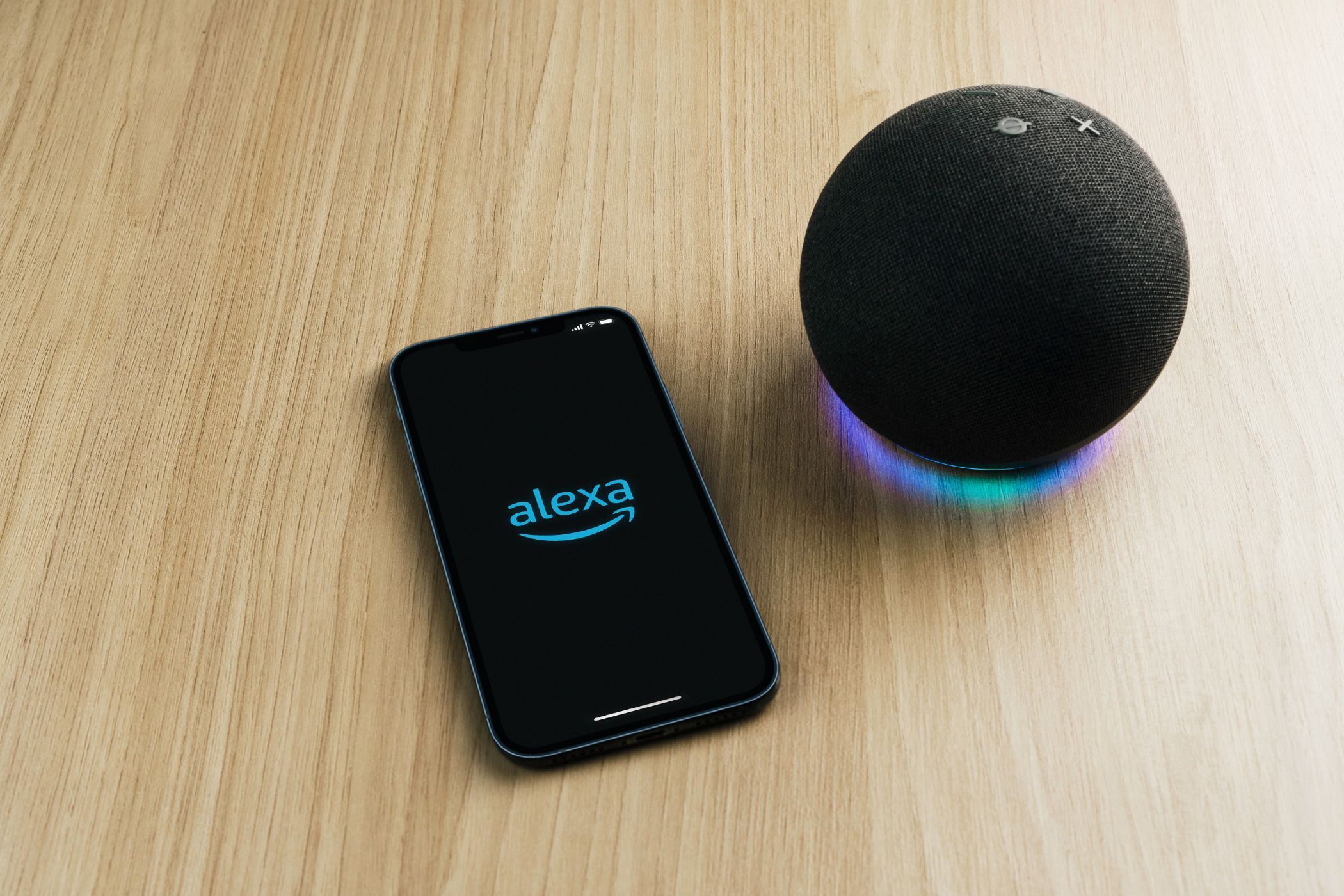
If you interact with Alexa in any meaningful way (or even in non-meaningful ways), then Amazon holds information on you, from the conversations you’ve had with Alexa to the skills you’ve installed, and more besides. That’s why it’s a good idea to erase Alexa’s data occasionally in the name of privacy.
Why I Erased Everything Alexa Knew About Me
I have several Echo devices dotted around my house. However, I have found myself using them less and less recently, thanks to ChatGPT and other AI tools somewhat succeeding them. So, while I intend to keep them around for a while longer, I felt it prudent to look at what data Amazon has collected on me over the years and erase as much as possible.
As much data as Amazon collects about you to make Alexa work, it’s fairly easy to erase it. You have two options to explore: the Amazon website or the Alexa app. In this instance, I mostly used the Alexa app, the dedicated tool for setting up and managing your Alexa devices, profiles, skills, and more. However, I have included some screenshots from the website too.
I Have Privacy Concerns
As capable as Alexa is, like all AI assistants, it requires inputs to make it work. And any information you feed Alexa to make it work strips away a layer of privacy. Regardless of how well Amazon manages my data and successfully keeps it away from prying eyes, this didn’t stop my privacy concerns around Alexa.
If you open the Alexa app on your phone, then tap More at the bottom of the screen, then tap Alexa Privacy, you’ll be able to see the range of information your interactions with Alexa has produced. You should see entries for Voice History, Detected Sounds, Device History, Activity History, Skill Permissions, and more besides.
These are all data points that Alexa stores on you and your interactions with the digital assistant. And so, these are the elements we need to take a look at and erase.
I have always been wary of leaving a huge digital footprint behind. However, given that I work online, leaving traces of myself and my activity is unavoidable. All I can do is strive to keep my non-professional digital footprint as small and manageable as any in this age, where data equals money.
To reduce your digital footprint, you must first know what kind of data you’re leaving behind and where it’s stored. Then, and only then, can you look into clawing back control of the information companies hold on you, which is my mission here regarding Amazon Alexa and my interactions with my Echo devices.
Therefore, I decided to open the Alexa app and website, and work my way through the information Alexa has collected on me over the many years I’ve been interacting with it.
How to Erase Everything Alexa Knows About You
Amazon has made it fairly easy to see what Alexa knows about you and erase the data. While “everything” may be a stretch here, you can certainly clear out a lot of the data that Alexa has collected on you without breaking a sweat. It’s all about knowing where to look and what to do once there.
Delete Your Voice Recordings
The first thing to do is delete your Alexa voice recordings. Every time you speak to Alexa, it not only listens to what you’re saying (to determine what you’re asking it), but it saves that recording. Because Alexa is always listening for its wake word, it can also pick up audio not actually intended for the smart home assistant.
To delete your voice recordings on the Alexa app, tap More at the bottom of the screen, then tap Alexa Privacy. Tap Review Voice History to review and manage your voice recordings. You can change the filters and delete everything. You can also listen to each recording.
To delete your voice recordings on the website, navigate to the Alexa Privacy page and tap Review Voice History to review and manage your voice recordings.
Delete Your Smart Home Device History
The next thing to do is delete your smart home device history. This information is related to the status and usage of smart home devices such as smart lights. So, to maintain control of this data, it’s prudent to delete it from time to time.
To delete your smart home device history on the Alexa app, tap More at the bottom of the screen, then tap Alexa Privacy. Tap Review Smart Home Device History > Manage my smart home device history. Scroll down to One-time deletion of history and tap it.
To delete your smart home device history on the website, navigate to the Alexa Privacy page and tap Review Smart Home Device History > Manage my smart home device history. As with the app, you can select One-time deletion of history to wipe everything.
Disable All Alexa Skills
The next thing to do is disable any Alexa skills you have previously enabled. While some Alexa skills are extremely useful (and there are also some decidedly odd Alexa skills), if you’re no longer using one or more of them, you’re best off disabling the skills to ensure you’re not leaking valuable data.
To disable Alexa skills on the Alexa app, tap More > Skill & Games. Then scroll all the way down to Your Skills, and tap it. You’ll then see a list of skills you have enabled, so you’ll need to select each one, tap Settings, and then tap Disable Skill.
Deregister Your Alexa Devices
Last but not least, you should deregister your Alexa devices. This is especially important if you’re abandoning the Alexa ecosystem and selling the devices on, but even if you’re keeping them around, deregistering them disconnects them from you.
To deregister your Alexa devices on the website, tap Account & Lists > Manage Your Content and Devices. Click Devices, and you should see a list of registered Amazon devices. Select one, and various options will open up to you. You should see the option to Deregister the device, so tap that and proceed once you have read Amazon’s warning.
To deregister your Alexa devices on the Alexa app, click Devices to see a list of your Alexa devices. Click on each one, and tap the Settings cog to open the settings. Scroll down to the bottom until you see Registered To, and tap Deregister.
There Are Other Options, Including the Nuclear Option
I stopped there, feeling that, while it technically wasn’t “everything,” I had erased enough of the information Alexa had on me to feel comfortable. If, however, you have enabled the Sound Detection feature, you’ll also want to review and delete those recordings.
There is also the option to go nuclear and request that all your data be permanently deleted. To do that, you should contact Amazon support. I would only recommend going down this route if you’re down with leaving the Alexa ecosystem for good, though.
