


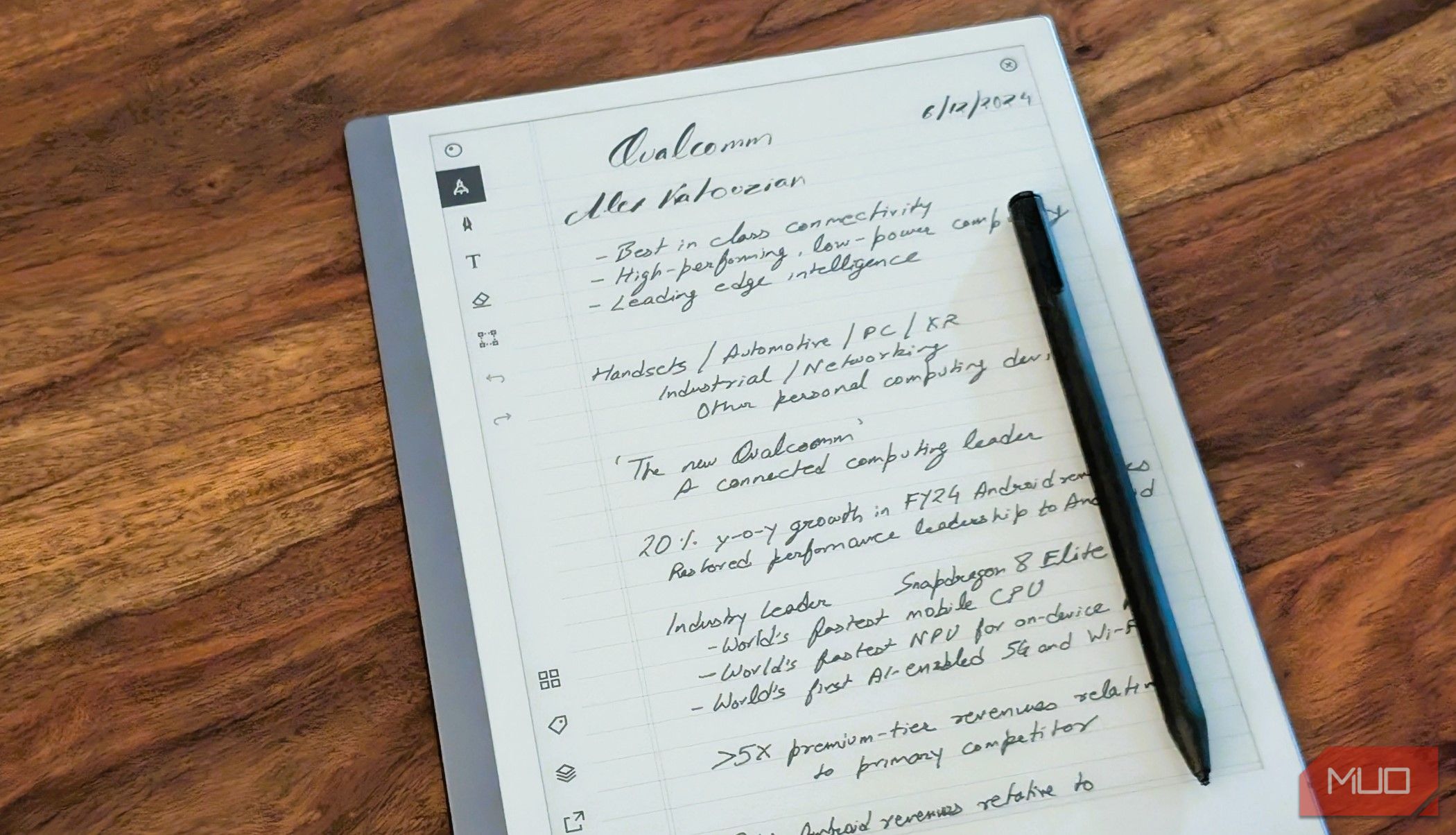
After trying several complicated note-taking tactics, I was attracted to the outline method’s simplicity and effectiveness. Safe to say, it delivered on the promise.
7
Flexibility
I write notes to plan my goals, prepare ideas, and much more. As a result, I needed some flexibility in my note-taking methods. All too often, I had found my previously used tactics to be too rigid, and they all ended up in the long list of productivity methods that never worked for me.
For example, mind-mapping tools were good for developing ideas but not great at bringing them together in a structured way. Similarly, the Cornell method felt too restrictive, as I didn’t want to always use keywords and questions.
The outline method was the perfect level of flexibility for me. I can use it for more complex note-taking forms, such as outlining full essays and theses. However, it’s just as good for simpler tasks.
Another advantage is being able to use this note-taking method across multiple apps. I always found table-based solutions, such as the charting method, more difficult to use on my smartphone and tablet.
6
Enhanced Note Organization
I like things that look nice, but they also need to be functional. Many visual-based note-taking methods, such as concept charts and flow maps, felt far too clunky for me. I prefer organizing my notes from top to bottom rather than side to side.
Organizing my notes using the outline method is very simple because I can create sections and subsections. When using Google Docs or some note-taking apps, I can quickly navigate between these. As a result, I spend less time finding the information I need.
Related
This Free Knowledge Base Tool Organizes My Thoughts Better Than Notion and Obsidian
Logseq is the simple note-taking wizard that makes even Notion and Obsidian look clunky.
5
Customizable
While I want some structure and functionality, I also would like my notes to be customizable. Mind-mapping, the sentence method, and the boxing method all felt rigid to me. I felt like my notes had to fit within their pre-defined boundaries, which I quickly found exhausting.
The outline method has the right level of customization. I can create as many sections and subsections as I want, and if needed, I can include pictures, graphs, and other visual content. Embedding these is normally quite straightforward, especially when I use Notion.
When necessary, I can color-coordinate by highlighting my text. Understanding that I have flexibility helps me take notes effectively while maintaining a minimalist workflow.
4
I Normally Get Follow-Up Ideas
I have more thoughts each day than I can keep track of, and every time I start taking notes, I get countless follow-up ideas. It was therefore important that I picked a note-taking system supporting this. Mind-mapping technically did, but my notes quickly became too clustered.
The sentence method, meanwhile, led to my notes becoming very disorganized. I needed something where I could structure my ideas more effectively, which is why I picked the outline method.
After trying this tactic, I found it much easier to put everything where it should be. So, I could access all of my thoughts if I needed to later.
3
Less Complicated
I’ve gone through several phases where I have been obsessed with productivity and tried every trick you can imagine. More often than not, my systems have become way too complicated; note-taking was no different in this respect.
After getting exhausted when trying to organize and write my notes, I stripped everything back to the bare minimum. I only experimented with simple note-taking, such as the sentence method. Ultimately, outlining felt like the right choice.
Having a lower barrier to entry is important for actually using any system. Since changing how I take notes, I’ve found staying on track—and actually revisiting my notes—much easier.
2
Easy Editing When Needed
For me, note-taking was always only one part of the jigsaw. I needed a system where I could easily make adjustments when required. I didn’t want to spend hours tweaking table formulas, drawing new pictures, or moving elements around so they fit within the page’s real estate.
Because of what I just said, it was clear to me that no visual or table-based note-taking method would work. When I tried outlining instead, I was surprised how easy I found editing to be. I just had to find the section I wanted to adjust and add or remove whatever I wanted.
Since my note-taking method is text-based, I can easily edit on mobile as well as on desktop.
Thanks to how easy it is to organize my thoughts with the outline method, it’s also very easy to bring related points together. Even when I go on a tangent and write about something completely different, I can move those sections closer to where they’re supposed to be.
As I can combine related points, anyone who needs to read my notes will also find following along much easier. Thus, it’s ideal for individual and collaborative note-taking.
Related
Your Productivity Tools Don’t Matter Without a Strong System: Here’s Why
All the tools in the world won’t help if your system isn’t solid.
Choosing the right note-taking system is more important than taking notes, and for me, the outline method beats everything else I’ve ever tried. I don’t have to worry about complicated processes, and it works in almost every scenario and on all devices. Moreover, I have more flexibility in the app I choose.
