

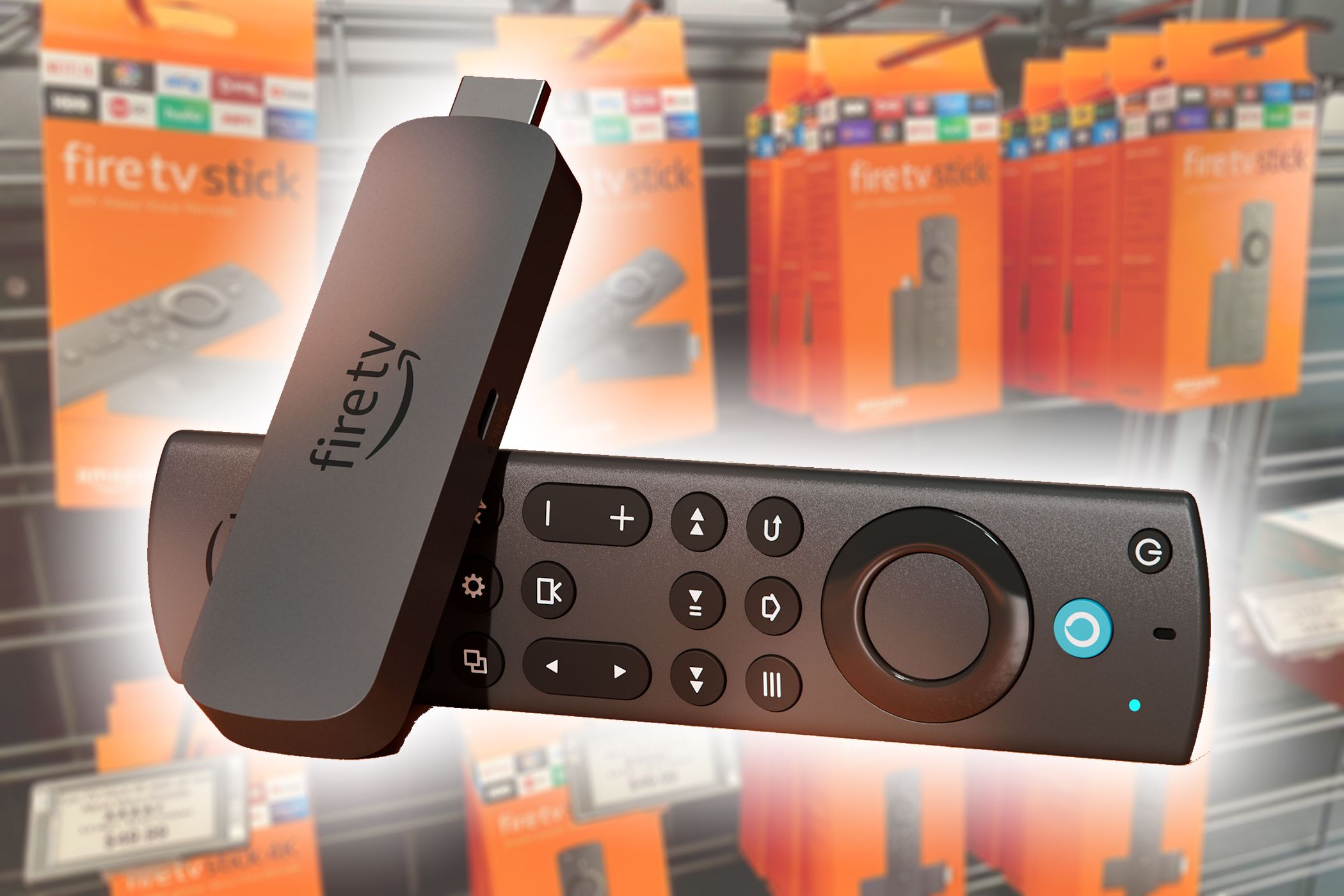
Privacy is always a consideration whenever I connect my devices to the internet, including my Fire TV Stick! It isn’t always immediately clear how to protect your privacy while using a Fire TV Stick, but there are a few tweaks you can make to ensure your personal information is securely locked up, without interfering with streaming your favorite shows.
3
Managing My Fire TV Stick’s Privacy Settings
The Fire TV Stick’s onboard privacy settings were my first port of call. Many of Amazon’s tracking features are activated by default. However, these can often be adjusted or turned off altogether.
Disable Personalized Ads
Like many digital services, Amazon tracks your viewing and app usage history to target ads based on your preferences. To stop this, go to Settings > Preferences > Privacy Settings > Interest-Based Ads, and toggle the switch to the Off position. While I still see ads, these are not targeted according to my behaviour, meaning that my digital profile on Amazon has been limited.
Manage Third-Party App Permissions
It’s surprising how quickly my app library built up on my Fire TV Stick, and I try to be mindful of these and keep track of the permissions I grant. To check these, access Settings > Applications > Manage Installed Applications, where you can switch off the Device Usage Data and Collect App Data options.
Manage Alexa Privacy
One of the most useful features of the Fire TV Stick 4K is its powerful remote, which supports voice commands via Alexa. However, it’s worth noting that Alexa voice commands are recorded and stored by default. To manage these settings, go to the Alexa Privacy Settings in either the Fire TV Stick’s Settings menu or through the Alexa mobile app. Here, you can instruct Alexa to “delete all past recordings” and “stop saving my recordings” going forward.
Install a VPN on Your Fire TV Stick
Most VPN subscriptions allow access across multiple devices, including Fire TV Sticks. My VPN even has its own Fire TV interface, providing quick access to channels on foreign networks, such as BBC iPlayer and CNN’s daily news.
Additionally, by installing the VPN directly on the Fire TV Stick, my internet connection is encrypted, my IP address is masked, and third parties are prevented from tracking my activity, making it a win-win.
2
Enhancing My Amazon Security
In addition to securing the Fire TV Stick itself, I also took steps to secure my Amazon account, as all my payments and personal data are interconnected.
Enable Two-Factor Authentication
Two-factor authentication, or 2FA, should always be used where available, including on your Amazon account. To enable it, go to Amazon’s Account Settings > Login & Security and select Two-Step Verification. This prevents hackers from accessing your account using unfamiliar devices, even if they somehow obtain your password.
Use a Strong Password
It may sound obvious, but using a strong password is essential, especially on apps and devices that have access to your financial information and personal details, such as those used for Amazon products. Of course, it’s easy to forget long and complex unique passwords, so I use a password manager with one password to rule them all.
Manage Parental Controls
Although I don’t have kids, I often have guests and visitors staying with me, and I used to live in shared accommodation during college. In these scenarios, activating parental controls on your Fire TV Stick can save you potential headaches, as unauthorized users won’t be able to access restricted content or make purchases without knowing your PIN.
1
Being Mindful of Any Third-Party Apps
Jack Mitchell / MakeUseOf
One of the great features of the Fire TV Stick is its support for third-party apps, including VPNs, music services such as Spotify, and media streaming services. However, not all third-party apps are trustworthy, so it’s essential to consider what you are installing and how it might handle your data.
Use Caution With Third-Party Apps
Many third-party apps, especially those not downloaded directly from the Amazon Appstore, may bypass important security checks. If I install an app manually, I research the developer, seek online reviews, and assess its trustworthiness before I click to install.
Also, if an app appears too good to be true, such as offering free access to premium channels, it is almost certainly a scam. It will likely contain spyware or malware that could compromise your security or affect your systems.
Be Aware of Data Sharing
Even legitimate apps will often share your data with advertisers or analytics firms, so I opt out of data sharing whenever possible. This is usually a checked option when you’re presented with the privacy policy. Ideally, I choose apps that require minimal permissions and those that claim not to sell or share my data, although these are increasingly rare.
Protecting your privacy doesn’t mean you have to limit your enjoyment of modern technology. It’s simply a case of being mindful of the risks and using it wisely. Like most smart devices, Amazon’s Fire TV Stick prioritizes convenience over privacy. However, with a few simple tweaks and some cautionary steps, you can strike a good balance between security and usability when using this dynamic streaming gadget.
