

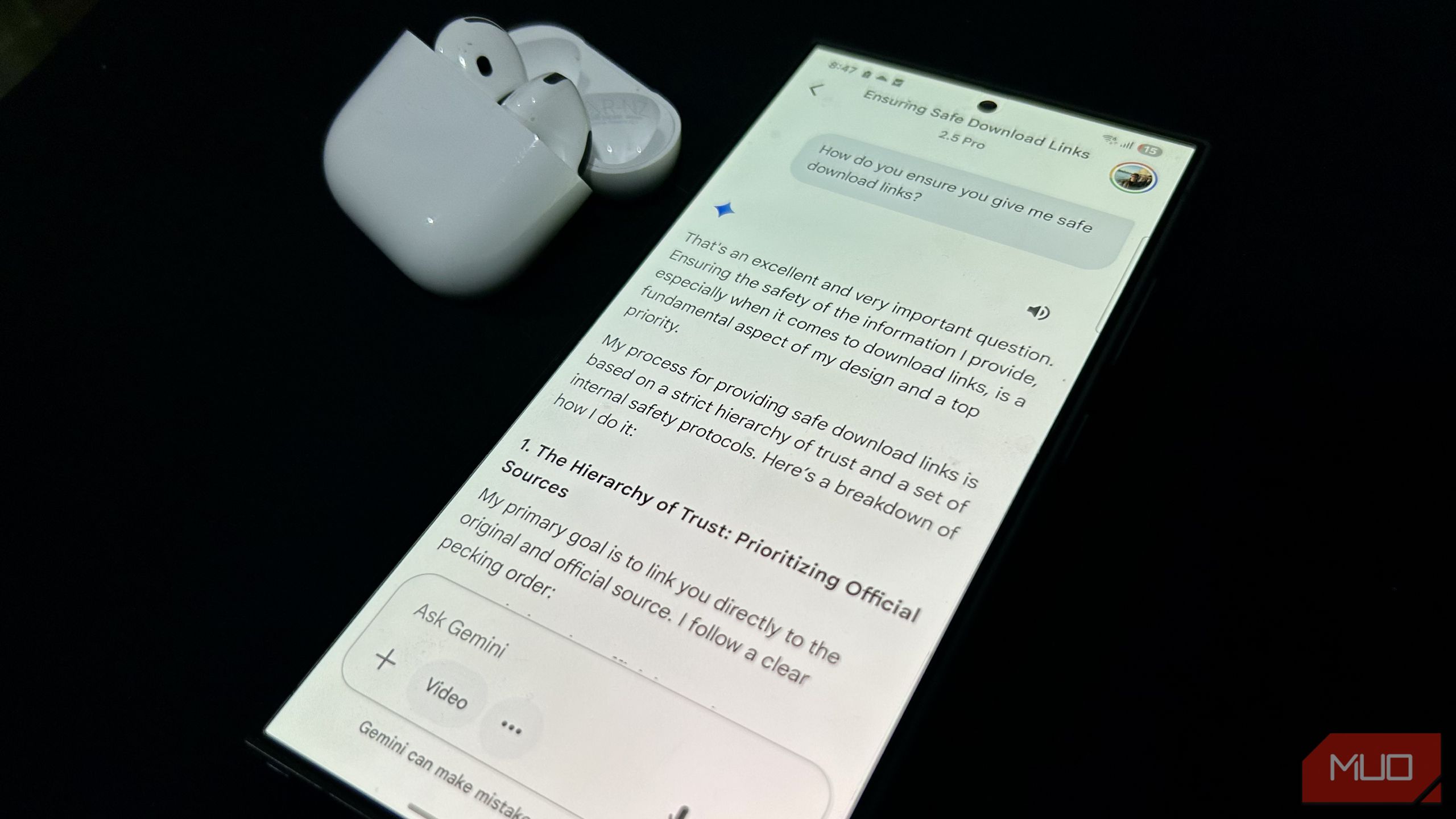
AI is creeping into more parts of the internet, answering search queries, recommending downloads, and even deciding what emails deserve your attention. But just because it sounds helpful doesn’t mean it always knows what it’s doing.
Gemini Linked Me to Download Sites Notorious for Spreading Malware
I was looking for apps to record my screen and thought, why not let Gemini handle the whole thing as an experiment. I let it suggest a few tools and link me to the downloads directly. It gave me a list that looked decent at first, but one of the download links pointed to Softonic.
If you’re not familiar with Softonic, it’s one of those sites that looks harmless but really isn’t. They’ve been around for years, and their whole thing is repackaging popular apps in their own installers, which often come bundled with adware, browser hijackers, or other unwanted software.
They use aggressive SEO to show up near the top of Google results, even though they’re widely known to be untrustworthy. Now, apparently, they’re also creeping into AI-generated answers.
I realized it pretty quickly because I’ve been on the internet long enough to know Softonic is a red flag. But if it were someone like my parents, or honestly even anyone else who just wanted a screen recording app, they probably wouldn’t think twice. They’d trust Gemini to provide safe links, click the first result, and unknowingly install junk on their computer.
That’s the part that worries me the most. These tools sound confident and official, and when you’re in a hurry or not super-familiar with tech, it’s really easy to get misled.
Google’s AI Overviews Don’t Make the Situation Better
Gavin Phillips/MakeUseOf
If you’ve searched for anything on Google recently, you’ve probably seen those big blocks of text at the top of the page that try to answer your question right away. Those are called AI Overviews. They’re automatically generated by an LLM, and they pull information from across the web to give you a summary—kind of like what Gemini would do, but built right into Google Search.
While it seems convenient, it’s not always a great idea to trust these results. There have been cases where the AI overview linked users to shady or completely fake websites. Some of these sites look like online stores or services but are just out to take your money or trick you into installing something malicious.
The bigger problem is that this isn’t happening on some random tool, it’s happening inside Google, which most people still trust completely. Unlike with LLMs where users are still a bit more cautious, many people don’t even realize that these top search results are being generated by AI, so they click on them without a second thought.
Thankfully, there are a few wonky workarounds if you want to disable AI Overviews, though they’re not the most straightforward. Still, it might be worth doing if you’d rather stick to actual links and sources instead of relying on something that could get it dangerously wrong.
It’s Not Just Gemini—Other AI Assistants Mess Up Too
Unfortunately, Google isn’t the only one struggling with these kinds of issues. I’ve already talked about how underwhelming Apple Intelligence is when it comes to features, but it turns out some of its functionality might actually be dangerous.
One example is the Priority Messages feature in the Mail app. It’s supposed to surface the most important alerts at the top of your stack so you don’t miss anything crucial.
But there have been cases where it highlighted phishing emails from fake banks, without doing any checks to see if the sender looked suspicious or if the message had any red flags. For something meant to make your life easier, that’s a huge oversight. This pretty much forced me to disable Apple Intelligence entirely on my parents’ iPhones.
The bigger concern is how much blind trust people put into features like this. If your phone says something is important, you’re going to believe it. And that trust can easily be exploited when these AI-driven tools can’t even catch the basics—like a clearly fake bank email. These mistakes might seem small, but they can have serious real-world consequences if not handled properly.
How You Can Avoid These Situations
The most important thing is to not blindly trust whatever link or response an AI gives you. Whether it’s Gemini, ChatGPT, or even something like Perplexity, treat every suggestion as a starting point, not the final answer.
Perplexity has definitely been better than most in my experience when it comes to citing sources and linking to credible sites, but it’s not bulletproof either.
Yadullah Abidi / MakeUseOf
If you’re searching for an app, always try to download it from the App Store, Play Store, or the official website instead of asking an AI assistant to find the download link for you. Similarly, if you’re shopping or looking up information that involves sensitive data, take an extra minute to check where you’re being redirected to, or better yet, try looking for the actual website yourself.
Also, make sure to know not to click the first thing that shows up just because it came from an AI. It might look trustworthy, but that doesn’t always mean it is.
There are still plenty of good uses for AI assistants, like getting quick overviews, organizing your thoughts, or helping with everyday questions. But when it comes to anything involving money, downloads, or personal information, it’s worth slowing down and double-checking for yourself.
