

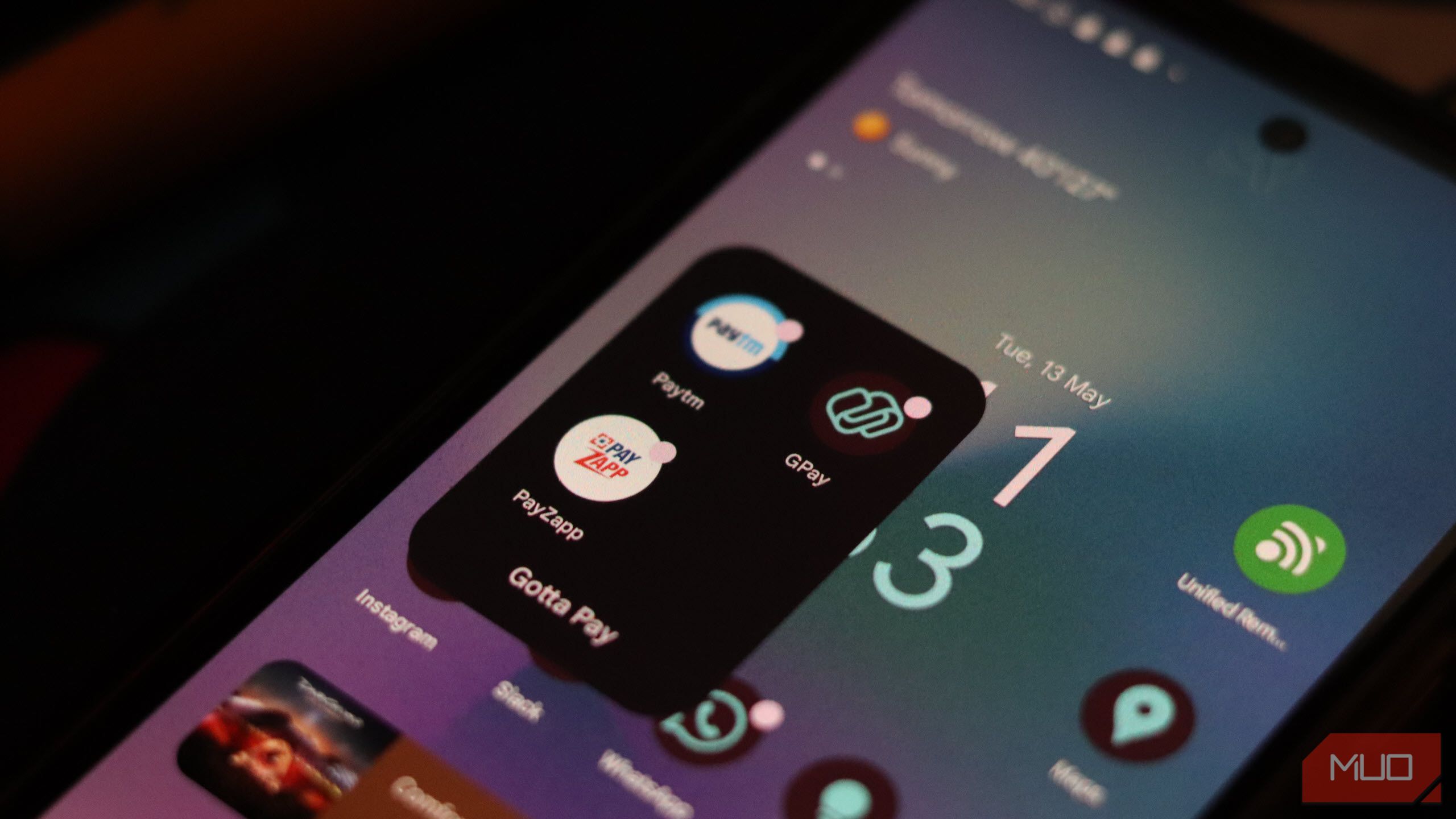
Smartphone wallet apps are a super handy replacement for your physical wallet, holding your money, cards, identification, and more. They’re super safe to use and make it easy to keep your most important cards nearby without having to lug a wallet or purse around—but there are still some serious precautions you should take.
1
Use Biometric Authentication
Most, if not all, smartphones have a fingerprint scanner that you can use to lock both your phone and any apps on it. Digital wallets also support this functionality, letting you use your fingerprint or face to unlock the app.
Yadullah Abidi / MakeUseOf
Biometric authentication is one of the most secure signing mechanisms you can use. Passwords and PINs are useful, but they can be guessed, stolen, or phished. Biometric data is much harder for a cybercriminal to steal or replicate. It also ensures that even if your device is stolen or lost, someone can’t waltz into your digital wallet app and start making payments.
Make sure not to abandon your PIN and password altogether. Using a strong password or PIN to lock your phone is still important. In case biometric authentication fails, they come as your only option for accessing your wallet app and phone.
2
Regularly Monitor Account Activity
This might sound obvious, but regularly monitoring account activity can help you catch any suspicious transactions before they snowball into bigger losses. Most wallet apps already send real-time notifications for each transaction, but you can always monitor your transaction history within the app.
Yadullah Abidi / MakeUseOf
Criminals often start with small transactions to test if an account is vulnerable without alerting the owner. Regularly reviewing your account also gives you a bird’s eye view of what mode of payment might be leaking money. For example, if your credit card is compromised in a website data leak and hackers try to charge your account, you can spot the smaller, test transactions on your card.
I recommend reviewing account activity at least once a week. As an added bonus, you’ll also be more aware of where your money is going, which helps a long way in planning monthly budgets in my experience. Some wallet apps also let you set up custom transaction alerts based on the value or location of the transaction. These can immediately alert you to any transactions you might be unaware of.
3
Watch Out for Phishing Attacks
Another tip is to always be on the lookout for phishing attacks attempting to steal your payment information. Hackers send scary-sounding fake emails and can even get past your inbox’s spam filters.
tete_escape/Shutterstock
Despite your best efforts, a phishing page, malware, or other hack can always sneak by. For example, a MakeUseOf writer was phished on Steam and ended up losing money in the form of their wallet balance, despite years of experience online and with security matters.
The best way to avoid getting phished is to take it slow, carefully read the message or email, and check the URL before clicking any links. There are numerous ways you can check for suspicious links in text messages. Furthermore, scammers often use QR codes, so be careful before scanning random QR codes in emails or messages.
4
Set Transaction Limits When Possible
Setting transaction limits in your digital wallet apps is one of the best ways of protecting yourself from random incursions. Transaction limits were initially designed to help manage your finances, but they also double up as a preventive measure in case your wallet gets compromised.
Even if an attacker gains access to your digital wallet and can make payments, your transaction limit will reduce the damage to your bank account, long enough for you to take action. Transaction limits don’t actively protect your digital wallet or financial information from being abused, but they will keep a hacker from running away with all your money at once.
5
Disable Automatic Saving of Payment Information
Digital wallets (especially Google Pay!) will ask to automatically save your payment information on a site you’re checking out. Browsers and other apps also offer to link with your digital wallet to make your checkout experience more seamless and avoid the hassle of entering your card details and more every time you make a purchase.
Bertel King / MakeUseOf
I’ll be the first to admit that this is extremely convenient and how online payments should be made. That said, it’s also too much of a security risk. Once you let websites or apps start saving your financial data, you’re also trusting them to safeguard it. And while safety isn’t much of a risk at bigger retailers like Amazon, Best Buy, or eBay, smaller businesses that don’t practice the best cybersecurity measures can inadvertently end up leaking your financial information to hackers.
Disable automatic saving on your browser, and generally avoid the temptation with other apps as well. Entering your details manually for each purchase can be a hassle, but the peace of mind that comes with it is well worth the effort.
The chances of your digital wallet being compromised on its own or on the company’s end are quite slim. However, individual users are always a target for hackers and scammers looking to skim their money. Taking a few simple precautions can go a long way in protecting you from any crooks stealing your money.
