

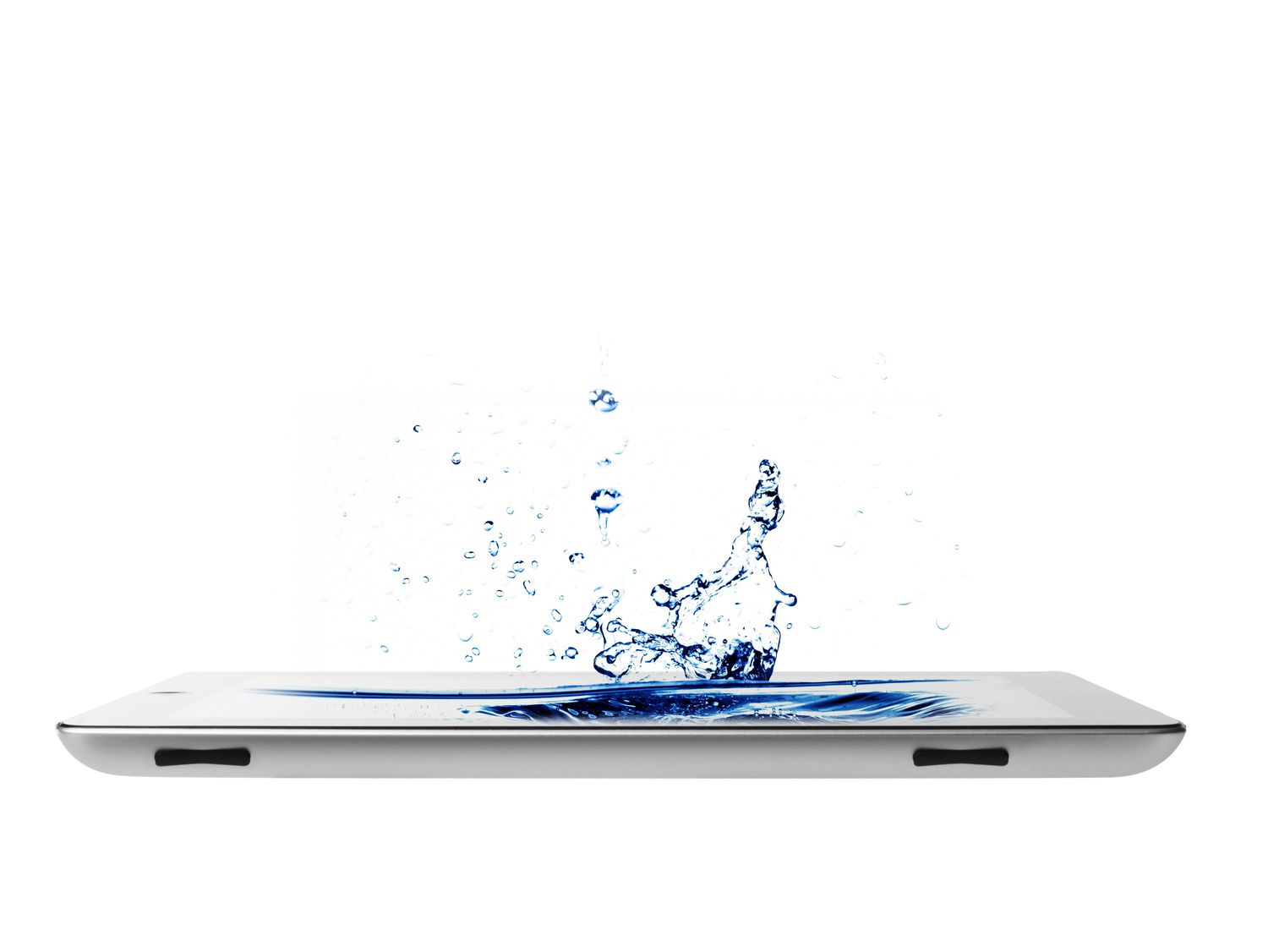
Are iPads waterproof? No, and they aren’t even classified as being water resistant. If you still want to use yours around water, use these tips to keep your iPad safe and dry.
Invest in a Dedicated Waterproof iPad Case
Urban Armor Gear.
A good waterproof case helps you avoid water damage and likely will help with a fall, too. Numerous waterproof and water-resistant iPad cases, such as Urban Armor Gear’s products, are on the market.
Protect Your iPad With a Plastic Bag
FotoDuets/iStock/GettyImagesPlus
The easiest way to protect your iPad against water damage is to place it in a clear plastic bag and tightly seal its opening.
Tape can seal the bag better though you may want to opt for a plastic bag or pocket that already offers built-in airtight sealing, such as a Ziploc bag.
Remember that if water is already in there, the water won’t have anywhere to go. And being in a sealed bag means it could overheat, so it’s best to use a bag for transport rather than use.
Secure Your iPad Around Water With a Mount
Armor-X
A water-resistant or waterproof iPad case can help protect against splashes and submersions, but it won’t help your Apple tablet if it falls into the ocean or a lake.
If you plan to use your iPad frequently while on a boat, connecting it to a mount is the most effective way to secure and protect it.
Companies such as Armor-X specialize in making iPad mounts for boats, bikes, and cars.
Turn Your iPad Off When Traveling
AitorDiago/Moment/GettyImages
An Apple iPad turned on is at much greater risk of permanent damage when wet than when turned off. So, switch it off if you’re not planning on using your iPad, and you think it will be at risk of being exposed to water.
Connect Your iPad to a Bluetooth Speaker
VirojtChangyencham/iStock/GettyImages
Rather than using your iPad to listen to music or a podcast while at the beach or pool, connect it to a waterproof Bluetooth speaker and keep that by your side instead.
Many Bluetooth speakers even have media control buttons, so you won’t need to touch your iPad to change tracks or the volume.
Using a Bluetooth speaker instead of your iPad is also a great idea for bathrooms and saunas.
Put Your iPad in Your Bag’s Inner Pocket
Westend61/GettyImages
Storing your iPad in your bag’s front or outer pockets may be more convenient, but it provides less protection against wet weather and splashes.
Try putting your Apple iPad inside your backpack’s inner compartments if possible. Your bag may even have a water-resistant pocket for storing tablets, laptops, and other electronics.
Thanks for letting us know!
Subscribe
Tell us why!
Other
Not enough details
Hard to understand
