
Close Menu
TechurzTechurz

    Subscribe to Updates

    Get the latest creative news from FooBar about art, design and business.

    What's Hot

    This Sequoia-backed lab thinks the brain is ‘the floor, not the ceiling’ for AI

    February 10, 2026

    Primary Ventures raises healthy $625M Fund V to focus on seed investing

    February 10, 2026

    Vega raises $120M Series B to rethink how enterprises detect cyber threats

    February 10, 2026
    Facebook X (Twitter) Instagram
    Trending
    • This Sequoia-backed lab thinks the brain is ‘the floor, not the ceiling’ for AI
    • Primary Ventures raises healthy $625M Fund V to focus on seed investing
    • Vega raises $120M Series B to rethink how enterprises detect cyber threats
    • Former Tesla product manager wants to make luxury goods impossible to fake, starting with a chip
    • Former GitHub CEO raises record $60M dev tool seed round at $300M valuation
    • Hauler Hero collects $16M for its AI waste management software
    • Proptech startup Smart Bricks raises $5 million pre-seed led by a16z
    • Databricks CEO says SaaS isn’t dead, but AI will soon make it irrelevant
    Facebook X (Twitter) Instagram Pinterest Vimeo
    TechurzTechurz
    • Home
    • AI
    • Apps
    • News
    • Guides
    • Opinion
    • Reviews
    • Security
    • Startups
    TechurzTechurz
    Home»Guides»Why Your Apple TV Isn’t Powering On + How to Solve It
    Guides

    Why Your Apple TV Isn’t Powering On + How to Solve It

    TechurzBy TechurzJuly 26, 2025No Comments3 Mins Read
    Share Facebook Twitter Pinterest LinkedIn Tumblr Reddit Telegram Email
    Why Your Apple TV Isn’t Powering On + How to Solve It
    Share
    Facebook Twitter LinkedIn Pinterest Email


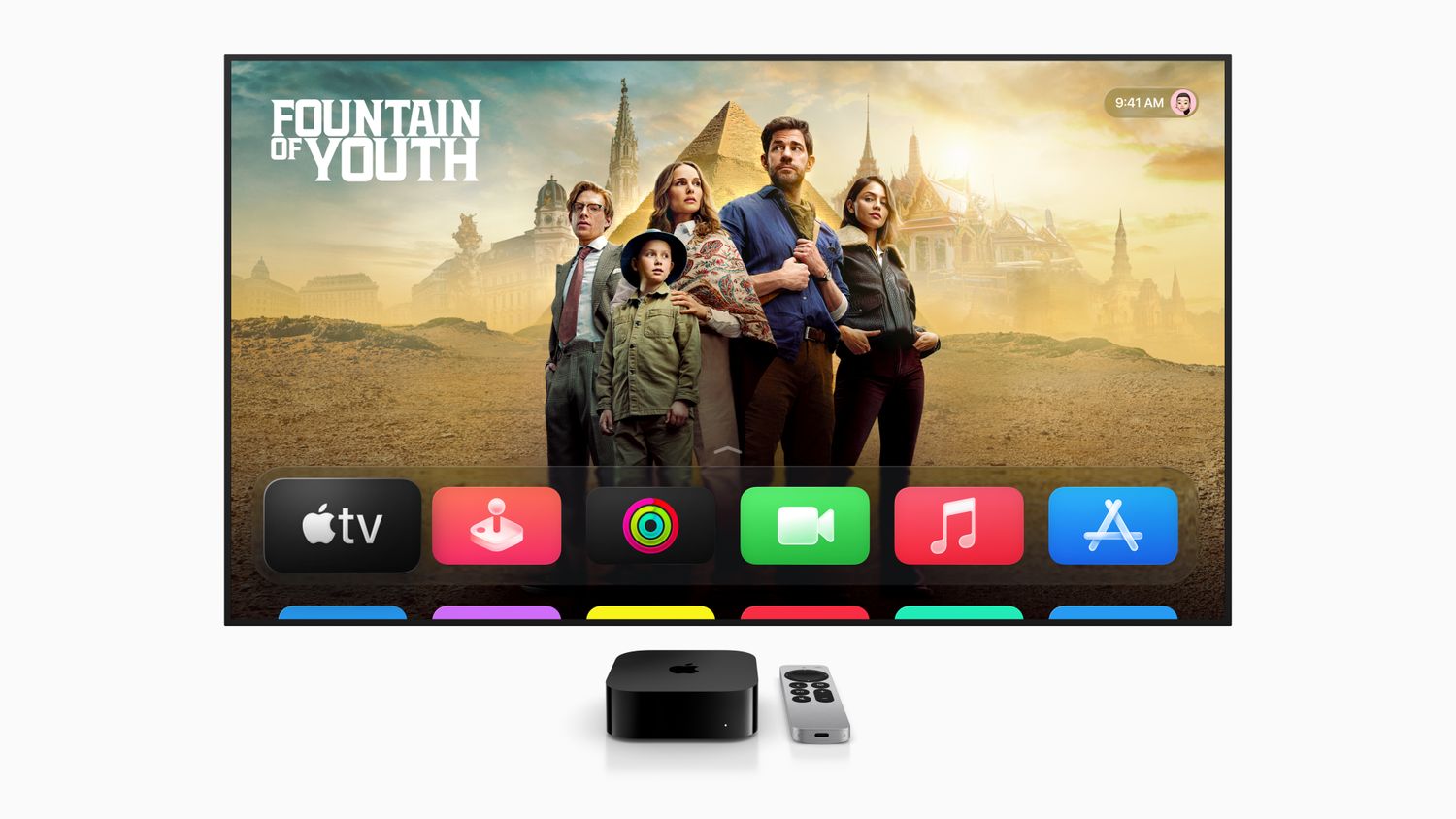
    When you have your sights set on catching the latest episode of your favorite series, nothing’s worse than sitting down to discover that your Apple TV won’t turn on. If your Apple TV does not power on successfully, try these fixes.

    Information in this article applies to all Apple TV models through Apple TV 4K.

    How to Fix an Apple TV That Does Not Power On

    The Apple TV indicator light, a small LED on the front of the device, is your first clue to the likely problem—and solution. Start with this information and work through the following potential fixes.

    1. Restart the Apple TV. Unplug the Apple TV from the outlet. Wait five seconds and then plug it back in. A restart can fix many problems you may experience with the Apple TV.

    2. Reseat the HDMI cable. Unplug the HDMI cable from both the Apple TV and television. Then plug both ends back in again. This action forces the signal to refresh. When the Apple TV status indicator light is stable, the problem is most likely with the TV or the connection to the TV.

    3. Try a different HDMI cable. The current one you’re using may be faulty and the root of the problem.

    4. Check the HDMI input. Confirm the television is on the proper HDMI input for the Apple TV. Check the back of the television to see which port the Apple TV is plugged into. If the TV has multiple ports, try a different one starting with HDMI 1 or Input 1.

    5. Check the power outlet. When you don’t see an Apple TV indicator light, be sure that the Apple TV is plugged into the wall and the socket is correctly receiving power. If the outlet works correctly, use a different Apple TV power cord if one is available.

    6. Restore the Apple TV software. If the Apple TV status indicator light flashes for more than a minute, the Apple TV may be experiencing a software problem and needs to be restored using your PC or Mac.

    If You Still Can’t Turn It On

    There’s a limited amount of troubleshooting you can perform at home for your Apple TV.

    If the Apple TV still doesn’t work after trying these fixes, use the app to schedule an appointment with Apple Support to take the unit to a local Apple Store for repair. A technician can provide proper assistance for the product.

    Causes of an Apple TV That Does Not Power On

    Most of the reasons an Apple TV won’t turn on are related to power, cables, and connections. These issues are relatively easy to test for.

    If cable and power checks don’t resolve anything, it’s also possible the your Apple TV has a software problem or requires repair with an Apple technician.

    Thanks for letting us know!

    Get the Latest Tech News Delivered Every Day

    Subscribe

    Tell us why!

    Other

    Not enough details

    Hard to understand

    Apple Isnt Powering solve
    Share. Facebook Twitter Pinterest LinkedIn Tumblr Email
    Previous ArticleThe 12 best laptops for high school and college students
    Next Article Move over Samsung and Kioxia, Exascend’s 30.72TB SSD says it’s cooler, smaller, and cheaper to run
    Techurz
    • Website

    Related Posts

    Opinion

    Databricks CEO says SaaS isn’t dead, but AI will soon make it irrelevant

    February 9, 2026
    Opinion

    Apple buys Israeli startup Q.ai as the AI race heats up

    January 29, 2026
    Opinion

    How WitnessAI raised $58M to solve enterprise AI’s biggest risk

    January 14, 2026
    Add A Comment
    Leave A Reply Cancel Reply

    Top Posts

    College social app Fizz expands into grocery delivery

    September 3, 20251,433 Views

    A Former Apple Luminary Sets Out to Create the Ultimate GPU Software

    September 25, 202514 Views

    The Reason Murderbot’s Tone Feels Off

    May 14, 202511 Views
    Stay In Touch
    • Facebook
    • YouTube
    • TikTok
    • WhatsApp
    • Twitter
    • Instagram
    Latest Reviews

    Subscribe to Updates

    Get the latest tech news from FooBar about tech, design and biz.

    Most Popular

    College social app Fizz expands into grocery delivery

    September 3, 20251,433 Views

    A Former Apple Luminary Sets Out to Create the Ultimate GPU Software

    September 25, 202514 Views

    The Reason Murderbot’s Tone Feels Off

    May 14, 202511 Views
    Our Picks

    This Sequoia-backed lab thinks the brain is ‘the floor, not the ceiling’ for AI

    February 10, 2026

    Primary Ventures raises healthy $625M Fund V to focus on seed investing

    February 10, 2026

    Vega raises $120M Series B to rethink how enterprises detect cyber threats

    February 10, 2026

    Subscribe to Updates

    Get the latest creative news from FooBar about art, design and business.

    Facebook X (Twitter) Instagram Pinterest
    • About Us
    • Contact Us
    • Privacy Policy
    • Terms and Conditions
    • Disclaimer
    © 2026 techurz. Designed by Pro.

    Type above and press Enter to search. Press Esc to cancel.