
Close Menu
TechurzTechurz

    Subscribe to Updates

    Get the latest creative news from FooBar about art, design and business.

    What's Hot

    How to get into a16z’s super-competitive Speedrun startup accelerator program

    February 11, 2026

    Twilio co-founder’s fusion power startup raises $450M from Bessemer and Alphabet’s GV

    February 11, 2026

    UpScrolled’s social network is struggling to moderate hate speech after fast growth

    February 11, 2026
    Facebook X (Twitter) Instagram
    Trending
    • How to get into a16z’s super-competitive Speedrun startup accelerator program
    • Twilio co-founder’s fusion power startup raises $450M from Bessemer and Alphabet’s GV
    • UpScrolled’s social network is struggling to moderate hate speech after fast growth
    • Upside Robotics is reducing fertilizer use and waste in corn crops
    • Integrate raises $17M to move defense project management into the 21st century
    • Build a pipeline and close deals with an exhibit table at Disrupt 2026
    • Humanoid robot startup Apptronik has now raised $935M at a $5B+ valuation
    • This Sequoia-backed lab thinks the brain is ‘the floor, not the ceiling’ for AI
    Facebook X (Twitter) Instagram Pinterest Vimeo
    TechurzTechurz
    • Home
    • AI
    • Apps
    • News
    • Guides
    • Opinion
    • Reviews
    • Security
    • Startups
    TechurzTechurz
    Home»Guides»You Can Finally Filter Ads on Your Kindle Lock Screen
    Guides

    You Can Finally Filter Ads on Your Kindle Lock Screen

    TechurzBy TechurzJuly 11, 2025No Comments3 Mins Read
    Share Facebook Twitter Pinterest LinkedIn Tumblr Reddit Telegram Email
    You Can Finally Filter Ads on Your Kindle Lock Screen
    Share
    Facebook Twitter LinkedIn Pinterest Email


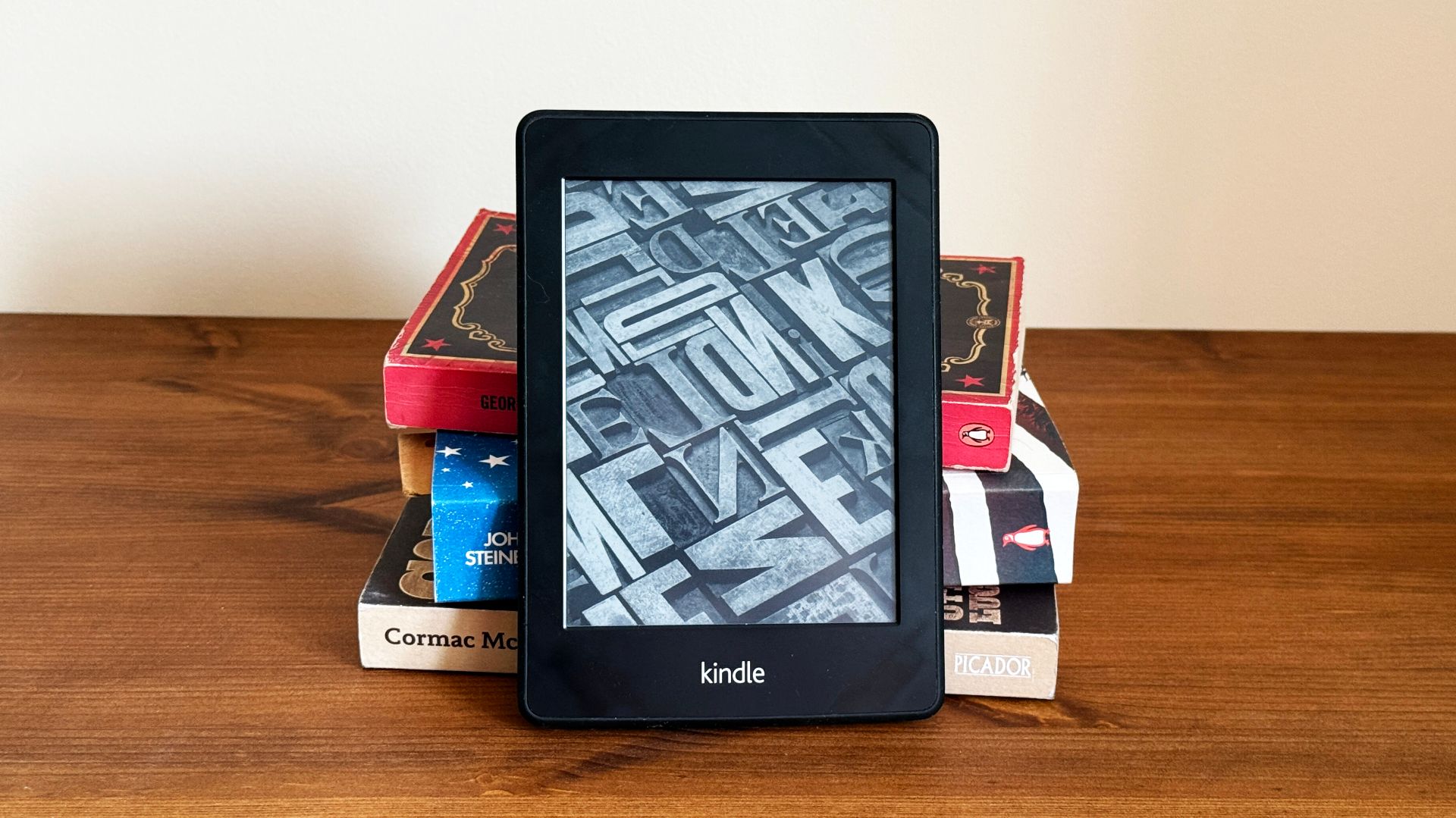
    Have you ever wished you could filter and clean up all those ads on your Kindle e-reader lock screen? Amazon is constantly updating its popular line of Kindle products, and the latest Kindle update, version 5.18.3, lets you do exactly that.

    Many people with Kindles opt for an ad-supported version to save a little money, but that means there are all sorts of personalized and regular ads on the lock screen. While that’s fine, and you chose that option, sometimes those ads are a bit inappropriate, especially for kids. Now there’s finally a way to regain control and clean up your Kindle.

    Related

    Jailbreaking My Kindle Was Easier Than I Expected

    Take control of your Kindle.

    For example, if you read a lot of hot and steamy romance novels, like some authored by Colleen Hoover, your Amazon Kindle may eventually start showing personalized ads for other romance novels with cover art that isn’t all that appropriate. Furthermore, those ads can serve all sorts of things based on your reading and browsing history.

    Amazon constantly updates the software on its Kindle e-readers, but the changelogs and release notes are usually blank. While the latest Kindle software 5.18.3, didn’t mention it, there’s a new setting you can use to clean up your lock screen. Amazon now allows for ad filtering, and it only took them over a decade.

    How to Filter Ads on Your Kindle Lock Screen

    If you’re looking to filter away some of those slightly inappropriate ads on your Kindle, the process is relatively simple, as long as you’re on the latest software and have a compatible device. For now, these settings are available on Kindle Scribes, Kindle Colorsoft, Kindle Paperwhite, and the 11th and 12th gen basic Kindle.

    Turn on your Kindle and go to Settings > Your Account > Lockscreen Ads to get started. You’ll now see two filter options. The first one is personalized ads, which will serve up ads based on your browsing and purchase history. Flip the toggle off.

    The second option is more specific, and it sets a filter for inappropriate content. The Kindle software states that it will “hide ads that may not be appropriate for everyone.” Turn on that second setting, and you’re all set.

    Users have been talking about age-appropriate ads for years, and now there’s finally a way to get rid of stuff. Keep in mind that this might not stop everything from getting through, but it should clean things up a bit. You’ll still get ads on the home screen, but they’ll be more PG and G-rated. It’s still up to Amazon to decide what content is safe, but things should certainly be better than before.

    Additionally, owners can always pay to remove all of these ads. Amazon offers a one-time $20 charge to completely remove Kindle ads from the lock screen, screensavers, and similar areas. And in case you didn’t know, earlier this year, Amazon added a tap gesture to the back of the device that makes it easy to turn pages. Give it a try.

    Source: The eBook Reader via Android Police

    ads Filter finally Kindle lock Screen
    Share. Facebook Twitter Pinterest LinkedIn Tumblr Email
    Previous Article4 days until TC All Stage in Boston and the lowest ticket prices vanish
    Next Article 5 Big EV Takeaways From Trump’s ‘One Big Beautiful Bill’
    Techurz
    • Website

    Related Posts

    Opinion

    OpenAI says it’s turned off app suggestions that look like ads

    December 7, 2025
    Security

    This simple Pixel update finally makes my Android calls as nice as iPhone’s

    October 30, 2025
    Security

    Google Labs’ free new experiment creates AI-generated ads for your small business

    October 30, 2025
    Add A Comment
    Leave A Reply Cancel Reply

    Top Posts

    College social app Fizz expands into grocery delivery

    September 3, 20251,467 Views

    A Former Apple Luminary Sets Out to Create the Ultimate GPU Software

    September 25, 202514 Views

    The Reason Murderbot’s Tone Feels Off

    May 14, 202511 Views
    Stay In Touch
    • Facebook
    • YouTube
    • TikTok
    • WhatsApp
    • Twitter
    • Instagram
    Latest Reviews

    Subscribe to Updates

    Get the latest tech news from FooBar about tech, design and biz.

    Most Popular

    College social app Fizz expands into grocery delivery

    September 3, 20251,467 Views

    A Former Apple Luminary Sets Out to Create the Ultimate GPU Software

    September 25, 202514 Views

    The Reason Murderbot’s Tone Feels Off

    May 14, 202511 Views
    Our Picks

    How to get into a16z’s super-competitive Speedrun startup accelerator program

    February 11, 2026

    Twilio co-founder’s fusion power startup raises $450M from Bessemer and Alphabet’s GV

    February 11, 2026

    UpScrolled’s social network is struggling to moderate hate speech after fast growth

    February 11, 2026

    Subscribe to Updates

    Get the latest creative news from FooBar about art, design and business.

    Facebook X (Twitter) Instagram Pinterest
    • About Us
    • Contact Us
    • Privacy Policy
    • Terms and Conditions
    • Disclaimer
    © 2026 techurz. Designed by Pro.

    Type above and press Enter to search. Press Esc to cancel.