


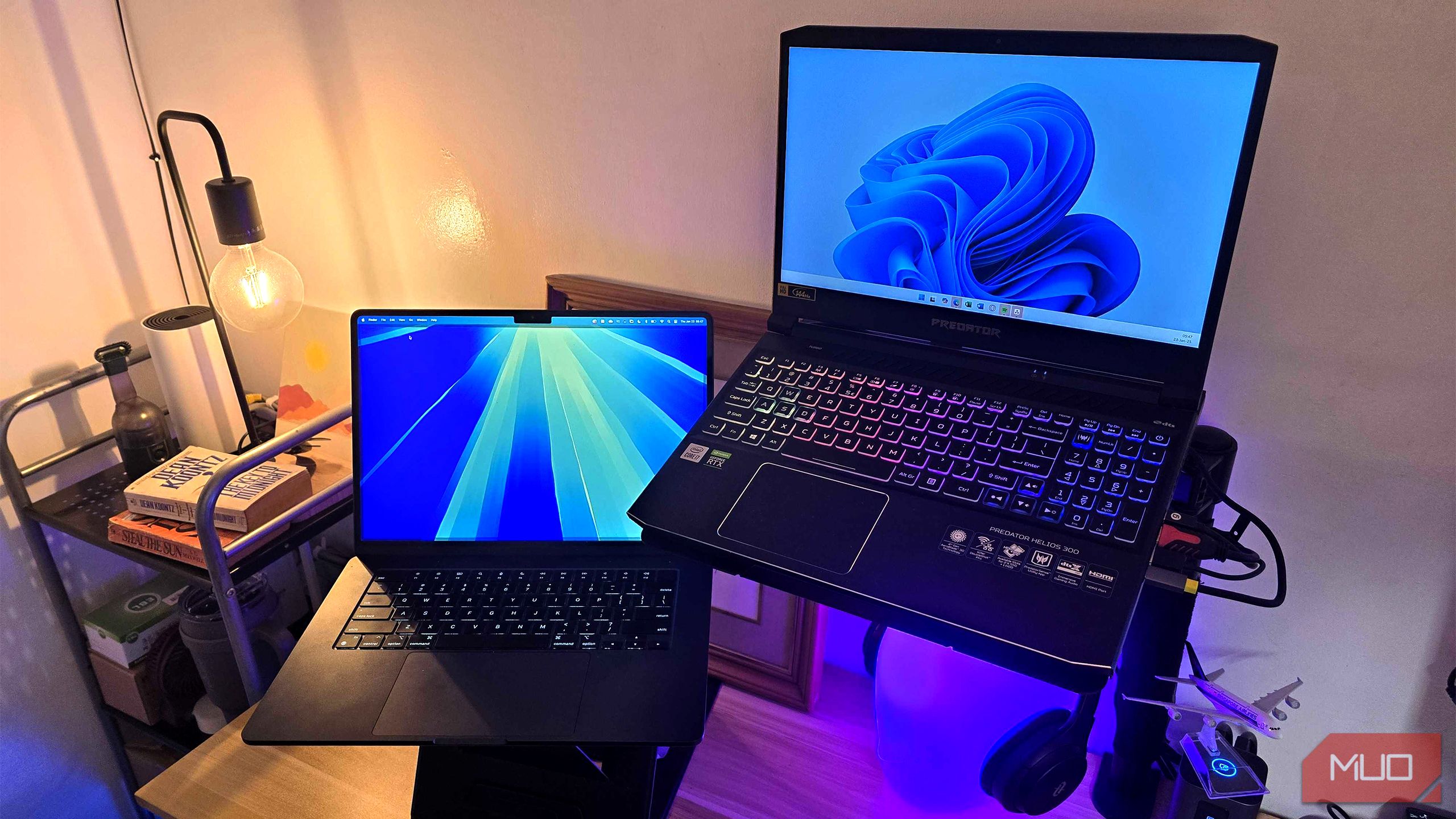
Your student laptop should power through packed days, hectic commutes, and those urgent dashes across campus. Forget the marketing hype—choose the laptop specs that let you get things done, hassle-free.
5
Lightweight and Portable
A laptop you can actually carry all day makes a big difference. When you add schoolbooks, notepads, water bottles, and chargers, even a small computer can start to feel heavy. Look for anything between 2 and 3.5 pounds. Devices in this range slip easily into bags, sometimes barely noticed until you need them.
Justin Duino / MakeUseOf
In terms of size, something around 13–14 inches makes the most sense. They fit on crowded desks or in snug backpacks but are still big enough that web-browsing, essays, and split-screen work feel easy on your eyes. If you choose a bigger and heavier model, you’ll enjoy the extra size until you start to realize you have to carry it everywhere you go.
Portability comes from more than just the machine. When your laptop fits your bag and routine, you can always grab it to write notes, finish assignments, or squeeze in research before the next class. Choosing light and compact saves you from tired shoulders and frustration later on.
4
A Full HD Display
A clear, sharp screen helps to prevent your eyes from squinting and your shoulders from hunching over during long study sessions. A Full HD display, with its 1920×1080 resolution, offers a crisp and comfortable view of your windows, tabs, and documents side-by-side without making text or images look tiny or washed out.
Gavin Phillips / MakeUseOf
Anything lower than 1080p turns into an annoyance. Blurry text and cramped workspace slow you down long before the savings seem worth it. Save yourself from squinting and pick Full HD for a genuine productivity boost. While most laptops today come with 1080p displays, a few budget models still use 720p panels, so keep an eye out.
For those wanting displays with 4k-resolution at high refresh rates, remember, these features will greatly reduce your laptop’s battery life. You may want to settle for something with a QHD (2560 x 1440) display if you really can’t do 1080p.
You’ll also want to consider brightness. Around 300 nits of brightness works fine, but if you like studying outside or being near windows, start with something that has at least 400 nits peak brightness.
3
USB-C/Thunderbolt Charging
Charging with USB-C is now the normal way to power up. Most new laptops, tablets, and even phones use it. That means you need fewer cables in your bag, and you can almost always borrow a charger from a friend if you forget your own.
Cronislaw / Shutterstock
Choose models with at least 45W USB-C charging. You’ll refill your battery quickly enough that study breaks can actually charge your device to last your next few classes. If you need even more flexibility, Thunderbolt ports let you add extra storage, plug in a big monitor, or move files in a flash—all with just one connector. Note that not all USB-C ports are Thunderbolt-capable. Always check if the port has a Thunderbolt icon beside the USB-C port.
With USB-C/Thunderbolt ports, you’ll gain peace of mind knowing you’ll find charging connection options almost everywhere on campus. If you get in a pinch, even a phone charger will help keep your laptop running until your next class wraps up.
2
All-Day Battery Life
Battery life is the first thing you should check on any laptop. Most students don’t park themselves near a wall outlet from morning to night. You want your laptop to last the whole day on campus. Aim for eight to ten hours of normal use. Don’t trust the numbers in ads. Those come from controlled lab settings. In the real world, every browser tab open, every file syncing in the background, and every video call uses more battery than you might expect.
Melnikov Dmitriy / Shutterstock
A battery of around 70Wh or higher lets you run further without worry, but many smartly designed laptops with a 50Wh pack should power you through a school day, based on my experience.
Go for a laptop with a recent Intel Core or AMD Ryzen chip, as they squeeze out even more time with improved power management. If you’re looking for a MacBook, any of the M-series chips all have excellent power efficiency due to the use of ARM instead of x86 processors.
Also, be careful about picking extras like gaming graphics or ultra-high-resolution screens. They drain your battery much faster, and you won’t see a big difference for most schoolwork.
1
Wi-Fi 7 (Or, at Least Wi-Fi 6/6E)
Wi-Fi isn’t just about speed. On campus, where hundreds of students crowd the same network, modern Wi-Fi can mean the difference between a smooth streaming session and staring at a loading bar. Wi-Fi 6 (also called 802.11ax) manages busy networks better, offers faster data transfer, and helps your laptop battery last that much longer.
IEEE Standard
Wi-Fi Alliance Name
Year Released
Frequency
Maximum Data Rate
802.11ac
Wi-Fi 5
2014
2.4GHz & 5GHz
1.3Gbps
802.11ax
Wi-Fi 6
2019
2.4GHz & 5GHz
10-12Gbps
802.11ax-2021
Wi-Fi 6E
2021
2.4GHz, 5GHz, & 6GHz
10-12Gbps
801.11be
Wi-Fi 7
2024/2025
2.4GHz, 5GHz, & 6GHz
40Gbps
If you can, get a laptop with Wi-Fi 6E or even the newest Wi-Fi 7. They open up more wireless space, so your computer stays responsive and connected even when things get busy. Many colleges have already installed this kind of infrastructure, and more campuses plan to update soon. Having the newest Wi-Fi means you’ll get the best connections, less lag, and faster upload speeds.
Laptop makers often want you to get caught up in extras or novelty features. Fancy graphics, enormous screens, lengthy spec lists—they may sound good in theory, but rarely make your campus life easier. Stay focused on what you’ll really notice: reliable battery, manageable weight, a readable screen, modern charging, and fast Wi-Fi. Invest in these basics and enjoy your studies without headaches.
