


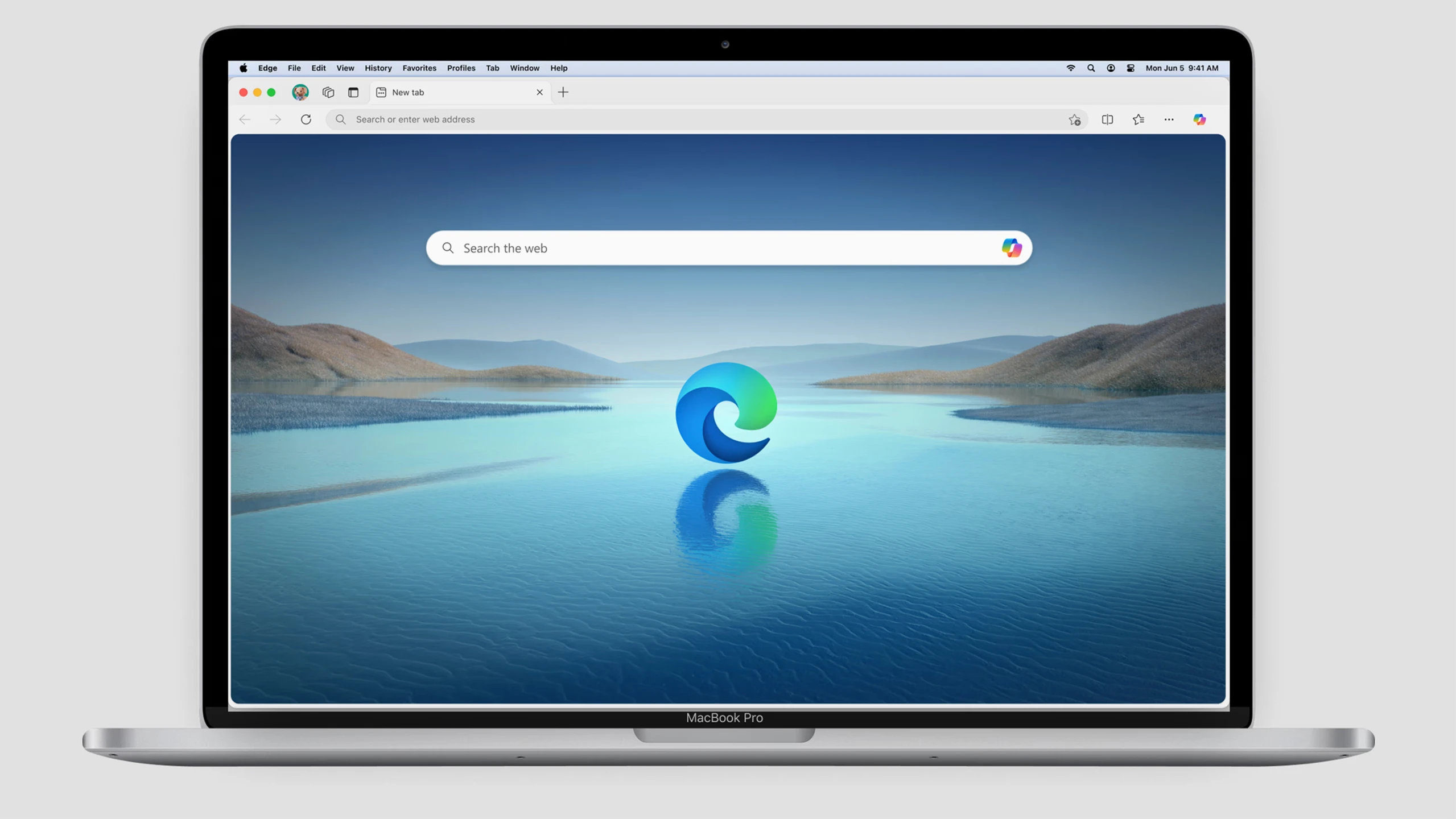
You’d be forgiven for forgetting that there was a time when Microsoft Edge was basically the web browser that opened when you accidentally clicked a link that didn’t default to opening in Chrome or Firefox.
But something shifted in 2020 when Microsoft switched Edge’s digital drivetrain to Chromium, the technology that powers the Google Chrome browser and others like it.
Edge suddenly shed its awkward skin and emerged as a genuinely competent—nay, pleasant—browsing experience.
And if you use Edge during your workday, there are some wonderfully useful time-savers built right into its core. Here are the ones I find most excellent.
Split Screen: 2 for the price of one
Want to browse to your heart’s content while keeping an eye on your email? Try a neat little Edge feature called “Split Screen.”
Click on the three little dots in the upper-right corner and select this menu option, and the browser will split into two panes and you can open different sites. It even handles multiple tabs for each pane as well.
It’s perfect for always-on email, social media, or anything you need to keep a constant watch over without disrupting your main workflow. It’s like having a mini-browser within your browser and is especially helpful if you’re working off a laptop without multiple monitors to plug into.
Collections: Your digital idea board
If you often find yourself researching something, opening a few dozen tabs, and then realizing you’ll need to revisit all of them later . . . then you and I are kindred, unorganized spirits.
Yes, bookmarks exist, but they’re meant to be reasonably permanent and they’re a bit clunky for quick idea gathering. “Collections,” on the other hand, act like digital project managers for you to reference later.
Click the three-dot menu and choose Collections to get started. You can drag and drop links, images, even snippets of text into a themed collection.
Planning a trip? Researching a new gadget? Building a shopping list? Collections keep it all tidy and easily accessible. Imagine: actual organization!
Performance Settings: Nobody likes a laggy browser
Even the best browser can bog down the beefiest system when you have a gazillion tabs open and a dozen extensions running, and you’re streaming 4K resolution video.
Edge’s “Performance” settings section is a quiet hero. It aims to save CPU, RAM, and battery by saving system resources, including a handy feature that puts inactive tabs to sleep. It doesn’t close them, but rather simply pauses them, freeing up resources for stuff you’re actively working on.
You can enable and tweak various efficiency features in Settings > System and Performance. Your CPU fan will thank you.
Web Capture: Screenshots made simple
If ever you’re feeling down about the state of the world, just know that it’s never been a better, easier era to grab screenshots. So there’s that.
What once involved a delicate dance of Print Screen, pasting into Paint, cropping, and then realizing you missed a pixel is now as easy as right-clicking in the open space of a web page, selecting “Screenshot,” and grabbing what you need.
You can grab a specific area, the full page, or exactly what you see in the browser. You can annotate directly on the capture, too.
I’m not usually one for built-in shopping assistants, but Edge’s are surprisingly unobtrusive and genuinely helpful.
If you’re on a site that sells stuff, look for a blue price tag icon to appear on the right-hand side of the address bar.
Click it, and the feature can automatically find coupons, compare prices, show you historical price trends, and let you track the item and get alerted if it goes on sale. It’s like having a miniature, nonjudgmental personal shopper living in your browser.
The final deadline for Fast Company’s Next Big Things in Tech Awards is Friday, June 20, at 11:59 p.m. PT. Apply today.
