


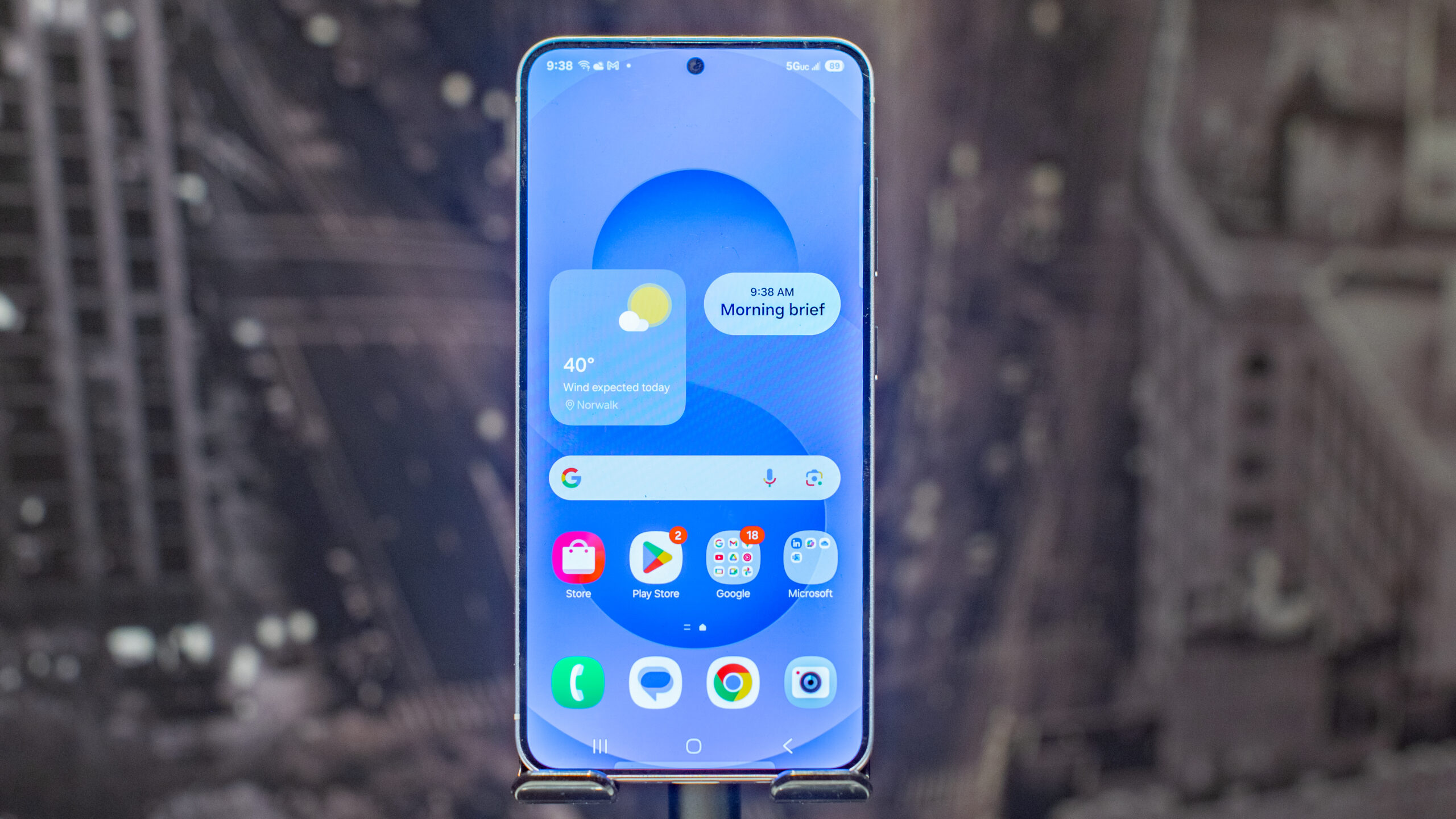
Samsung has now launched its first beta of One UI 8, which is the company’s take on Android 16. If you have a phone in the Samsung Galaxy S25 series and are based in the US, UK, Germany, or South Korea, then you can grab the beta now, but you might want to wait, since being a beta this won’t be as polished and stable as the final release.
Still, Samsung has added a lot here, with improvements to accessibility, security, the camera, and various apps.
Below, you’ll find eight of the biggest new features that are coming with One UI 8 – so you can decide whether you want to grab the beta to try them out now, or wait until the finished version starts rolling out, likely in the next couple of months.
You may like
1. A redesigned Reminder app
(Image credit: Samsung)
With One UI 8, Samsung has made a lot of changes to its Reminder app, including moving categories to the top of the screen, so you can see at a glance how many reminders are in each category.
The update also lets you hide custom categories with a tap, make use of sample reminder templates, and more quickly enter reminders by just typing them into the box at the bottom of the screen – or using the mic icon to add them by voice.
On a related note, you can also now easily create reminders from within the calendar app, and drag and drop reminders on the calendar to reschedule them.
2. Improvements to split screen
Samsung phones already offer a split screen view, allowing you to see two apps side by side, but with One UI 8 you can now push one app against the edge of the screen so the other app has more space.
If you want to switch which app you’re focused on, you can just tap the smaller window to make it big and the other small instead.
3. Quicker access to camera controls
Moments can be fleeting, so the faster you can access and configure your camera to shoot them, the better, and to that end Samsung has made it so you can access the quick controls in the camera by just swiping up or down anywhere in the preview area. So now you’ll be able to adjust your camera’s settings faster than ever.
Note though that you’ll first need to enable this by going into the main camera settings screen and changing the swipe up/down option to this.
4. Enhanced Secure Folder
Samsung’s Secure Folder is getting a bit more private and secure with One UI 8. This update adds the ability to hide apps and prevent notifications from them when Secure Folder is locked.
You can also choose to hide and encrypt the Secure Folder itself, so no one will find it on your phone, and even if they do, they’ll have no chance of accessing its data.
5. Faster sharing
(Image credit: Samsung)
It’s now faster than ever to send and receive files on a Samsung Galaxy phone, as with One UI 8, you can just tap the Quick Share button in quick settings, and then once the Quick Share screen is open you’re ready to send or receive files via dedicated ‘send’ and ‘receive’ tabs.
6. Accessibility additions
One UI 8 also brings a number of accessibility improvements, including the ability to zoom in and out on the screen by pressing buttons on the Assistant menu.
You can also control mouse actions with a physical keyboard, magnify the on-screen keyboard, and easily pair hearing aids with your device from the hearing aid support screen in Accessibility settings.
These are likely to be niche features, but for people with related disabilities they could make a huge difference.
7. Samsung Health improvements
Samsung Health has been improved with a feature that should appeal to runners who like a little friendly competition. Now, you can challenge friends to run a certain distance the fastest.
That distance doesn’t have to be achieved in a single run, it’s just whoever cumulatively achieves that distance the fastest wins. There were already step challenges along these lines, but adding distance should appeal more to runners.
As well as that, Samsung Health can now send you reminders to record your food intake. So if you’re on a diet or simply want to track your nutrition, you won’t forget to log your meals anymore.
8. A more customizable browser
Samsung has also made big changes to Samsung Internet, so those who haven’t switched to Chrome or another big-name option will now be able to more easily access commonly used features.
Samsung has optimized the browser to that end, as well as adding the ability to customize the layout to match your own personal preferences.
