

Close Menu
TechurzTechurz

    Subscribe to Updates

    Get the latest creative news from FooBar about art, design and business.

    What's Hot

    Didero lands $30M to put manufacturing procurement on ‘agentic’ autopilot

    February 12, 2026

    Eclipse backs all-EV marketplace Ever in $31M funding round

    February 12, 2026

    Complyance raises $20M to help companies manage risk and compliance

    February 12, 2026
    Facebook X (Twitter) Instagram
    Trending
    • Didero lands $30M to put manufacturing procurement on ‘agentic’ autopilot
    • Eclipse backs all-EV marketplace Ever in $31M funding round
    • Complyance raises $20M to help companies manage risk and compliance
    • Meridian raises $17 million to remake the agentic spreadsheet
    • 2026 Joseph C. Belden Innovation Award nominations are open
    • AI inference startup Modal Labs in talks to raise at $2.5B valuation, sources say
    • Who will own your company’s AI layer? Glean’s CEO explains
    • How to get into a16z’s super-competitive Speedrun startup accelerator program
    Facebook X (Twitter) Instagram Pinterest Vimeo
    TechurzTechurz
    • Home
    • AI
    • Apps
    • News
    • Guides
    • Opinion
    • Reviews
    • Security
    • Startups
    TechurzTechurz
    Home»Guides»Avast Free Antivirus Uninstall Guide: Step-by-Step Instructions
    Guides

    Avast Free Antivirus Uninstall Guide: Step-by-Step Instructions

    TechurzBy TechurzJune 9, 2025No Comments3 Mins Read
    Share Facebook Twitter Pinterest LinkedIn Tumblr Reddit Telegram Email
    Avast Free Antivirus Uninstall Guide: Step-by-Step Instructions
    Share
    Facebook Twitter LinkedIn Pinterest Email


    The Download

    • First, go to Menu > Settings > General > Troubleshooting. Uncheck Enable Self-Defense.
    • Then, remove Avast: Control Panel > Programs and Features > highlight the app > Uninstall.
    • When Avast’s configuration screen appears, choose Uninstall and follow the on-screen directions.

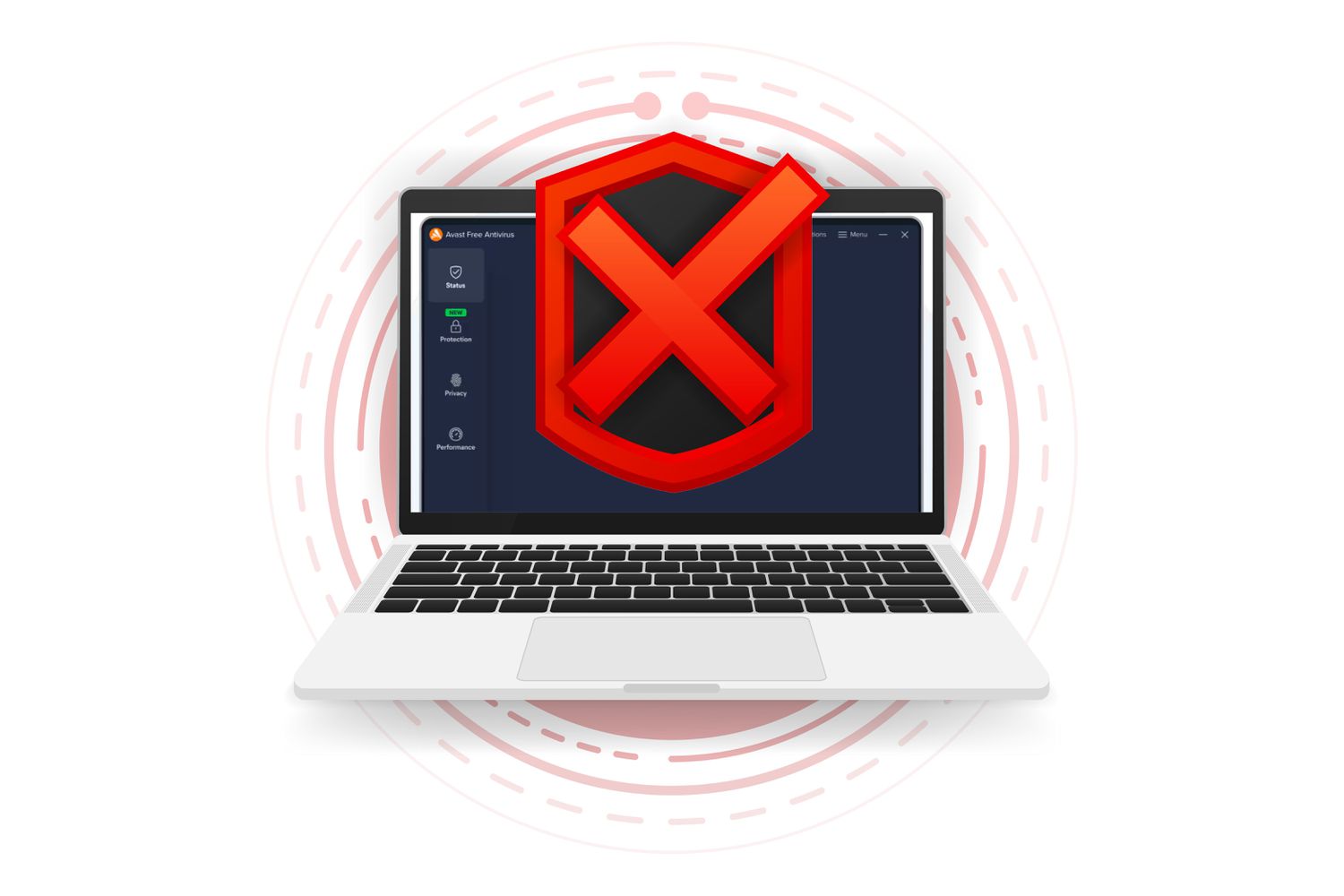
    This article explains how to uninstall Avast Free Antivirus from your Windows computer.

    How to Disable Avast’s Self-Defense Mode

    To disable self-defense mode in Avast, you’ll need to go into a ‘hidden’ area of the Settings.

    1. Open Avast and select Menu at the top.

    2. Select Settings from the drop-down menu that appears.

    3. This opens a new Settings window. Select General from the left navigation pane, and then select Troubleshooting from the sub-menu.

    4. Deselect the checkbox beside Enable Self-Defense to turn off this feature.

    5. This opens a pop-up window asking you to confirm. Select OK to confirm the change.

    6. With Self-Defense mode off, you can close the Settings window as well as Avast.

    Complete the Avast Free Antivirus Uninstall

    Now that self-defense mode is off, follow these Avast Free Antivirus uninstall steps to finish the removal:

    1. Open Control Panel. One quick method is to search for it from the Start menu; select Control Panel to open it.

    2. Choose Programs and Features.

    3. Select Avast Free Antivirus from the list, and then choose Uninstall to begin the uninstall process.

    4. Select Uninstall at the bottom to launch the Avast Free Antivirus uninstall process.

    5. You’ll see a confirmation window asking you if you really want to delete Avast. Select Yes.

    6. This will launch the Avast uninstallation process. It may take a few minutes for the progress bar to complete as the uninstallation deletes all of the Avast files distributed throughout your system.

    7. When the uninstallation is complete, you’ll see a prompt to restart the computer so the uninstallation can complete. Choose Restart computer to finish.

    8. Restarting your computer will complete the uninstallation process. Once this is done, Avast will be completely uninstalled from your system.

    Install New Antivirus Software

    If you uninstalled Avast Antivirus so that you can install new antivirus software, there are lots of good, free antivirus software options to choose from.

    If you’re only uninstalling it to test whether Avast is interfering with other things you’re trying to do with your computer, make sure to download the latest version of Avast Free Antivirus and reinstall it on your system so that you’re fully protected.

    Thanks for letting us know!

    Get the Latest Tech News Delivered Every Day

    Subscribe

    Tell us why!

    Other

    Not enough details

    Hard to understand

    antivirus Avast free Guide Instructions StepbyStep Uninstall
    Share. Facebook Twitter Pinterest LinkedIn Tumblr Email
    Previous ArticleApple doesn’t need better AI as much as AI needs Apple to bring its A-game
    Next Article Quordle hints and answers for Monday, June 9 (game #1232)
    Techurz
    • Website

    Related Posts

    Security

    Perplexity’s new AI tool lets you search patents with natural language – and it’s free

    November 3, 2025
    Security

    The MSP Cybersecurity Readiness Guide: Turning Security into Growth

    November 1, 2025
    Security

    Google Labs’ free new experiment creates AI-generated ads for your small business

    October 30, 2025
    Add A Comment
    Leave A Reply Cancel Reply

    Top Posts

    College social app Fizz expands into grocery delivery

    September 3, 20251,530 Views

    A Former Apple Luminary Sets Out to Create the Ultimate GPU Software

    September 25, 202514 Views

    The Reason Murderbot’s Tone Feels Off

    May 14, 202511 Views
    Stay In Touch
    • Facebook
    • YouTube
    • TikTok
    • WhatsApp
    • Twitter
    • Instagram
    Latest Reviews

    Subscribe to Updates

    Get the latest tech news from FooBar about tech, design and biz.

    Most Popular

    College social app Fizz expands into grocery delivery

    September 3, 20251,530 Views

    A Former Apple Luminary Sets Out to Create the Ultimate GPU Software

    September 25, 202514 Views

    The Reason Murderbot’s Tone Feels Off

    May 14, 202511 Views
    Our Picks

    Didero lands $30M to put manufacturing procurement on ‘agentic’ autopilot

    February 12, 2026

    Eclipse backs all-EV marketplace Ever in $31M funding round

    February 12, 2026

    Complyance raises $20M to help companies manage risk and compliance

    February 12, 2026

    Subscribe to Updates

    Get the latest creative news from FooBar about art, design and business.

    Facebook X (Twitter) Instagram Pinterest
    • About Us
    • Contact Us
    • Privacy Policy
    • Terms and Conditions
    • Disclaimer
    © 2026 techurz. Designed by Pro.

    Type above and press Enter to search. Press Esc to cancel.