

Close Menu
TechurzTechurz

    Subscribe to Updates

    Get the latest creative news from FooBar about art, design and business.

    What's Hot

    The reputation of troubled YC startup Delve has gotten even worse

    April 1, 2026

    Startup funding shatters all records in Q1

    April 1, 2026

    StrictlyVC San Francisco is in less than a month

    April 1, 2026
    Facebook X (Twitter) Instagram
    Trending
    • The reputation of troubled YC startup Delve has gotten even worse
    • Startup funding shatters all records in Q1
    • StrictlyVC San Francisco is in less than a month
    • Toyota’s Woven Capital appoints new CIO and COO in push for finding the ‘future of mobility’
    • Mercor says it was hit by cyberattack tied to compromise of open-source LiteLLM project
    • It’s not your imagination: AI seed startups are commanding higher valuations
    • Yupp.ai shuts down after raising $33M from a16z crypto’s Chris Dixon
    • Whoop’s valuation just tripled to $10 billion
    Facebook X (Twitter) Instagram Pinterest Vimeo
    TechurzTechurz
    • Home
    • AI
    • Apps
    • News
    • Guides
    • Opinion
    • Reviews
    • Security
    • Startups
    TechurzTechurz
    Home»Guides»How to Turn Off Eco Mode
    Guides

    How to Turn Off Eco Mode

    TechurzBy TechurzJuly 13, 2025No Comments3 Mins Read
    Share Facebook Twitter Pinterest LinkedIn Tumblr Reddit Telegram Email
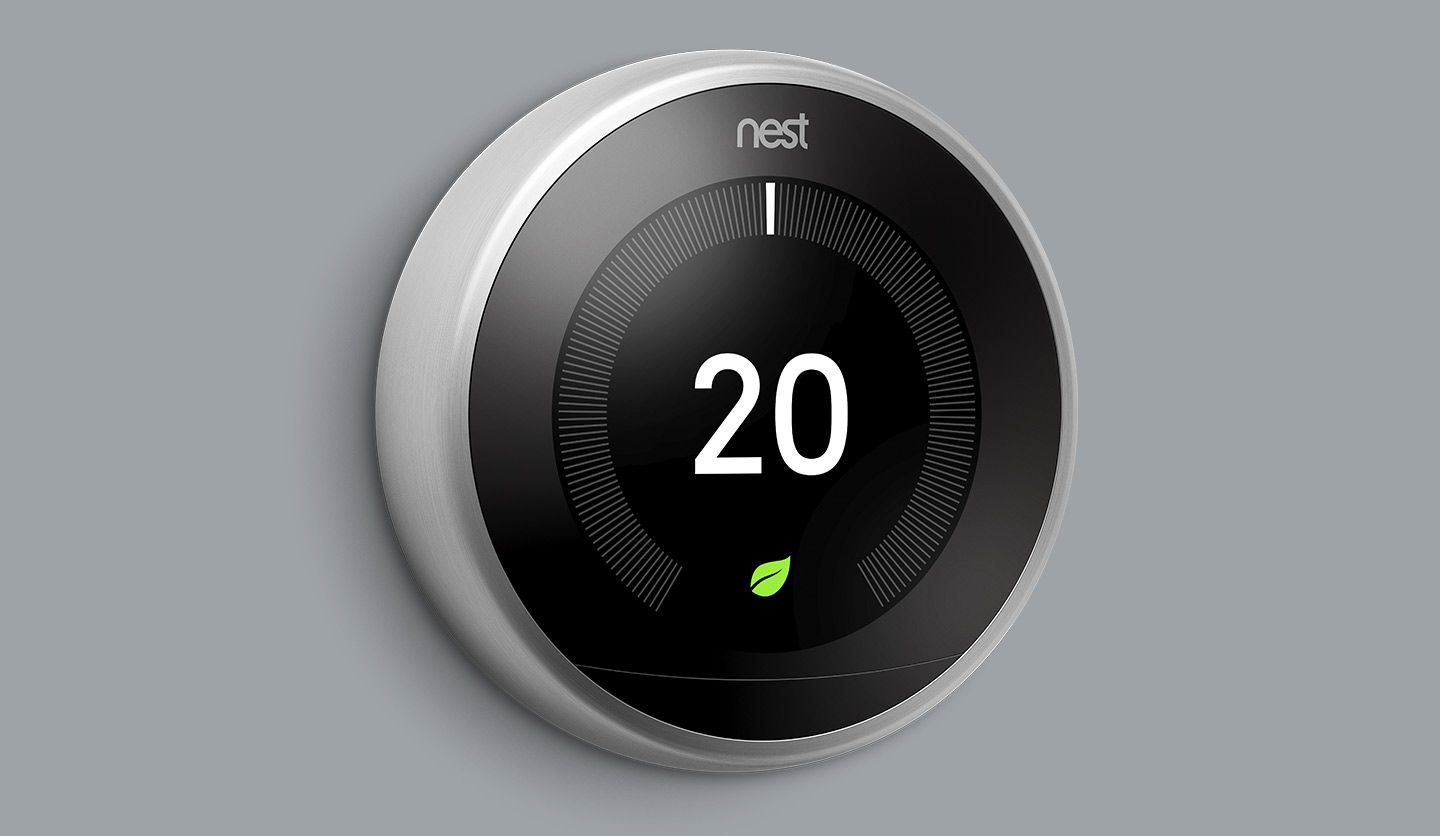
    How to Turn Off Eco Mode
    Share
    Facebook Twitter LinkedIn Pinterest Email


    The Download

    • Tap the touch ring on the Nest to access its menu.
    • From the menu, you can select between Heating, Cooling, Eco, and Off.
    • Select any mode that’s not Eco to disengage Eco mode.

    This article explains how to manually turn off Eco Mode on a Google Nest thermostat.

    How to Turn off Eco Mode on Nest 

    Once your Nest is set up and running, and it’s in Eco Mode, switching it out of Eco Mode is easy to do manually on the Nest thermostat itself.

    The Eco Mode can be a good way to save energy or a good resting setting to leave your home on while you’re away, but you won’t always want it on, so knowing how to turn it off is important.

    1. Tap the ring on your Nest to bring up its menu.

      To turn off Eco Mode, you’ll have to already be in Eco Mode.

    2. Select the Temperature mode icon, and then select another mode instead of Eco Mode, such as Heating, Cooling, or Off.

      Your available modes depend on your equipment.

    3. If you pick Heating or Cooling, you’ll also need to select a temperature to either heat or cool to on Nest.

    Nest Eco Mode Tips and Tricks

    Eco Mode is built to save you energy without fully shutting off heating or cooling, so it’s most effective when you aren’t around.

    Consequently, this is also why if you switch your Nest to Away, either on Nest or in the app, you’ll automatically be switched to Eco Mode. Nest can also automatically detect when nobody’s home and switch to Eco Mode itself.

    However, these systems aren’t always foolproof, so being able to manually turn off Eco Mode is a good thing to know how to do.

    Beyond that, though, it’s useful to know how Eco Mode actually works.

    When a Nest detects your home’s temperature is higher than its cooling setting, it will start cooling until it reaches the desired temperature. It will then turn itself off. Heating works similarly.

    FAQ

    • What is Eco Mode on a Nest ?

      On a Nest thermostat, Eco Mode is a preset temperature range designed to help your home save energy. The thermostat can automatically switch to Eco temperatures when it senses no one is home. When you see Eco on your thermostat, you’ll know that Eco temperatures are active.

    • How do I turn off a Nest thermostat?

      To turn off a Nest thermostat, press the touch bar to bring up its menu and select the mode icon. When the new menu appears, scroll to and select Off. You can also use the Nest app: Tap the thermostat > mode icon > off.

    • How do I reset a Nest thermostat?

      To reset a Nest thermostat, press the touch bar to bring up its menu and select Settings. Turn the ring to scroll through the settings options until you see Reset; press down once to select it. Choose Restart > Factory Reset to remove your settings and restore the device to its out-of-the-box state.

    Thanks for letting us know!

    Get the Latest Tech News Delivered Every Day

    Subscribe

    Tell us why!

    Other

    Not enough details

    Hard to understand

    Eco Mode Turn
    Share. Facebook Twitter Pinterest LinkedIn Tumblr Email
    Previous ArticleHow agentic AI is transforming the very foundations of business strategy
    Next Article Galaxy Z Fold7/Flip7, Watch8 series, OnePlus Nord 5/CE5 official, Week 28 in review
    Techurz
    • Website

    Related Posts

    Opinion

    Gumloop lands $50M from Benchmark to turn every employee into an AI agent builder

    March 12, 2026
    Opinion

    Stripe wants to turn your AI costs into a profit center

    March 3, 2026
    Opinion

    Accel doubles down on Fibr AI as agents turn static websites into one-to-one experiences

    February 4, 2026
    Add A Comment
    Leave A Reply Cancel Reply

    Top Posts

    College social app Fizz expands into grocery delivery

    September 3, 20252,288 Views

    A Former Apple Luminary Sets Out to Create the Ultimate GPU Software

    September 25, 202516 Views

    The Reason Murderbot’s Tone Feels Off

    May 14, 202512 Views
    Stay In Touch
    • Facebook
    • YouTube
    • TikTok
    • WhatsApp
    • Twitter
    • Instagram
    Latest Reviews

    Subscribe to Updates

    Get the latest tech news from FooBar about tech, design and biz.

    Most Popular

    College social app Fizz expands into grocery delivery

    September 3, 20252,288 Views

    A Former Apple Luminary Sets Out to Create the Ultimate GPU Software

    September 25, 202516 Views

    The Reason Murderbot’s Tone Feels Off

    May 14, 202512 Views
    Our Picks

    The reputation of troubled YC startup Delve has gotten even worse

    April 1, 2026

    Startup funding shatters all records in Q1

    April 1, 2026

    StrictlyVC San Francisco is in less than a month

    April 1, 2026

    Subscribe to Updates

    Get the latest creative news from FooBar about art, design and business.

    Facebook X (Twitter) Instagram Pinterest
    • About Us
    • Contact Us
    • Privacy Policy
    • Terms and Conditions
    • Disclaimer
    © 2026 techurz. Designed by Pro.

    Type above and press Enter to search. Press Esc to cancel.