


Lance Whitney / Elyse Betters Picaro / ZDNET
Follow ZDNET: Add us as a preferred source on Google.
ZDNET’s key takeaways
- Firefox 143 is now available to download.
- Update includes 2 big changes and other features.
- It could win back some users who’ve left.
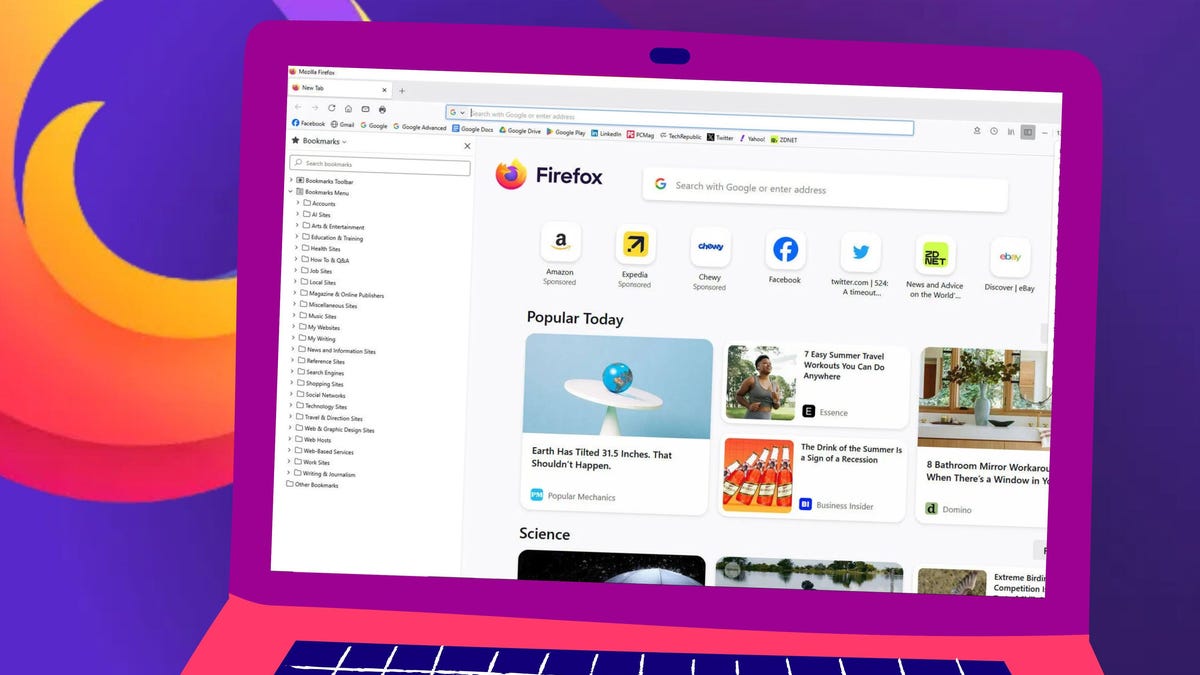
Mozilla is back with another release of Firefox, and this time, some features might make you come back (if you’ve left). These two features, along with a few other updates and the usual bug fixes, might make Firefox 143 attractive to a certain type of user.
Also: 5 reasons why I use Firefox when I need the most secure web browser
One of those features is cross-platform, while the other is Windows-only (boo).
1. Copilot Chatbot
As you may (or may not) know, Firefox has had “integrated” AI for some time. I place integrated in quotes because, unlike Opera’s Aria, it’s more of a sidebar where you can configure your AI of choice. The Firefox Chatbot sidebar includes multiple options, such as ChatGPT, Gemini, and Le Chat Mistral. With the 143 release, there’s now a Copilot option to select.
Also: Why I ditched Google Chrome for Firefox Focus within 10 minutes of using the mobile browser
Click on Copilot and then, when prompted, click Continue. Once you’ve done that, you’ll be presented with the Copilot chat, where you can sign in to your Microsoft account or use it anonymously. If you use it anonymously, you will have to verify you are human and not a robot using AI to do nefarious robot things (like bring about the singularity).
I’ve found the new Copilot feature works quite well in Firefox, and given how Google’s passkey situation is such a mess, I can’t sign in to Gemini, so that AI service is out of the question. Of course, you can use Gemini anonymously as well, which I actually prefer, since it prevents Google from using my prompts to generate a profile of me.
Also: What are Firefox Container Tabs and how do you use them?
And that’s pretty much it for the AI additions. Is the next step for Firefox going totally agentic? I certainly hope not, because there are too many security issues that could come along with an agentic browser.
2. Web apps
If you’ve never used web apps, you’re in for a treat. When you create a web app, you are essentially creating an “application” for a web page. That application is really just a browser window without all the browser-y features (such as toolbars, buttons, etc.).
Also: The best secure browsers for privacy in 2025: Expert tested
As I mentioned earlier, this feature is currently only available for Windows, but versions for Linux and MacOS are in the pipeline.
To use the new web apps feature, you first have to enable it. To do that, open Firefox Settings and then click on the Firefox Labs tab in the sidebar. On the resulting page, click the checkbox for “Add sites to your taskbar.”
Once you’ve enabled the feature, you’re good to go.
Jack Wallen/ZDNET
You’ll be prompted to restart Firefox.
Now, when you go to a website you want to create as a web app, you simply click the icon directly to the right of the address bar that looks like a square with a downward-pointing arrow.
You might find the Add tab to taskbar there without enabling it.
Jack Wallen/ZDNET
You’ll then be asked if you want to add the site to the taskbar. Click Yes, and the web app is added.
There is a slight caveat to this. Every web app I’ve ever created strips away everything from the browser but the window. There are no tabs, no toolbars, no icons, nothing. The Firefox take on web apps doesn’t quite go that far.
Also: 5 reasons why Firefox is still my favorite browser – and deserves more respect
You still get an address bar, forward and backward buttons, the extensions button, a hamburger menu, and the standard minimize, maximize, and close buttons. It would be nice if the developers took this one step further and created a true web app, instead of this hybrid that feels more like it just adds a launcher for a tab and not an actual web app. Hopefully, that will be the next step for this feature.
Firefox doesn’t create a true web app, but it tries.
Jack Wallen/ZDNET
Other features
Other features added to Firefox 143 include:
- Events in the URL bar — for example, if you type Christmas Eve in the address bar, Firefox will tell you the day it falls on. This feature is a bit picky about what it will present, so you’ll just have to try it and see if it gives you any information on the event you type.
- Tracking improvements to make it harder for sites to fingerprint users.
- Add-ons and Themes buttons are now in the taskbar.
- Tabs can now be pinned by dragging to the left side of the leftmost tab.
- xHE-ACC audio support for Windows 11, MacOS, and Android.
Also: Why you should delete your browser extensions right now – or do this to stay safe
You can find out more about Firefox 143 in the official release notes.
