


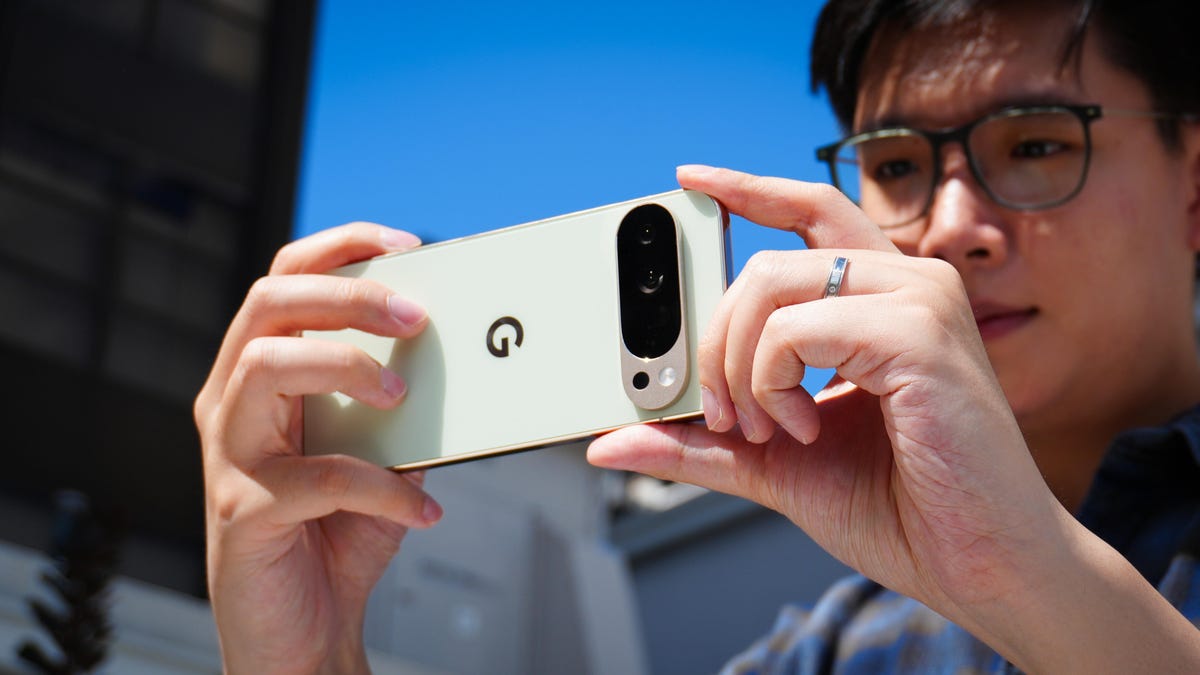
Kerry Wan/ZDNET
Follow ZDNET: Add us as a preferred source on Google.
- Pixel 8 and later support Display P3 wide color gamut.
- P3 delivers richer, more accurate colors than sRGB.
- Photos may look dull on devices that don’t support P3.
One reason why the Pixel phones are so popular is the camera. There’s a depth, a level of clarity, and brilliant/accurate colors that most phone cameras cannot match.
Also: How to clear your Android phone cache (and why you shouldn’t wait to do it)
Google is always trying to one-up itself by improving the Pixel camera with every iteration. Back with the Pixel 8, Google introduced the P3 wide gamut capture feature that came along with the Ultra HDR format of Android 14. The Display P3 wide gamut capture makes photos seriously come alive with color.
What is Display P3?
Display P3 is a color space that combines the following:
- DCI-P3 color gamut
- D65 white point
- sRGB gamma curve
For those who didn’t sit at the popular photography club table at lunch, Gamma is a nonlinear operation used to encode and decode luminance in photos and videos. An even easier-to-understand definition is that gamma defines the relationship between a pixel’s numerical value and its luminance. Without gamma, your photos wouldn’t capture color as your eyes see it.
Also: Changing these 12 settings on my Android phone extended its battery life by hours
White point (aka white balance) helps a camera avoid tint in colors and light. Think of it in terms of color temperature. Are you filming in daylight or warm indoor light? With an incorrect white point, your photos could come out with a blue or amber cast.
Color gamut is a range of colors within a color space that can be reproduced by a device.
Display P3 (also known as DCI-P3) is a color space created by the Digital Cinema Initiatives and Society of Motion Picture and Television Engineers to try and standardize colors used in the film industry. P3 targets what you see in the cinema. There’s even a chart of the coordinates for the red (x = .68, y = .332), green (x = .265, y = .69), blue (x = .15, y = .06), white point (x = .134, y = .351).
Also: Your Android phone’s most powerful security feature is off by default and hidden – turn it on now
P3 offers a much wider range of colors than sRGB, so anyone looking to up their mobile photography game should consider using Display P3. If you’re a Google Pixel 8 or 9 user, you’re in luck because all of the smartphones in that range support P3.
Let me show you how to enable it.
How to enable P3 in the Pixel phone app
What you’ll need: The only thing you’ll need for this is a Pixel 8 or later phone. It can be the standard, Pro, or XL.
The first thing to do is unlock your phone and open the camera app.
Show more
Open Settings by tapping the gear icon at the bottom left of the window.
Show more
Make sure your camera is set to Photo first.
Jack Wallen/ZDNET
From the Settings pop-up, tap “More settings” and then tap Advanced.
Show more
It doesn’t matter if you’re on General or Pro.
Jack Wallen/ZDNET
Move the On/Off slider for that entry until it’s in the On position. You can now back out of settings.
Show more
You can enable both Ultra HDR and P3.
Jack Wallen/ZDNET
When you take photos, the color improvement might seem subtle on some devices and dramatic on others.
The yellows in the right photo (which uses P3) are brighter and sharper.
Jack Wallen/ZDNET
Also: How to turn on Android’s Private DNS mode – and why it makes such a big difference
The one caveat to using P3 is that not all devices are compatible. You might take a photo with the P3 gamut and then share it with someone who has a device that doesn’t support it. When they open the photo, it won’t look nearly as good as it does on your device.
