


Earlier this year, I proudly stated that I had found the ultimate simplification app. It’s called Notion, and it revolutionized my life for a while. Being able to take advantage of powerful AI tools to supercharge my to-do lists was a big time saver, and for that I’m grateful. Despite all this, I slowly found myself moving away from the app. You could call it boredom, but in reality, I think it just became too clunky for me.
Homescreen heroes
This is part of a regular series of articles exploring the apps that we couldn’t live without. Read them all here.
I’ve not given up on all note-taking apps, though. Cue a cute new squirrel (app) that has captured my attention. It goes by the name of Craft, and I love it. Will I stick with it? Only time will tell. But already, in my limited use, I’ve found it simpler and easier to use and have been impressed by the engaging user interface.
Craft was launched in November 2020 by Balint Orosz with the specific goal of overcoming the frustration he felt by the process of collecting, expressing, and sharing his thoughts. Now, he says, “I can rely on it [Craft] wherever I am and whenever I need it. The ability to structure docs with pages and cards means I can use different organizational methods to write longer documents while still giving me control and clarity over the content.” Sounds impressive. Let’s dive into what it can do and whether you might find it helpful.
You may like
(Image credit: Future)
Creating stylish documents
Craft lets you create documents that contain text, images, files, collections, tasks, whiteboards, and more. In essence, it’s a personal notebook that can contain all your ideas, thoughts, workings, and doodles. The likes of Notion and Google Docs might offer similar functionality, but Craft is, in my opinion, the easiest to use, especially when working on a smartphone.
Inserted items act like blocks, which can be dragged and dropped anywhere in the document. If you’ve ever used Squarespace or Wix, then you can imagine how it works. This type of functionality makes the process of laying out a document as natural as moving items around on a physical surface.
To further format the layout, Craft offers pre-made templates, styles, and backgrounds. Adjustments happen instantly and can easily be changed back. The formatting of text is something I was most impressed by. Not only is it possible to change the color of text, but you can also fill text with gradients. This might not be appropriate for professional documents but looks engaging when presenting ideas.
(Image credit: Future)
Getting things done
Along with creating documents and getting thoughts down on ‘paper’, Craft excels at integrating tasks into your documents and workflows. I find myself keeping to-do lists in various spreadsheets, written on bits of paper, and in my email inbox. None of these are connected, joined up, or particularly related to the pieces of work that I’m actually creating. This seriously frustrates me.
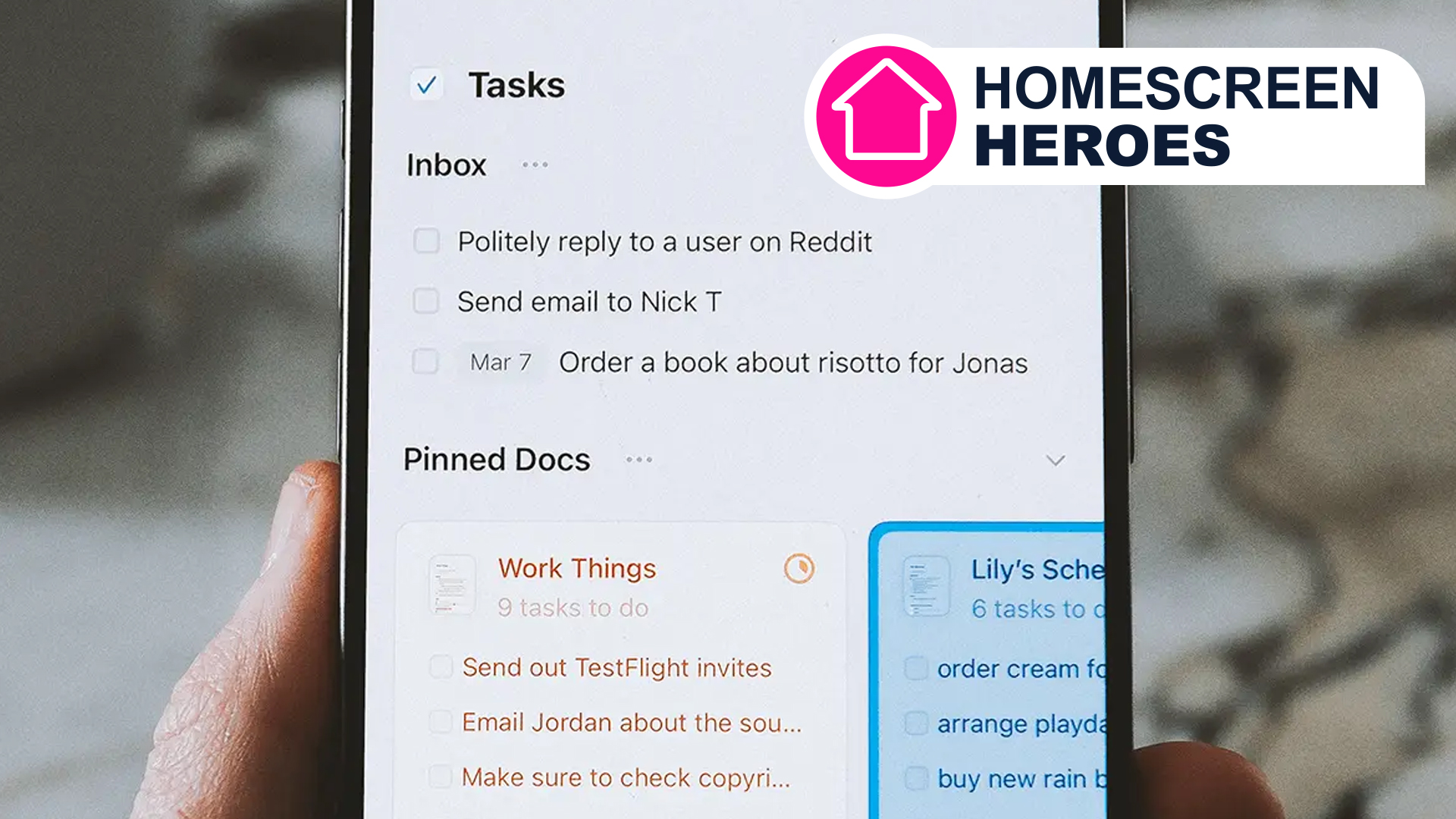
So, how does Craft help with this? Well, assuming you create the majority of your documents inside Craft, you’ll be able to consolidate and streamline your tasks and lists directly into those documents. All it requires is inserting a ‘task’ element into your document, followed by populating it with items. Each item can then be interacted with so that when you’ve completed a task, it can be ‘checked’ and subsequently forgotten about.
I particularly love the ability to assign a date to each task item. This then populates the calendar section of the app, which lists out all of the tasks you need to complete each day. This can then function as a daily to-do list rather than having to jump into each document to see what’s left to do. The only thing I’d say is that you must wholeheartedly commit to this process if you want to reap maximum gains.
(Image credit: Future)
Should I get Craft Plus or stick with the free version?
One of the things I love about Craft is that the free version contains all the same features as the Plus alternative. More specifically, all element types, formatting tools, and task features are very much present. The only difference is that the free subscription limits the number of documents that can be created, the amount of storage space, and the number of AI requests that can be made.
You can think of Craft Free as a complete experience, but only for occasional use. If you plan on using Craft on a regular basis, then you’ll need Plus. Thankfully, it only costs $7.99/£10 per month. You can also take advantage of group or friends and family discounts if you’d like to save a little bit of money.
Craft is available to download on iOS, but unfortunately, there’s no native Android version.
