


The Download
- Try cleaning your AirPods and the charging case; dirt can stop them from charging properly.
- Make sure your AirPods and case are seated correctly and check for any missed firmware updates.
- If the AirPods or case still won’t charge, consider resetting them or contacting Apple for help.
We love our AirPods, but they aren’t perfect. Through trial and error, we’ve discovered common issues and developed solutions to address why they might not charge properly.
How Do I Get My AirPods to Charge?
These troubleshooting steps are arranged from easiest to hardest to help you get your AirPods charged and working again. Follow them in order until you resolve your issue.
-
Charge your AirPods. It sounds counterintuitive, but it’s possible you haven’t put your AirPods in their case to charge them in a while, even if you thought you did. Just to be sure, drop the AirPods into the case and wait to see if the charging light comes on. If it does, there might not be anything wrong with your AirPods.
If the light doesn’t come on, there may be a problem in the charging process, so continue with the troubleshooting steps.
-
Check your connections. Are your AirPods making contact with the charging case when you insert them for charging? The small silver tip is where the charging happens, and when you place your AirPods into the charging case, you should feel a satisfying magnetic snap as the AirPods are seated properly.
If your AirPods aren’t seating properly or the case won’t close, check for obstructions. If there’s no blockage, you might need to replace the case, but try the subsequent steps first.
-
Clean your AirPods. If your AirPods are dirty, the connection points that allow for the AirPods to charge might not be completing a circuit. Try cleaning your AirPods and then reinsert them into the case to see if they’ll begin to charge.
-
Update your AirPods firmware. If you haven’t updated your AirPods firmware recently, it might be outdated and causing the issue. Update the firmware, then repeat the steps above to check if your AirPods charge.
If you run through those steps and your AirPods are still not charging, it’s possible there is a problem with the AirPods case.
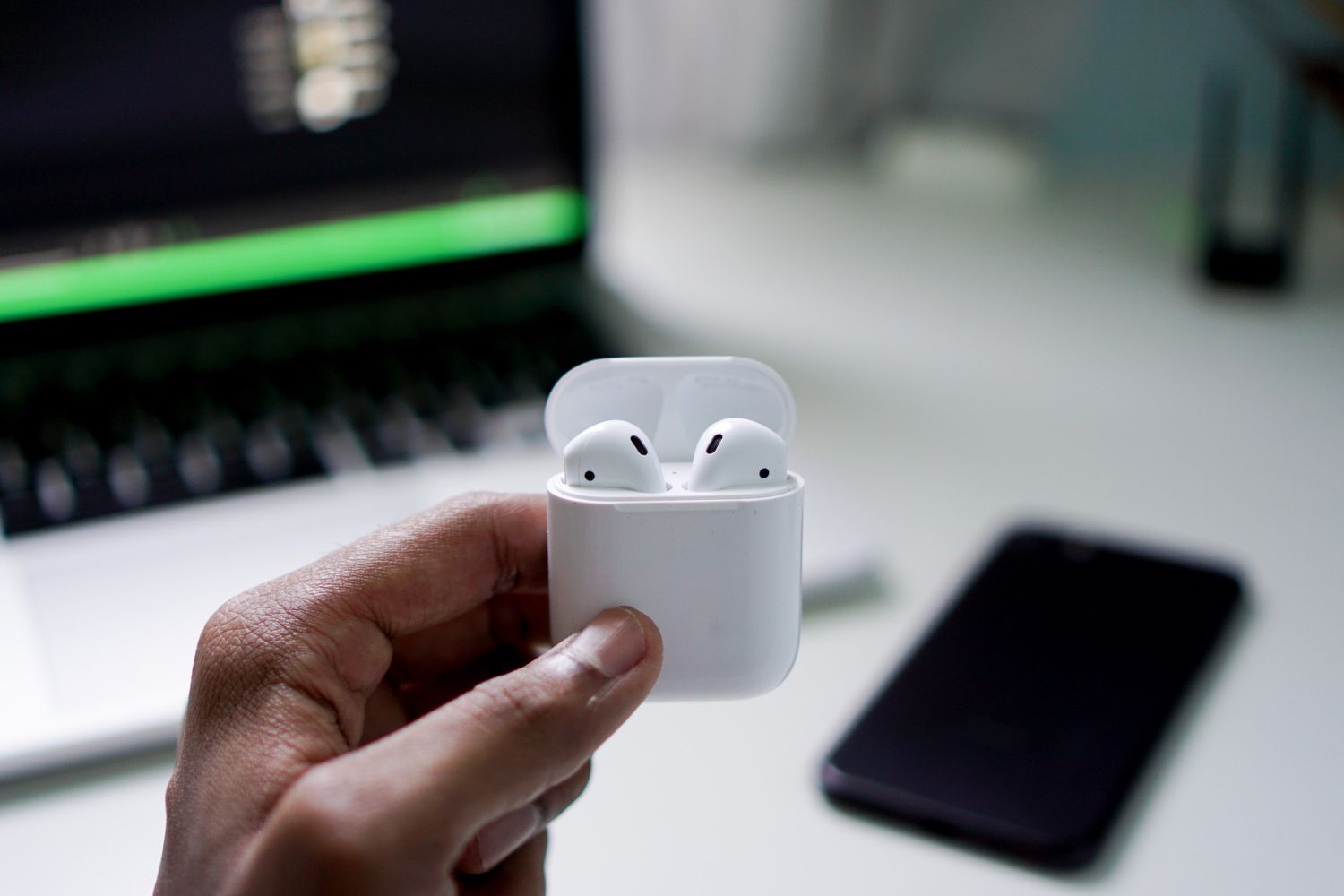
Suganth / Unsplash
Why Is My AirPods Case Not Charging?
If you’ve tried to charge your AirPods and nothing seems to work, you could have a problem with your AirPods case. Try these troubleshooting steps to see if you can find and fix the problem.
-
Check your connections. If you think your AirPods case isn’t charging, something may be obstructing the connection. Reseat the cable to see if the light comes on. If not, try a different cable, or switch from wireless to wired charging.
Common charging issues include partially inserted wired cables, damaged cables, or poor contact with the wireless charging base.
-
Charge your AirPods case. If your AirPods case will charge, make sure it is completely charged. If it is completely charged, the charging light will turn green.
-
Check your charging status on your iPhone. While your AirPods case is connected to the charger, open the lid and hold it next to your phone. After a second or two, the status of your AirPods should display on your iPhone. Make sure there’s a lightning bolt next to the charge percentage for the AirPods case, which means the case is charging.
This is also a good way to check if your AirPods are charging. The battery percentage should appear on your iPhone screen. If there’s a lightning bolt, the AirPods are charging. Otherwise, they might be fully charged (showing 100%) or not charging. If they’re not charging, refer to the steps above or continue with the troubleshooting steps below.
-
Clean your AirPods case, including the charging port where the charging cable connects to the case. Specifically, be sure to clean the wells into which the AirPods fit and the charging port at the bottom of the case.
If you’re not comfortable cleaning them, visit an Apple store for assistance.
-
Reset your AirPods. If nothing else is working, try resetting your AirPods. If there is a firmware glitch that’s keeping the AirPods or the case from charging, a simple reset might do the trick.
When Nothing Else Works
If you’ve tried everything and you can’t get your AirPods or your AirPod case to charge, you have the option to replace either of the AirPods or the charging case.
If your AirPods are still under warranty, Apple may replace the part that’s not working.
If they aren’t still under warranty, one option is to try The Swap Club’s Podswap, a service specifically to replace dead AirPods.
Causes of Why AirPods Won’t Charge
Several reasons might prevent your AirPods from charging.
You could have dirty contacts that are making it impossible for the AirPods to connect with the charging case, there could be something blocking your case’s charging port, meaning it’s actually the problem, or there could be software issues at play.
You may even find that something simple like a dead AirPods case is the issue.
FAQ
-
What do I do if one of my AirPods isn’t charging?
If one AirPod isn’t charging, there may be something hindering its connection to the charging case. Try gently cleaning the end of the AirPod that isn’t charging, and then clean the case, paying particular attention to the bottom where the non-charging AirPod should make contact. You can also try resetting the AirPods case and see if this solves the problem. To do so, place the AirPods in the case and close the lid > wait 30 seconds > open the lid > and hold down the small button on the back of the box for about 15 seconds, until the LED light changes from flashing amber to white.
-
How do I know if my AirPods are charging correctly?
To check if your AirPods are charging correctly, open the case with the AirPods inside and place it near your paired iPhone. You’ll see the battery levels of your AirPods and their case on your iPhone screen. If you see lightning bolt icons next to the battery icons, you’ll know your AirPods and case are charging. If you’re missing the battery icon, the device isn’t charging.
Thanks for letting us know!
Subscribe
Tell us why!
Other
Not enough details
Hard to understand
