

Why you can trust TechRadar
We spend hours testing every product or service we review, so you can be sure you’re buying the best. Find out more about how we test.
Govee Neon Rope Light 2 review
The Govee Neon Rope Light 2 is a fun and flexible RGB light strip that’s easy to use and yet another example of why Govee remains a go-to when many people are shopping for smart lights.
TechRadar Smart Home Week
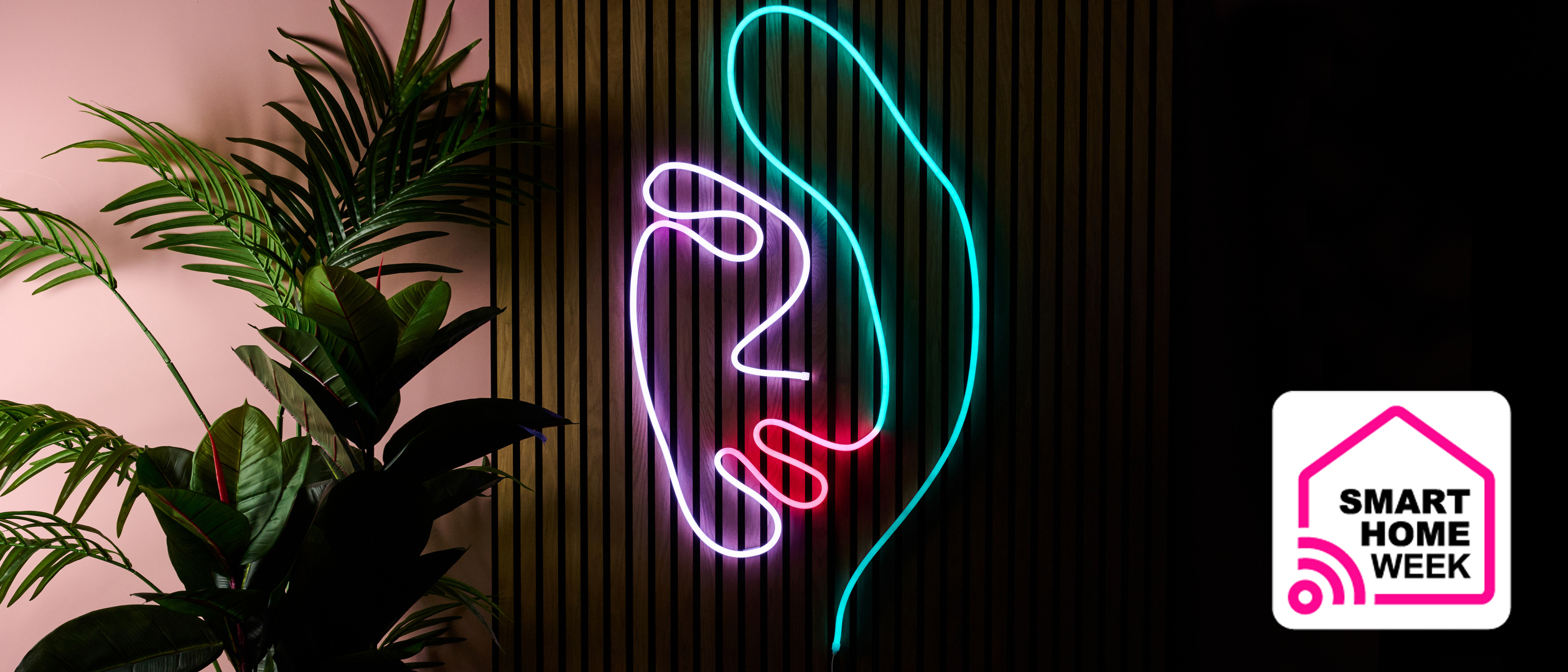
This article is part of TechRadar’s Smart Home Week 2025. From lighting and switches to robot window cleaners and smart thermostats, we’re here to help you pick the right devices to make your life easier, and get the most out of them.
I tested the 16.4ft / 5m model of the Govee Neon Rope Light 2, which is available to purchase on the Govee website for $99.99 /£99.99, as is the 9.8ft / 3m length, which has a list price of $69.99 / £79.99. At the time of writing, Govee US is offering the 9.8ft model for $49.99, and the 16.4ft for $84.99, and there’s a 20% discount off the five-meter model at Amazon UK, lowering the price to just £79.99, so it’s worth checking which retailer has the best offer before purchasing. I got to test the white model, but it’s also available in black, so it should blend in whether you’re making a statement in your living room or adding another element to your RGB-heavy gaming setup.
(Image credit: Future)
The material of the Neon Rope Light 2 looked good quality and was as smooth and soft to the touch as you’d expect from any of the best smart lights on the market. However, due to the nature of the material, it proved to be a bit of a magnet for dust and lint. It was flexible and easy to shape, but it still took two of us to recreate one of the example designs on the app – mostly because 16.4 feet / five meters was a lot to wrestle with on my own. The step-by-step process given by the app was blissfully easy to follow, with the rope light showing red sections to indicate where it should be curved or fixed.
You may like
I found the bendable metal clips really easy to work with, as I just needed to slot them over the base of the rope light and bend them into the required shape, before peeling off the backing of the 3M adhesive pad and sticking it in place. There were 10 of these bendable clips included, along with 15 plastic mounting clips, which were more than enough to recreate the design of the woman’s face, but more are available to purchase for more complex designs, or if replacements are needed.
Image 1 of 4
(Image credit: Future)(Image credit: Future)(Image credit: Future)(Image credit: Future)
I’ve tested quite a few Govee products to date, and I still can’t help but fan girl a little over the Govee Home app every time. It’s satisfyingly easy to navigate, and pairing it to the Neon Rope Light 2 was almost effortless, as the app detected it mere moments after I connected the rope light’s adapter to an outlet.
Even without connecting to the app straight away, I could easily cycle through warm and cold whites and kinetic color scenes using the control box wired into the power cord, with which I could also control the brightness level and turn the light on or off. There was a whole lot more to play with in the Govee Home app, with a pleasing number of ready-made color palettes and scenes to choose from, plus the option to create my own color sequences.
The level of customization available goes far beyond this, however, with settings such as Segment Management allowing me to fine-tune the color combinations to create satisfying gradients, complementary color combinations, and more. I could easily generate colorful effects using the AI generator too, and the Finger sketch function, which was one of my favorites to use with the Neon Rope Light 2, as it allowed me to simply pick a color and apply it to a very small or large segment, illuminating my creation on the rope light in real time. The only things I felt this feature was missing were a recently used color palette and the ability to undo, as I found it was easy to add color accidentally when trying to scroll down the page.
(Image credit: Future)
I’ve encountered most of these customizable settings before when reviewing other Govee smart lights, such as the Govee RGBIC LED Strip Light, but the shape mapping feature was a new one for me, and I’ve got to say, I was very impressed. The idea behind it is that the shape of the Neon Rope Light 2 is mapped from a photograph, allowing for better lighting customization, plus enabling the lighting effects to display accurately across the design as a whole.
To test this feature out, I created a large swirl pattern and took a photo when prompted by the app. I learned quickly that there needs to be a clear gap between each rope light section for it to map correctly, so I loosened the spiral ever so slightly, and it picked it up straight away on my second attempt. I tried out a couple of the Scenes to test how good the resulting effect was, and the Color Painting scene in particular made it clear how well this feature works, as colors strobed across the whole of the swirl.
Image 1 of 3
(Image credit: Future)(Image credit: Future)(Image credit: Future)
I’m a sucker for anything bright and colorful, but the Neon Rope Light 2 took my appreciation to another level. The wide variety of effects makes it perfect for highlighting existing features with a solid color, or making a statement as a neon sign with some kinetic lighting, adding instant wow-factor to any room. It’s a pricey purchase, undoubtedly, but if you’re someone who’s always coveted a neon sign, or are looking for something a little different to zhoosh up your decor, then you’ll be quite happy with the Govee Neon Rope Light 2.
Govee Neon Rope Light 2 review: Price and specs
Swipe to scroll horizontally
Price
$99.99 / £99.99
Model
H61D5
Colors
RGBIC
Number of light sources
420
Connectivity
2.4GHz WiFi, Bluetooth
App
Yes
Voice control
Yes
Additional features
Matter compatible, shape mapping
Should I buy the Govee Neon Rope Light 2?
Buy it if…
Don’t buy it if…
Govee Neon Rope Light 2 review: Also consider
How I tested the Govee Neon Rope Light 2
- I assessed the material and build quality of the Govee Neon Rope Light 2
- I tested the different features and customizable settings
- I followed the step-by-step process to recreate one of the recommended designs
I began by checking the quality of the Govee Neon Rope Light 2 and its accessories. I tested how flexible it was and experimented by creating various shapes.
I tested the different settings and features in the Govee Home companion app to see the different effects that could be achieved, and used Segment Management, the AI generator, and the Finger Sketch tool to create my own effects.
I followed the step-by-step process provided on the app to recreate one of the many example artworks from start to finish to assess how easy it was to shape and how well the fixings worked.
I created a swirl with the rope light to see how easy it was to use the shape mapping feature and how well it performed.
Govee Neon Rope Light 2: Price Comparison
