

Close Menu
TechurzTechurz
    What's Hot

    Humble Robotics’ CEO says the tech finally caught up to the vision for autonomous vehicles

    July 1, 2026

    Autonomous vehicle hype is back, and Humble Robotics is bringing it to freights

    July 1, 2026

    Builders Stage agenda revealed for Disrupt 2026

    July 1, 2026
    X (Twitter) Pinterest YouTube LinkedIn WhatsApp
    Tech Pulse
    • Humble Robotics’ CEO says the tech finally caught up to the vision for autonomous vehicles
    • Autonomous vehicle hype is back, and Humble Robotics is bringing it to freights
    • Builders Stage agenda revealed for Disrupt 2026
    • Startup Battlefield Australia application closes in days: Apply before July 6
    • Acti puts AI agents directly into your smartphone keyboard
    X (Twitter) Pinterest YouTube LinkedIn WhatsApp
    TechurzTechurz
    • Home
    • Tech Pulse
    • Future Tech
    • AI Systems
    • Cyber Reality
    • Disruption Lab
    • Signals
    TechurzTechurz
    Home - News - How to install the MacOS 26 beta on your Mac (and which models support it)
    News

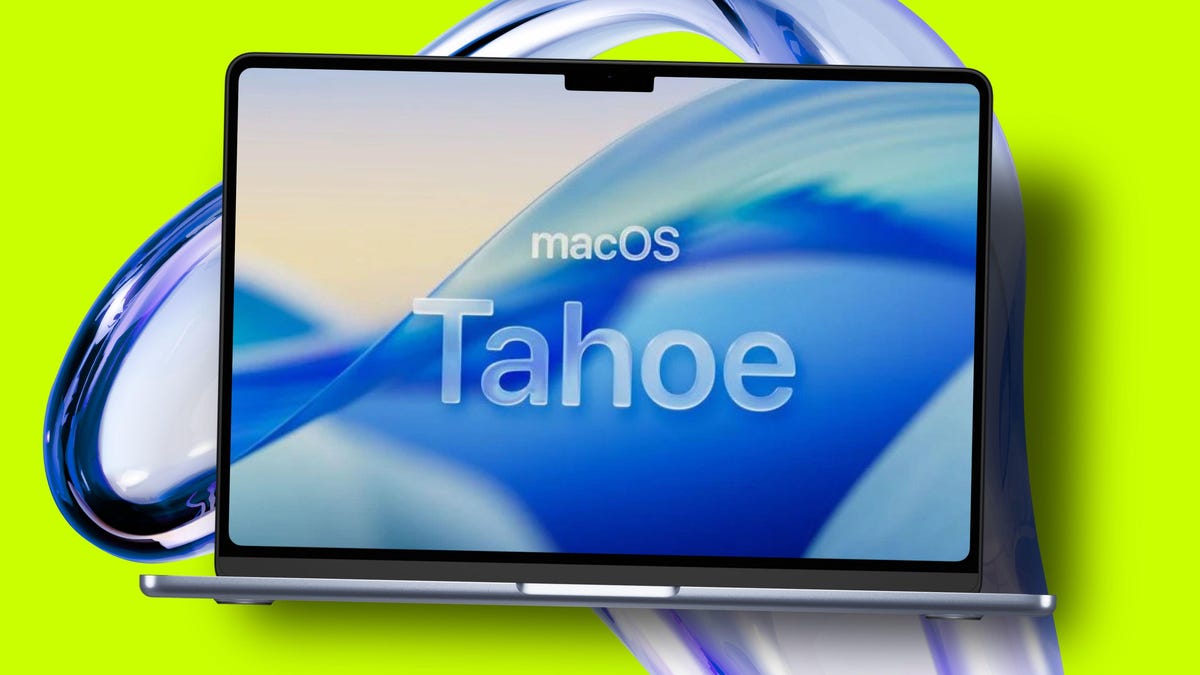
    How to install the MacOS 26 beta on your Mac (and which models support it)

    TechurzBy TechurzJuly 14, 2025No Comments3 Mins Read
    Share Facebook Twitter Pinterest LinkedIn Tumblr Reddit Telegram Email
    How to install the MacOS 26 beta on your Mac (and which models support it)
    Share
    Facebook Twitter LinkedIn Pinterest Email

    Table of contents
    1 How do I install the MacOS 26 public beta?
    2 Which Macs are compatible with MacOS 26?
    3 My Mac isn’t on that list, but I’m running Sequoia. Is it compatible?
    4 When will MacOS 26 release?
    5 What should I do before installing the MacOS 26 beta?
    6 How to submit feedback to Apple

    How do I install the MacOS 26 public beta?

    Once Apple releases the public beta of MacOS 26, you will not need to go through the above steps to to test the developer beta. Instead, you can enroll your Apple ID inĀ Apple’s Beta Software ProgramĀ and:

    1. Open System Settings > General > Software Update.
    2. Click ā€œBeta Updatesā€ and select ā€œMacOS 26 Public Beta.ā€
    3. Follow the on-screen prompts to download and install.

    Then you’ll begin receiving automatic software updates to the latest public beta version of MacOS 26.

    Which Macs are compatible with MacOS 26?

    You’ll need a Mac with Apple Silicon (not Intel) running MacOS 15, which is generally from after 2020. Here’s the complete list of compatible models:Ā 

    • MacBook Air with Apple silicon (2020 and later)
    • MacBook Pro with Apple silicon (2020 and later)
    • MacBook Pro (16‑inch, 2019)
    • MacBook Pro (13‑inch, 2020, Four Thunderbolt 3 ports)
    • iMac (2020 and later)
    • Mac mini (2020 and later)
    • Mac Studio (2022 and later)
    • Mac Pro (2019 and later)

    My Mac isn’t on that list, but I’m running Sequoia. Is it compatible?

    Unfortunately, some Macs from 2020 or before that are compatible with Sequoia won’t work with MacOS 26. The following models fall into that category:Ā 

    • MacBook Air (Retina, 13-inch, 2020)
    • MacBook Pro (13-inch, 2018, Four Thunderbolt 3 ports)
    • MacBook Pro (15-inch, 2018)
    • MacBook Pro (13-inch, 2019, Four Thunderbolt 3 ports)
    • MacBook Pro (15-inch, 2019)
    • MacBook Pro (13-inch, 2019, Two Thunderbolt 3 ports)
    • MacBook Pro (13-inch, 2020, Two Thunderbolt 3 ports)
    • iMac (Retina 5K, 27-inch, 2019)
    • iMac (Retina 4K, 21.5-inch, 2019)
    • iMac Pro (2017)
    • Mac mini (2018)

    When will MacOS 26 release?

    Apple released the developer beta series during WWDC 2025 and seeded beta 3 (build 25A5306g) on July 7, 2025. The public beta is expected to drop in July, with the final general release launching this September.

    What should I do before installing the MacOS 26 beta?

    You can always join the Apple Beta program to get the latest beta versions of MacOS. Before you download a beta version of an operating system, keep these housekeeping items in mind:

    Also: MacOS 26 envy? 4 best features that Windows PC users can already use

    • Back up your device and personal information.
    • Don’t download beta software, which will likely have bugs and glitches, on your everyday Mac.Ā 
    • Beta versions are released so you can test new features and share feedback to improve MacOS.

    How to submit feedback to Apple

    By the time the public beta is released, Apple will have two beta versions: MacOS 26 public beta and MacOS 26 developer beta. Both betas come with a built-in Feedback Assistant app. Whenever you experience an issue or something does not work as expected, send your feedback directly to Apple withĀ Feedback Assistant.

    Also:Ā Your Mac is about to get a huge Spotlight upgrade – finally

    Editor’s note: This article was originally published in June 2025. It was fact-checked and thoroughly updated on July 8, 2025.

    Get the morning’s top stories in your inbox each day with our Tech Today newsletter.

    Beta Install Mac macOS models Support
    Share. Facebook Twitter Pinterest LinkedIn Tumblr Email
    Previous ArticleHere’s another look at the iPhone 17 Pro camera and you know what, I don’t hate it
    Next Article Google Just Gave You an Inbox Cleanup Button
    Techurz
    • Website

    Related Posts

    Opinion

    Asian AI startups launch Mythos-like models as Anthropic’s export ban drags on

    June 27, 2026
    Opinion

    As Anthropic suspends access to new models, India debates its AI future

    June 14, 2026
    Opinion

    ZeroDrift raises $10M to protect AI models from themselves

    June 2, 2026
    Add A Comment
    Latest Tech Pulse

    College social app Fizz expands into grocery delivery

    September 3, 20252,290

    SolarSquare in talks to raise up to $60M as India’s rooftop solar market draws major VC interest

    May 23, 202622

    Future of Digital Privacy and Security: 7 Truths Nobody Tells You

    May 25, 202619
    Stay In Touch
    • YouTube
    • WhatsApp
    • Twitter
    • Pinterest
    • LinkedIn

    Techurz helps readers stay ahead of digital change with clear, practical, future focused technology intelligence written today,searched tomorrow.

    X (Twitter) Pinterest YouTube LinkedIn WhatsApp
    Company
    • About Us
    • Contact Us
    • Our Authors / Editorial Team
    • Write For Us
    • Advertise
    Policy
    • Editorial Policy
    • Privacy Policy
    • Terms and Conditions
    • Affiliate Disclosure
    • Cookie Policy
    • Disclaimer
    • DMCA
    Explore
    • AI Systems
    • Cyber Reality
    • Future Tech
    • Disruption Lab
    • Signals
    • Tech Pulse
    • Sitemap

    Join the Techurz Brief

    The future does not arrive suddenly.
    Stay ahead with fast, sharp tech signals.

    Type above and press Enter to search. Press Esc to cancel.