

The Download
- Stop sending snaps to someone to help them disappear from your best friends list on Snapchat.
- Block and unblock someone on Snapchat to reset their status as a best friend.
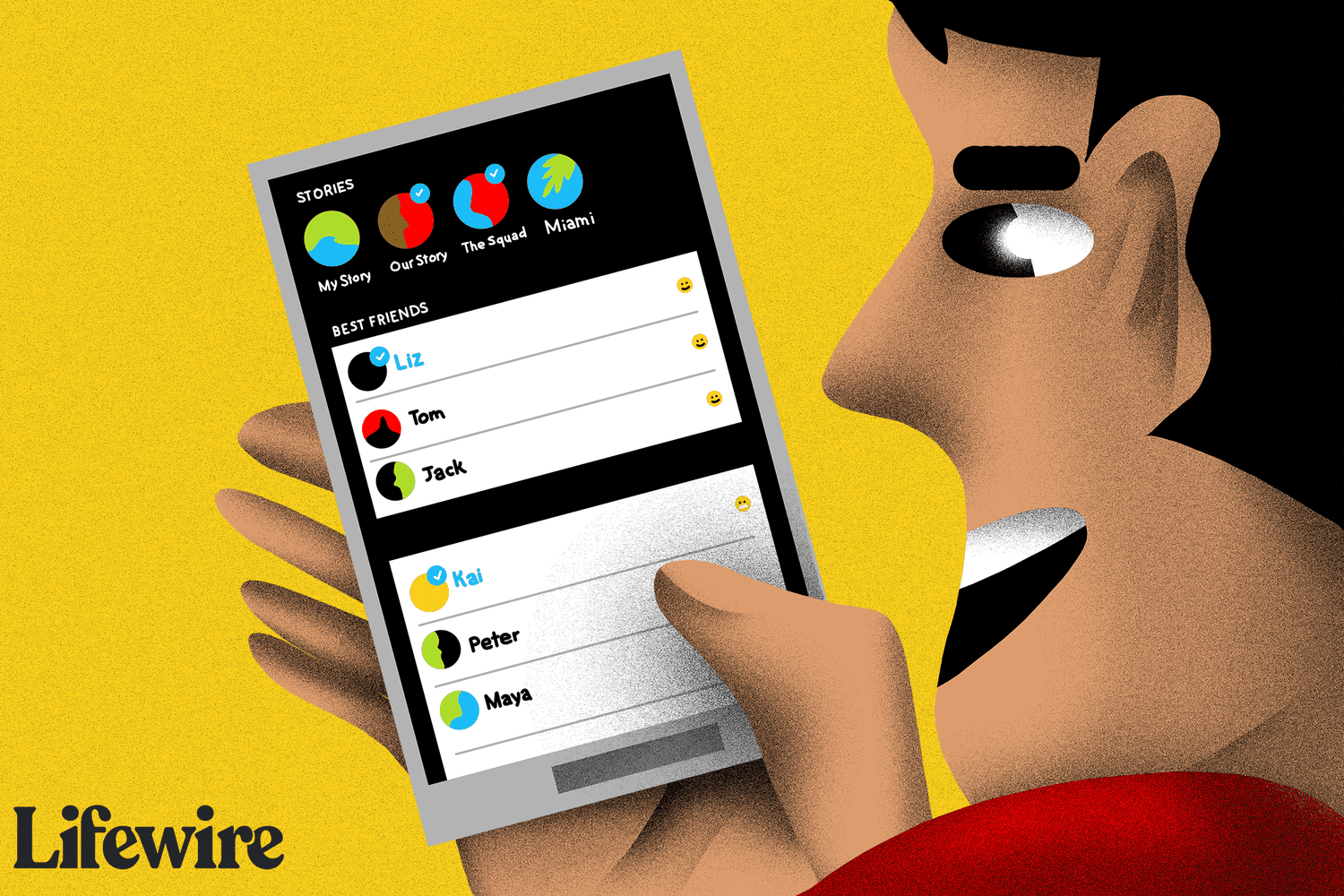
This article explains how to change or delete your best friends on Snapchat. When you send and receive snaps back and forth from friends on Snapchat, you may notice some emojis appear beside their names after you spend some time interacting. These are considered your best friends.
How to Get Rid of Snapchat Best Friends
Snapchat does not currently give users an option to delete contacts from their best friends list. To make current best friends disappear from the list, reduce interaction with them. Alternatively, maintain your current level of interaction with them while increasing interactions with others you prefer to replace them.
If you stop sending and receiving snaps from anyone currently a part of this list, or if you start interacting more with others than you do with them, then your current best friends will disappear (and possibly be replaced) within as little as a day.
Another way to clear someone from the best friends list is to block them on Snapchat and then unblock them. Doing this resets the score that determined them to be a best friend.
How to Make Someone Your Best Friend on Snapchat
Although you can’t pick and choose exactly who you want to be on this list since Snapchat does it for you, you can certainly influence who you want to be on that list by sending those specific people more snaps and encouraging them to send more back to you. Try doing that for at least a few days to trigger Snapchat to recalculate your interaction habits.
For more committed best friend statuses, such as Super BFF, interact daily with the same friend for months. This will earn you a snap streak emoji next to their name, which stays as long as daily interactions continue.
There are different types of friend emojis you can have on Snapchat. You can have a best friend, a best friend for two weeks, a best friend for two months, a shared best friend, someone who’s almost your best friend and a close friend.
How Many Best Friends Can You Have?
According to Snapchat’s Help page, you can have up to eight best friends at a time—including those you interact with most through group chats. Best friends are updated regularly, so it’s always easy to find the friends you want to interact with the most.
You can view your best friends at the top of the Send To tab before sending a snap, making it easier to find frequent contacts and saving time scrolling through your entire friends list.
Only You Can See Who Your Snapchat Best Friends Are
In previous versions of the Snapchat app, you could actually see the best friends of other users. In more recently updated versions of the app, however, this is no longer possible.
No one else can see your best friends. This can be both positive and negative: while your interactions remain private, emojis indicating your diminished friend status may leave you questioning who replaced you in their list.
About Snapchat Scores
Unlike Snapchat best friends, you can see the Snapchat scores of your friends by opening their profile. Do this by tapping their profile picture. The score appears next to their username.
What Are Snapchat Best Friends?
Generally, your best friends are those you interact with most frequently. Although these might not be your closest real-life friends, regular snaps with them lead Snapchat to place an emoji beside their names to represent your connection.
FAQ
-
How do I delete my Snapchat account?
To delete your account, log into the Snapchat accounts website and select Delete my Account. Enter your username and password and select Continue. The account will be deactivated for 30 days and after an additional 30 days, it will be permanently deleted.
-
How do I get dark mode on Snapchat?
For Android users, there isn’t a dark mode option. For iOS users, go to Settings > App Appearance > Always Dark.
Thanks for letting us know!
Subscribe
Tell us why!
Other
Not enough details
Hard to understand
