

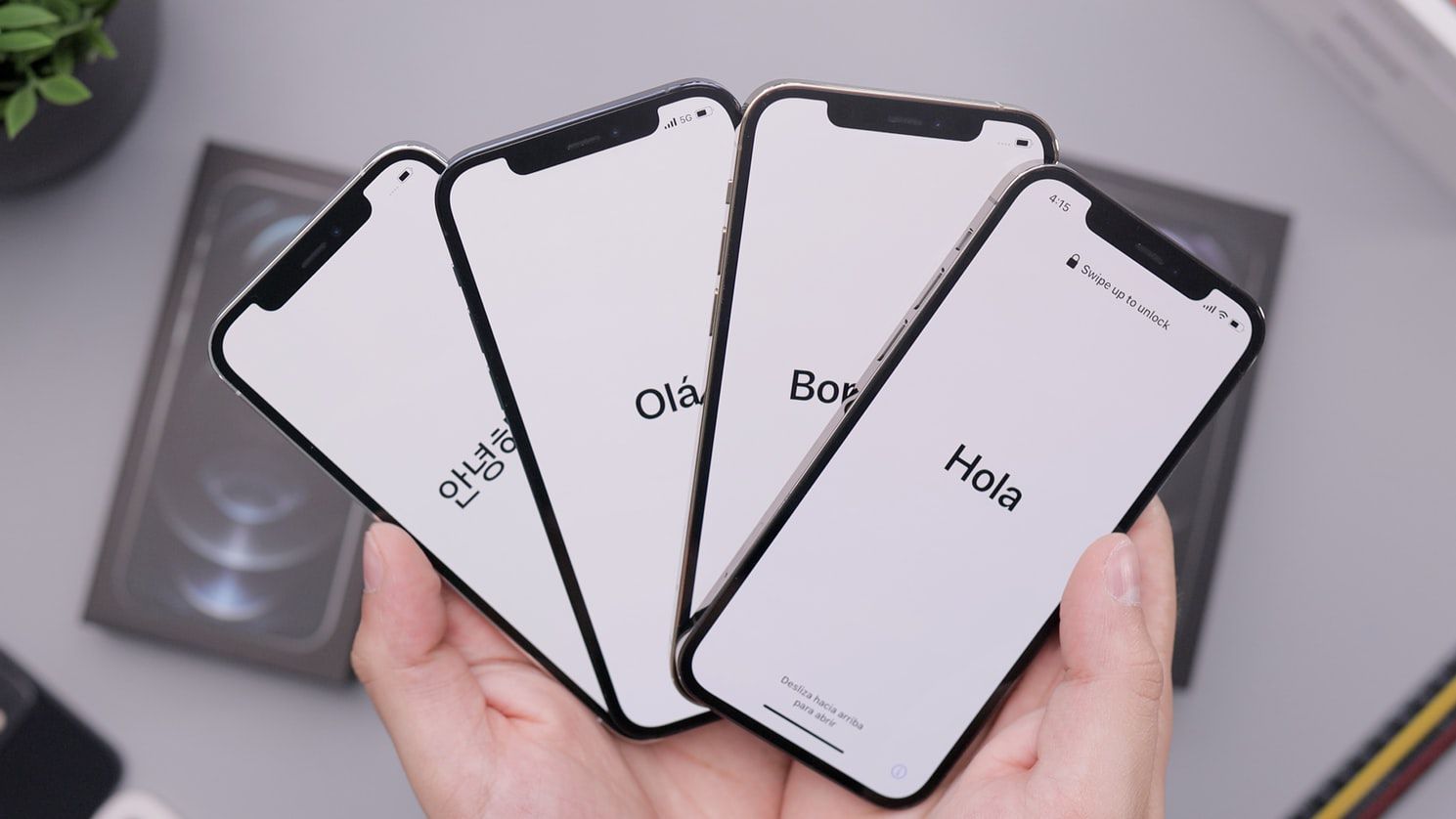
Whether you recently made the switch from Android to iOS or purchased the latest release, we have your go-to tips for learning how to set up a new iPhone.
These tips only scratch the surface of what you can do with an iPhone, but they’ll start you on your path to becoming an iPhone pro.
Apple
To use the App Store and other Apple services, you need an Apple ID/Apple Account. This free account lets you buy music, movies, apps, and more.
It’s also the account you use for other useful features like iMessage, iCloud, Find My iPhone, FaceTime, Apple Music, and many other awesome technologies on the iPhone.
Technically you can skip setting up an Apple Account, but without it, you won’t be able to do a lot of things that make the iPhone great.
Set Up and Activate Your iPhone
heshphoto / Image Source / Getty Images
The first thing to do to set up your new iPhone is to turn it on to transfer data and/or activate it. You can do everything you need right on the iPhone and start using it in just a few minutes.
Follow the basic on-screen setup process to choose text and icons sizing and use the Quick Start process to sync data from another device—if you’re upgrading your iPhone.
If you’re new to iPhone, you can choose Set Up Without Another Device to walk through the manual process for setting up preferences for using features like FaceTime, Messages, and related tools.
If you’re already an iPhone user and you’ve synced with a USB cable in the past, you can change your settings and sync over Wi-Fi from now on.
Configure iCloud
John Lamb / Digital Vision / Getty Images
Using your iPhone gets much easier when you have iCloud—especially if you’ve got more than one computer or mobile device that has your music, apps, or other data on it.
Setting up iCloud is part of the standard iPhone set-up process, so return to it if you skip over this step initially.
iCloud collects a lot of features together into a single tool, including the ability to back up your data to Apple’s servers and re-install it over the internet with one click—or automatically sync data across devices.
It also allows you to redownload anything you’ve bought at the App Store. So, even if you lose or delete them, your purchases are never truly gone.
Set Up Find My on Your iPhone
mama_mia / Shutterstock
Find My is a feature of iCloud that lets you use the iPhone’s built-in GPS to pinpoint its location on a map if your device ever goes lost or gets stolen.
In order to use Find My when your phone goes missing, you first have to set it up. Do that now and you won’t be sorry later.
It’s worth knowing, though, that setting up Find My iPhone isn’t the same thing as having the Find My iPhone app. You don’t necessarily need the app.
Setting up Find My iPhone is part of the standard iPhone set-up process, so you shouldn’t need to do this separately (unless you skip it).
Set Up Touch ID or Face ID
PhotoAlto / Ale Ventura / PhotoAlto Agency RF Collections / Getty Images
Setting up Touch ID or Face ID is now part of the standard iPhone set-up process, so you shouldn’t need to configure it separately.
But it’s good to know why these features are integral to the iPhone experience.
With these features set up, your data is more secure and access to apps, unlocking your device, or making Apple Pay purchases is faster.
Set Up Apple Pay
PhotoAlto / Gabriel Sanchez / PhotoAlto Agency RF Collections / Getty Images
Setting up Apple Pay is part of the standard iPhone set-up process, but if you skip it, you can revisit it later.
Apple’s wireless payment system is easy to use, gets you through check-out lines faster, and is much more secure than using your normal credit or debit card.
Because Apple Pay never shares your actual card number with merchants, there’s nothing to steal.
Not every merchant accepts Apple Pay, but it’s widely accepted. Once you’ve seen how useful it is, you’ll look for reasons to use it all the time.
Pixabay
With the addition of the Health app in iOS 8 and higher, iPhones and other iOS devices are starting to take important roles in our health.
One of the easiest, and potentially most helpful, ways you can take advantage of this is by setting up a Medical ID.
This tool lets you add information, such as medications, serious allergies, and emergency contacts, that you’d want first responders to have in case of a medical emergency.
A Medical ID can be a big help, but you have to set it up before you need it or it won’t be able to help you.
Learn the Built-In Apps
Sean Gallup / Getty Images
While the apps you get at the App Store are the ones that get the most hype, the iPhone comes with a pretty great selection of built-in apps, too.
Before you dive too far into the App Store, learn how to use the built-in apps for:
Innocenti / Cultura / Getty Images
Once you’ve spent a little time with the built-in apps, your next stop is the App Store, where you can get all kinds of new programs.
Whether you’re looking for games or an app to watch Netflix on your iPhone, ideas on what to make for dinner or apps to help you improve your workouts, you’ll find them at the App Store.
Even better, most apps are just for a dollar or two, or maybe even free.
When You’re Ready To Go Deeper
Innocenti / Cultura / Getty Images
At this point, you’ll have gotten a pretty solid handle on the basics of using the iPhone. But there’s so much more to the iPhone than the basics.
It holds all kinds of secrets that are fun and useful, such as how to use your iPhone as a personal hotspot or enabling the Do Not Disturb feature.
Other must-have skills to know, include:
And If the iPhone Is For a Kid…
Apple Inc.
Finally, review some important things to know if you’re a parent and the new iPhone isn’t for you, but instead belongs to one of your kids.
The iPhone is family-friendly in that it gives parents tools to protect their children from adult content, prevent them from running up huge App Store bills, and insulate them from some online dangers.
Thanks for letting us know!
Subscribe
Tell us why!
Other
Not enough details
Hard to understand
