


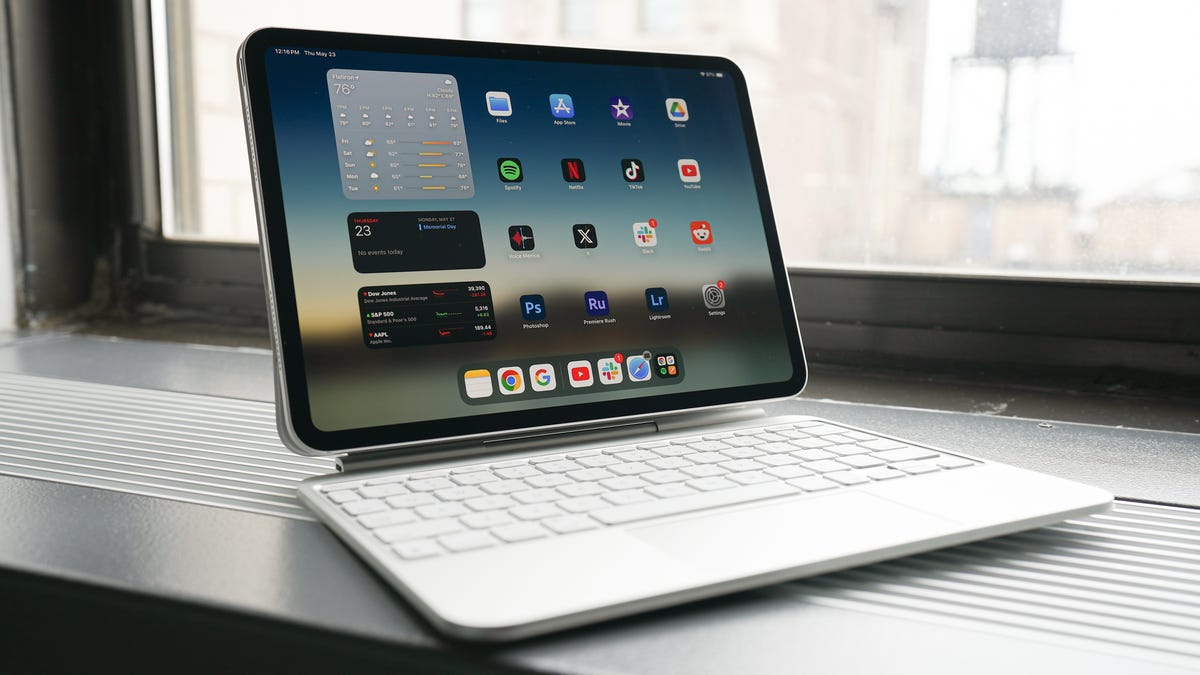
Kerry Wan/ZDNET
Follow ZDNET: Add us as a preferred source on Google.
ZDNET’s key takeaways
- Unplug at 100%, and keep the battery between 20% and 80%.
- Avoid draining to 0%; store unused tablets at 50%.
- Use certified chargers to prevent stress and overheating.
As someone who uses a tablet daily, I’m constantly looking for ways to make its battery last longer. However, some habits you don’t think twice about could actually be hurting your battery over time. There are ways to extend your tablet’s battery life, and there are some things you should avoid that do the opposite.
Also: I tried this massive 25-inch Android tablet for a week – and it surprised me
Most tablets offer six to eight hours of use on a single charge, though battery life diminishes with age and continued use. While there are many things you can do to conserve battery life, here are the ones you should avoid to ensure your battery’s longevity.
1. Leaving your tablet plugged in overnight
This isn’t always a problem with newer tablets, but most tablets on the market will suffer from being left plugged in overnight. Tablets typically charge to 100% and stop using electricity. However, leaving your tablet plugged in can cause it to continue trickle-charging to keep the battery full, which can stress the battery over time and diminish its lifespan.
Also: The new iPad Pro’s biggest upgrade isn’t the M5 chip – I’d buy it for this feature instead
Instead, unplug your tablet when its battery reaches 100%. As a rule of thumb, it’s best to keep your battery charged between 20% and 80%.
Also: Unplugging these 7 common household devices helped reduce my electricity bill
Like all the common charging mistakes we make with our tablets, leaving it plugged in overnight once or twice won’t permanently damage it. Battery damage happens when these incorrect practices become a habit and are followed often.
2. Letting the battery drain to 0% (and forgetting it)
Maria Diaz/ZDNET
I’ve been guilty of letting my tablet’s battery drain to 0%, only to set it aside and forget to charge it for a couple of days. Repeatedly letting your battery drain to 0% makes it age much faster, risking battery death and requiring a replacement or repair to revive it.
I’ve unfortunately learned this the hard way after leaving my discharged Nintendo Switch Lite in a drawer for a couple of months, only to learn that its battery had been irreparably damaged.
Also: The 5 best iPads of 2025: We’ve tested every iPad available – these are the best ones
Lithium-ion batteries are simply not meant to stay empty, so most tablets don’t truly hit 0% when they shut down. Instead, they shut down with a little charge to protect the battery, which is why a low-battery screen appears when you try to turn them on. If you leave your tablet with a drained battery for days, weeks, or months, the battery keeps slowly discharging until the voltage drops too low, damaging the battery’s internal chemistry.
Also: 8 reasons why I replaced my Kindle with an iPad Mini for reading ebooks
Repeatedly doing this results in a battery that is less capable of holding a charge or, worse, incapable of recharging altogether.
To prevent this and prolong your battery’s life, avoid letting the battery drop below 20%. If you won’t use your tablet for some time, charge it to 50% capacity and shut it down before storing it.
3. Using the wrong charger
Your local dollar store may be a good spot to get party and craft supplies, but not electronics. No matter how enticing the idea of buying a $1 charger seems, it’s probably best to avoid it. Using a cheap, non-certified, or incorrect charger for your tablet can deliver inconsistent power, overcharge it, or result in inefficient charging. All of these cause increased strain on your battery and a shorter lifespan.
Also: Finally, an Android tablet that I wouldn’t mind putting my iPad Pro away for
Using the wrong charger on your battery can do more than simply prolong its charging time. If a charger’s wattage isn’t properly matched to the battery, it can overheat your device as it struggles to supply enough power, or even overload the tablet’s circuits if it can’t regulate the power draw. Cheap chargers can also deliver fluctuating voltage, which stresses the battery and wears out its chemistry.
Also: iPadOS 26 is turning my iPad Air into the ultraportable laptop it was meant to be
Many certified chargers, like Apple-certified or USB-PD ones, have built-in safety measures that off-brand and cheap chargers skip. These measures prevent surges and overheating that could damage the battery and charging port.
When charging your tablet, it’s best to look for a charger that is either certified or properly matched for your device, from the cable to the brick.
Trickle charging happens when your smartphone or tablet charges fully but remains plugged in, getting small amounts of electricity to keep its battery at 100%. If you plug in your tablet each night and it reaches 100%, its battery will lose a little charge over the course of the night, which triggers the charger to kick in to top it back up.
Keeping lithium-ion batteries charged at 100% for long periods can stress them and accelerate wear, especially if it becomes warm.
Also: Why your USB-C device won’t charge – and what you can do instead
This is why many smartphone manufacturers have added a slow-charging feature when a device is plugged in overnight. Instead of quickly charging your battery to 100% and then topping it off for the rest of the night, your smartphone or tablet may take a few hours to reach 100%, closer to the morning. This extends the device’s battery lifespan.
Show more
Chemical aging is a term used for the normal wear and tear that happens in a lithium-ion battery as it goes through repeated charging and discharging cycles. Over time, the chemical reactions that happen inside lithium-ion batteries used in smartphones and tablets become less efficient, resulting in reduced capacity and risks of slower performance — this is called chemical aging.
Also: The best Android tablets of 2025: Lab tested, expert recommended
There’s no way to avoid chemical aging; it’s simply the way lithium-ion batteries age, but you can slow it down. Chemical aging is sped up by doing what is outlined above, like plugging in your device overnight, letting the battery drop to 0% often, using cheap chargers, and exposing the device to heat.
Show more
Stay ahead of the latest tech tips with Tech Today, delivered to your inbox every morning.
