
Close Menu
TechurzTechurz

    Subscribe to Updates

    Get the latest creative news from FooBar about art, design and business.

    What's Hot

    The Facebook insider building content moderation for the AI era

    April 3, 2026

    Commonwealth Fusion Systems leans on magnets for near-term revenue

    April 2, 2026

    Diverse teams start with diverse VCs

    April 2, 2026
    Facebook X (Twitter) Instagram
    Trending
    • The Facebook insider building content moderation for the AI era
    • Commonwealth Fusion Systems leans on magnets for near-term revenue
    • Diverse teams start with diverse VCs
    • The reputation of troubled YC startup Delve has gotten even worse
    • Startup funding shatters all records in Q1
    • StrictlyVC San Francisco is in less than a month
    • Toyota’s Woven Capital appoints new CIO and COO in push for finding the ‘future of mobility’
    • Mercor says it was hit by cyberattack tied to compromise of open-source LiteLLM project
    Facebook X (Twitter) Instagram Pinterest Vimeo
    TechurzTechurz
    • Home
    • AI
    • Apps
    • News
    • Guides
    • Opinion
    • Reviews
    • Security
    • Startups
    TechurzTechurz
    Home»Guides»I Finally Cleared Out My Duplicate iPhone Photos. It Was Weirdly Therapeutic
    Guides

    I Finally Cleared Out My Duplicate iPhone Photos. It Was Weirdly Therapeutic

    TechurzBy TechurzAugust 12, 2025No Comments3 Mins Read
    Share Facebook Twitter Pinterest LinkedIn Tumblr Reddit Telegram Email
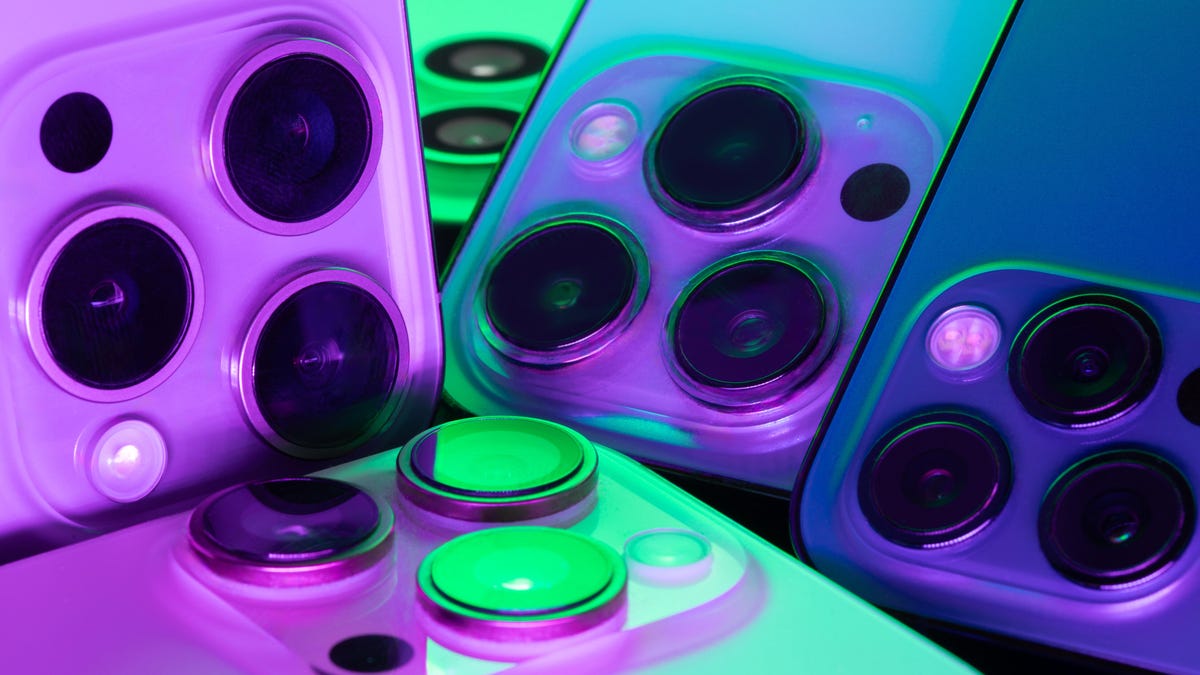
    A close up of a bunch of iPhone cameras
    Share
    Facebook Twitter LinkedIn Pinterest Email

    My iPhone Photos app slowly crept past the point of being fun to scroll. Trips, pet videos, burst shots and a mountain of screenshots kept chewing through storage until the “iPhone storage almost full” alert became routine. I wanted a win I could see right away without paying for another app or more iCloud space. It was like playing the free storage lottery. 

    The Photos app ended up being the fix I was searching for. On iOS 16 or newer, a Duplicates album gathers identical shots so you can merge or delete them in batches. I opened it out of curiosity and cleared dozens of lookalikes from the same vacation album. The storage bar moved. Backups felt faster. Browsing the camera roll stopped lagging.

    If your iPhone is packed with copies of the same photo, start there. Open Photos, tap Albums, find Duplicates under Utilities, then merge or delete. Removing duplicate photos frees up space quickly and turns cleanup into a simple, focused task that also surfaces memories you forgot you saved.

    For more, check out every new feature we’re expecting Apple to drop with iOS 26 this fall.

    Remove duplicate photos and videos to get more storage on your iPhone.

    Screenshots by Jeff Carlson/CNET

    Apple introduced its “duplicate detection” feature in 2022 and it works just as its name suggests. The tool uses on-device AI to identify identical images and aggregate them in an easy-to-find album in the Photos app. Apple says the iPhone classifies duplicates not only as exact copies but also as photos that appear to be the same but have unique resolutions, file formats or other slight differences. That includes lower-resolution versions you may have saved to share on social media or even bursts of near-identical shots taken at the same time.

    Here’s how to use the iPhone’s built-in tool to free up storage space:

    1. Open the Photos app on your iPhone. 

    2. Scroll down to the Utilities section and tap Duplicates. This is where you can view all the duplicate photos on your iPhone and delete them, either individually or at once. 

    3. If you want to delete all the duplicates at once, tap the Select button, and then tap Select All. You can also remove them in groups of two or more: Tap Select in the top right corner and then tap the Select button to the right of the pairs. Next, tap Merge [number] to merge all the duplicate photos your iPhone detects and send them to the trash.

    4. If you want to delete duplicates individually, tap the Merge button that appears next to each pair. Then tap Merge [number] Copies to delete duplicates. Go down the line and repeat this step for all the identical photos you want to delete. 

    Merging keeps the best version of the photo in your library. The duplicates are moved to the Recently Deleted album.

    If you found this iOS feature helpful, check out CNET’s cheat sheet for iOS 18. For more advice on how to save space, read our full list of tips for clearing your iPhone’s storage.

    cleared Duplicate finally iPhone Photos Therapeutic Weirdly
    Share. Facebook Twitter Pinterest LinkedIn Tumblr Email
    Previous ArticleMeet the early-adopter judges using AI
    Next Article Siri’s New Features May Include Adding Voice Controls to Apps
    Techurz
    • Website

    Related Posts

    Security

    This AirPods hack is a game-changer for frequent flyers – how to find it in your iPhone settings

    November 2, 2025
    Security

    How to remotely access and control someone else’s iPhone (with their permission)

    October 31, 2025
    Security

    This simple Pixel update finally makes my Android calls as nice as iPhone’s

    October 30, 2025
    Add A Comment
    Leave A Reply Cancel Reply

    Top Posts

    College social app Fizz expands into grocery delivery

    September 3, 20252,288 Views

    A Former Apple Luminary Sets Out to Create the Ultimate GPU Software

    September 25, 202516 Views

    The Reason Murderbot’s Tone Feels Off

    May 14, 202512 Views
    Stay In Touch
    • Facebook
    • YouTube
    • TikTok
    • WhatsApp
    • Twitter
    • Instagram
    Latest Reviews

    Subscribe to Updates

    Get the latest tech news from FooBar about tech, design and biz.

    Most Popular

    College social app Fizz expands into grocery delivery

    September 3, 20252,288 Views

    A Former Apple Luminary Sets Out to Create the Ultimate GPU Software

    September 25, 202516 Views

    The Reason Murderbot’s Tone Feels Off

    May 14, 202512 Views
    Our Picks

    The Facebook insider building content moderation for the AI era

    April 3, 2026

    Commonwealth Fusion Systems leans on magnets for near-term revenue

    April 2, 2026

    Diverse teams start with diverse VCs

    April 2, 2026

    Subscribe to Updates

    Get the latest creative news from FooBar about art, design and business.

    Facebook X (Twitter) Instagram Pinterest
    • About Us
    • Contact Us
    • Privacy Policy
    • Terms and Conditions
    • Disclaimer
    © 2026 techurz. Designed by Pro.

    Type above and press Enter to search. Press Esc to cancel.