


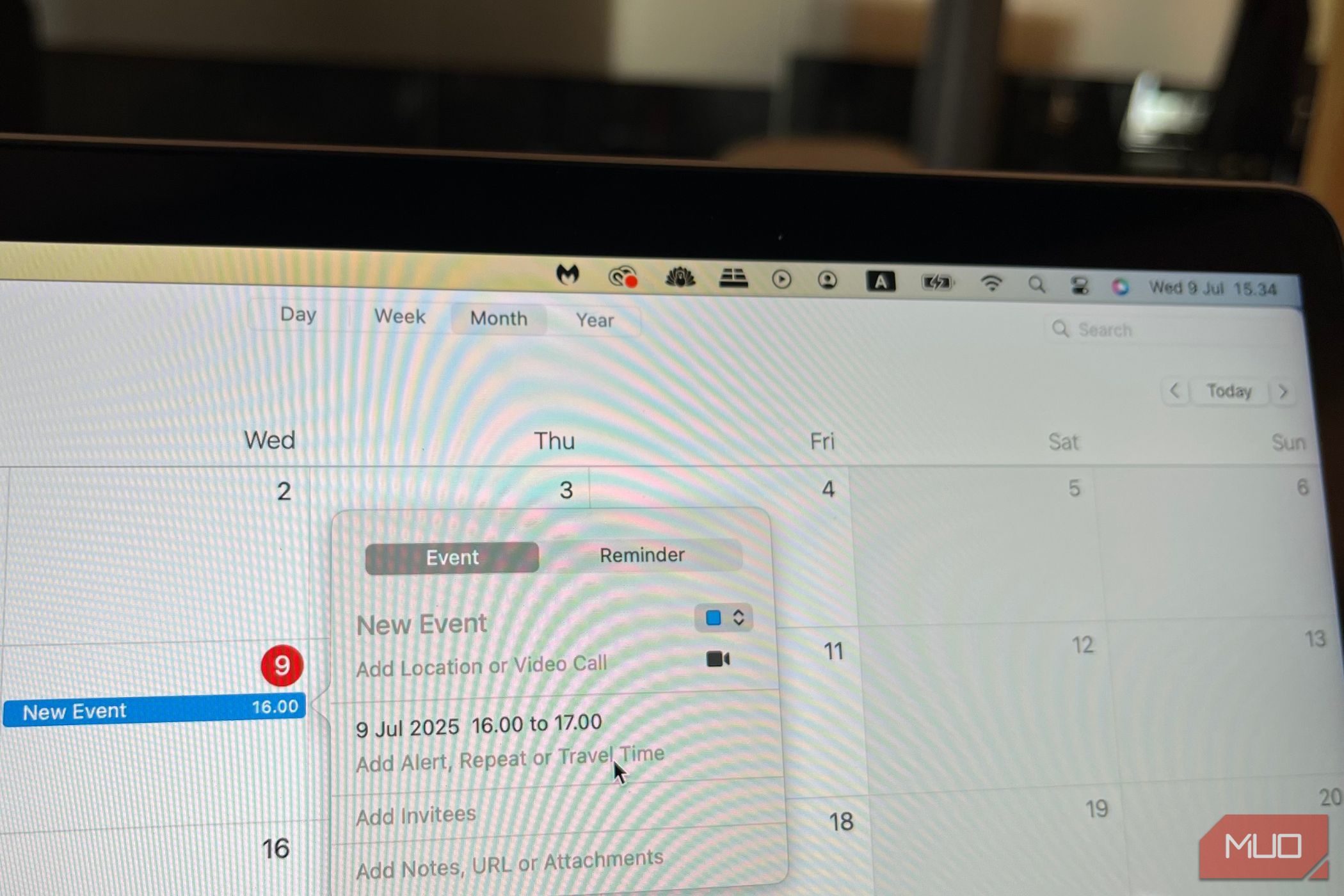
Google Calendar, Notion Calendar, Outlook Calendar, and some more. I’ve tried all the major calendar apps, as well as some lesser-known ones; despite their many great features, none keep me on schedule in the same way that Apple Calendar does.
6
Better App Syncing on Mobile
One of my favorite things about using Apple Calendar is how easily my events sync with the app on mobile. I have an iPhone, and all my big events instantly go into the app once I grant permissions. For example, each time I book a class at the gym, I automatically see it there.
Since I have an Apple Calendar widget on my phone, this synchronization gives me an instant look at my upcoming events for the day. Another benefit is that when I cancel an event within an app, it’s automatically removed from my calendar. For example, I’ve sometimes had to cancel gym classes; thankfully, these don’t show up in my calendar once I have.
Because I use Apple Calendar on my Mac and iPad as well, I can sync my events across all devices and add widgets if needed. So, it’s easy to see everything I need to complete.
5
A More Intuitive Interface
When using any calendar app (or apps in general, for that matter), the interface is one of its most important aspects for me. I already know I won’t use a tool for the long run if it’s difficult to navigate or doesn’t look nice. The same goes for if it feels clunky.
Apple Calendar is an example of what a calendar app should look like. I found Notion Calendar quite clunky, and almost every business-oriented calendar tool was similarly difficult to navigate. All too often, I felt like I had to work twice as hard to build a basic schedule with these apps; Google Calendar was the only exception.
Apple Calendar’s interface is intuitive across all apps. You can even apply easy tricks to make your Apple Calendar app more useful.
4
Core Features Without Gimmicks
I’m all for extra features in apps, but only if they work. When I see tools add random “tools” I know I’ll never use, it gets frustrating. In the same way that most creative software doesn’t need AI, in my opinion, many calendar app tools are gimmicky.
For example, while I like many aspects of Notion Calendar, adding Notion databases to my app feels way too clunky. I don’t think calendar apps need to do everything at once, but unfortunately, many try to do precisely this.
One of many reasons I enjoy using Apple Calendar is that it’s not full of gimmicky features. The app is very simple, and yet, it allows me to do everything I need to. I can create events, show or hide calendars if needed, and get an overview of my tasks for the day, week, and month.
3
Using Siri Suggestions With Apple Calendar
I actually use Siri less than the average iPhone user, but it’s still helpful for some things. Siri Suggestions in Apple Calendar is one of my favorite features; it’s so simple, yet incredibly effective.
With Siri Suggestions, I can add events from other apps based on what Siri thinks should be included. For example, I often use hotel-booking apps on my phone to find accommodation when I travel. Once I’ve finalized a trip, Siri will suggest that I add my travel dates to my Apple Calendar.
Thanks to this feature, organizing my daily schedule requires much less manual work than it otherwise would.
2
Calendar Inboxes
One of the only things I didn’t like about Google Calendar is that I didn’t have access to inboxes in the app. Yes, it integrates well with Gmail—but that’s not the same. Notion Calendar has this tool, too, which made it more disappointing for me that Google Calendar did not.
With Apple Calendar inboxes, I can see any potential events I may have missed. When these appear, I can then choose whether I want to add them to my calendar or not. These will sometimes be for tentative events I’m not entirely sure about, so sometimes, I leave them there until further notice.
1
FaceTime Integration
Since I live abroad, I use FaceTime for a lot of interactions with friends and family. For me, there is no better video communication app; I’ve tried Zoom, Google Meet, and even some open-source alternatives.
One of my favorite things about Apple Calendar is that since it’s part of the Apple ecosystem, it integrates well with FaceTime. When setting up an event, I can choose FaceTime from the list of options. So, if I want to arrange a call with someone in advance, this is a great option.
Despite the numerous advantages of other calendar apps, none help me stay on track as much as Apple Calendar. It integrates well across the Apple ecosystem, and I love how Siri can pick up and add events without much of my input. Moreover, I like that the app is simple but still effective.
