

Close Menu
TechurzTechurz
    What's Hot

    Silicon Valley loves young founders. Until it doesn’t.

    July 31, 2026

    AI labs want to pump the brakes, but Amazon and SpaceX are still blasting off

    July 31, 2026

    Smallest.ai raises $13M to build ultra-fast voice AI that sounds genuinely human

    July 31, 2026
    X (Twitter) Pinterest YouTube LinkedIn WhatsApp
    Tech Pulse
    • Silicon Valley loves young founders. Until it doesn’t.
    • AI labs want to pump the brakes, but Amazon and SpaceX are still blasting off
    • Smallest.ai raises $13M to build ultra-fast voice AI that sounds genuinely human
    • Repeat founder Ryan Williams raises $10M seed for an AI startup for private credit managers
    • Fusion power darling Commonwealth Fusion Systems raises another $1B
    X (Twitter) Pinterest YouTube LinkedIn WhatsApp
    TechurzTechurz
    • Home
    • Tech Pulse
    • Future Tech
    • AI Systems
    • Cyber Reality
    • Disruption Lab
    • Signals
    TechurzTechurz
    Home - Guides - iPhone Calculator Tips and Hidden Features
    Guides

    iPhone Calculator Tips and Hidden Features

    TechurzBy TechurzJuly 21, 2025Updated:May 12, 2026No Comments3 Mins Read
    Share Facebook Twitter Pinterest LinkedIn Tumblr Reddit Telegram Email
    iPhone Calculator Tips and Hidden Features
    Share
    Facebook Twitter LinkedIn Pinterest Email


    Table of contents
    1 The Download
    2 Where Is the iPhone Calculator App?
    3 Where Is the iPhone Scientific Calculator?
    4 iPhone Calculator Settings
    5 Tips and Tricks for the Calculator App

    The Download

    • Open Control Center > tap Calculator icon. Or open from Home screen or ask Siri to open.
    • Scientific mode: Tap Calculator button > choose Scientific or tilt phone to landscape orientation.
    • Conversions: Convert > Conversion menu (up and down arrows) > conversion type.

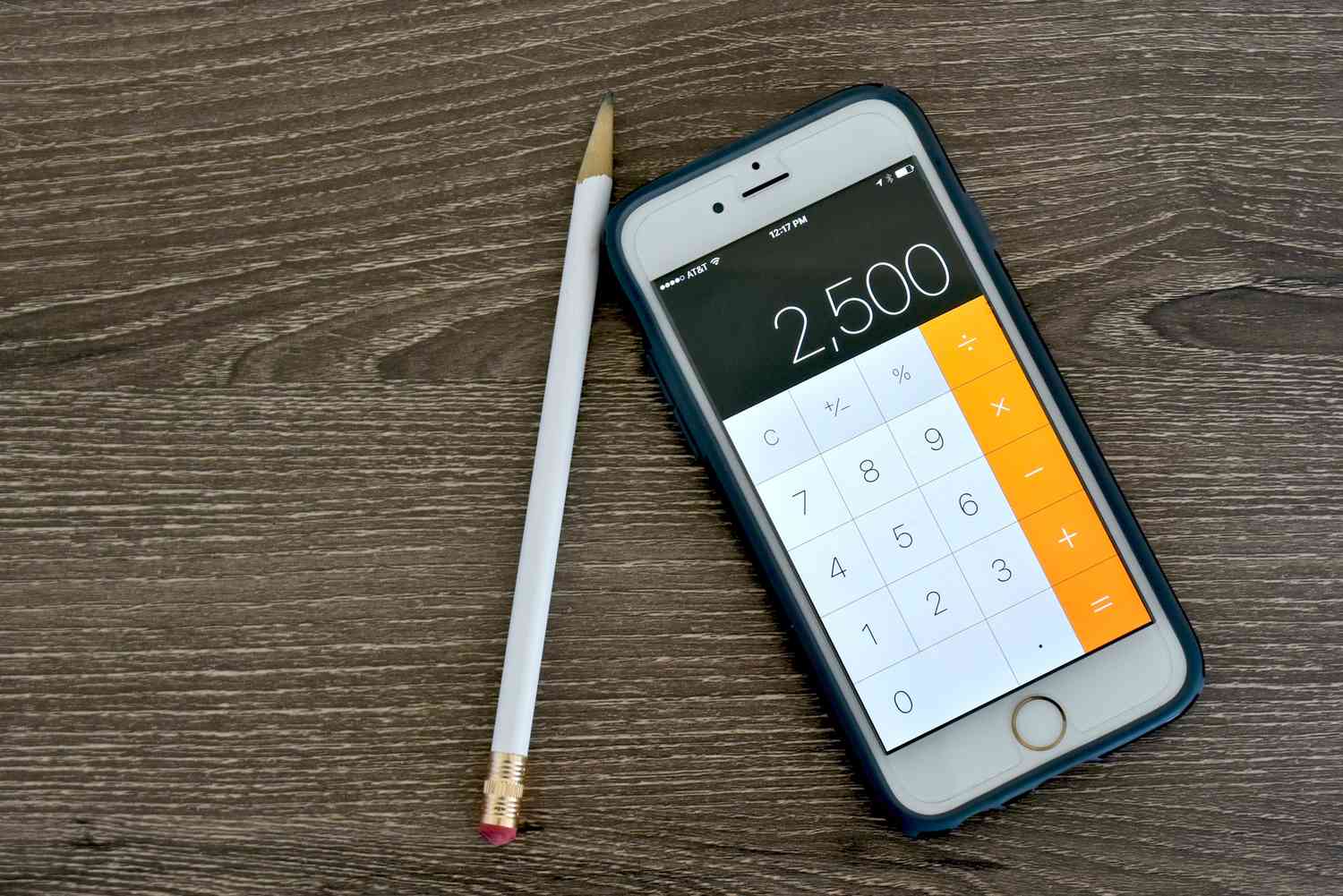
    This article explains where to find the iPhone calculator, how to use it, and some tips to make use of its features.

    Where Is the iPhone Calculator App?

    You can open the calculator app from various places on your iPhone:

    • Home Screen: First, it will come as a preloaded app on your iPhone, and will be on your home screen. You may need to swipe through a page or two to find it.
    • Control Center: Open the Control Center and there’s a dedicated icon to open the calculator, next to the camera icon. One advantage of this method is that you can use the calculator, or give your phone for someone else to use it, without unlocking your iPhone.
    • Siri: If your hands are full at the moment, just say “Hey, Siri, open the Calculator app.” You can also search for it.

    Siri can also do most basic calculations, like percentages. It’s worth trying out if you need a quick answer to a mathematical question.

    Where Is the iPhone Scientific Calculator?

    Lifewire 

    Need to find a few radians?

    Depending on your operating system, you can either tap the Calculator button within the app and choose Scientific or turn your iPhone to the landscape orientation to change modes.

    iPhone Calculator Settings

    With the iPhone, you get what you get; there are no settings to play with, not even to change the colors of the buttons.

    You can download third-party apps that will change the cosmetic look of the iPhone calculator.

    But for anything more advanced, or for features like graphing, you’ll have to look for an entirely new calculator app. 

    Tips and Tricks for the Calculator App

    As handy as the calculator app is, there are a few features you’re never told about, including:

    • Unit conversions: In the Basic or Scientific modes, you can turn on Convert by tapping the Calculator button. Then choose the units or currencies to convert to/from by swiping through the menu.
    • Deleting digits: If you need to delete something you entered, swipe left or right at the top, and the calculator will delete the offending digit. Note that this gesture only deletes, it doesn’t restore; if you swipe left to restore something, you’ll just delete another digit.
    • Saving results: If you need to switch between the standard calculator and the scientific, you won’t have to worry about losing your result; the Calculator app keeps your numbers up top as you rotate between modes (or if you drop your phone). Standard mode will show fewer digits, however, so if you need precision, you should stick to scientific.
    • Copy and Paste: You can copy and paste your results. Give the number a long press and it will put the result on your iPhone’s clipboard.
    • Calculator and Screen Mirroring: If you need to do some quick math in a group meeting, use the iPhone’s screen mirroring tools to put the calculator on the screen, and run the math in real time.

    Thanks for letting us know!

    Get the Latest Tech News Delivered Every Day

    Subscribe

    Tell us why!

    Other

    Not enough details

    Hard to understand

    Calculator features hidden iPhone Tips
    Share. Facebook Twitter Pinterest LinkedIn Tumblr Email
    Previous ArticleAmazon’s Fire Tablets, Tested, So You Don’t Have To (2025)
    Next Article ‘NYT Mini’ Clues And Answers For Monday, July 21
    Techurz
    • Website

    Related Posts

    Opinion

    Bluesky launches group chats, as company shifts focus to community features

    June 11, 2026
    Opinion

    Investors back Skye’s AI home screen app for iPhone ahead of launch

    April 27, 2026
    Cyber Reality

    This AirPods hack is a game-changer for frequent flyers – how to find it in your iPhone settings

    November 2, 2025
    Add A Comment
    Latest Tech Pulse

    College social app Fizz expands into grocery delivery

    September 3, 20252,290

    12 Father’s Day E-Card Sites That Are Actually Good

    June 4, 202523

    SolarSquare in talks to raise up to $60M as India’s rooftop solar market draws major VC interest

    May 23, 202622
    Stay In Touch
    • YouTube
    • WhatsApp
    • Twitter
    • Pinterest
    • LinkedIn

    Techurz helps readers stay ahead of digital change with clear, practical, future focused technology intelligence written today,searched tomorrow.

    X (Twitter) Pinterest YouTube LinkedIn WhatsApp
    Company
    • About Us
    • Contact Us
    • Our Authors / Editorial Team
    • Write For Us
    • Advertise
    Policy
    • Editorial Policy
    • Privacy Policy
    • Terms and Conditions
    • Affiliate Disclosure
    • Cookie Policy
    • Disclaimer
    • DMCA
    Explore
    • AI Systems
    • Cyber Reality
    • Future Tech
    • Disruption Lab
    • Signals
    • Tech Pulse
    • Sitemap

    Join the Techurz Brief

    The future does not arrive suddenly.
    Stay ahead with fast, sharp tech signals.

    Type above and press Enter to search. Press Esc to cancel.