

Close Menu
TechurzTechurz
    What's Hot

    Evotrex raises $30M to build the RV that doesn’t need a charging station

    June 9, 2026

    It’s not FAANG anymore. It’s MANGOS.

    June 9, 2026

    Zepto’s IPO filing reveals fast growth, bigger losses, and a valuation question nobody’s answered yet

    June 9, 2026
    X (Twitter) Pinterest YouTube LinkedIn WhatsApp
    Tech Pulse
    • Evotrex raises $30M to build the RV that doesn’t need a charging station
    • It’s not FAANG anymore. It’s MANGOS.
    • Zepto’s IPO filing reveals fast growth, bigger losses, and a valuation question nobody’s answered yet
    • How to apply to Startup Battlefield 2026, what you need ahead of today’s June 8 deadline
    • Beyond Instagram: Introducing the next generation of social apps
    X (Twitter) Pinterest YouTube LinkedIn WhatsApp
    TechurzTechurz
    • Home
    • Tech Pulse
    • Future Tech
    • AI Systems
    • Cyber Reality
    • Disruption Lab
    • Signals
    TechurzTechurz
    Home - Guides - Log Out of Roku on TV: Easy Step-by-Step Guide
    Guides

    Log Out of Roku on TV: Easy Step-by-Step Guide

    TechurzBy TechurzAugust 10, 2025Updated:May 12, 2026No Comments3 Mins Read
    Share Facebook Twitter Pinterest LinkedIn Tumblr Reddit Telegram Email
    Log Out of Roku on TV: Easy Step-by-Step Guide
    Share
    Facebook Twitter LinkedIn Pinterest Email


    The Download

    • Go to Settings > System > Advanced System Settings > Factory Reset.
    • Turn on TV > go through the setup process to log in to a Roku account or create a new one.
    • You can’t have more than one account on a single Roku, but you can use the same account on multiple Rokus.

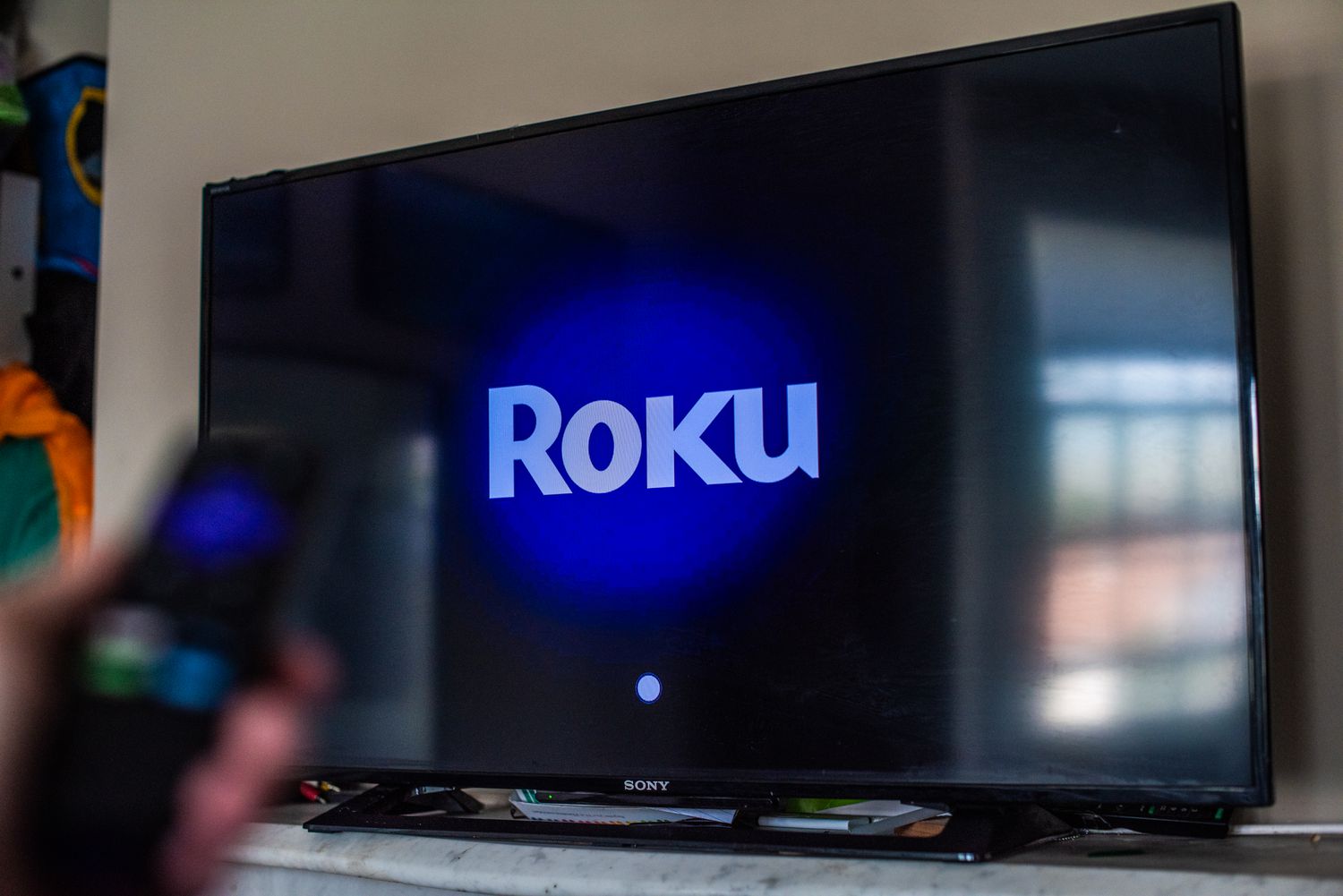
    This article explains how to log out of Roku on a TV so you can add a new Roku account. The instructions apply to all Roku devices including Roku smart TVs.

    How Do I Unlink My Roku Account?

    The only way to sign out of your Roku account is to factory reset your Roku device.

    If your Roku has a reset button, hold it down for about 20 seconds until the power LED starts to blink, then release the button.

    Alternatively, you can reset your Roku from the Settings menu:

    If there’s no reset button on your Roku TV, press and hold the Mute and Power buttons on the TV, unplug the power cord, then plug it back in. Release the buttons when the setup screen appears.

    1. From the home screen, go to Settings.

    2. Select System > Advanced system settings.

    3. Select Factory reset everything (or Factory reset).

    4. Enter the confirmation code and select OK.

    How Do I Log Into My Roku Account?

    After the Roku has been reset, you’ll be guided through the setup process the next time you turn your device back on.

    Follow the setup process, including choosing your preferred language, connecting your Roku to Wi-Fi, and sign in or create a new Roku account.

    You’ll be able to access channels you subscribe to through Roku, but you may have to redownload them.

    How Do I Add Another Account to My Roku?

    You can’t have multiple accounts on a single Roku device.

    You can, however, use your account on multiple Roku devices to watch all of the channels you subscribe to.

    How Do I Reset My Roku for a New User?

    If you’re giving your Roku device away or selling it, you’ll want to reset it so the new owner won’t have access to your account.

    Follow the instructions above to restore your Roku device to factory settings.

    FAQ

    • How do I log out of HBO Max on Roku?

      From the HBO Max home screen, press the left arrow on the remote to bring up the side menu, then select Settings (gear icon). Scroll all the way to the right and choose Sign Out.

    • How do I log out of Amazon Prime on Roku?

      To log out of Amazon Prime Video on Roku, select Settings at the top of the home screen > Sign Out.

    • How do I sign out of Netflix on Roku?

      From the Netflix home screen, press the left arrow on the remote to bring up the side menu, then select Get Help > Sign out > Yes to sign out of Netflix on Roku.

    • How do I sign out of Hulu on Roku?

      On the main Hulu page, select your Profile icon at the top of the screen, then choose Log Out to log out of Hulu on Roku.

    Thanks for letting us know!

    Get the Latest Tech News Delivered Every Day

    Subscribe

    Tell us why!

    Other

    Not enough details

    Hard to understand

    Easy Guide log Roku StepbyStep
    Share. Facebook Twitter Pinterest LinkedIn Tumblr Email
    Previous ArticleToday’s NYT Connections: Sports Edition Hints, Answers for Aug. 10 #321
    Next Article SoftBank’s profit rebounds on AI stocks
    Techurz
    • Website

    Related Posts

    Opinion

    AI agent Poke makes setting up automations as easy as sending a text

    April 8, 2026
    Cyber Reality

    The MSP Cybersecurity Readiness Guide: Turning Security into Growth

    November 1, 2025
    Cyber Reality

    How to restart your Android phone without the power button: 2 easy ways

    October 21, 2025
    Add A Comment
    Latest Tech Pulse

    College social app Fizz expands into grocery delivery

    September 3, 20252,289

    SolarSquare in talks to raise up to $60M as India’s rooftop solar market draws major VC interest

    May 23, 202621

    A Former Apple Luminary Sets Out to Create the Ultimate GPU Software

    September 25, 202518
    Stay In Touch
    • YouTube
    • WhatsApp
    • Twitter
    • Pinterest
    • LinkedIn

    Techurz helps readers stay ahead of digital change with clear, practical, future focused technology intelligence written today,searched tomorrow.

    X (Twitter) Pinterest YouTube LinkedIn WhatsApp
    Company
    • About Us
    • Contact Us
    • Our Authors / Editorial Team
    • Write For Us
    • Advertise
    Policy
    • Editorial Policy
    • Privacy Policy
    • Terms and Conditions
    • Affiliate Disclosure
    • Cookie Policy
    • Disclaimer
    • DMCA
    Explore
    • AI Systems
    • Cyber Reality
    • Future Tech
    • Disruption Lab
    • Signals
    • Tech Pulse
    • Sitemap

    Join the Techurz Brief

    The future does not arrive suddenly.
    Stay ahead with fast, sharp tech signals.

    Type above and press Enter to search. Press Esc to cancel.