

Close Menu

    Subscribe to Updates

    Get the latest creative news from FooBar about art, design and business.

    What's Hot

    Clio’s $500M milestone arrives just as Anthropic ups the ante

    May 14, 2026

    Anduril raises $5B, doubles valuation to $61B

    May 13, 2026

    Kevin Hartz’s A* just closed its third fund with $450M

    May 13, 2026
    Facebook X (Twitter) Instagram
    Tech Pulse
    • Clio’s $500M milestone arrives just as Anthropic ups the ante
    • Anduril raises $5B, doubles valuation to $61B
    • Kevin Hartz’s A* just closed its third fund with $450M
    • Riding an AI rally, Robinhood preps second retail venture IPO
    • Korea’s biggest manufacturers back Config, the TSMC of robot data
    X (Twitter) Pinterest YouTube LinkedIn WhatsApp
    Techurz
    • Home
    • AI Systems
    • Cyber Reality
    • Future Tech
    • Disruption Lab
    • Signals
    • Tech Pulse
    Techurz
    Home - Guides - Microsoft Authenticator Isn’t Saving Your Passwords Anymore: Export Them Now
    Guides

    Microsoft Authenticator Isn’t Saving Your Passwords Anymore: Export Them Now

    TechurzBy TechurzJune 3, 2025Updated:May 12, 2026No Comments3 Mins Read
    Share Facebook Twitter Pinterest LinkedIn Tumblr Reddit Telegram Email
    Microsoft Authenticator Isn't Saving Your Passwords Anymore: Export Them Now
    Share
    Facebook Twitter LinkedIn Pinterest Email


    Autofill is a lifesaver—until it’s not. Microsoft Authenticator will soon stop saving your passwords, meaning it’s time to switch to Edge or move on to better alternatives.

    Say Goodbye to Password Autofill in Microsoft Authenticator

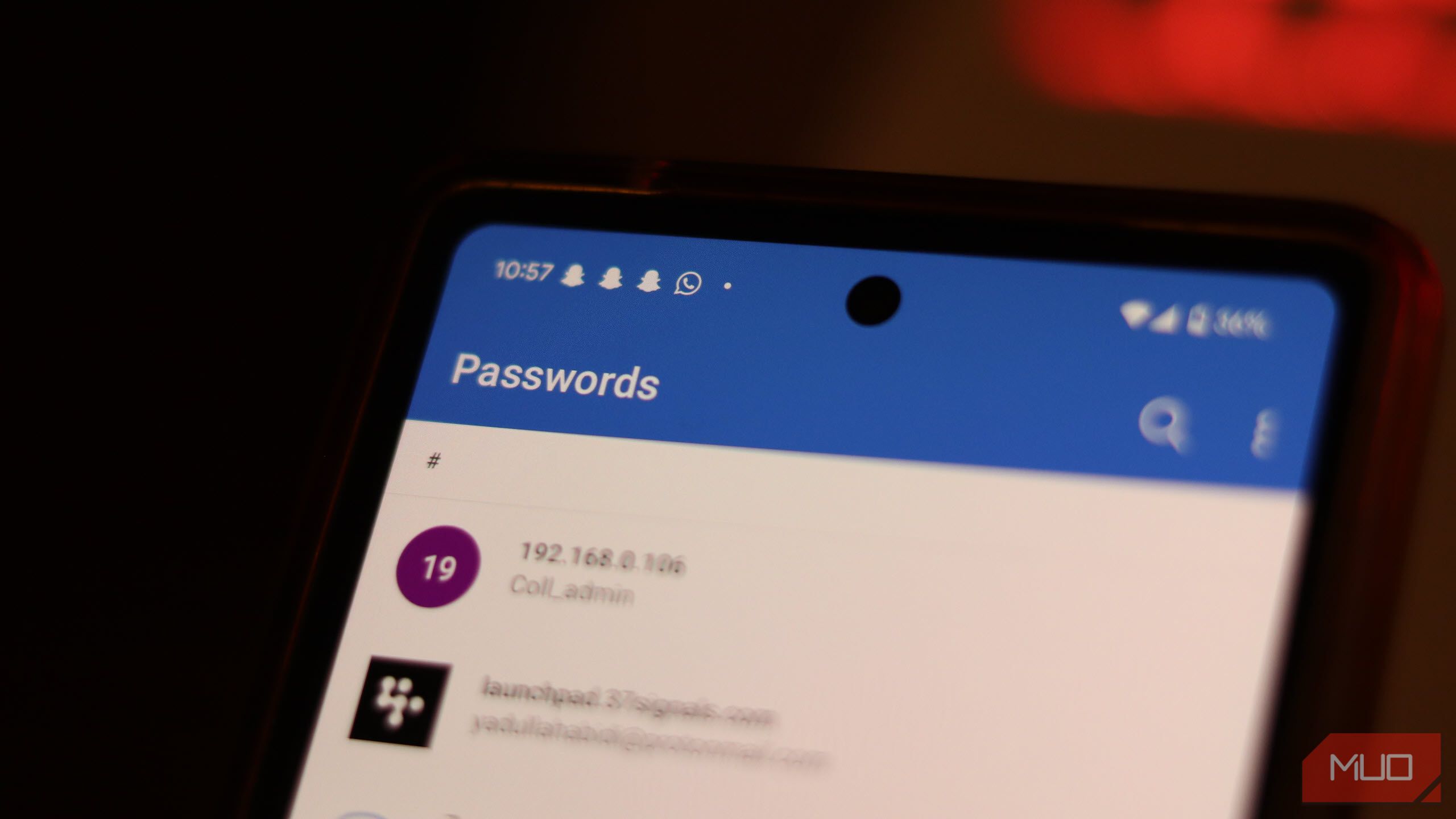
    If you use Microsoft’s Authenticator to autofill passwords on your phone, you’ll soon see a warning to export your passwords and move to Microsoft Edge or other password managers by July 2025, if you haven’t already. The feature will be removed from Authenticator by August 2025.

    Yadullah Abidi / MakeUseOf

    The alert links to a Microsoft support article that provides a full timeline of the feature’s deprecation as follows:

    • Starting June 2025, Authenticator won’t save new passwords.
    • Autofill using Authenticator will stop working in July 2025. Any payment information saved on your device will by deleted after July.
    • Any saved passwords won’t be accessible in Authenticator from August 2025. Any unsaved generated passwords will be deleted.

    Since your saved passwords and addresses are synced to your Microsoft account, you can still access them from Edge’s built-in password manager, even if you don’t export your password data from Authenticator. Your generated password history, however, isn’t synced. Meaning if you’ve used Authenticator’s password generator feature to create any accounts, you need to save any generated passwords from the Generator history section found within the Password tab into your saved passwords.

    Exporting your passwords from Microsoft Authenticator is a simple process. Follow these steps:

    1. Open Microsoft Authenticator and tap the three vertical dots in the top right. Then tap Settings.
    2. Scroll down until you see the Export Passwords option. This saves your passwords in a CSV file that you can use to import them to another password manager.

    Yadullah Abidi / MakeUseOf

    Keep in mind that your passwords aren’t encrypted in the CSV file and are clearly readable. Delete this file as soon as you’re done importing and don’t share it with anyone.

    Note that this only applies to Authenticator’s password manager. The rest of the app, including its multi-factor code generator and passkey support, will continue working as usual.

    Microsoft, obviously, wants you to start using Edge’s autofill capabilities, which gives you another reason to switch to their browser on mobile if you’re using another browser. If you don’t want to use Edge, don’t start saving your passwords in your notes app just yet; there are better options available.

    There are precautions with which you can use your browser password manager, whether you’re on a PC or phone, however, a dedicated password manager is always the way to go. We’ve got a list of the best password managers for every occasion to get you started. My recommendation would be Proton Pass, but feel free to experiment with other options like 1Password or Bitwarden.

    Related

    The 6 Best Proton Pass Features You’re Not Using

    Proton Pass is much more than just a bog-standard password manager.

    Whether you’re willing to pay for a password manager or not, there are good options available. Most, if not all, password managers you can download on your Android or iOS device will support autofill as well, so you won’t be missing any functionality, but would be getting better password management and generation capabilities.

    anymore Authenticator export Isnt Microsoft passwords saving
    Share. Facebook Twitter Pinterest LinkedIn Tumblr Email
    Previous ArticleTikTok isn’t really working right now
    Next Article Disney Is Laying Off Hundreds of Workers Globally
    Techurz
    • Website

    Related Posts

    Opinion

    Microsoft hires the team of Sequoia-backed AI collaboration platform, Cove

    March 18, 2026
    Opinion

    Investors spill what they aren’t looking for anymore in AI SaaS companies

    March 1, 2026
    Opinion

    Databricks CEO says SaaS isn’t dead, but AI will soon make it irrelevant

    February 9, 2026
    Add A Comment
    Leave A Reply Cancel Reply

    Top Posts

    College social app Fizz expands into grocery delivery

    September 3, 20252,288 Views

    A Former Apple Luminary Sets Out to Create the Ultimate GPU Software

    September 25, 202516 Views

    The Reason Murderbot’s Tone Feels Off

    May 14, 202512 Views
    Stay In Touch
    • Facebook
    • YouTube
    • TikTok
    • WhatsApp
    • Twitter
    • Instagram
    Latest Reviews

    Subscribe to Updates

    Get the latest tech news from FooBar about tech, design and biz.

    Most Popular

    College social app Fizz expands into grocery delivery

    September 3, 20252,288 Views

    A Former Apple Luminary Sets Out to Create the Ultimate GPU Software

    September 25, 202516 Views

    The Reason Murderbot’s Tone Feels Off

    May 14, 202512 Views
    Our Picks

    Clio’s $500M milestone arrives just as Anthropic ups the ante

    May 14, 2026

    Anduril raises $5B, doubles valuation to $61B

    May 13, 2026

    Kevin Hartz’s A* just closed its third fund with $450M

    May 13, 2026

    Subscribe to Updates

    Get the latest creative news from FooBar about art, design and business.

    Facebook X (Twitter) Instagram Pinterest
    • About Us
    • Contact Us
    • Privacy Policy
    • Terms and Conditions
    • Disclaimer
    © 2026 techurz. Designed by Pro.

    Type above and press Enter to search. Press Esc to cancel.