

Close Menu
TechurzTechurz
    What's Hot

    Asian AI startups launch Mythos-like models as Anthropic’s export ban drags on

    June 27, 2026

    Corgi, the buzzy Y Combinator-backed insurance tech startup, says it didn’t steal an open source product

    June 26, 2026

    OpenAI poaches Uber India chief to lead its biggest market outside the US

    June 26, 2026
    X (Twitter) Pinterest YouTube LinkedIn WhatsApp
    Tech Pulse
    • Asian AI startups launch Mythos-like models as Anthropic’s export ban drags on
    • Corgi, the buzzy Y Combinator-backed insurance tech startup, says it didn’t steal an open source product
    • OpenAI poaches Uber India chief to lead its biggest market outside the US
    • Early Bird pricing ends tonight for Founder Summit
    • Robotaxis drive miles just to get cleaned and charged; this new startup wants to fix that
    X (Twitter) Pinterest YouTube LinkedIn WhatsApp
    TechurzTechurz
    • Home
    • Tech Pulse
    • Future Tech
    • AI Systems
    • Cyber Reality
    • Disruption Lab
    • Signals
    TechurzTechurz
    Home - Security - Microsoft Authenticator will soon ditch passwords for passkeys – here’s what to do
    Security

    Microsoft Authenticator will soon ditch passwords for passkeys – here’s what to do

    TechurzBy TechurzJune 30, 2025No Comments3 Mins Read
    Share Facebook Twitter Pinterest LinkedIn Tumblr Reddit Telegram Email
    Microsoft Authenticator will soon ditch passwords for passkeys - here's what to do
    Share
    Facebook Twitter LinkedIn Pinterest Email


    ZDNET

    Those of you who use Microsoft Authenticator as a password manager will have to find another option, and soon. That’s because an upcoming change will pull the plug on the ability to use the Authenticator app to store and autofill passwords.

    In a recent support document, Microsoft revealed the timeline for Authenticator’s retirement as a password manager. Starting in June, you’ll no longer be able to add or import new passwords in the app, though you’ll still be able to save passwords through the autofill option. Beginning in July, you’ll no longer be able to autofill passwords with Authenticator. Come August, any passwords you’ve saved in the app will no longer be accessible.

    Also: 10 passkey survival tips: Prepare for your passwordless future now

    Microsoft Authenticator isn’t going away. You’ll still be able to use it for its primary purpose, namely to generate and display multi-factor authentication codes for logging in to secure websites. But its sideline as a password manager will come to an end.

    OK, but what should you do if you’ve been saving and using passwords in the app?

    Microsoft offers a few suggestions. Your stored passwords are synced to your Microsoft account, which means you can still use them elsewhere. For that, you can turn to Microsoft Edge. In its support document, the company explains how to use Edge to autofill saved passwords. At the same time, you can use this opportunity to review your saved passwords to remove any you no longer need or want.

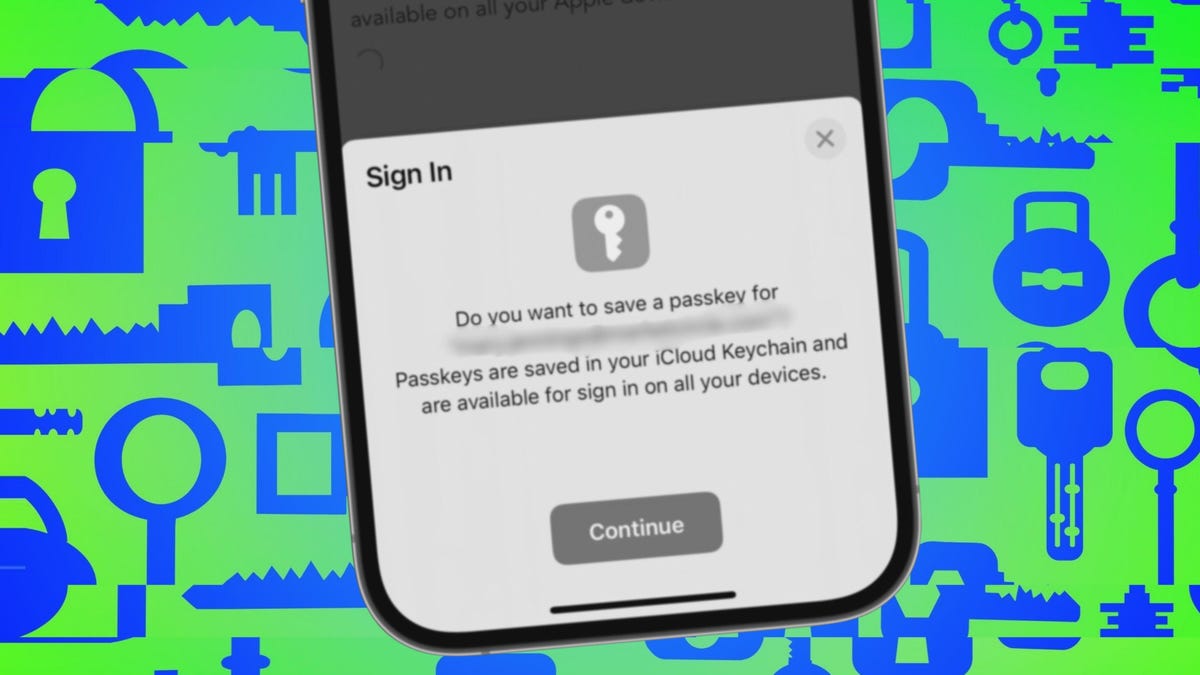
    But Microsoft would really prefer that you start to renounce the dreaded password and move to the more evolved passkey. If you’ve already set up passkeys for your Microsoft account, Authenticator can serve as your passkey provider. If not, now might be the time to make the switch.

    There’s a reason we all hate passwords. They’re hard to create and remember, vulnerable to cyberattacks and security threats, and challenging to juggle even with a password manager. In contrast, passkeys offer a more convenient and secure alternative. Authenticating yourself with a passkey requires a PIN, facial scan, fingerprint recognition, or physical security key, all of which are more robust methods than a password.

    The main drawback of passkeys is that they can be difficult to sync across multiple devices, especially between a PC and a mobile device. However, using a central repository, such as Microsoft Authenticator, can help with that obstacle.

    Also: The best password managers: Expert tested

    The Microsoft document on “Register passkeys in Authenticator on Android or iOS devices” explains how to set up the Authenticator app to create passkeys for any supported account. Of course, you can use other programs to generate passkeys. I use my password manager to store passkeys for different sites and accounts, and the process is quick and easy. Plus, since I use my password manager on all my devices — PCs, mobile phones, and tablets — I can access the same passkeys everywhere.

    With the deadline looming for Microsoft Authenticator’s retirement as a password manager, now is as good a time as any to start migrating to passkeys.

    Get the morning’s top stories in your inbox each day with our Tech Today newsletter.

    Authenticator ditch Heres Microsoft passkeys passwords
    Share. Facebook Twitter Pinterest LinkedIn Tumblr Email
    Previous Article‘We really believe that Lidar is mission critical’: Ford CEO says Waymo’s self-driving car tech makes more sense Tesla’s
    Next Article Here Is Everyone Mark Zuckerberg Has Hired So Far for Meta’s ‘Superintelligence’ Team
    Techurz
    • Website

    Related Posts

    Opinion

    Here’s why Slate changed the battery in its cheap EV truck

    June 24, 2026
    Opinion

    Microsoft taps Alt Carbon in sign of India’s growing role in carbon removal

    June 11, 2026
    Opinion

    Helion, the Sam Altman-backed fusion startup, raises $465M to build a power plant for Microsoft

    June 4, 2026
    Add A Comment
    Latest Tech Pulse

    College social app Fizz expands into grocery delivery

    September 3, 20252,290

    SolarSquare in talks to raise up to $60M as India’s rooftop solar market draws major VC interest

    May 23, 202622

    Future of Digital Privacy and Security: 7 Truths Nobody Tells You

    May 25, 202619
    Stay In Touch
    • YouTube
    • WhatsApp
    • Twitter
    • Pinterest
    • LinkedIn

    Techurz helps readers stay ahead of digital change with clear, practical, future focused technology intelligence written today,searched tomorrow.

    X (Twitter) Pinterest YouTube LinkedIn WhatsApp
    Company
    • About Us
    • Contact Us
    • Our Authors / Editorial Team
    • Write For Us
    • Advertise
    Policy
    • Editorial Policy
    • Privacy Policy
    • Terms and Conditions
    • Affiliate Disclosure
    • Cookie Policy
    • Disclaimer
    • DMCA
    Explore
    • AI Systems
    • Cyber Reality
    • Future Tech
    • Disruption Lab
    • Signals
    • Tech Pulse
    • Sitemap

    Join the Techurz Brief

    The future does not arrive suddenly.
    Stay ahead with fast, sharp tech signals.

    Type above and press Enter to search. Press Esc to cancel.