


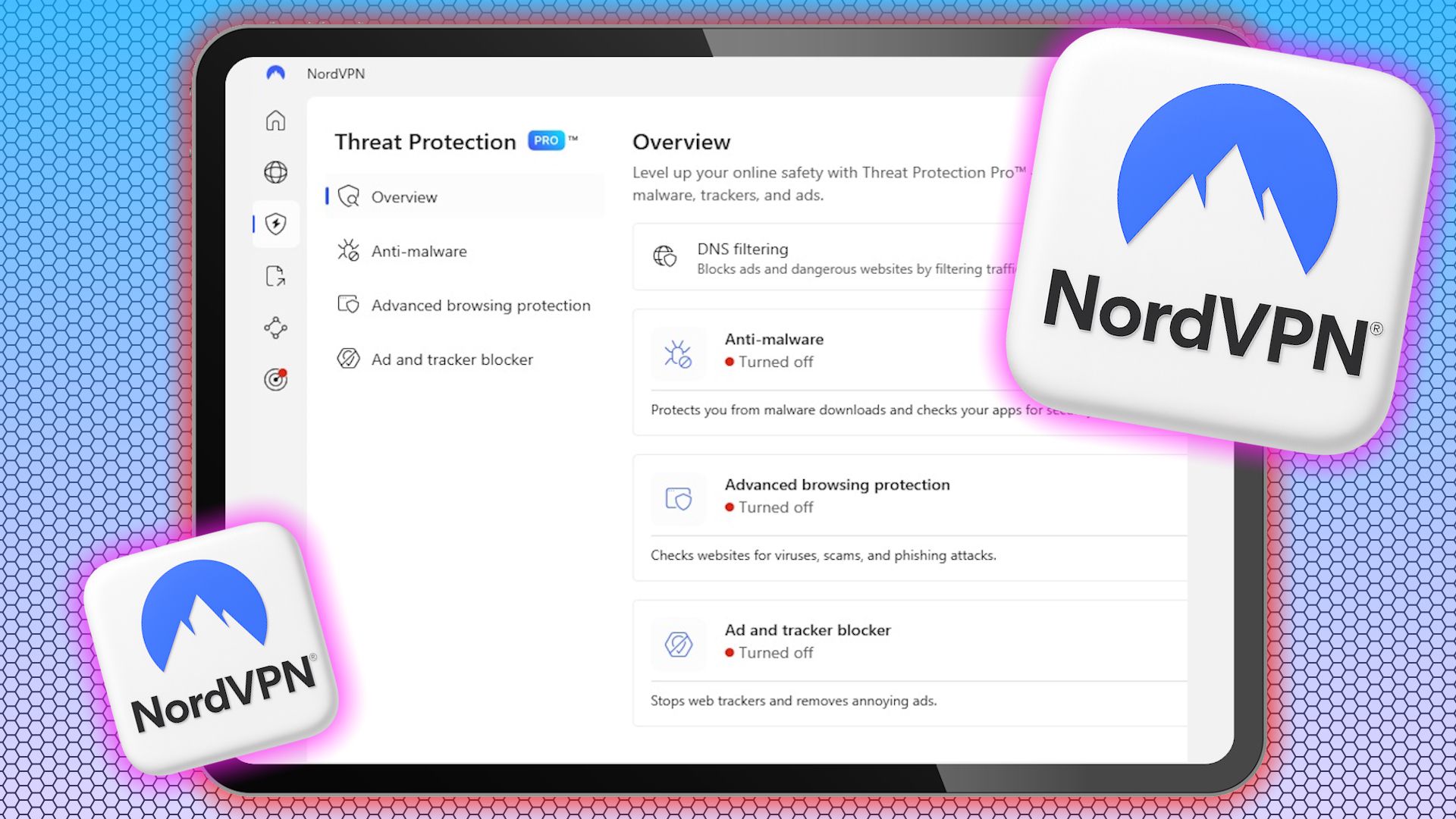
NordVPN includes an all-in-one security feature called Threat Protection, which blocks ads, trackers, malware, and suspicious websites. This underrated cybersecurity tool adds an essential layer of protection while you browse and is a must-have for anyone concerned about online safety.
What Is NordVPN Threat Protection?
NordVPN Threat Protection is a comprehensive cybersecurity tool that shields you against online threats. It’s a security feature built into NordVPN designed to go beyond standard VPN encryption by actively identifying and blocking online threats.
This approach helps reduce your reliance on separate ad blockers or antivirus software by combining multiple protections in one tool.
While most people use a VPN to encrypt internet traffic, mask their IP address, or enjoy other benefits of using a VPN, Threat Protection adds another layer by actively shielding from online threats.
Related
What a VPN Is, and Why You Need One in Your Life
VPNs are super handy. You don’t always need one, but they’re great for so many different uses.
NordVPN offers two plans: Threat Protection and Threat Protection Pro. The standard Threat Protection plan uses DNS filtering to block access to harmful websites at the domain level.
Threat Protection Pro is robust and can work in the background without requiring an active VPN connection. It goes beyond DNS filtering by working at the URL and JavaScript level, making it more effective at stopping threats.
Regardless of the plan you choose, Threat Protection scans URLs and files in real time as you browse. This makes it particularly useful if you want strong, always-on security without micromanaging settings or running multiple apps.
Why You Should Use NordVPN Threat Protection
NordVPN’s Threat Protection is more than just an extra perk from the VPN company. It’s a comprehensive security feature for safeguarding against the most common online threats. In today’s internet landscape, where malware, trackers, and phishing sites are rampant, this added layer of defense is extremely helpful.
NordVPN is already one of the top security apps for protecting data, and its Threat Protection feature further enhances its usefulness.
1. Robust Malware and Virus Protection
The biggest reason to use Threat Protection is its anti-malware and antivirus capabilities. It runs in the background and automatically blocks access to malware-hosting websites. Additionally, it scans downloaded files for viruses and, if needed, uploads them to the cloud for deeper analysis.
A key thing to note is that it only uploads executable files for further scanning if the quick scan doesn’t yield satisfactory results. Other files are scanned using the local scanner for privacy reasons.
If a file is found unsafe, it’s removed as soon as possible before it can harm your device. This is particularly useful, since getting rid of malware can be complex and time-consuming. While you can manually remove malware from your device, Threat Protection saves you from that hassle.
Because of this proactive approach, Threat Protection is the first line of defense against cybersecurity threats like spyware, ransomware, Trojans, and worms.
Related
What Is the Difference Between a Worm, a Trojan, and a Virus?
You might have heard someone call any malicious software a “virus,” but that isn’t accurate. Different types of malware function in distinct ways.
2. Ad and Tracker Blocking
Another benefit of using Threat Protection is its ability to block ads and trackers. Blocking trackers from following you around the web boosts your online privacy. It also shields you from unfair pricing based on your browsing and purchase history.
NordVPN Threat Protection also automatically filters out annoying pop-ups and intrusive banners, giving you a cleaner, faster browsing experience. Whether reading articles or shopping online, you can enjoy the web without being followed by intrusive targeted ads or slowed down by bloated pages.
3. Phishing and Malicious Site Protection
NordVPN Threat Protection also defends you against phishing attempts and malicious websites. It acts as your always-on protector and real-time safeguard while you browse. It automatically blocks you from accessing scam websites, phishing links shared via email, and even fake login pages.
Related
7 Types of Phishing Attacks You Should Know About
There are so many types of phishing attacks, and knowing how to spot them is important.
This is especially valuable as phishing attacks become increasingly sophisticated and harder to spot. While there are various ways to protect yourself from phishing attacks, software is one of the most effective.
Threat Protection Pro is specifically powerful because it works at the URL and JavaScript levels. This is better than relying on DNS filtering, which limits the number of websites that can be blocked.
NordVPN Threat Protection is a robust security solution for anyone serious about online security and privacy. It integrates malware protection, ad blocking, and phishing defense into one streamlined solution.
Whether you’re worried about malware, tired of dealing with intrusive ads, or want to keep your browsing habits private, Threat Protection provides essential coverage to help ensure your online safety and privacy. As cyberthreats continue to evolve, tools like Threat Protection become increasingly valuable for anyone looking to stay one step ahead.
