


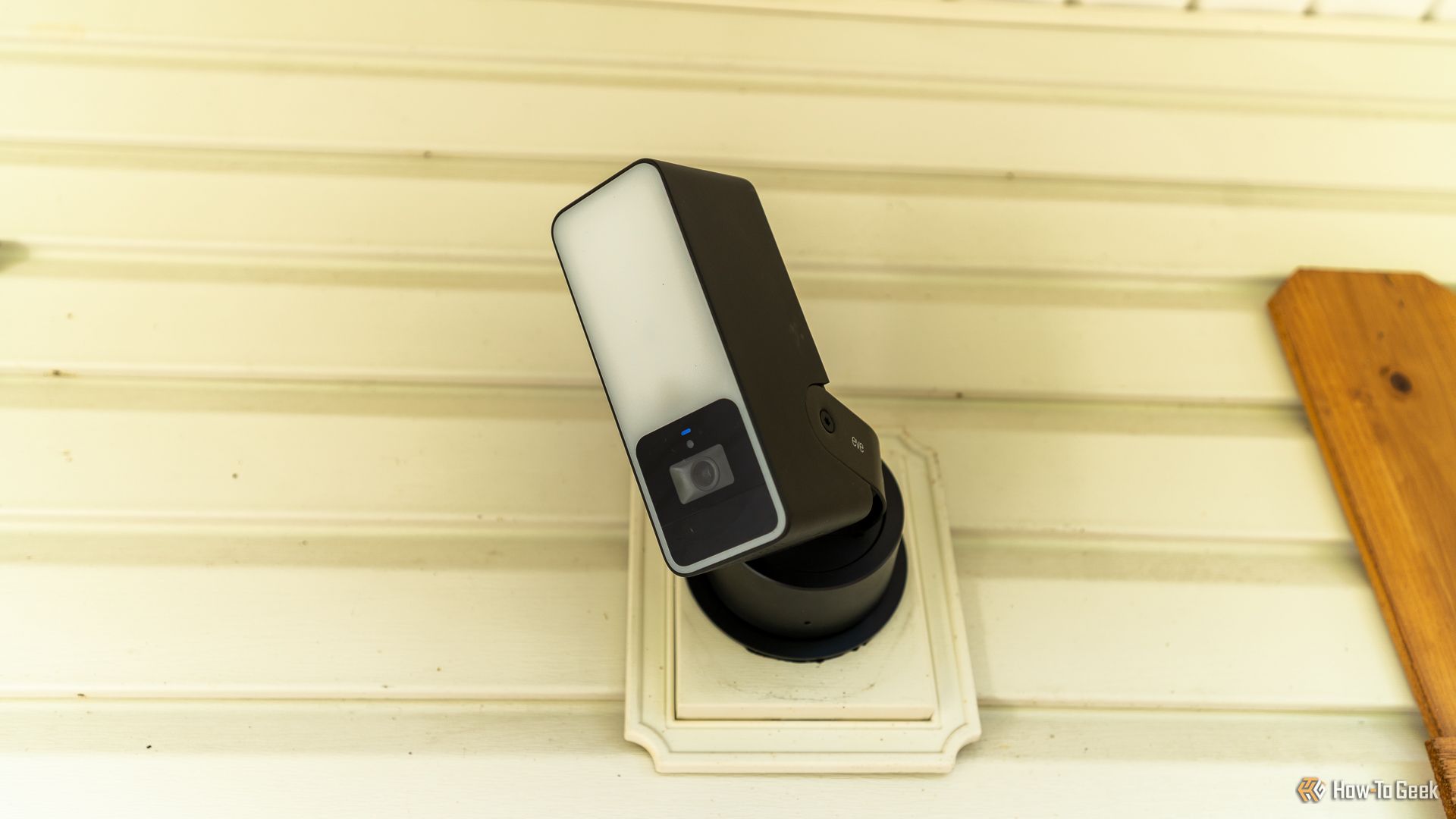
Are you looking at picking up a HomeKit Secure Video camera? Here are a few things I wish I knew before setting up my first HomeKit Secure Video camera, and the things I’ll keep in mind as I continue to outfit my home with security cameras.
HomeKit Secure Video Is Available With a Subscription Only
Apple saw an opportunity with home security cameras and took it. HomeKit Secure Video is a puzzling service, but one that somewhat makes sense—if you’re a die-hard Apple user.
HomeKit Secure Video piggybacks off of your existing iCloud+ storage plan. In fact, it only works with an iCloud+ storage plan. Your cameras connect through your Apple Home Hub, be that a HomePod, HomePod Mini, or Apple TV 4K, and actually stop working if that hub goes offline (unless you have another device that can function as a hub also in your home).
Apple
Without an iCloud+ subscription, you’re able to view the cameras, but that’s it. There’s no recording option at all on HomeKit Secure Video cameras outside of iCloud+ in most scenarios. In fact, many HomeKit Secure Video cameras lack any form of local recording whatsoever, making iCloud+ the only recording method available to you.
So, to use any form of recording on HomeKit Secure Video cameras, you have to give Apple money. It can be as little as $1 per month for a single camera, and can go up to $10 per month if you want unlimited cameras. This isn’t necessarily a bad thing, but it’s something you should be well aware of before proceeding with a purchase.
The upside? If you’re already subscribed to an iCloud+ or Apple One plan, then you don’t have to spend any more money for cloud recording on your new cameras.
Related
Why You Should Use Apple HomeKit Secure Video
Already use Apple gear and paying for iCloud? HomeKit Secure Video is an enticing proposition.
HomeKit Secure Video Stops Recording if Your Wi-Fi Goes Down
Because HomeKit Secure Video only stores its footage remotely, that means recording stops if your network goes down.
This seems self-explanatory, but it’s actually not a fault of most modern smart home cameras. In fact, many cameras support some form of local recording. Whether it’s to a microSD card, local hub, or a network video recorder, a majority of home security cameras continue to function when the internet goes down—just not HomeKit Secure Video.
While other cameras lose access to AI features, remote viewing, or other more advanced functionality, HomeKit Secure Video cameras simply stop functioning entirely when your access to the internet goes down. If your external internet connection is cut, the live stream should still work just fine. However, all recording functionality and AI processing will cease to work.
Related
What Wi-Fi Security Cameras Let You Record Locally?
Wi-Fi Cameras are easier to install and set up compared to Wired Cameras.
This puts more remote areas at a disadvantage if you rely on satellite connectivity for your internet, as if the network goes down, your security cameras just stop functioning.
There’s No Option for Continuous Recording
One thing I enjoy about local storage when it comes to home security cameras is continuous recording. Take Wyze, for example. With a Wyze Cam, you can pay for online video storage and AI detection, or use a local microSD card that you insert in for free.
The local microSD card might not support AI recording, but it does keep the tape rolling 24/7/365. It simply overwrites the oldest footage whenever it needs to, so it never runs out of space.
Wyze
This allows you to be able to scrub back to a point where maybe your camera didn’t detect motion, but something happened. Be that a burglary across the street, an animal that walked across your front door’s path, or any other reason, you might want to access footage that didn’t trigger an AI event. Without continuous recording, there’s no way to do that.
Sadly, with HomeKit Secure Video, this just isn’t an option. It’s likely due to the fact that your recordings don’t count against your iCloud storage, but I’d like the option to be there at least. Maybe Apple could offer a toggle that says, “Yes, use my iCloud storage, but keep 10 days of rolling video footage recorded.” Sadly, it’s not an option and likely won’t be added any time soon.
If you need continuous recording, HomeKit Secure Video simply isn’t for you.
HomeKit Secure Video Is Sometimes Very Unreliable
This is really what grinds my gears about HomeKit Secure Video: reliability. I’ve come to know Apple for being reliable in most things. Typically, with Apple, products just work. Not with HomeKit Secure Video.
I recently installed a HomeKit Secure Video camera at my house. The first time I set it up, it was working flawlessly on the first try. Recording worked, microphones worked, controlling the camera worked, everything just simply worked.
I reset the camera to try something out with it, and that’s when everything went downhill. I was able to set it back up, but only for viewing. I have the 2TB Apple One Premiere plan, as well as an additional 2TB of iCloud storage, so I am covered on all fronts for unlimited cameras. Yet, it didn’t work.
I could stream the camera, and I could control the camera, but it wouldn’t record. I did everything I could to trigger recordings, changed all the settings, and verified everything, yet it still didn’t record. I reset the camera again, thinking that would help—it didn’t.
Related
5 Reasons I’m Ditching My Ring Video Doorbell for Something Else
I’ve had my Ring doorbell for years but it’s time to say goodbye.
Eventually, I just left it there because the camera simply shut down and wouldn’t respond to my HomeKit commands anymore. Several hours later, when I wasn’t even home, it decided to start working again, and recording began functioning, and it was reliable again after that.
The problem is, when I installed it, it wasn’t predictable or reliable. I’ve actually gone away from relying on this camera as a means of home security and use it more as a way to view the yard instead. It’s nice when it works, but I can’t count on it working when I need it.
If you’re wanting to build out your own home security system that integrates with HomeKit Secure Video, but doesn’t rely on it for recording, I suggest you check out Scrypted. It’s a self-hosted network video recorder that actually integrates with quite a few different camera platforms, as well as standard PoE cameras.
Related
Why and How I’m Switching to Local Storage for My Security Camera Setup
I’m done renting space in the sky.
I recently switched all of my cameras over to Scrypted for recording. However, another benefit of Scrypted is it integrates with HomeKit Secure Video as well. You can use it to bring Wyze, Ring, Arlo, Reolink, and many other cameras into HomeKit Secure Video. I choose to use this just for viewing, but Apple’s recording functionality in HomeKit Secure Video still works just the same—only now, Scrypted will handle the continuous recording and continue functioning even if the internet goes down.
